
With this utility app, you can turn off your device screen by pressing a widget or icon. Includes customization options and open source code available on Github.
AppRecs review analysis
AppRecs rating 3.3. Trustworthiness 53 out of 100. Review manipulation risk 45 out of 100. Based on a review sample analyzed.
★★★☆☆
3.3
AppRecs Rating
Ratings breakdown
5 star
58%
4 star
0%
3 star
0%
2 star
0%
1 star
42%
What to know
✓
Authentic reviews
No red flags detected
⚠
Questionable review patterns
45% review manipulation risk - some review patterns appear unusual
⚠
High negative review ratio
42% of sampled ratings are 1–2 stars
About EXA Power Button
This Application would all you to turn off device screen without clicking the hardware button.
Instruction:
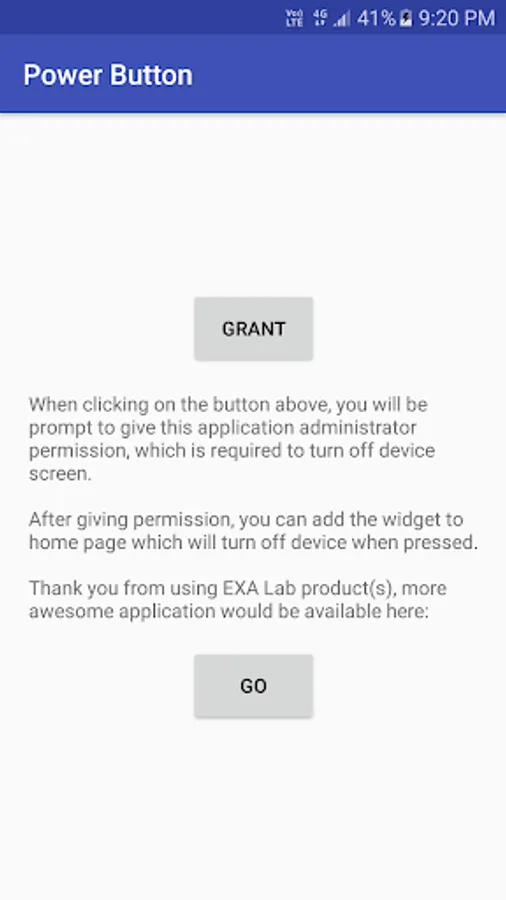
1. Open the application and grant Administrator Permission
2. Add the widget to your home screen, or if you don't want to use widget, just add the icon name "Power Button" to your home screen.
3. When the widget or the button is pressed, screen will be turn off.
You can also customize the widget with other software to make it looks like what you want.
This application is free for use and without any ads, if you want to support the us please consider buying our paid software, so we can produce more awesome application like this in the feature, thanks.
This application is an EXA Lab Open Source project
Source can be found on Github:
https://github.com/EXALAB/PowerButton
Instruction:
1. Open the application and grant Administrator Permission
2. Add the widget to your home screen, or if you don't want to use widget, just add the icon name "Power Button" to your home screen.
3. When the widget or the button is pressed, screen will be turn off.
You can also customize the widget with other software to make it looks like what you want.
This application is free for use and without any ads, if you want to support the us please consider buying our paid software, so we can produce more awesome application like this in the feature, thanks.
This application is an EXA Lab Open Source project
Source can be found on Github:
https://github.com/EXALAB/PowerButton
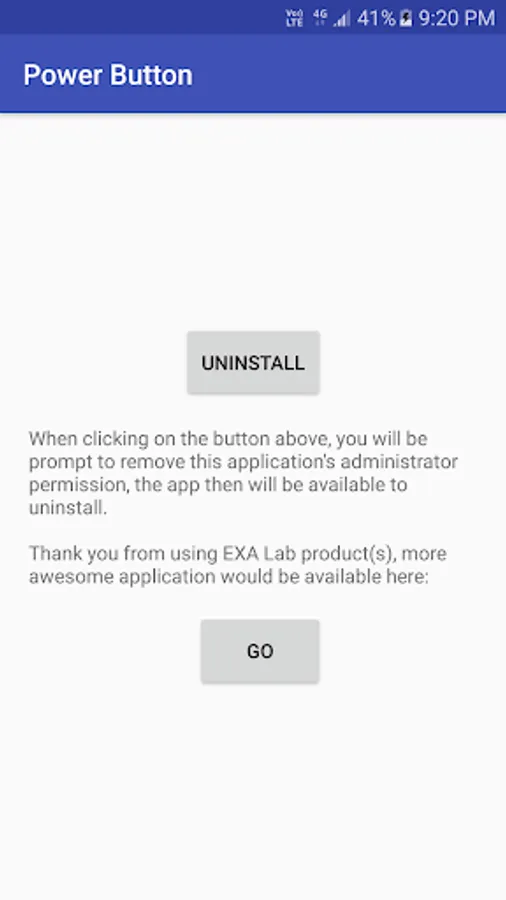
EXA Power Button Screenshots
Tap to Rate:
Reviews for EXA Power Button
M. A. Griesser
12/28/2022
It's real groovy!
Rubel Rubel
4/21/2022
MD rubel





![App Freezer - Ice Box [ROOT] icon](https://apprecs.org/gp/img/icons/webp/150/exa.free.f/8l7F62ueEPQlG0wqyJ7_bBmwAakGDvkAQiMWxv0p9Yo-icon)