
Clipper+: Clipboard Manager
rojekti
3.9 ★
7K ratings
50,000+
downloads
$2.49
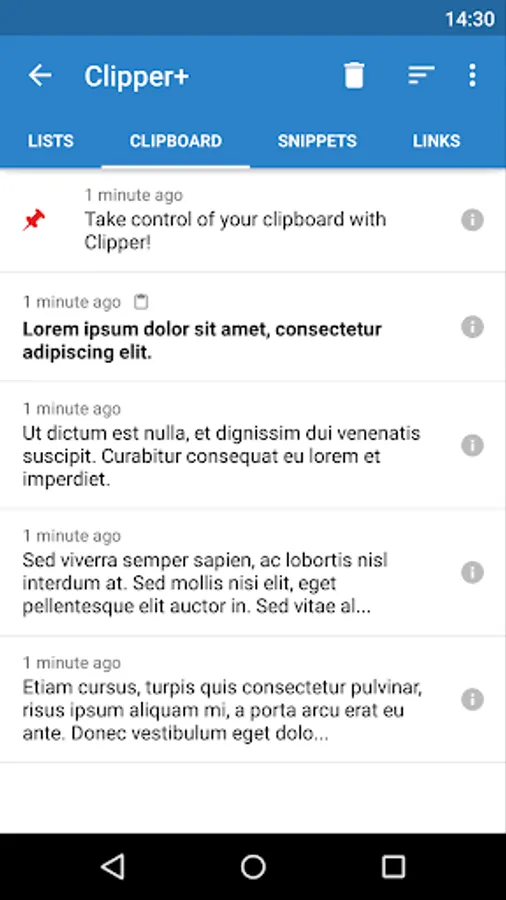
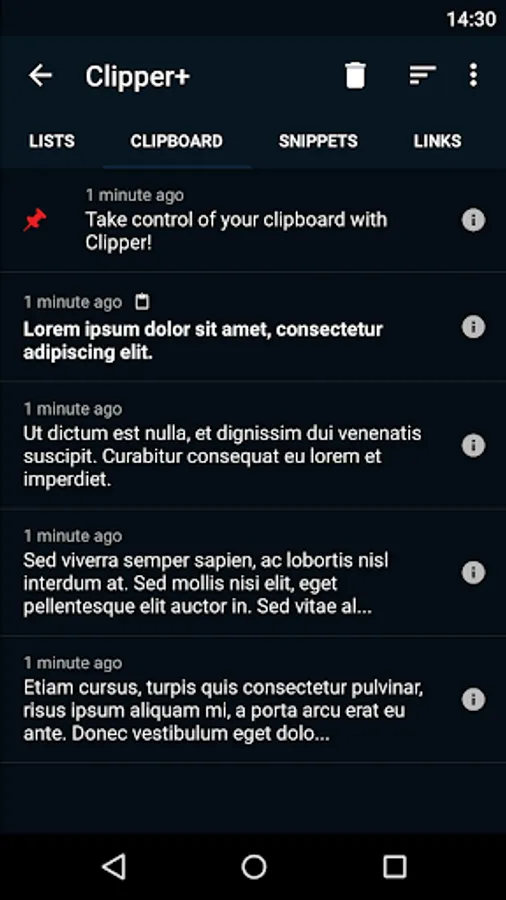
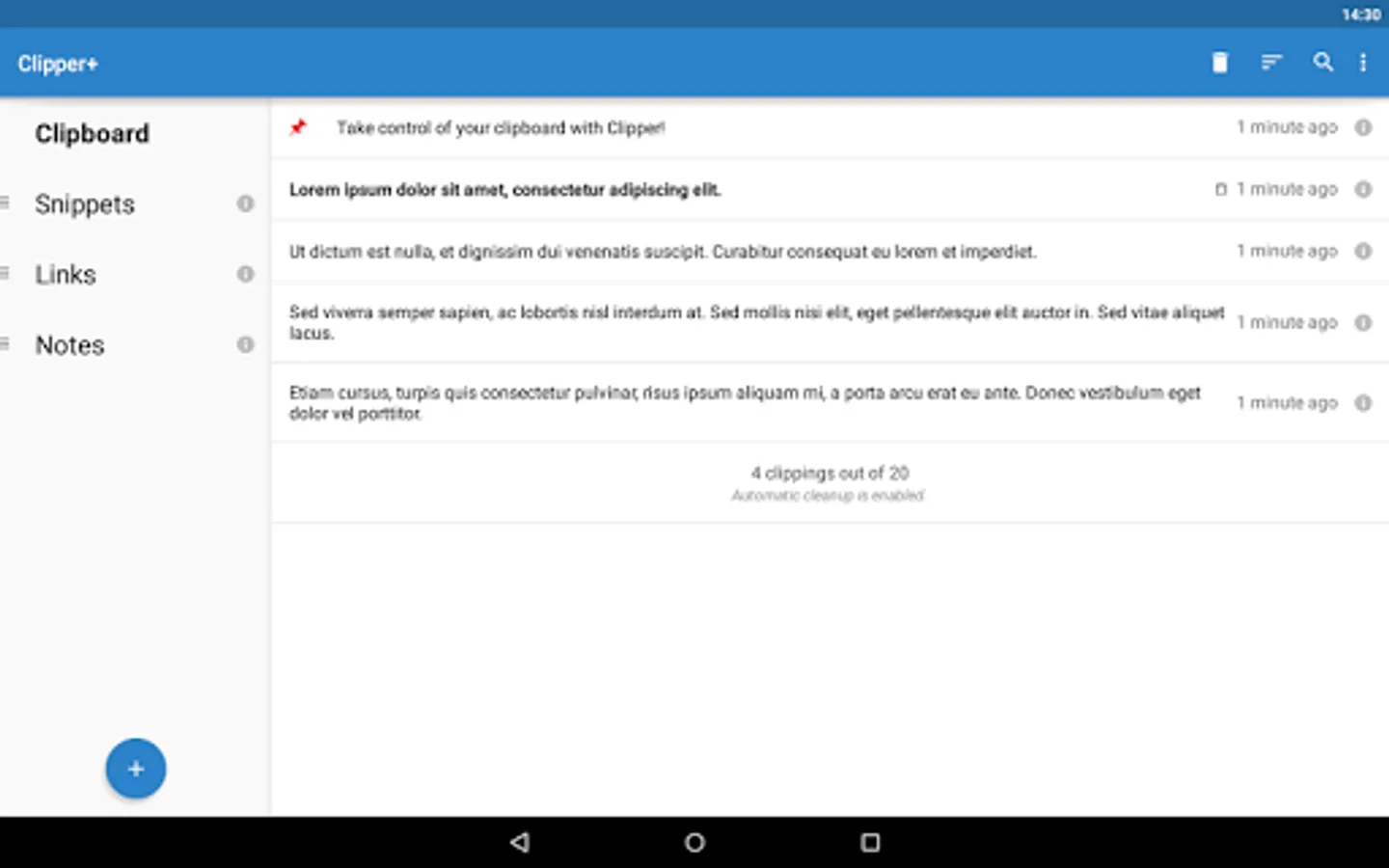
With this clipboard manager, you can save, organize, and access copied content easily, as well as search and edit clippings. Includes automatic history collection, customizable folders, and snippet management.
AppRecs review analysis
AppRecs rating 3.8. Trustworthiness 89 out of 100. Review manipulation risk 19 out of 100. Based on a review sample analyzed.
★★★☆☆
3.8
AppRecs Rating
Ratings breakdown
5 star
58%
4 star
12%
3 star
7%
2 star
6%
1 star
17%
What to know
✓
Low review manipulation risk
19% review manipulation risk
✓
Credible reviews
89% trustworthiness score from analyzed reviews
✓
Good user ratings
70% positive sampled reviews
About Clipper+: Clipboard Manager
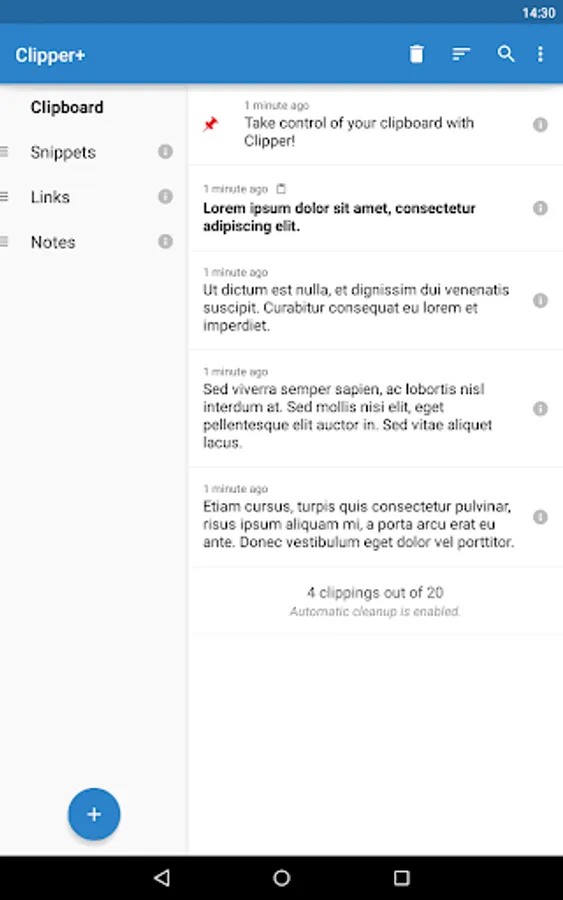
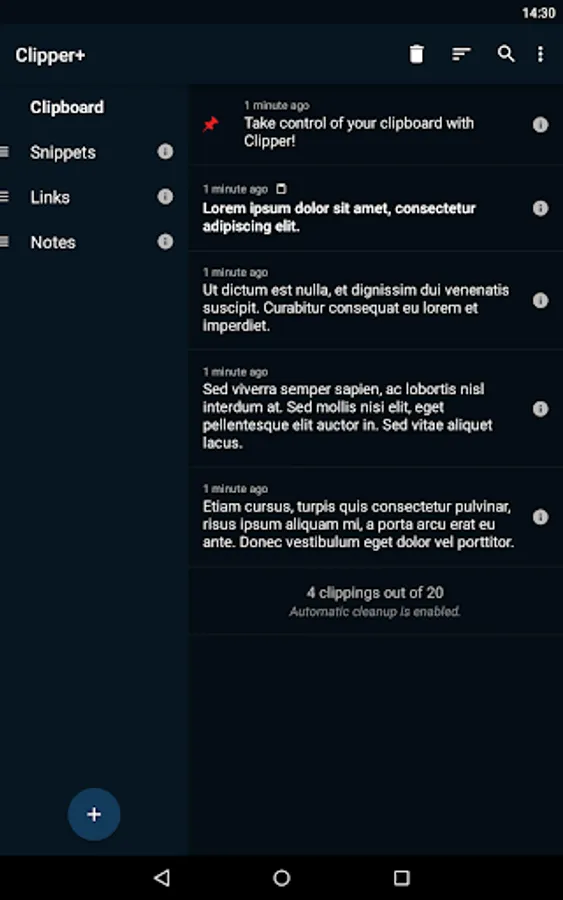
✔ Unlimited collected clippings. Keep more than the 20 newest clippings or disable automatic cleanup completely.
✔ Dynamic values. Place the current date and time in your custom snippets.
✔ Clipping search. Find what you’re looking for easily.
✔ New settings and options. Choose whether to collect each clipping manually, and more.
✔ No ads. Clipper Plus is completely ad free, and your purchase supports development.
And of course, all the base features of Clipper Free:
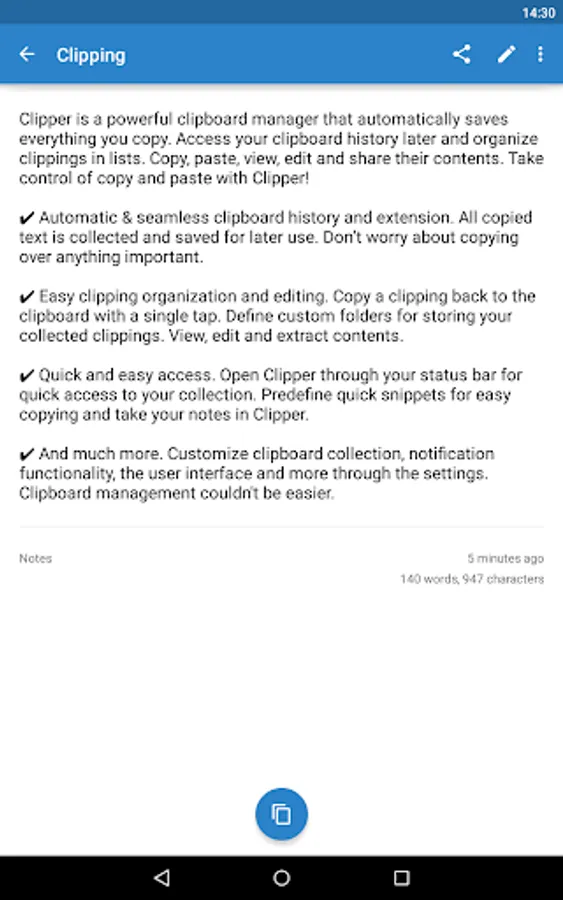
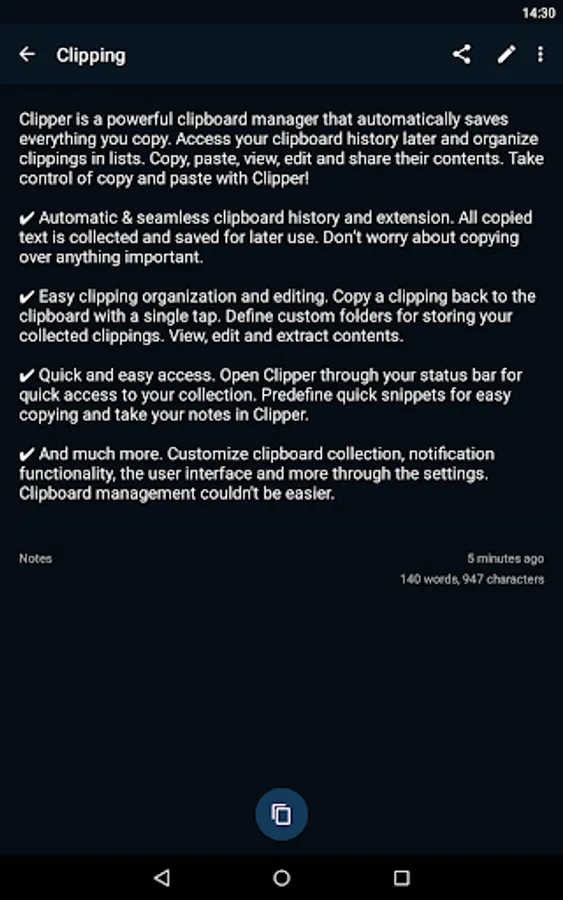
✔ Automatic & seamless clipboard history and extension. All copied text is collected and saved for later use. Don’t worry about copying over anything important.
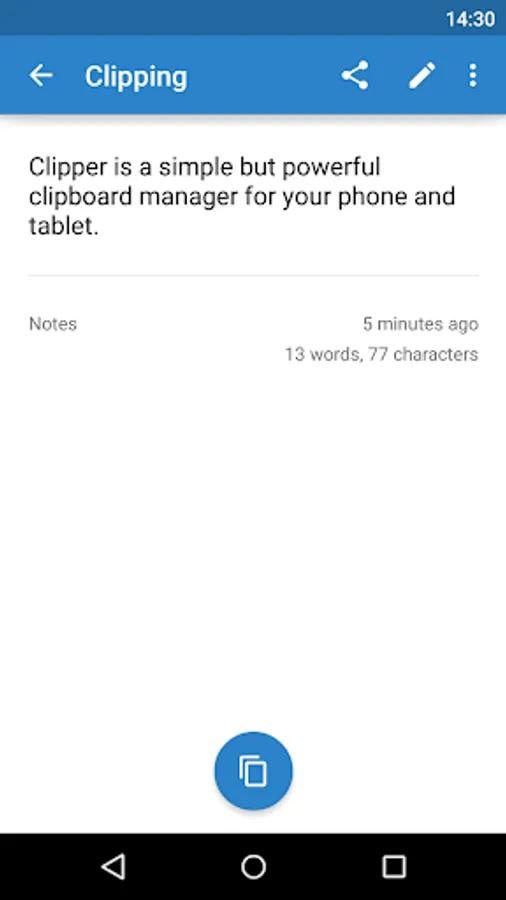
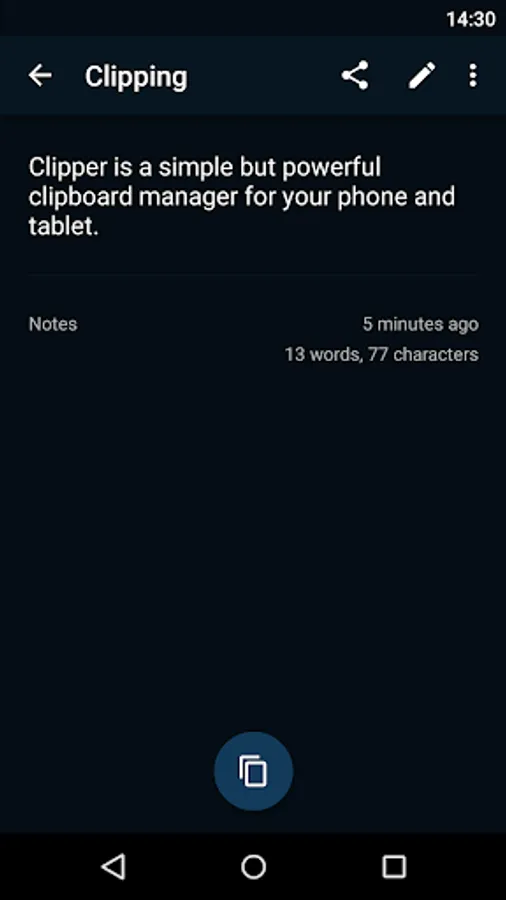
✔ Easy clipping organization and editing. Copy a clipping back to the clipboard with a single tap. Define custom folders for storing your collected clippings. View, edit and extract contents.
✔ Quick and easy access. Open Clipper through your status bar for quick access to your collection. Predefine quick snippets for easy copying and take your notes in Clipper.
Copy and Paste 2.0 is here!
(Upgrading from Clipper Free? Clipper Plus installs as a separate application, so start it after installation to migrate your data and uninstall the free version.)
If you need help or have any suggestions or complaints, please don’t hesitate to e-mail us at clipper@rojekti.fi. Your feedback is invaluable to us.
Used permissions:
✔ Photos/media/files: import & export backup functionality to internal storage or SD card
Clipper+: Clipboard Manager Screenshots
Tap to Rate:
Reviews for Clipper+: Clipboard Manager
marc krigel
11/29/2025
Undeniably the most valuable app in the Googleverse. Unfortunately it seems to not want to reliably open unless I do a warm boot (Samsung S22 Ultra, Android 15, One UI 7)
Adrian B
11/2/2025
This application is a highly reliable, daily tool for clipping and saving information. Its streamlined functionality and seamless, bug-free performance ensure broad compatibility across most other apps.