
In this note-taking app, users can automatically record and access their typed entries across different apps. Includes privacy settings, app blacklisting, and a PIN lock feature.
AppRecs review analysis
AppRecs rating 4.2. Trustworthiness 83 out of 100. Review manipulation risk 29 out of 100. Based on a review sample analyzed.
★★★★☆
4.2
AppRecs Rating
Ratings breakdown
5 star
68%
4 star
10%
3 star
5%
2 star
3%
1 star
14%
What to know
✓
Low review manipulation risk
29% review manipulation risk
✓
Credible reviews
83% trustworthiness score from analyzed reviews
✓
High user satisfaction
78% of sampled ratings are 4+ stars (4.2★ average)
About Type Machine
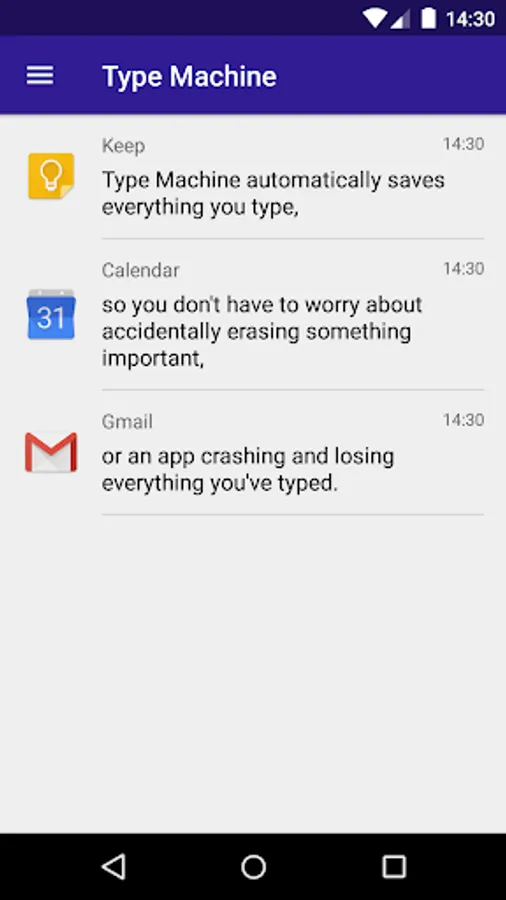
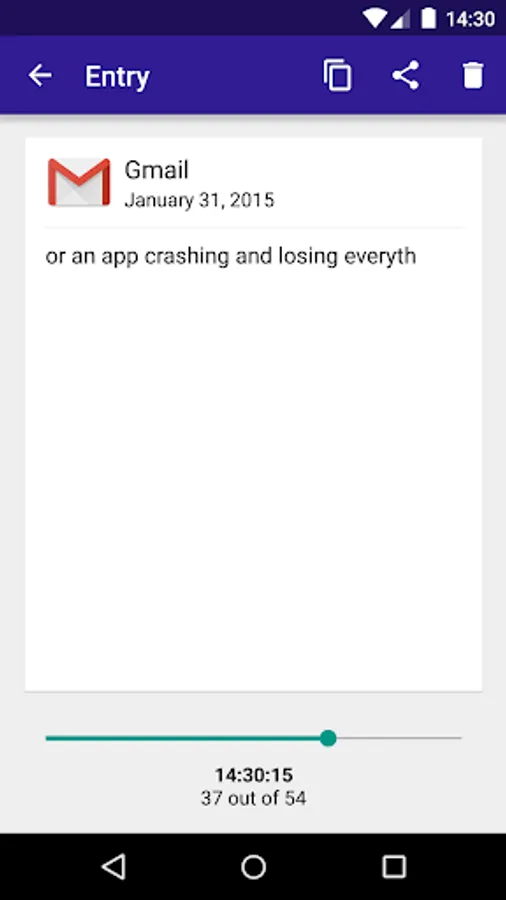
Type Machine saves everything you type in every app. Open it at any time to find old entries. Filter them by app. Drag the history slider to see what you typed letter by letter. Tap to copy. Never lose a piece of text again!
Go back in time. Download your very own Type Machine today.
✔ Completely automatic and seamless. Logs everything from every native Android app. Complete typing history.
✔ Stays out of the way until you need it. Simple to use when you do. Brings global undo to Android.
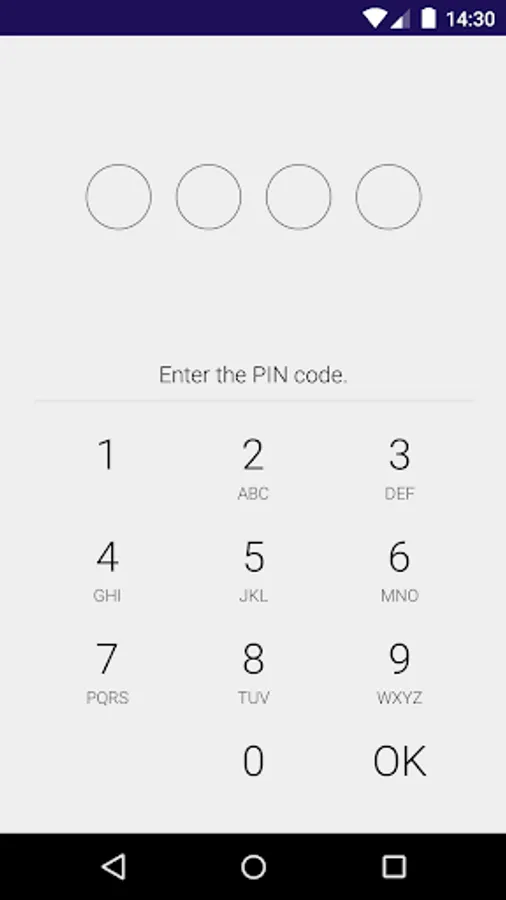
✔ Safe and private. No unnecessary permissions. Allows you to set a PIN lock on the history list. Automatic deletion of old entries.
✔ Configurable blacklist for apps. Type Machine won't collect what you don't want it to.
✔ Tablet-friendly user interface.
After installation, start Type Machine. Collection must be enabled from the device settings: instructions will be provided. Other accessibility services enabled on your device may interfere with functionality.
If you need help, or have any suggestions or complaints, please e-mail us at typemachine@rojekti.fi. Your feedback is very important to us.
Type Machine will function with almost every app that is built using the native Android frameworks. Password fields are not (and can not be) logged by Type Machine.
Type Machine uses Accessibility Services
Android Accessibility Services are used to collect device wide input history into Type Machine. Type Machine sees what you type in other apps using the Accessibility Service. Accessibility permissions are required to fulfill the core function of the app.
Saved data is stored on your device only and is not shared with anyone. It can be deleted within Type Machine at any time. Enable or disable Type Machine in the system Accessibility Settings to control collection of input history.
Other Permissions
✔ Run at startup for scheduled automatic deletion
✔ Show notifications for locking
✔ Start at device boot
Type Machine Screenshots



Tap to Rate:
Reviews for Type Machine
BebéTechManiac 2018
12/23/2025
Has saved me a lot of retyping... great app, and not a very common one. Keep it great, updated... it's a great app, it still working great.
M1K3N45Ҥ
12/19/2025
Please add feature to confirm delete.*** I've been using this app since Note7 days. This app is a must on every phone I've ever used. The one feature I still wish was added is, 'Confirm Delete' before deleting entries. Please add that into the app. I know I'm not the only person who's accidentally deleted something.