
Clipper - Clipboard Manager
rojekti
4.0 ★
27K ratings
1,000,000+
downloads
Free
AppRecs review analysis
AppRecs rating 3.6. Trustworthiness 85 out of 100. Review manipulation risk 27 out of 100. Based on a review sample analyzed.
★★★☆☆
3.6
AppRecs Rating
Ratings breakdown
5 star
62%
4 star
12%
3 star
5%
2 star
3%
1 star
18%
What to know
✓
Low review manipulation risk
27% review manipulation risk
✓
Credible reviews
85% trustworthiness score from analyzed reviews
⚠
Ad complaints
Many low ratings mention excessive ads
About Clipper - Clipboard Manager
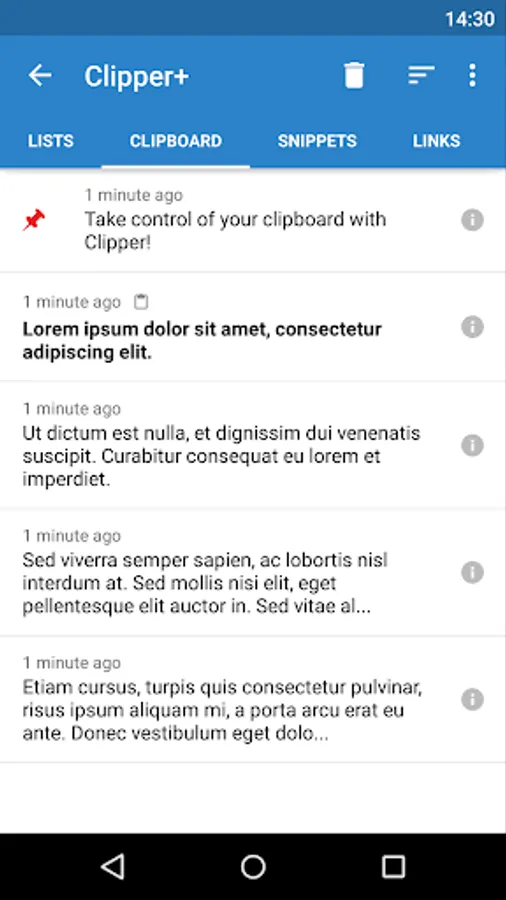
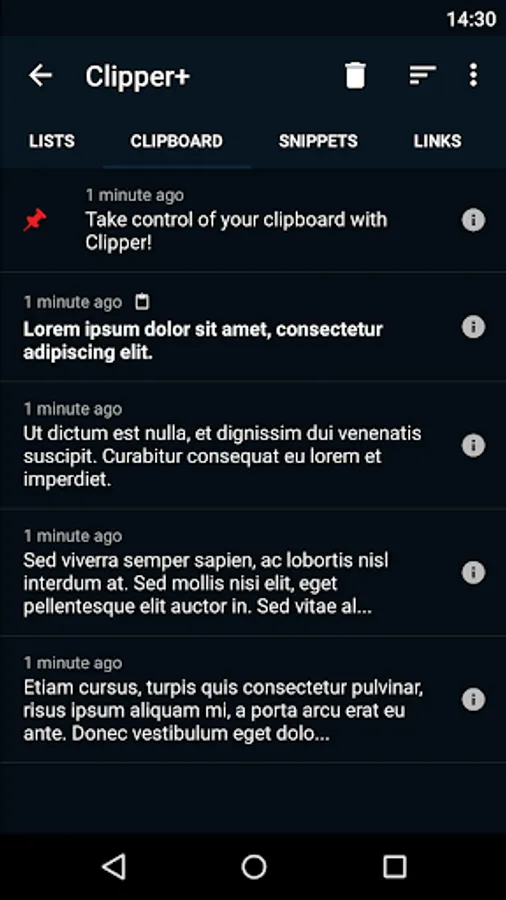
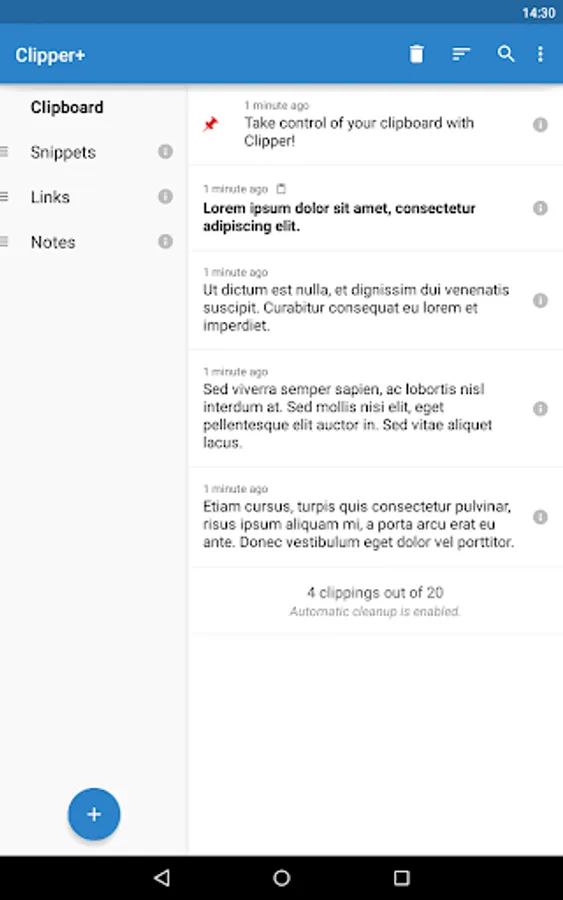
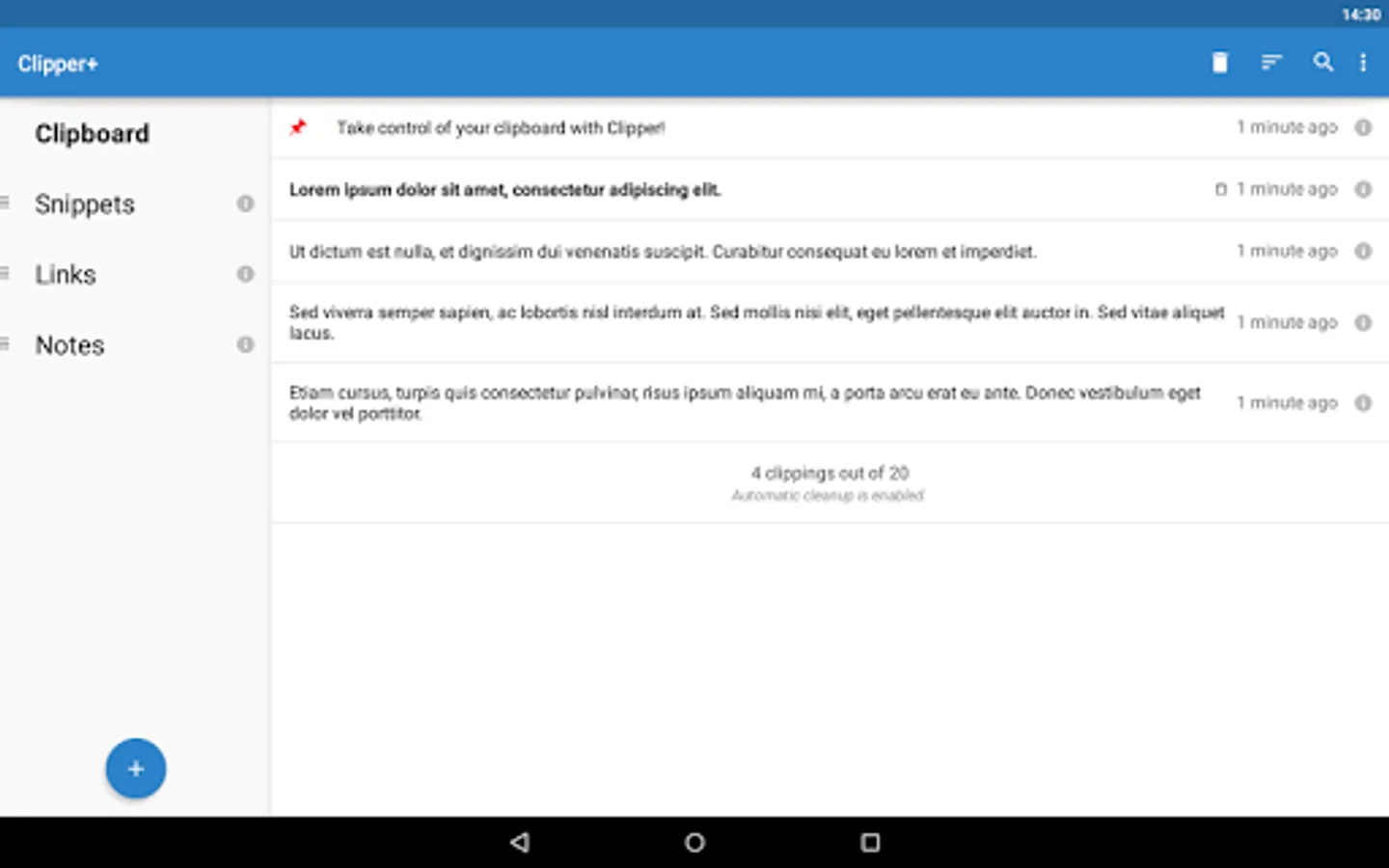
Clipper is a powerful clipboard manager that automatically saves everything you copy. Access your clipboard history later and organize clippings in lists. Copy, paste, view, edit and share their contents. Store repetitive pieces of text in Clipper and copy them whenever you need to. Take control of copy and paste with Clipper!
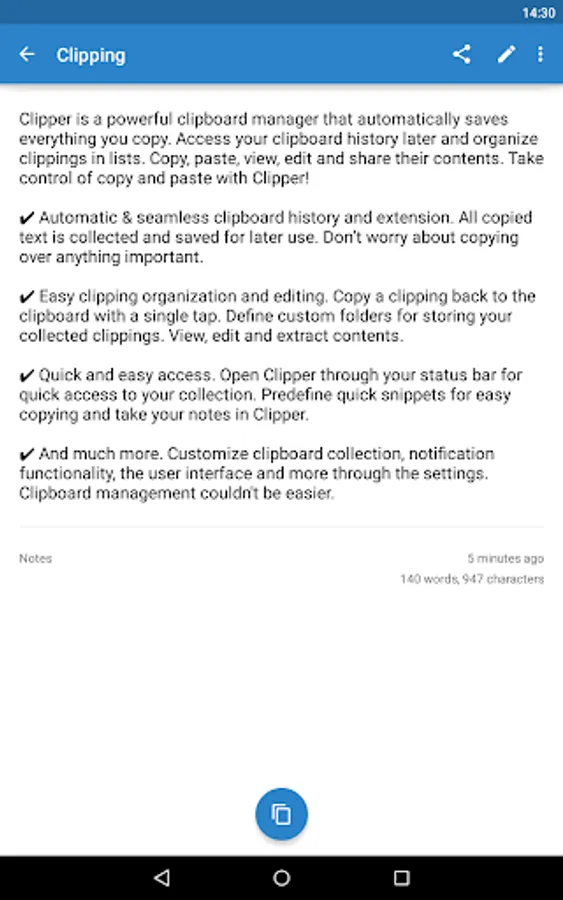
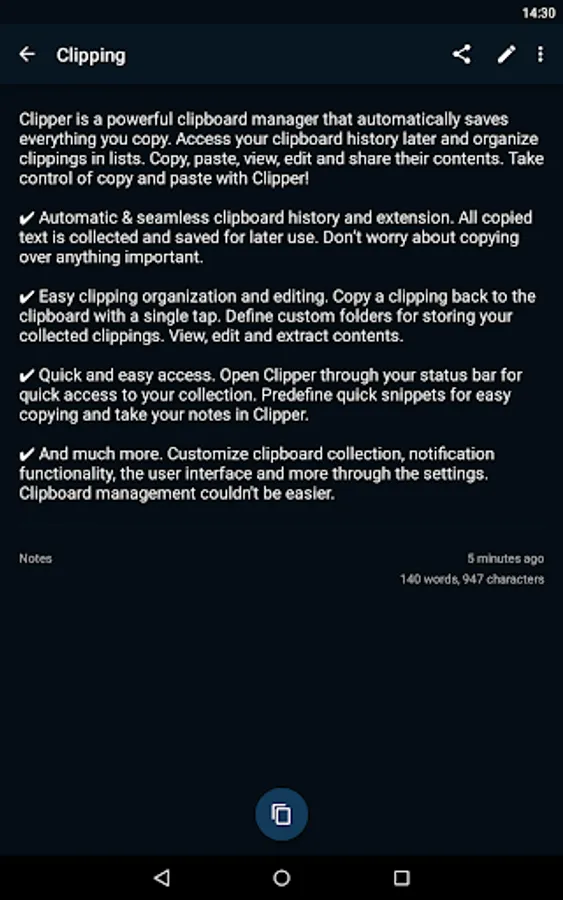
✔ Automatic & seamless clipboard history and extension. All copied text is collected and saved for later use. Don’t worry about copying over anything important.
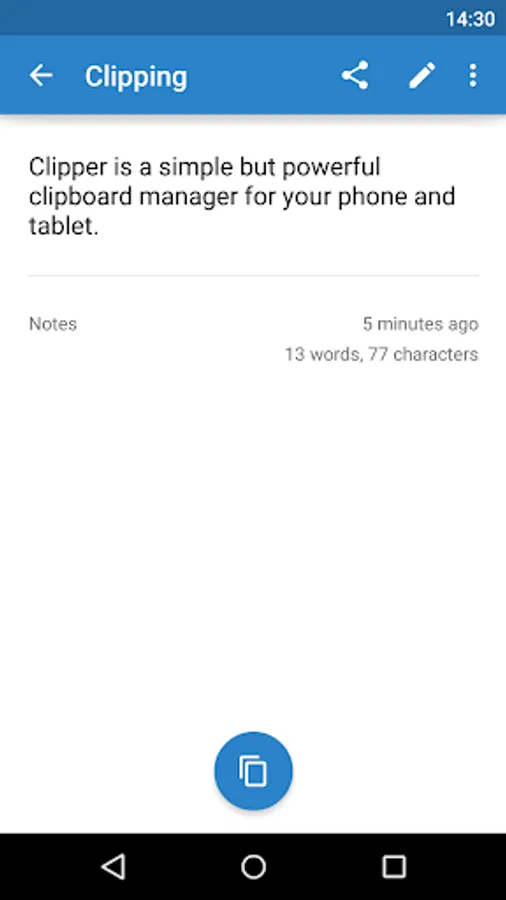
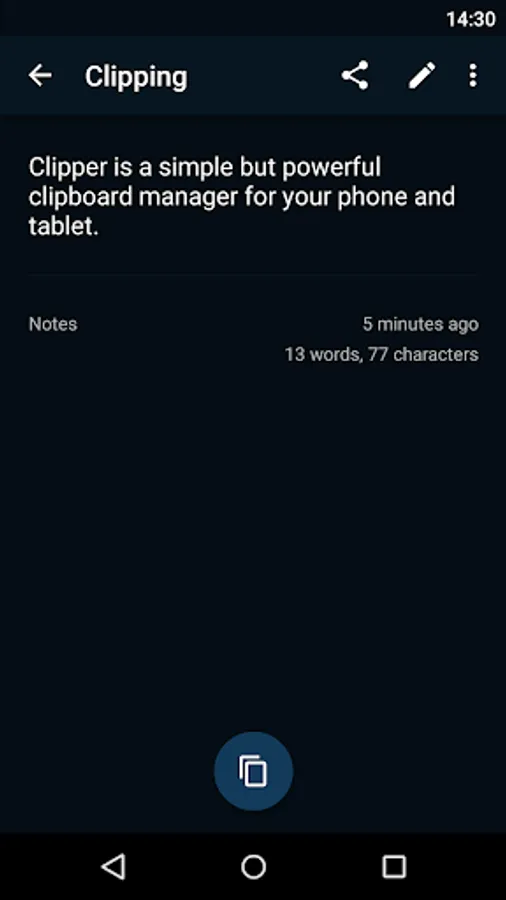
✔ Easy clipping organization and editing. Copy a clipping back to the clipboard with a single tap. Define custom folders for storing your collected clippings. View, edit and extract contents.
✔ Quick and easy access. Open Clipper through your status bar for quick access to your collection. Predefine quick snippets for easy copying and take your notes in Clipper.
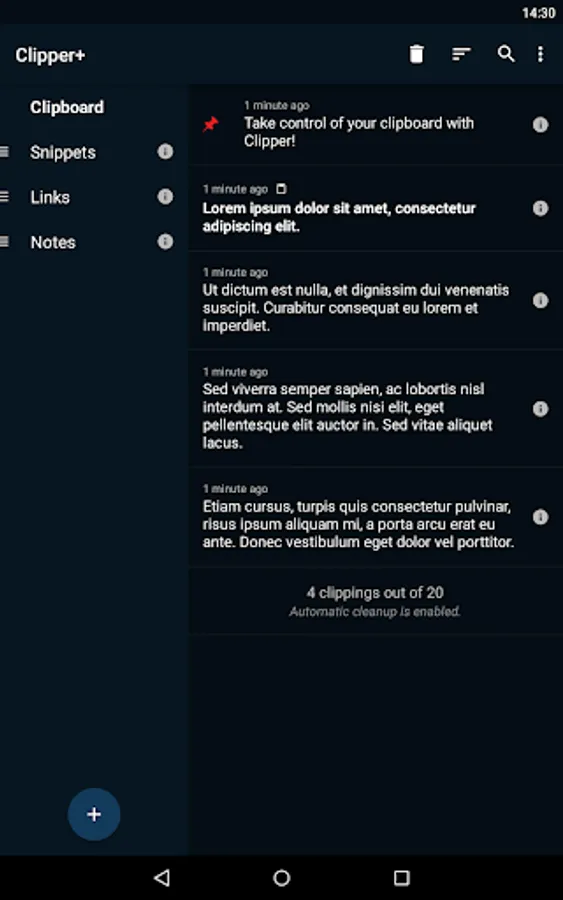
✔ And much more. Customize clipboard collection, notification functionality, the user interface and more through the settings. Clipboard management couldn't be easier.
+ Upgrade to Clipper Plus to get unlimited clippings, search, dynamic values and new options.
Copy and Paste 2.0 is here!
(After installing Clipper, you will need to start it once to activate monitoring. You will see a quick start tutorial. Task killers may interfere with Clipper.)
If you need help or have any suggestions or complaints, please don’t hesitate to e-mail us at clipper@rojekti.fi. Your feedback is invaluable to us.
Used permissions:
✔ Photos/media/files: import & export backup functionality to internal storage or SD card
✔ Automatic & seamless clipboard history and extension. All copied text is collected and saved for later use. Don’t worry about copying over anything important.
✔ Easy clipping organization and editing. Copy a clipping back to the clipboard with a single tap. Define custom folders for storing your collected clippings. View, edit and extract contents.
✔ Quick and easy access. Open Clipper through your status bar for quick access to your collection. Predefine quick snippets for easy copying and take your notes in Clipper.
✔ And much more. Customize clipboard collection, notification functionality, the user interface and more through the settings. Clipboard management couldn't be easier.
+ Upgrade to Clipper Plus to get unlimited clippings, search, dynamic values and new options.
Copy and Paste 2.0 is here!
(After installing Clipper, you will need to start it once to activate monitoring. You will see a quick start tutorial. Task killers may interfere with Clipper.)
If you need help or have any suggestions or complaints, please don’t hesitate to e-mail us at clipper@rojekti.fi. Your feedback is invaluable to us.
Used permissions:
✔ Photos/media/files: import & export backup functionality to internal storage or SD card
Clipper - Clipboard Manager Screenshots
Tap to Rate:
Reviews for Clipper - Clipboard Manager
Bohdan
12/29/2025
doesn't work on Android 16. Please refund my money 💰
Teresa Johnston
12/28/2025
I'm trying to get to my clipboard I'm sure it's full want to delete what I don't need.