Fractions School Calculator
Pantelis Bouboulis
4.3 ★
2K ratings
100,000+
downloads
Free
+ in-app
In this educational app, users can perform calculations with fractions, including operations and simplifications. Includes step-by-step solutions, fraction conversions, and support for various fraction formats.
AppRecs review analysis
AppRecs rating 4.4. Trustworthiness 73 out of 100. Review manipulation risk 31 out of 100. Based on a review sample analyzed.
★★★★☆
4.4
AppRecs Rating
Ratings breakdown
5 star
74%
4 star
10%
3 star
2%
2 star
0%
1 star
13%
What to know
✓
Credible reviews
73% trustworthiness score from analyzed reviews
✓
High user satisfaction
84% of sampled ratings are 4+ stars (4.3★ average)
About Fractions School Calculator
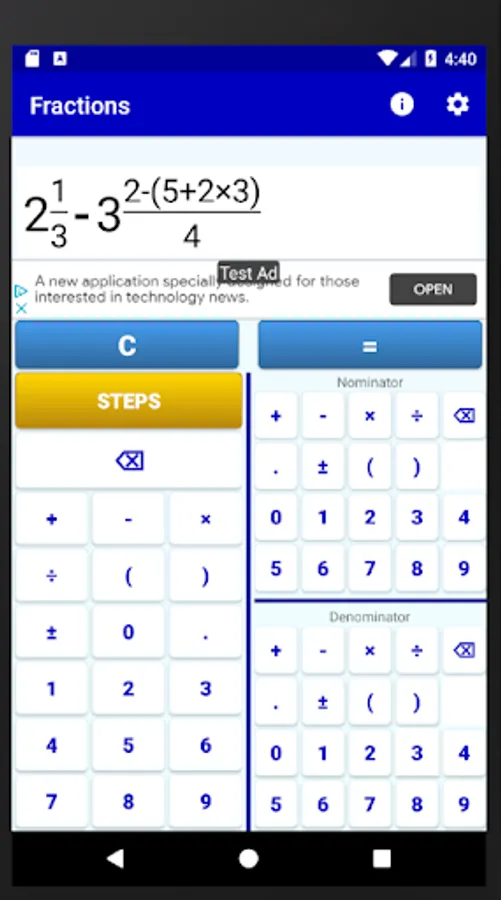
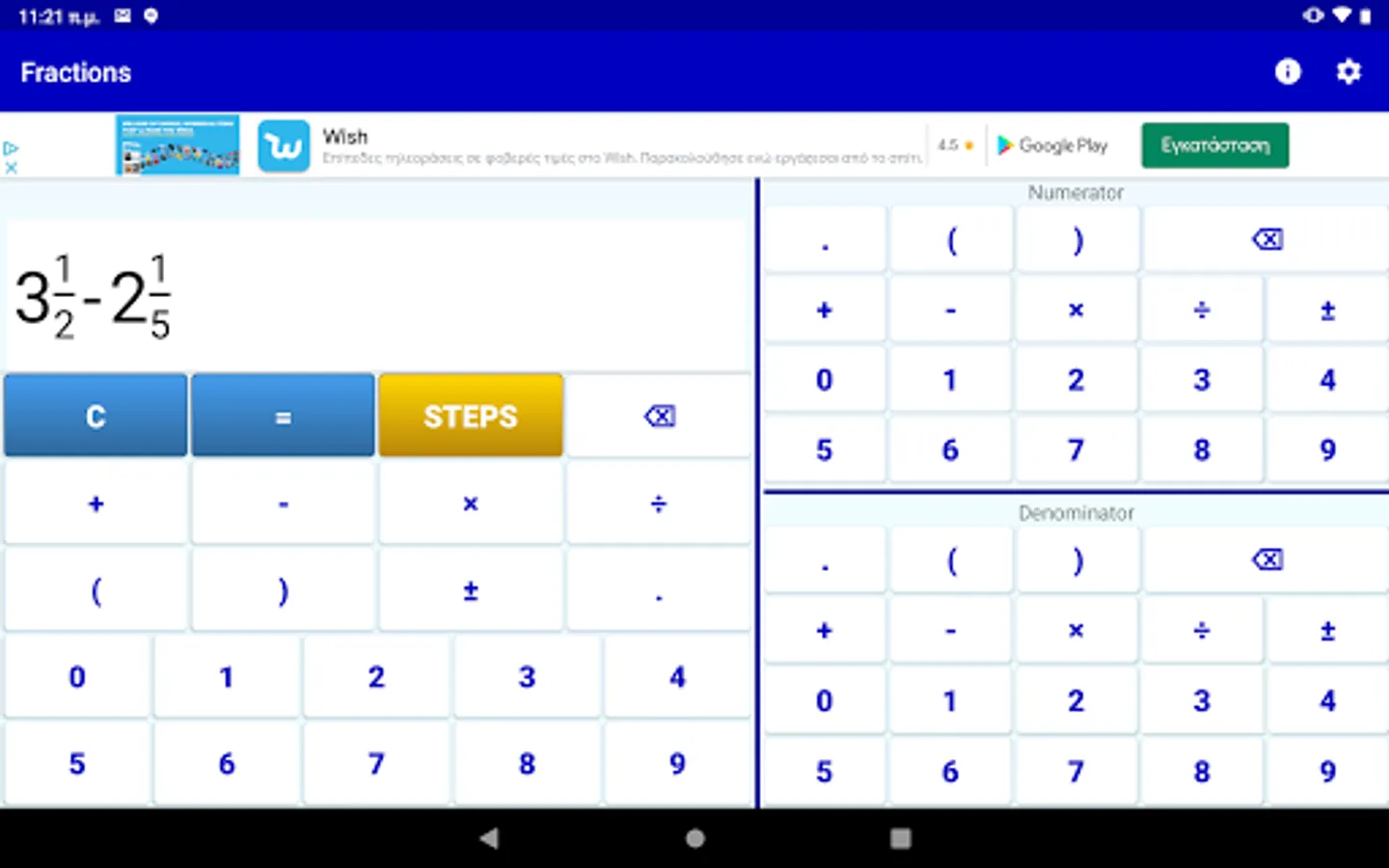
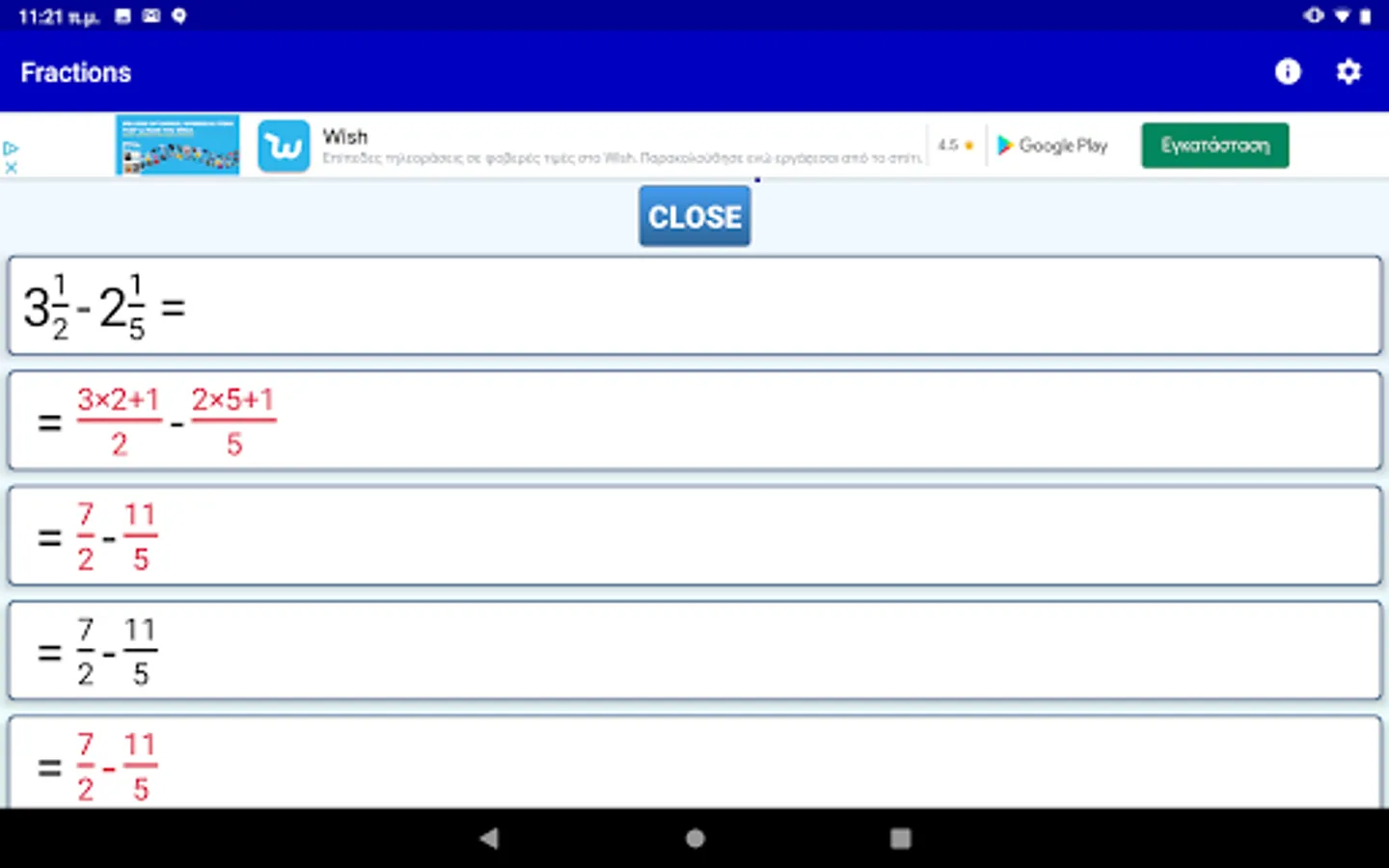
This app is a simple fraction calculator that performs analytic calculations between math fractions. It has an elegant input system and gives analytic step by step solutions.
It is perfect for students and teachers that work with fractions and maths!
The fraction calculator supports:
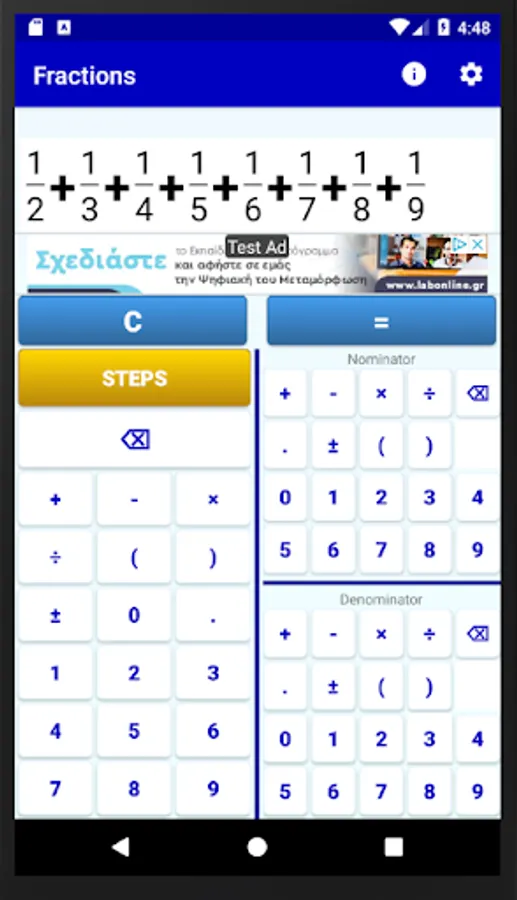
1) All fraction operations (fraction multiplication, fraction division, fraction addition, fraction subtraction)
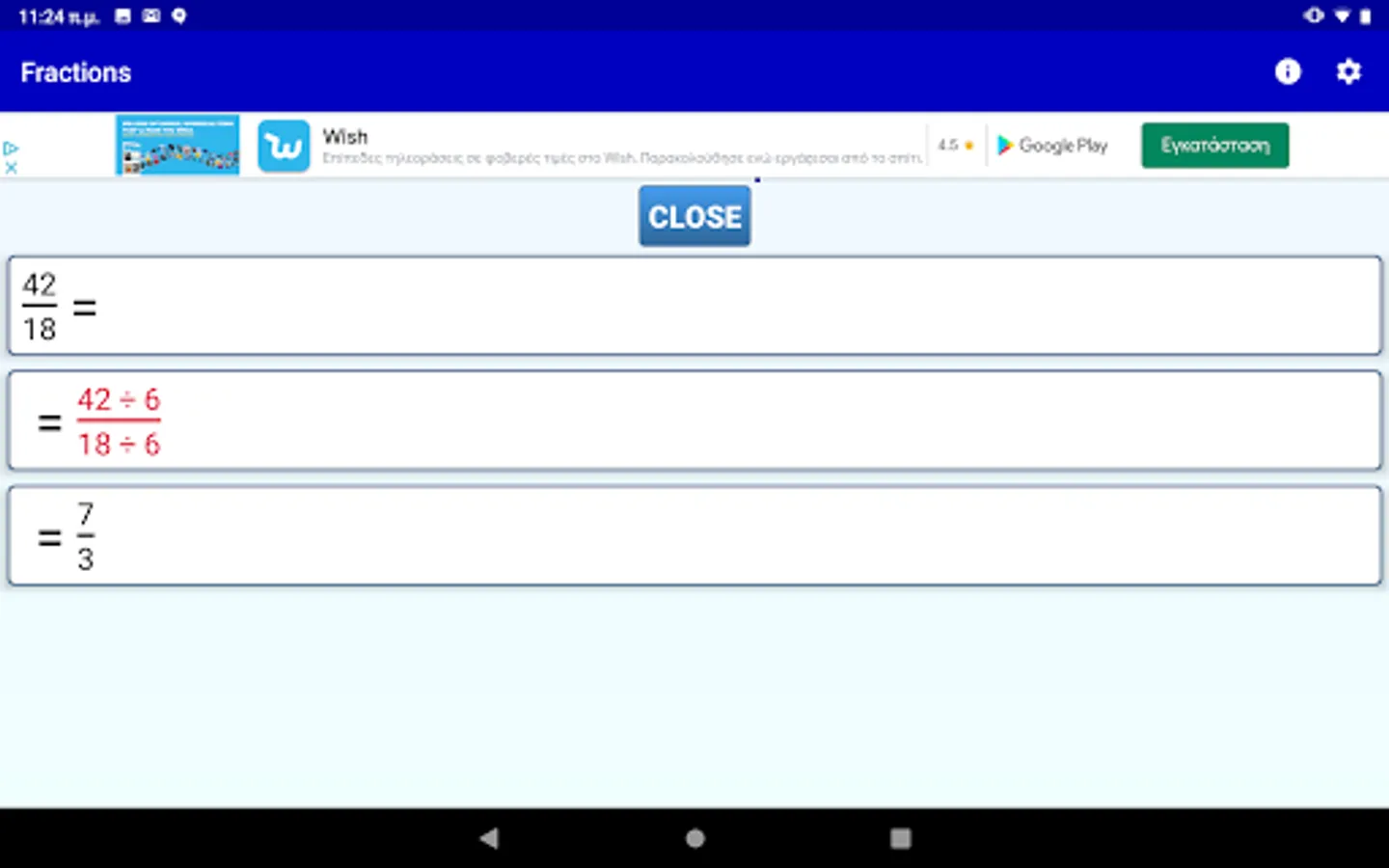
2) Fraction simplification
3) Mixed Numbers, Integer Numbers and Fractions
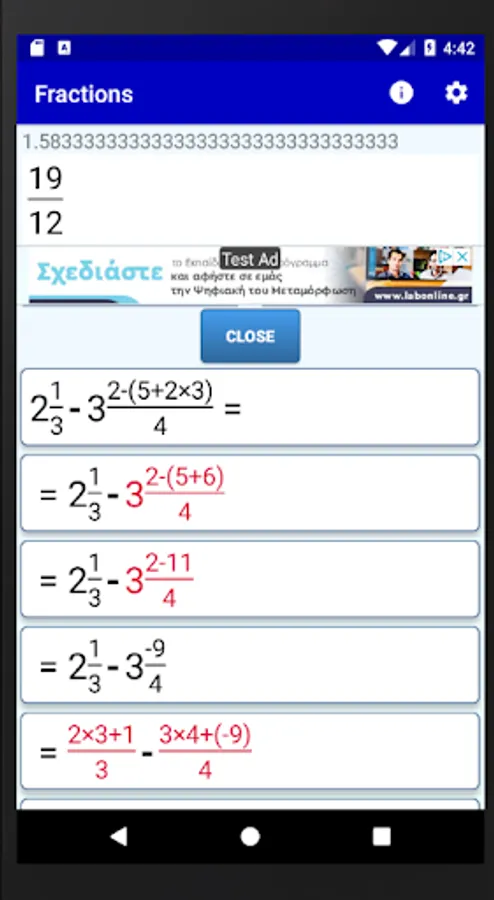
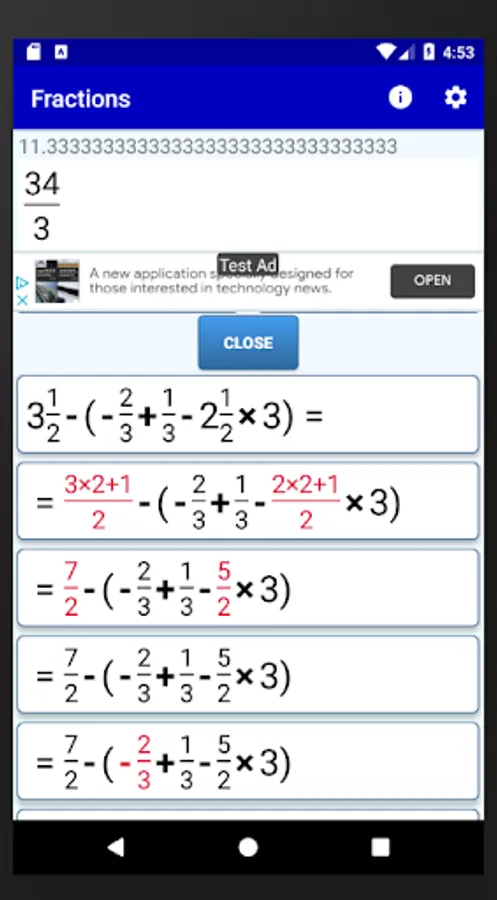
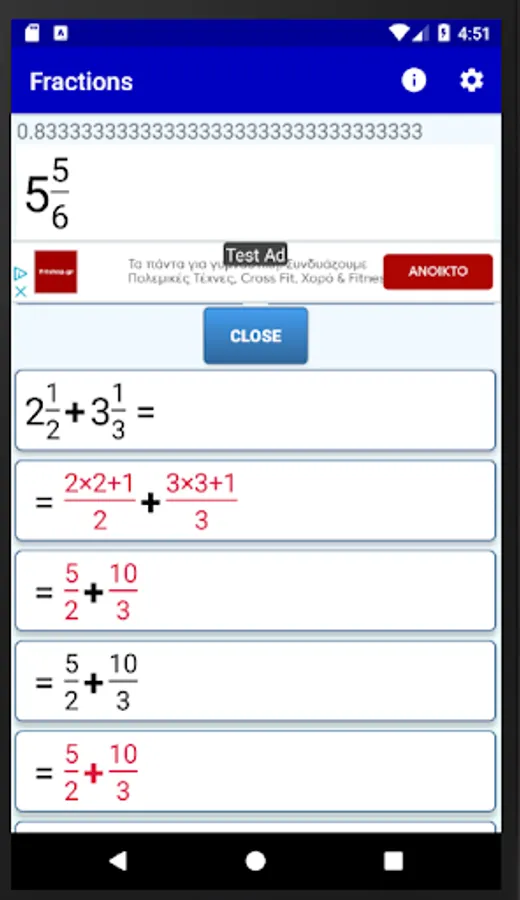
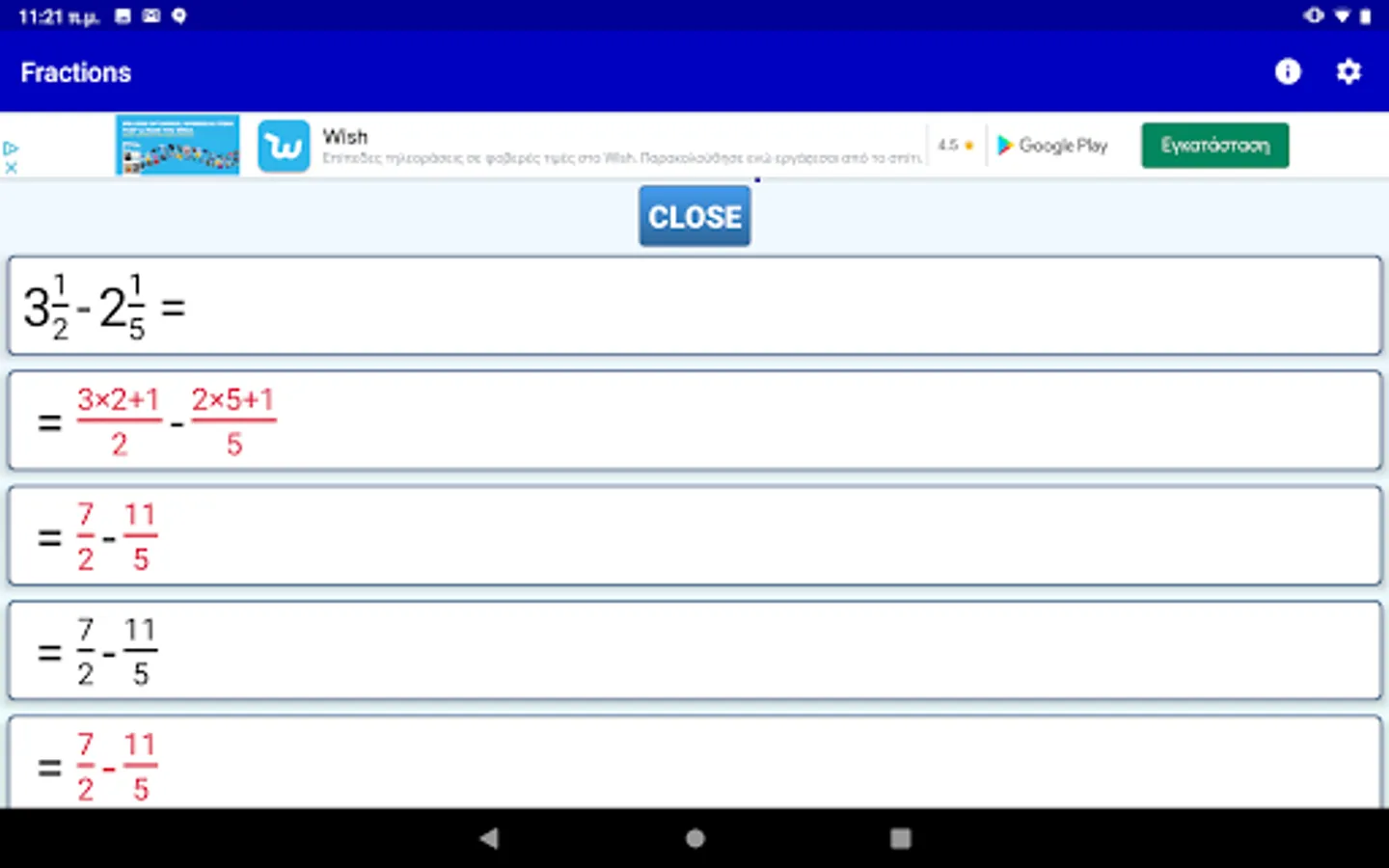
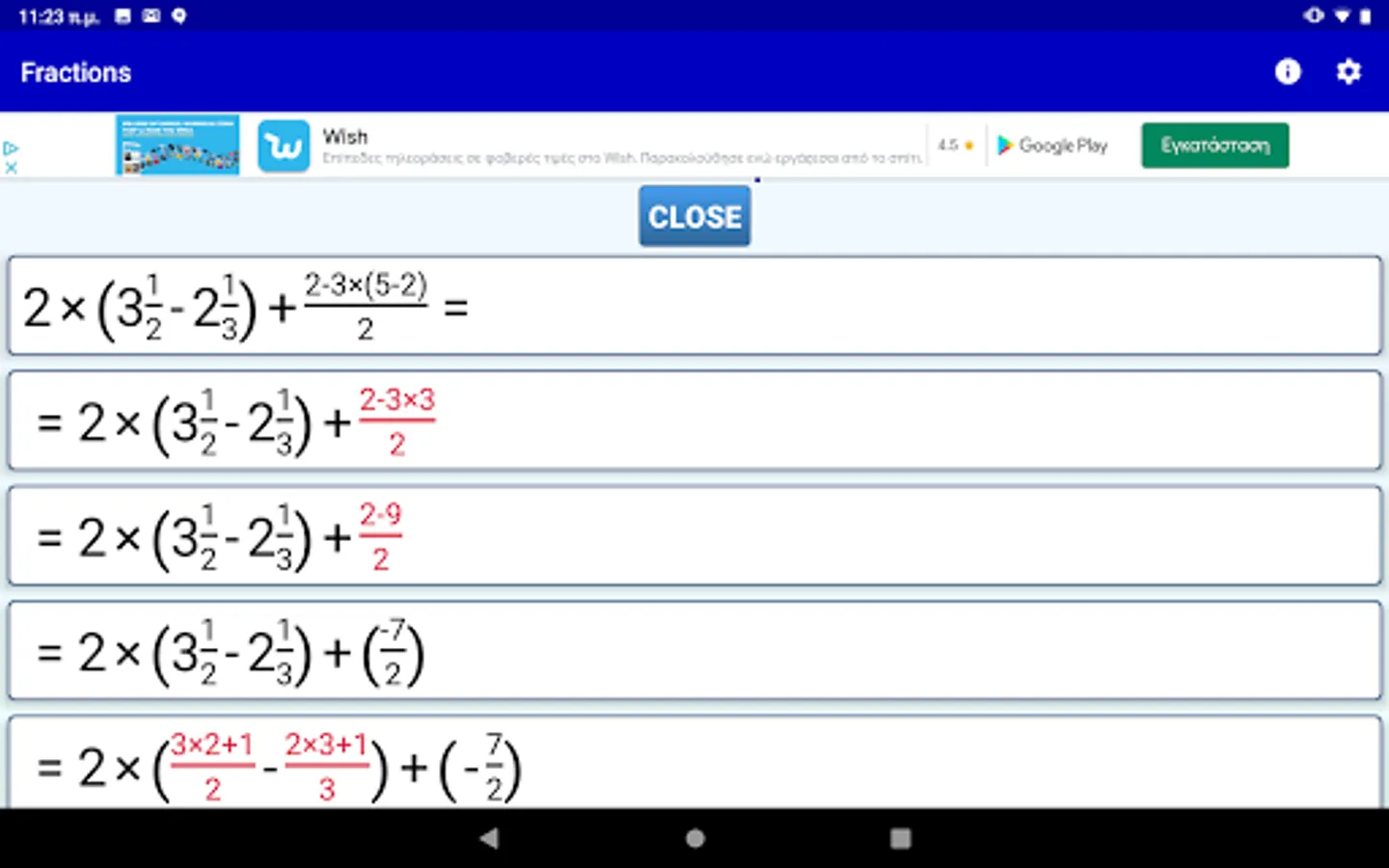
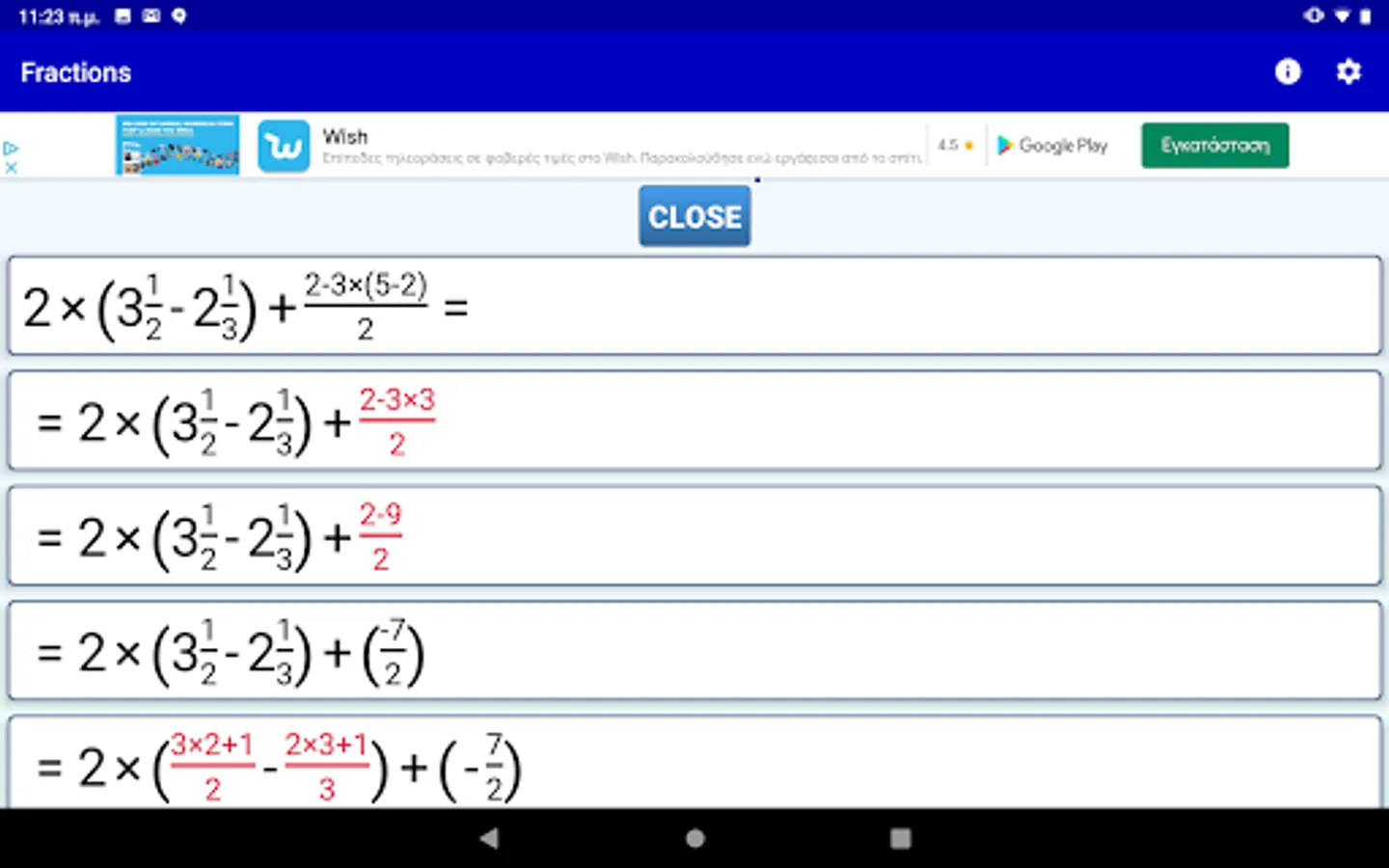
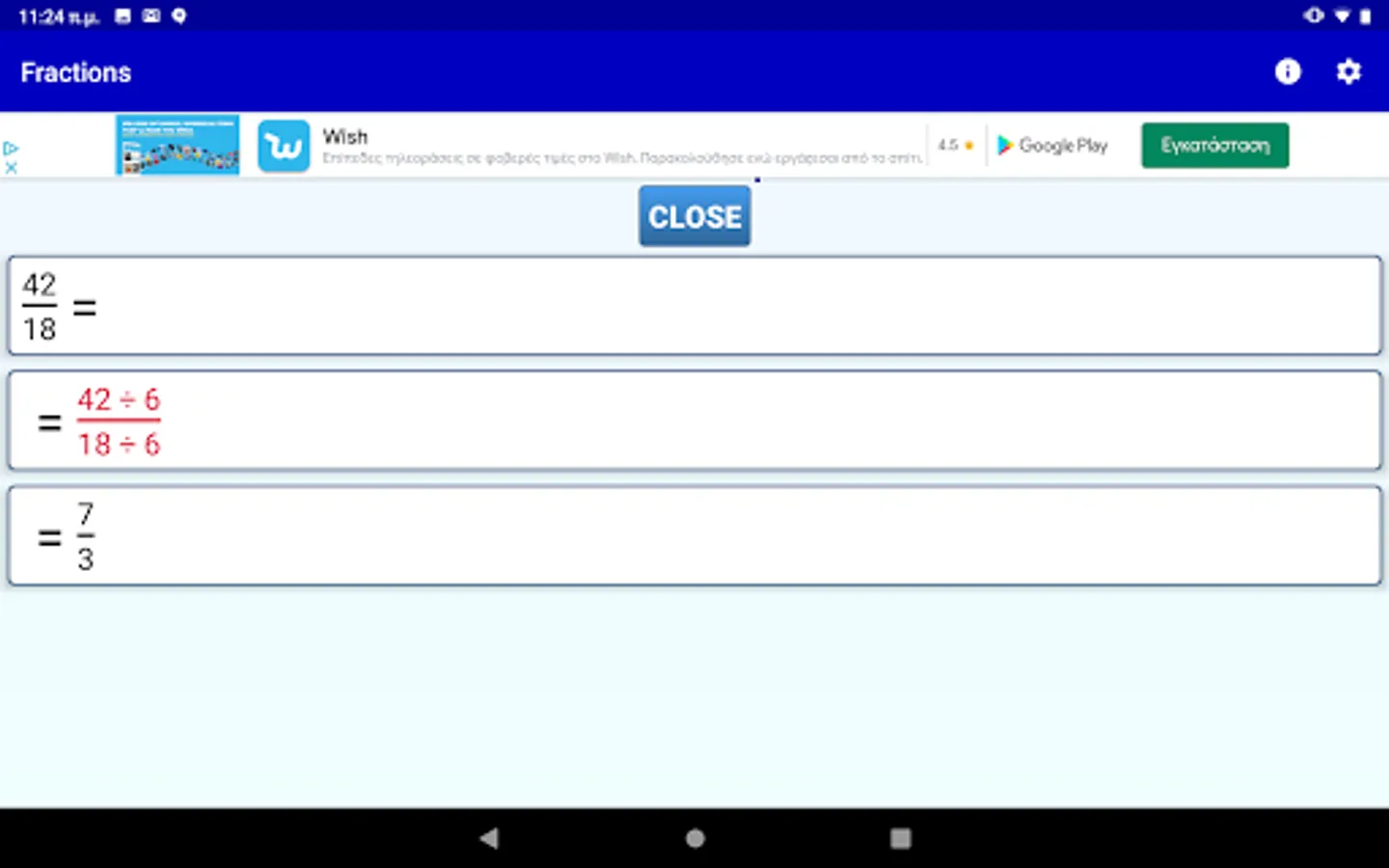
4) Step by step solution for all fraction computations
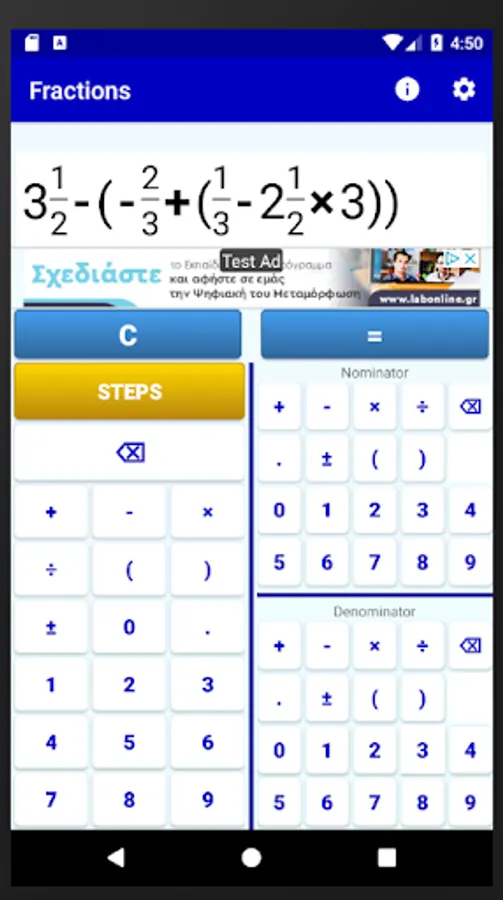
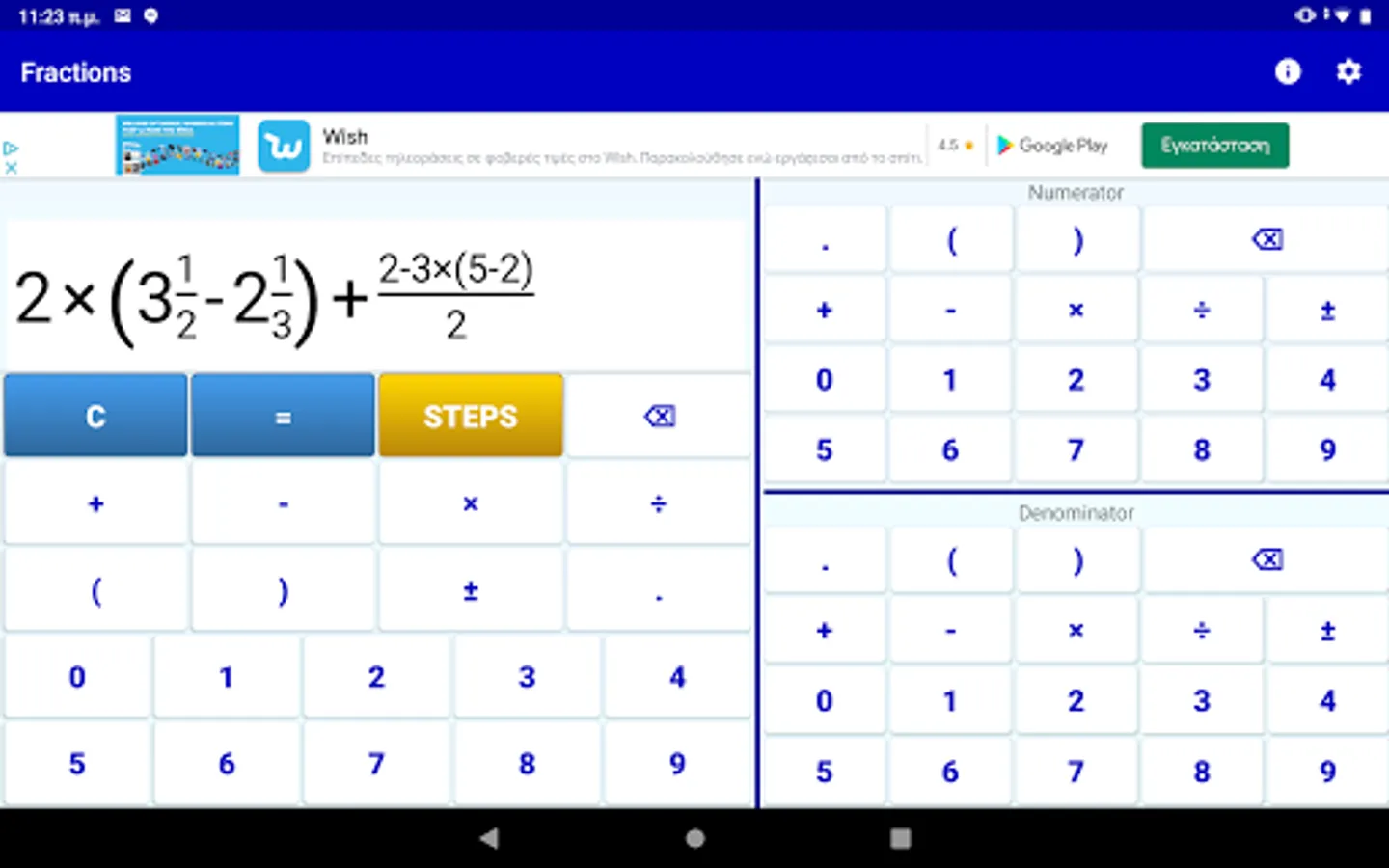
5) Any number of parentheses
6) The calculator shows the result as a fraction, or as a mixed number and it shows a decimal approximation.
7) Fraction to decimal calculator/converter
8) Decimal to fraction calculator/converter
You can use the fraction calculator either for directly evaluating a math expression with fractions and using the final result, or for studying the steps of calculations for math classes.
-----------------------------------------------------
A. How to input a fraction?
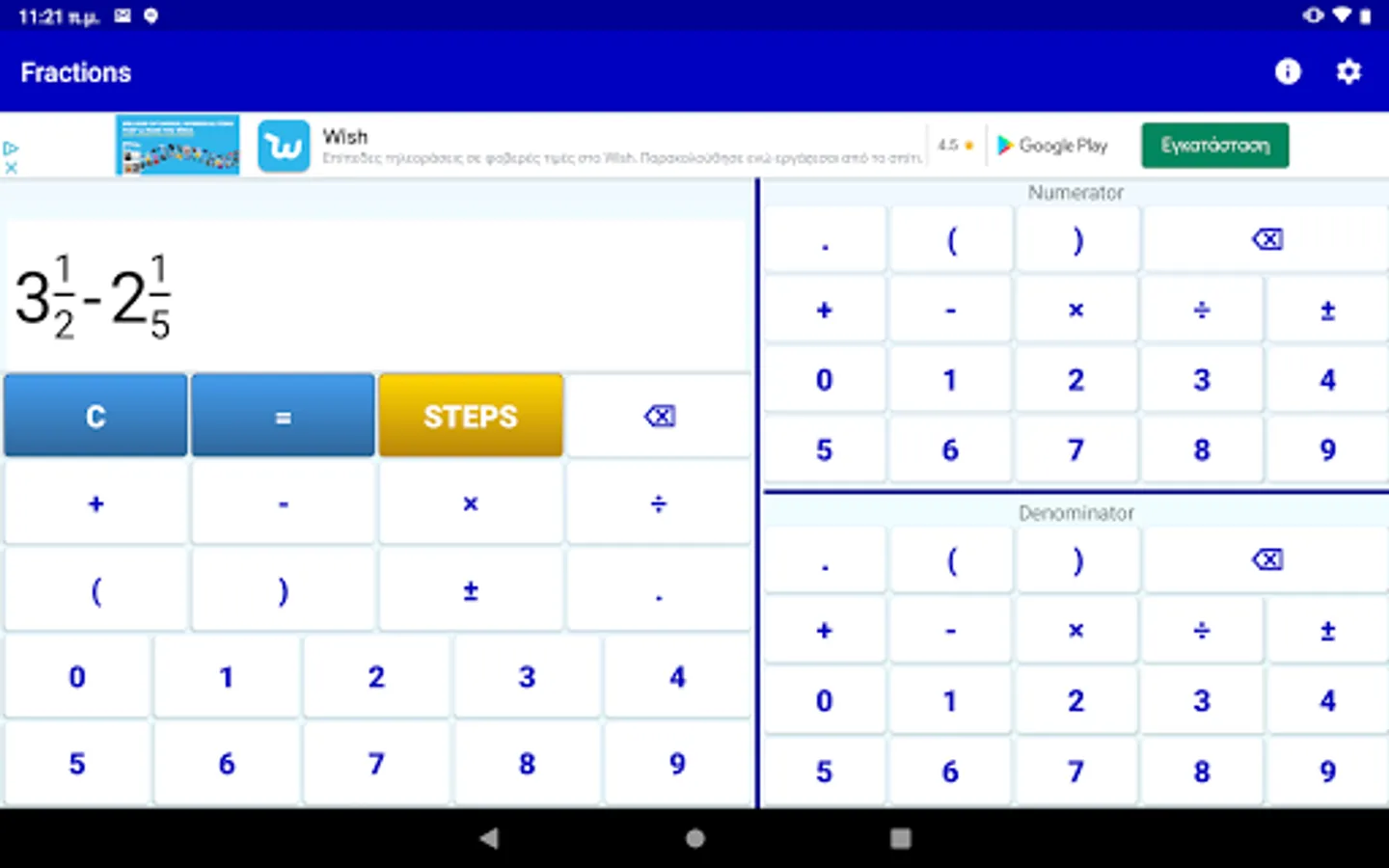
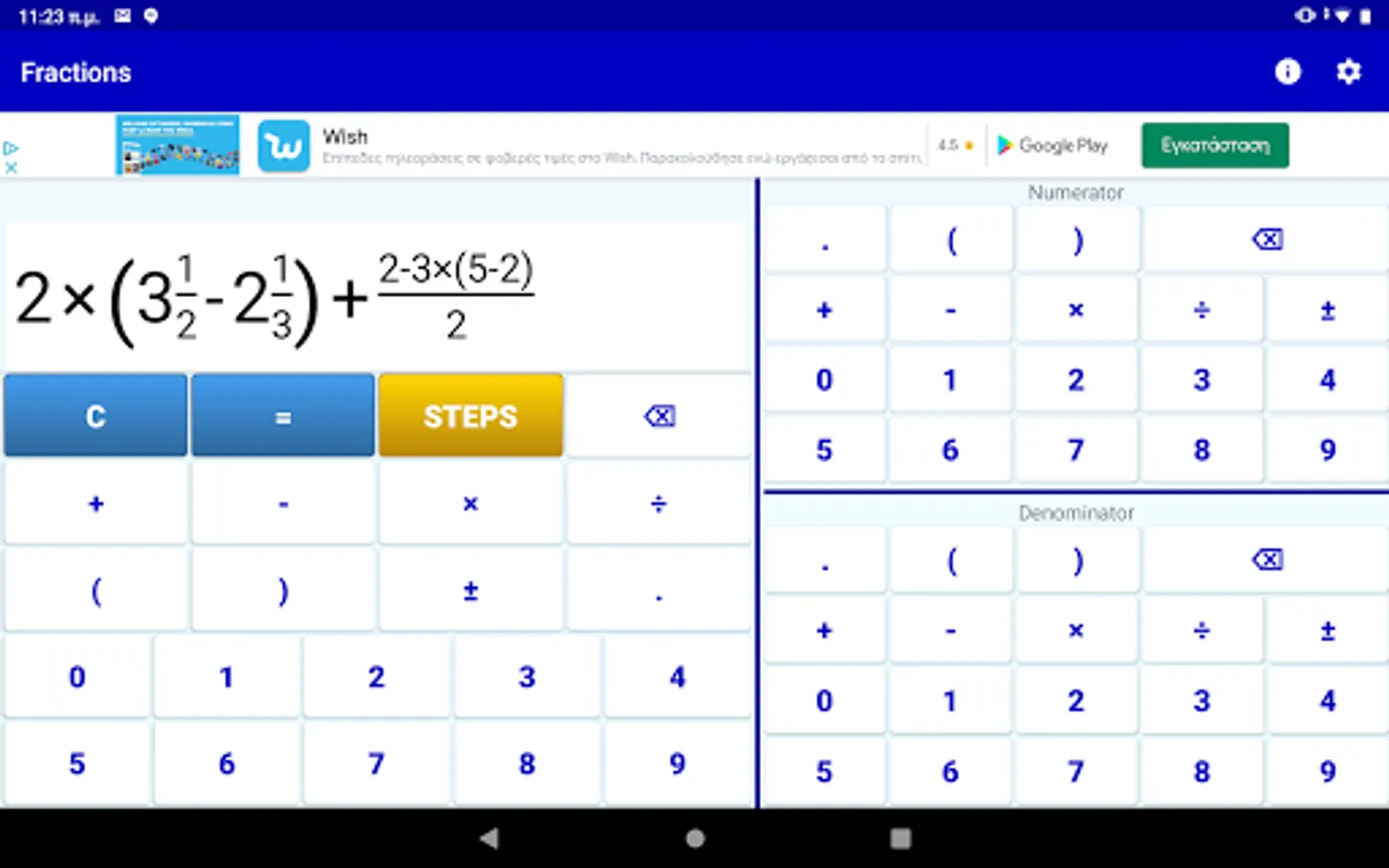
The calculator has three number fields. The leftmost one is used to enter the integer part of the fraction or to enter an operator (+, -, *, :), or a parenthesis. On the right side there are two more number fields. The one in the top right is used to enter the fraction's numerator, while the one in the bottom right is used to enter the fraction's denominator.
Thus if you want to enter the mixed fraction 5 1/2, you should press the number 5 on the left number field, then the number 1 on the right top number field and finally the number 2 on the right bottom number field.
B. How to compute an expression with fractions?
Just enter the required expression and then press the equals ("=") button of the calculator.
C. How to simplify a fraction?
Just enter the fraction and press the equals ("=") button of the calculator.
D. How to convert a mixed fraction to a simple fraction?
Just enter the mixed fraction and press the equals ("=") button of the calculator.
D. How to convert an improper fraction to a mixed fraction?
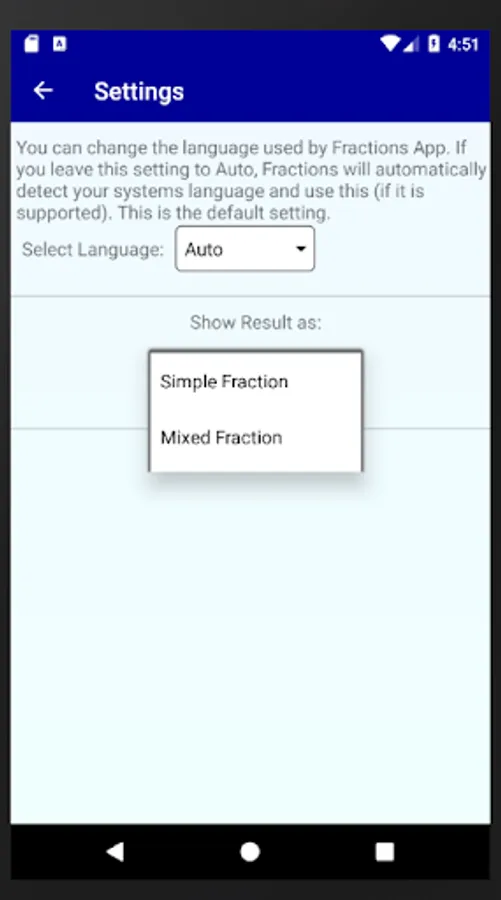
You should change the way the calculator shows the result of the computations. Press the gear (ont he top right of the application bar) and select how you want the app to show the result on the screen. If you choose "Mixed Fractions" then each expression you enter will be converted to a mixed fraction. For example if you enter the fraction 11/2 and then press the equals ("=") button, the calculator will show the mixed fraction 5 1/2 on the screen. You can go back to the original setting using the gear button and selecting "Simple Fractions".
E. How to convert a decimal number to a fraction.
Just enter the decimal number and press the equals ("=") button of the calculator.
F. How to convert a fraction to a decimal number.
Just enter the decimal number and press the equals ("=") button of the calculator. On top of the result the application shows the decimal approximation of the resulting fraction.
It is perfect for students and teachers that work with fractions and maths!
The fraction calculator supports:
1) All fraction operations (fraction multiplication, fraction division, fraction addition, fraction subtraction)
2) Fraction simplification
3) Mixed Numbers, Integer Numbers and Fractions
4) Step by step solution for all fraction computations
5) Any number of parentheses
6) The calculator shows the result as a fraction, or as a mixed number and it shows a decimal approximation.
7) Fraction to decimal calculator/converter
8) Decimal to fraction calculator/converter
You can use the fraction calculator either for directly evaluating a math expression with fractions and using the final result, or for studying the steps of calculations for math classes.
-----------------------------------------------------
A. How to input a fraction?
The calculator has three number fields. The leftmost one is used to enter the integer part of the fraction or to enter an operator (+, -, *, :), or a parenthesis. On the right side there are two more number fields. The one in the top right is used to enter the fraction's numerator, while the one in the bottom right is used to enter the fraction's denominator.
Thus if you want to enter the mixed fraction 5 1/2, you should press the number 5 on the left number field, then the number 1 on the right top number field and finally the number 2 on the right bottom number field.
B. How to compute an expression with fractions?
Just enter the required expression and then press the equals ("=") button of the calculator.
C. How to simplify a fraction?
Just enter the fraction and press the equals ("=") button of the calculator.
D. How to convert a mixed fraction to a simple fraction?
Just enter the mixed fraction and press the equals ("=") button of the calculator.
D. How to convert an improper fraction to a mixed fraction?
You should change the way the calculator shows the result of the computations. Press the gear (ont he top right of the application bar) and select how you want the app to show the result on the screen. If you choose "Mixed Fractions" then each expression you enter will be converted to a mixed fraction. For example if you enter the fraction 11/2 and then press the equals ("=") button, the calculator will show the mixed fraction 5 1/2 on the screen. You can go back to the original setting using the gear button and selecting "Simple Fractions".
E. How to convert a decimal number to a fraction.
Just enter the decimal number and press the equals ("=") button of the calculator.
F. How to convert a fraction to a decimal number.
Just enter the decimal number and press the equals ("=") button of the calculator. On top of the result the application shows the decimal approximation of the resulting fraction.
Fractions School Calculator Screenshots
Tap to Rate:
Reviews for Fractions School Calculator
Harsha Meghnathi
11/2/2025
excellent
Nita Dahiphale
9/25/2025
😲😲😲😲😲 wow