In this file management app, you can copy files using the wizard mode and browse by media categories. Includes file transfer tools, category organization, and manual access instructions.
AppRecs review analysis
AppRecs rating 1.5. Trustworthiness 34 out of 100. Review manipulation risk 34 out of 100. Based on a review sample analyzed.
★☆☆☆☆
1.5
AppRecs Rating
Ratings breakdown
5 star
10%
4 star
0%
3 star
0%
2 star
0%
1 star
90%
What to know
⚠
Questionable review trustworthiness
34% trustworthiness - reviews show concerning patterns
⚠
Mixed user feedback
Average 1.5★ rating suggests room for improvement
⚠
High negative review ratio
90% of sampled ratings are 1–2 stars
About FileAgent
BUFFALO FileAgent is Buffalo own file copy tools and file management application.
※ This application is not compatible with later Android 4.1.
If you are using Android 4.1 or later of the terminal, please use the Buffalo-made file management app "File Manager".
https://play.google.com/store/apps/details?id=jp.buffalo.filemanager
Major features
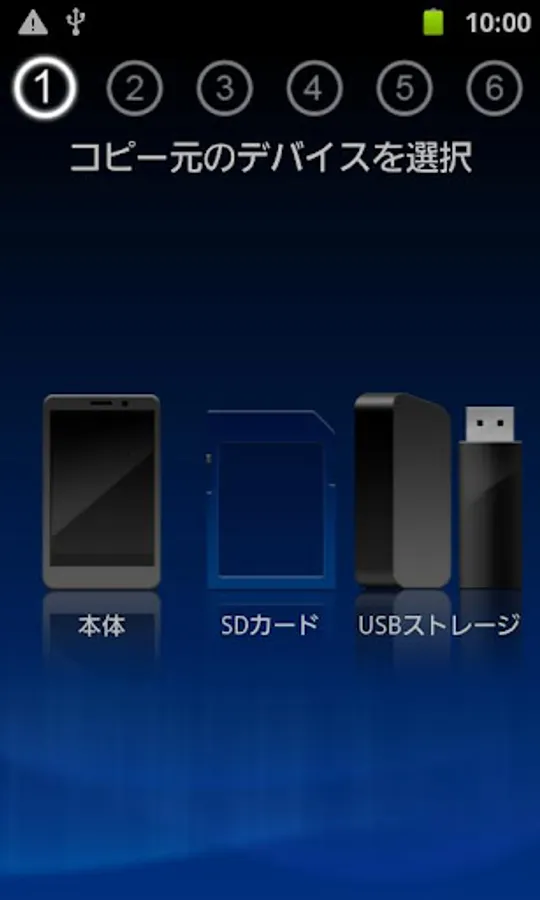
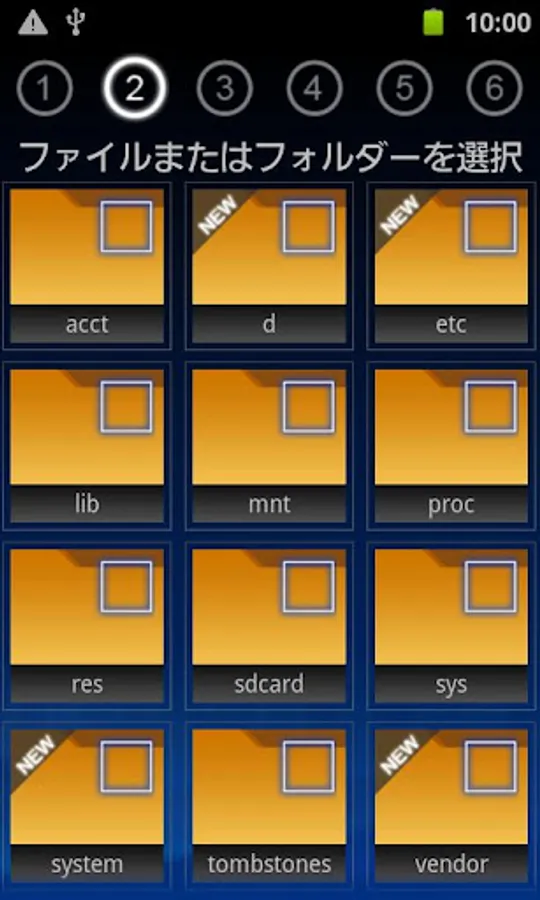
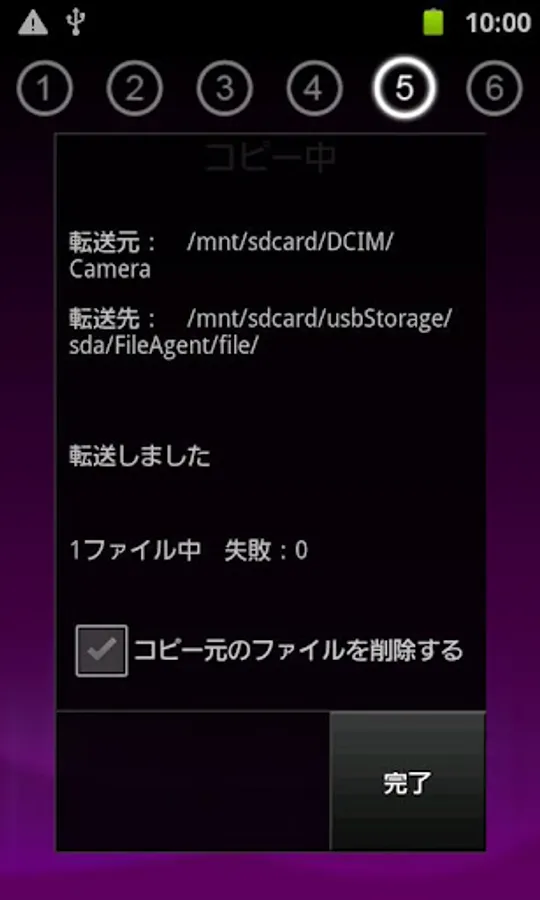
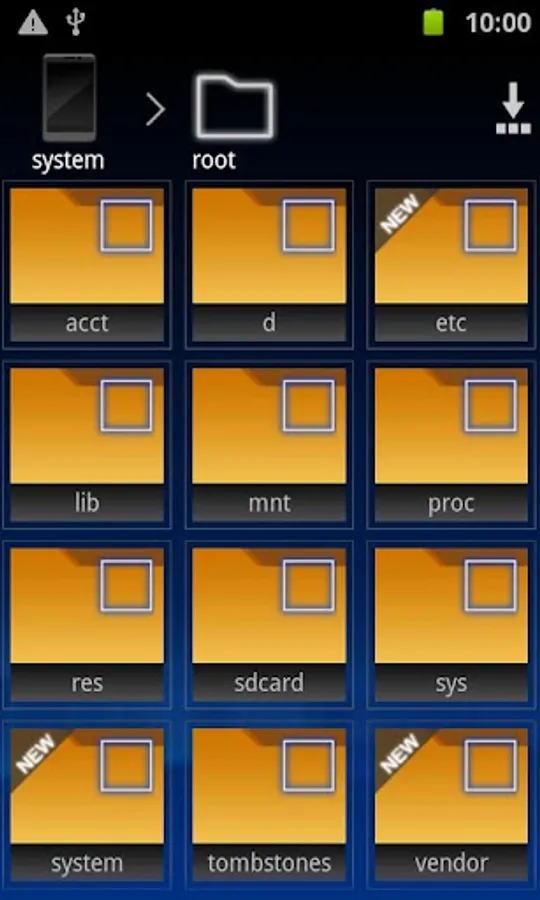
● Wizard mode that specializes in file copy
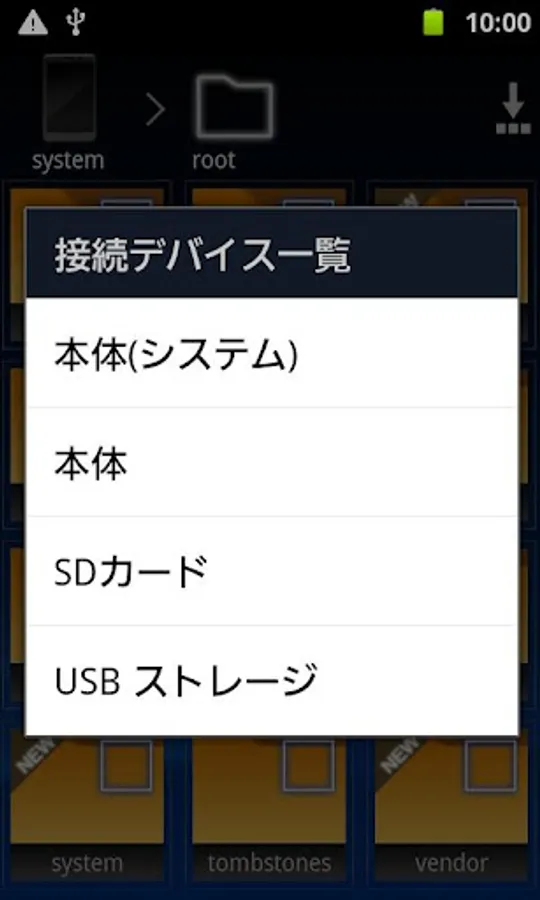
The file copy and the like USB memory connected via USB can easily exchange files a wizard!
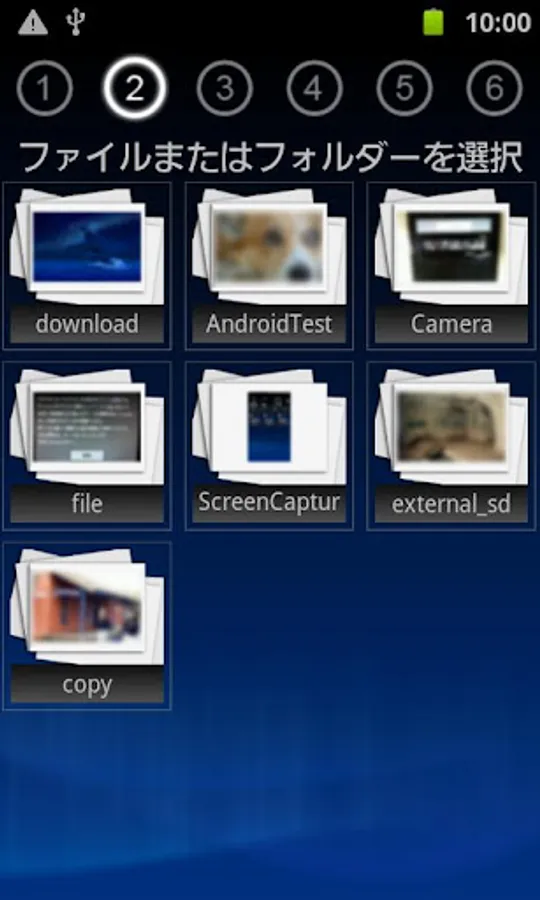
● list the files of each video, music, photos
And to display for each category of videos, music, photos, files are easy to find!
● by the quick copy mode, and simple copy
Easily portable folder you have registered you can back up to, such as a USB memory.
(Only supported Android OS 4.0)
● also Nexus7 the corresponding
Even Nexus7 read to USB memory, you can do the writing.
Please refer to the detailed manual on how to use.
http://buffalo.jp/support_s/guide2/manual/fileagent/ja/index.html
[Supported OS]
Android2.2 ~ 4.0
(Quick copy mode corresponding only Android4.0)
[Tested terminal]
● USB memory corresponding smartphone
docomo SC-03D GALAXY SⅡ LTE
docomo SO-03D Xperia acro HD
docomo SO-02D Xperia NX
au IS12S Xperia acro HD
● USB memory corresponding corresponding tablet
ThinkPad Tablet 183827J
ThinkPad Tablet 183825J
ThinkPad Tablet 18382QJ
Sony Tablet S SGPT111JP / S
Sony Tablet S SGPT112JP / S
※ can not be written to the USB memory connected to the Toshiba REGZA Tablet.
※ This application is not compatible with later Android 4.1.
If you are using Android 4.1 or later of the terminal, please use the Buffalo-made file management app "File Manager".
https://play.google.com/store/apps/details?id=jp.buffalo.filemanager
Major features
● Wizard mode that specializes in file copy
The file copy and the like USB memory connected via USB can easily exchange files a wizard!
● list the files of each video, music, photos
And to display for each category of videos, music, photos, files are easy to find!
● by the quick copy mode, and simple copy
Easily portable folder you have registered you can back up to, such as a USB memory.
(Only supported Android OS 4.0)
● also Nexus7 the corresponding
Even Nexus7 read to USB memory, you can do the writing.
Please refer to the detailed manual on how to use.
http://buffalo.jp/support_s/guide2/manual/fileagent/ja/index.html
[Supported OS]
Android2.2 ~ 4.0
(Quick copy mode corresponding only Android4.0)
[Tested terminal]
● USB memory corresponding smartphone
docomo SC-03D GALAXY SⅡ LTE
docomo SO-03D Xperia acro HD
docomo SO-02D Xperia NX
au IS12S Xperia acro HD
● USB memory corresponding corresponding tablet
ThinkPad Tablet 183827J
ThinkPad Tablet 183825J
ThinkPad Tablet 18382QJ
Sony Tablet S SGPT111JP / S
Sony Tablet S SGPT112JP / S
※ can not be written to the USB memory connected to the Toshiba REGZA Tablet.
FileAgent Screenshots
Tap to Rate:
Reviews for FileAgent
Ramesh Ayyapuraju
10/13/2022
Waste of time, regret buying a buffalo Nas
John Ivy
3/3/2021
What is this ??