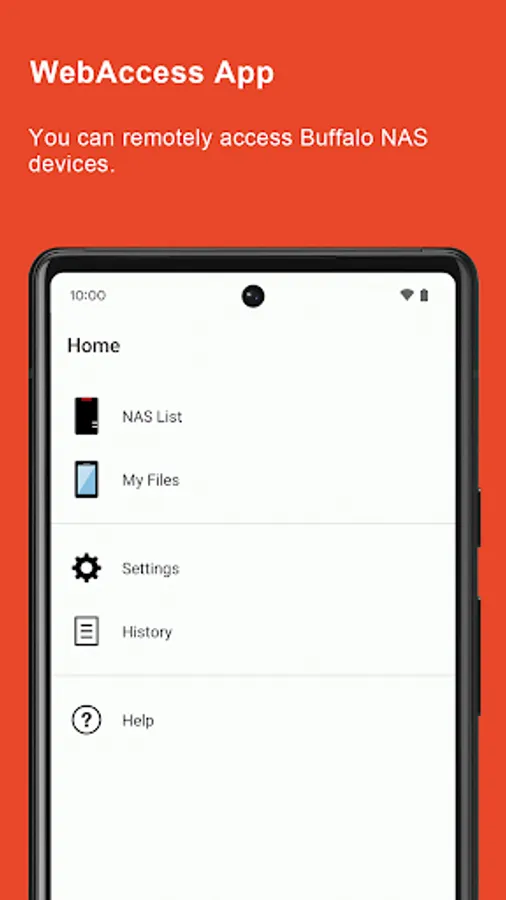
In this file management app, you can access, stream, and upload files to your Buffalo NAS device remotely. Includes file sharing, configuration setup, and device settings access.
AppRecs review analysis
AppRecs rating 2.2. Trustworthiness 84 out of 100. Review manipulation risk 15 out of 100. Based on a review sample analyzed.
★★☆☆☆
2.2
AppRecs Rating
Ratings breakdown
5 star
24%
4 star
9%
3 star
5%
2 star
12%
1 star
50%
What to know
✓
Low review manipulation risk
15% review manipulation risk
⚠
Mixed user feedback
Average 2.5★ rating suggests room for improvement
⚠
High negative review ratio
62% of sampled ratings are 1–2 stars
About WebAccess A
WebAccess gives you easy access to your Buffalo NAS device from anywhere. Access terabytes of storage directly from your Android device!
Features:
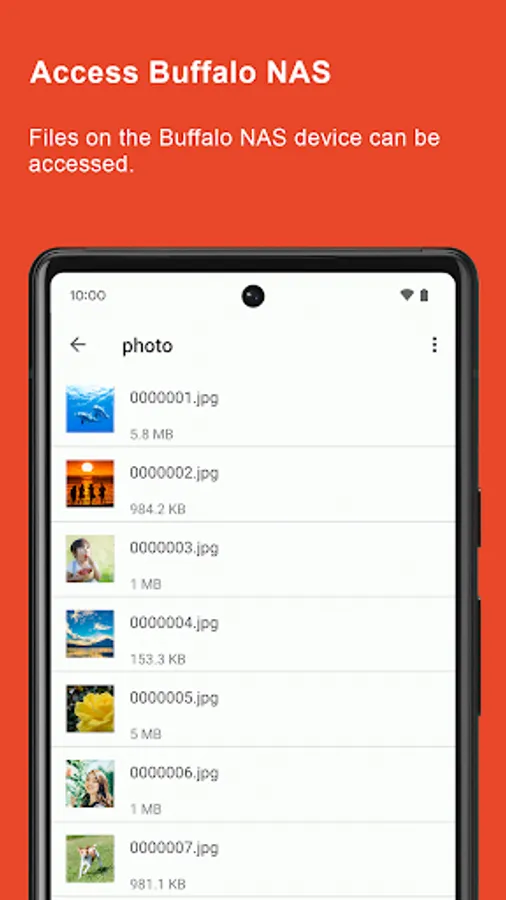
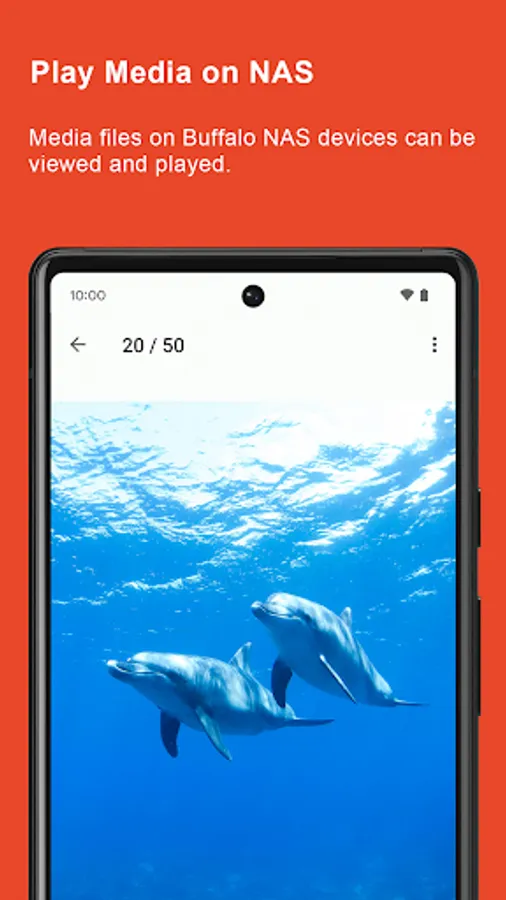
• File streaming: play terabytes of image, video, and audio files from anywhere, anytime.
• File download: save files onto your mobile device from your Buffalo NAS device. Before a long flight, download video and audio files and enjoy them in the air.
• File upload: upload files, such as image, video, and audio files, to your Buffalo NAS device so you don’t have to worry about using up storage on your mobile device.
• File sharing: easily share files from your Buffalo NAS device with your friends and family.
• WebAccess configuration: set up WebAccess directly from your mobile device, without needing a computer.
• Settings access: open Settings, the interface from you can configure the NAS device.
Supported models:
○ LinkStation
• LS200 series
• LS500 series
• LS700 series
○ TeraStation
• TS3010 series
• TS3020 series (including TeraStation Essentials 2019 models)
• TS3030 series (including TeraStation Essentials 2025 models)
• TS5010 series
• TS5020 series
• TS6000 series
• TS7010 series
○ AirStation
• WXR-6000AX12
• WTR-M2133HS
• WXR-5950AX12
Notes:
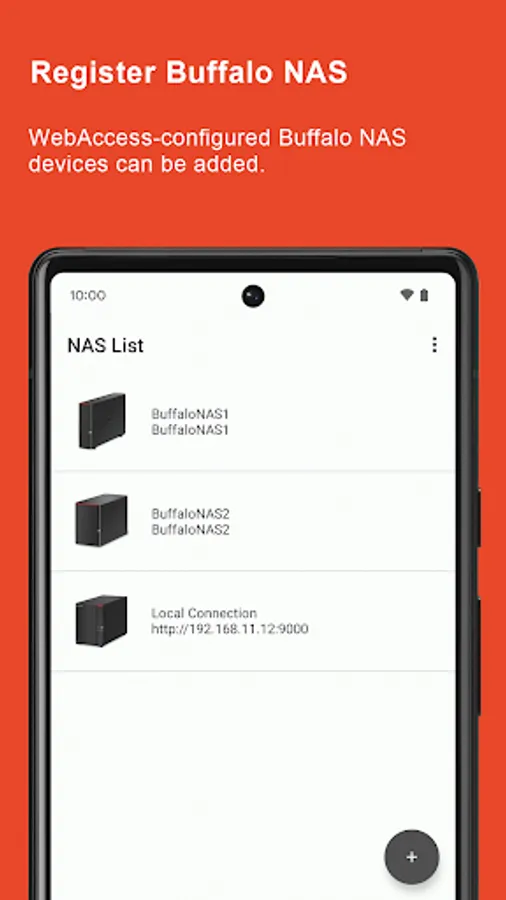
• Some NAS icons are not available in the app, but you can still access files and data from the NAS.
• Thumbnails and backups are not available if you register any AirStation devices.
Features:
• File streaming: play terabytes of image, video, and audio files from anywhere, anytime.
• File download: save files onto your mobile device from your Buffalo NAS device. Before a long flight, download video and audio files and enjoy them in the air.
• File upload: upload files, such as image, video, and audio files, to your Buffalo NAS device so you don’t have to worry about using up storage on your mobile device.
• File sharing: easily share files from your Buffalo NAS device with your friends and family.
• WebAccess configuration: set up WebAccess directly from your mobile device, without needing a computer.
• Settings access: open Settings, the interface from you can configure the NAS device.
Supported models:
○ LinkStation
• LS200 series
• LS500 series
• LS700 series
○ TeraStation
• TS3010 series
• TS3020 series (including TeraStation Essentials 2019 models)
• TS3030 series (including TeraStation Essentials 2025 models)
• TS5010 series
• TS5020 series
• TS6000 series
• TS7010 series
○ AirStation
• WXR-6000AX12
• WTR-M2133HS
• WXR-5950AX12
Notes:
• Some NAS icons are not available in the app, but you can still access files and data from the NAS.
• Thumbnails and backups are not available if you register any AirStation devices.
WebAccess A Screenshots
Tap to Rate:
Reviews for WebAccess A
R.
2/22/2026
It was working fine but now it isn't. Not sure if a recent firmware update was responsible. Port 9000 is open but cannot see my device.
Andrei Terentev
2/12/2026
Working fine, pretty reliable, just a bit glitchy at times with creating thumbnails of pictures in a folder.