SmartPhone Navigator
BUFFALO INC.
2.6 ★
813 ratings
100,000+
downloads
Free
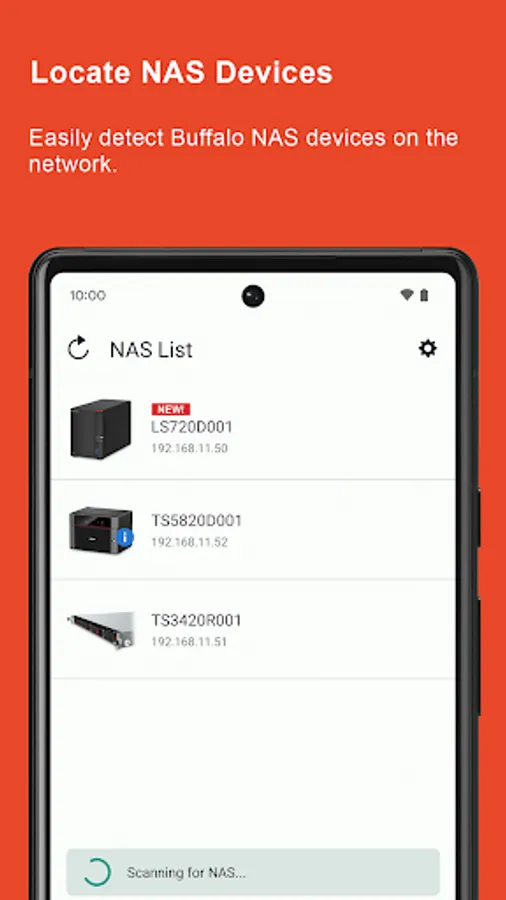
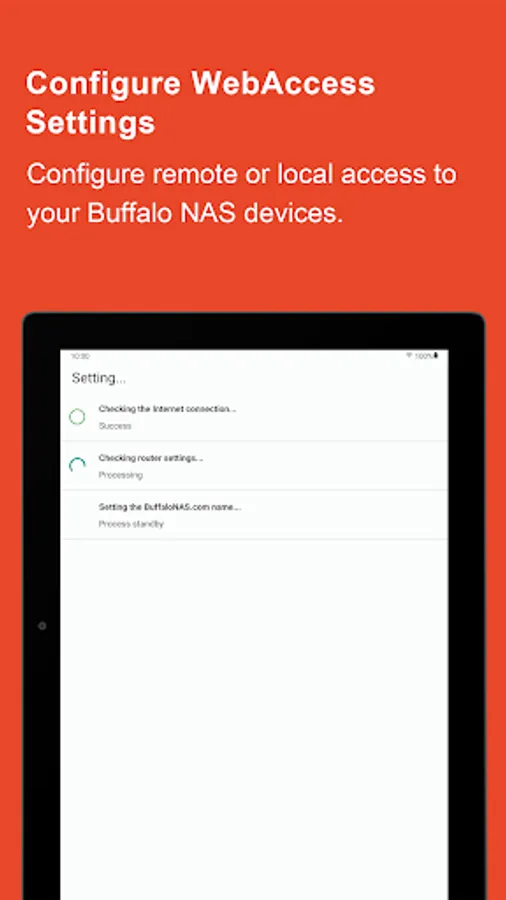
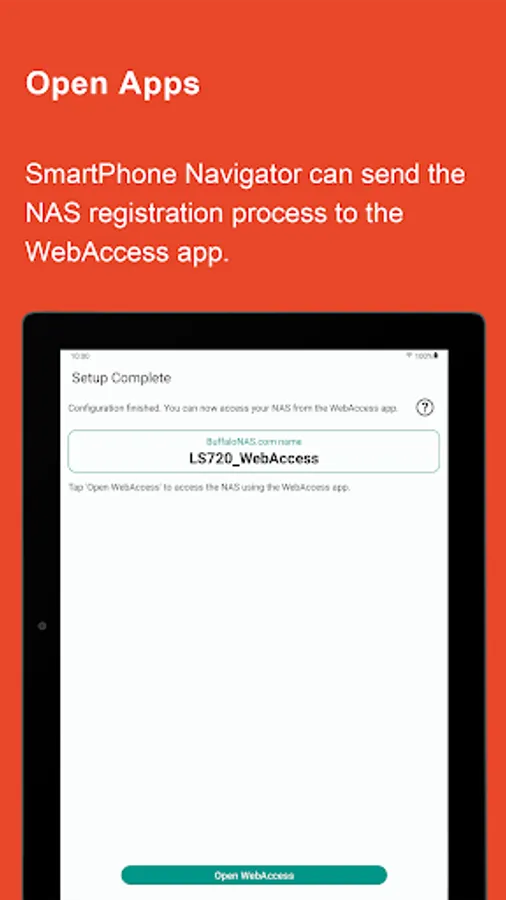
In this app, users can search for and manage Buffalo NAS devices on the same network and configure WebAccess settings. Includes device detection, remote configuration, and event message viewing.
AppRecs review analysis
AppRecs rating 2.6. Trustworthiness 0 out of 100. Review manipulation risk 0 out of 100. Based on a review sample analyzed.
★★☆☆☆
2.6
AppRecs Rating
Ratings breakdown
5 star
23%
4 star
13%
3 star
11%
2 star
9%
1 star
44%
What to know
✓
Authentic reviews
Natural distribution, no red flags
⚠
Mixed user feedback
Average 2.6★ rating suggests room for improvement
⚠
High negative review ratio
53% of sampled ratings are 1–2 stars
About SmartPhone Navigator
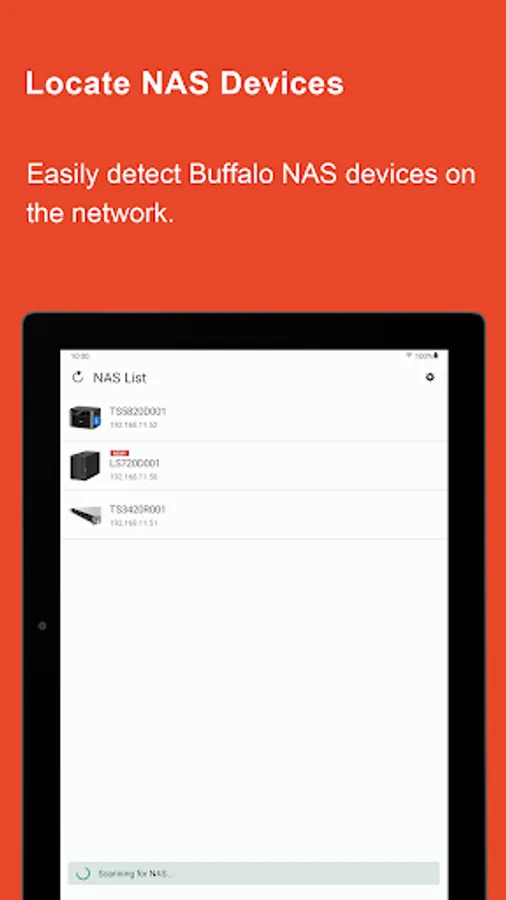
SmartPhone Navigator allows you to search for Buffalo NAS devices (LinkStations and TeraStations) on a network that the mobile device is also connected to. You may also use the app to manage any detected Buffalo NAS devices from your mobile device.
Features:
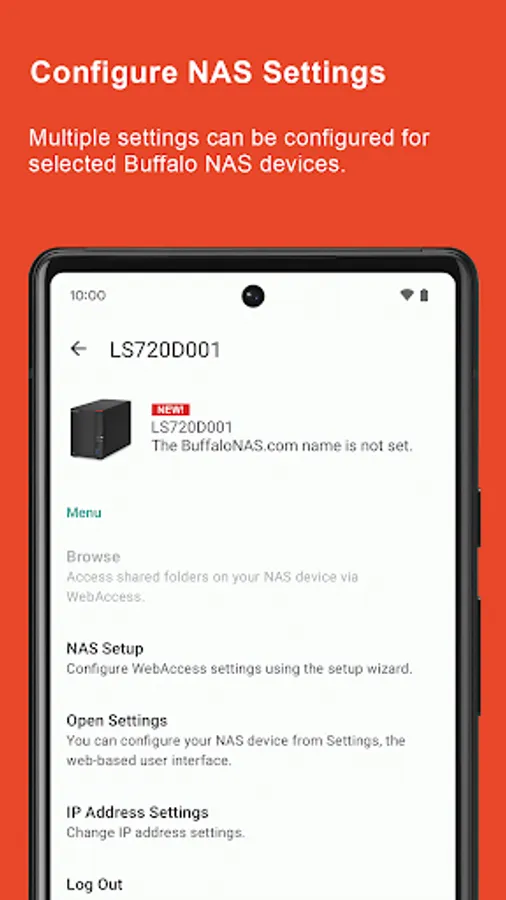
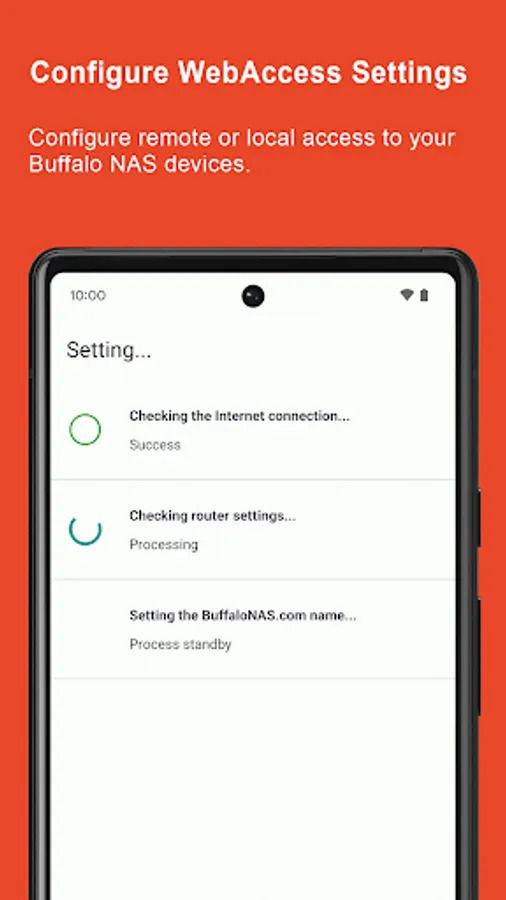
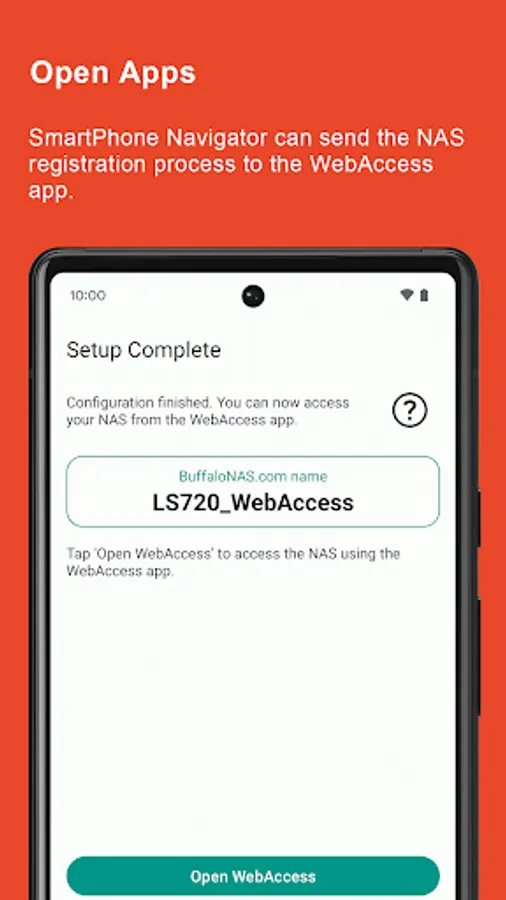
• WebAccess configuration: set up WebAccess directly from your mobile device, without needing a computer.a
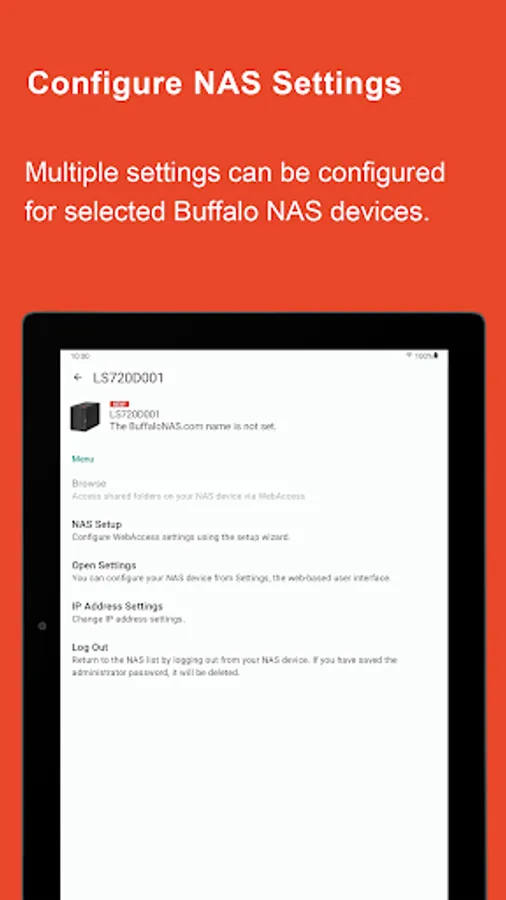
• Settings access: open Settings, the interface from you can configure the NAS device.
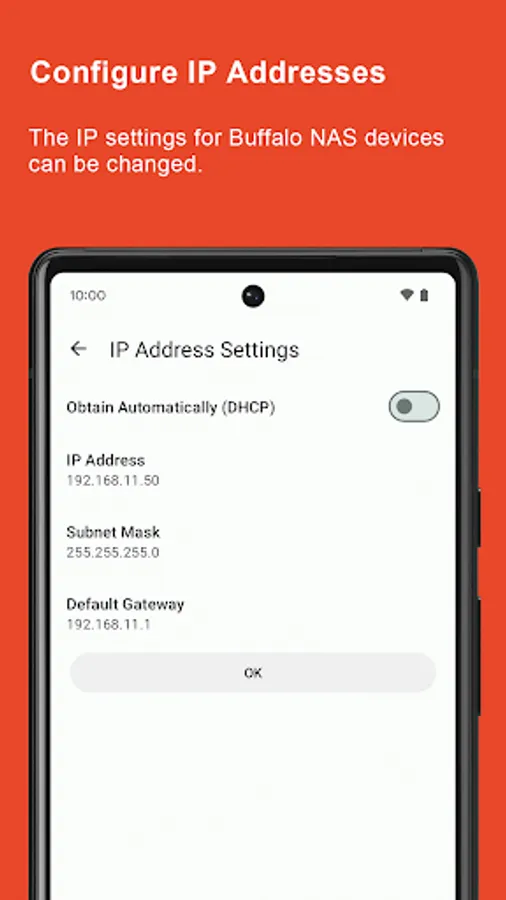
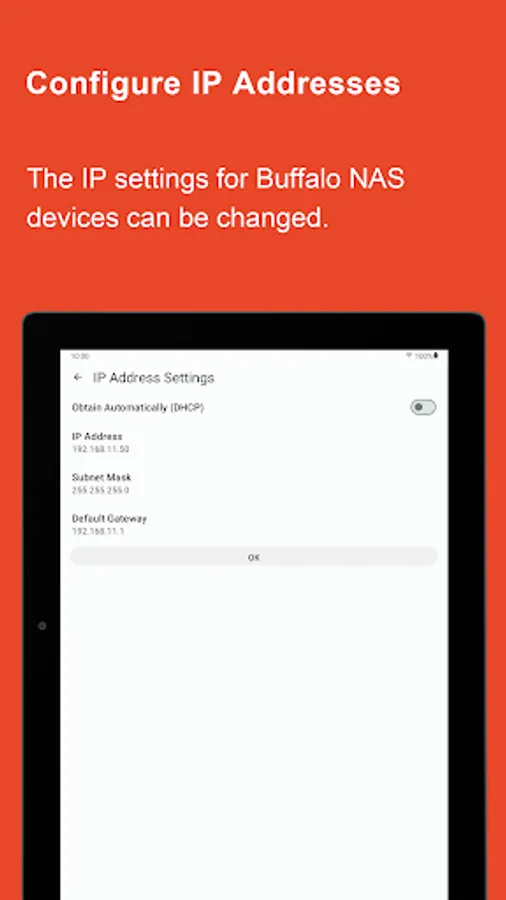
• IP address configuration: change the NAS device’s IP address remotely.
• Error and information events details: display error and information event messages, and their details.
Supported models:
○ LinkStation
• LS200 series
• LS400 series
• LS400X series
• LS500 series
• LS700 series
• LS-WXBL series
• LS-YL series
The following LinkStation series are only compatible if they are running firmware version 1.26 or later (version 1.34 or later is recommended).
• LS-AVL series
• LS-CHL series
• LS-QVL series
• LS-SL series
• LS-VL series
• LS-WSXL series
• LS-WVL series
• LS-WXL series
• LS-XHL series
• LS-XL series
○ TeraStation
• TS-6VHL series
• TS-8VHL series
• TS-QVHL series
• TS-RVHL series
• TS-WVHL series
• TS1000 series
• TS3000 series
• TS3010 series
• TS3020 series
• TS4000 series
• TS5000 series
• TS5010 series
• TS5020 series
• TS6000 series
• TS7000 series
• TS7010 series
The following TeraStation series are only compatible if they are running firmware version 1.32 or later.
• TS-RXL series
• TS-WXL series
• TS-XEL series
• TS-XHL series
• TS-XL series
Note: HTC devices may not be able to locate Buffalo NAS devices.
Features:
• WebAccess configuration: set up WebAccess directly from your mobile device, without needing a computer.a
• Settings access: open Settings, the interface from you can configure the NAS device.
• IP address configuration: change the NAS device’s IP address remotely.
• Error and information events details: display error and information event messages, and their details.
Supported models:
○ LinkStation
• LS200 series
• LS400 series
• LS400X series
• LS500 series
• LS700 series
• LS-WXBL series
• LS-YL series
The following LinkStation series are only compatible if they are running firmware version 1.26 or later (version 1.34 or later is recommended).
• LS-AVL series
• LS-CHL series
• LS-QVL series
• LS-SL series
• LS-VL series
• LS-WSXL series
• LS-WVL series
• LS-WXL series
• LS-XHL series
• LS-XL series
○ TeraStation
• TS-6VHL series
• TS-8VHL series
• TS-QVHL series
• TS-RVHL series
• TS-WVHL series
• TS1000 series
• TS3000 series
• TS3010 series
• TS3020 series
• TS4000 series
• TS5000 series
• TS5010 series
• TS5020 series
• TS6000 series
• TS7000 series
• TS7010 series
The following TeraStation series are only compatible if they are running firmware version 1.32 or later.
• TS-RXL series
• TS-WXL series
• TS-XEL series
• TS-XHL series
• TS-XL series
Note: HTC devices may not be able to locate Buffalo NAS devices.
SmartPhone Navigator Screenshots
Tap to Rate: