
Music Pro
Sony Corporation
3.9 ★
2K ratings
1,000,000+
downloads
Free
+ in-app
With this music creation app, you can record, import audio files, and edit multiple takes. Includes recording and editing functions, as well as studio tuning features available via in-app purchase.
AppRecs review analysis
AppRecs rating 3.9. Trustworthiness 71 out of 100. Review manipulation risk 34 out of 100. Based on a review sample analyzed.
★★★☆☆
3.9
AppRecs Rating
Ratings breakdown
5 star
59%
4 star
11%
3 star
7%
2 star
9%
1 star
14%
What to know
✓
Credible reviews
71% trustworthiness score from analyzed reviews
✓
Good user ratings
70% positive sampled reviews
✓
Authentic reviews
Natural distribution, no red flags
About Music Pro
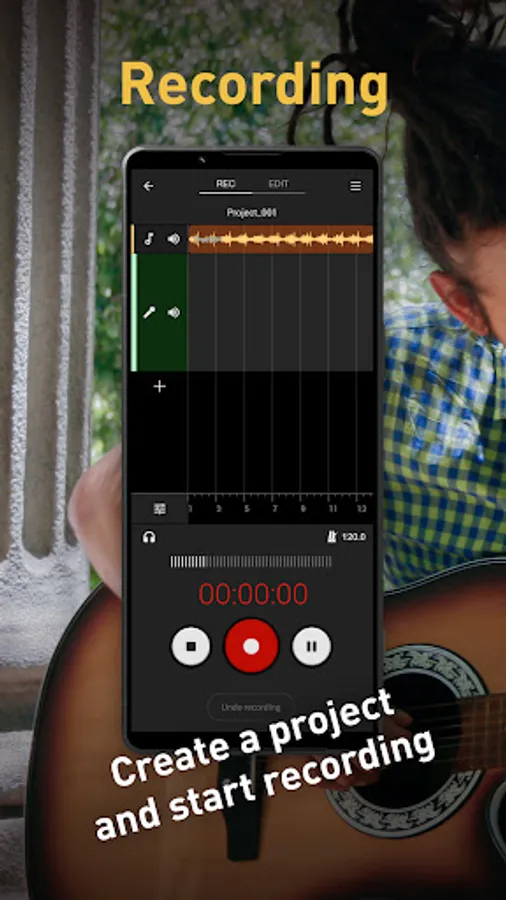
In this app, you can use the following features to create studio quality musical compositions and audio content.
Recording functions
Import and listen to audio files while recording.
If you use wired headphones for monitoring while recording, you can listen to low-latency playback of your voice with reverb effects and equalizer applied.
In addition to song vocals, these features are also available when recording normal speech.
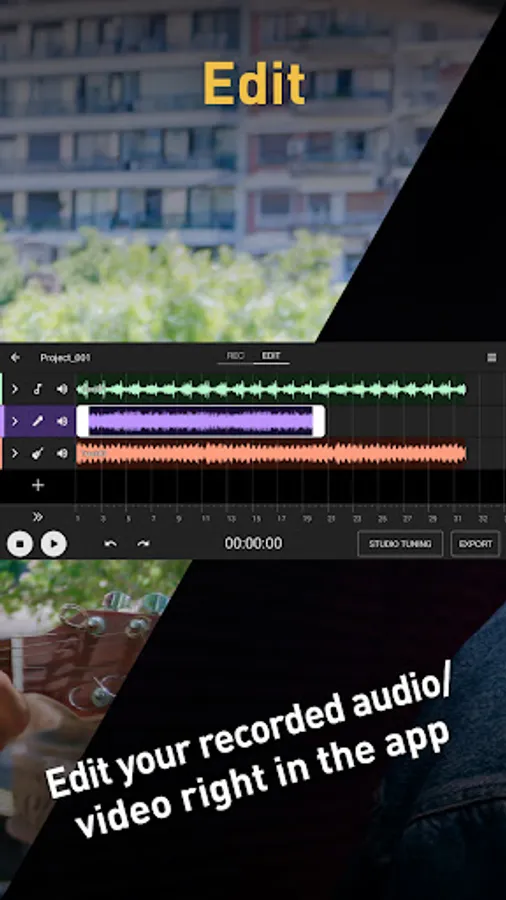
Editing functions
Layer multiple takes and compare them, then choose the best parts from each take to create your ideal track.
After editing, you can export and share your completed tracks.
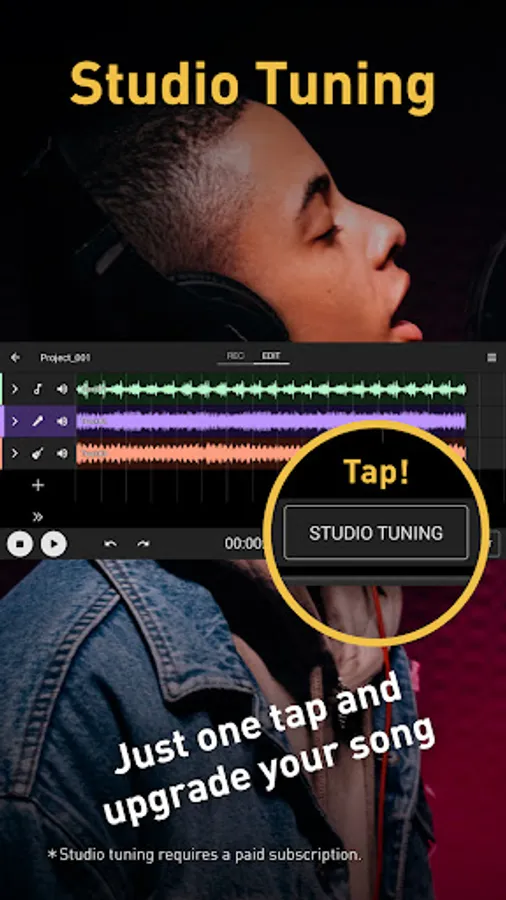
Studio tuning functions
Studio tuning functions enable you to improve tracks you record on Xperia to the level of Sony Music's pro studio quality using cloud processing.
*This function requires an in-app purchase.
[Recommended environment]
Display size: 5.5 inch screen or larger
Internal memory (RAM): at least 4 GB
Depending on your location and device, Studio tuning and other features of this application may not be available regardless of the descriptions of those features.
Sony collects your information or data from the app only when you are using Studio tuning functions.
Therefore, Sony does not collect or use information or data as described in our Privacy Policy from users who do not use Studio tuning functions.
https://www.sony.net/Products/smartphones/app/music_pro/privacy-policy/list-lang.html
Recording functions
Import and listen to audio files while recording.
If you use wired headphones for monitoring while recording, you can listen to low-latency playback of your voice with reverb effects and equalizer applied.
In addition to song vocals, these features are also available when recording normal speech.
Editing functions
Layer multiple takes and compare them, then choose the best parts from each take to create your ideal track.
After editing, you can export and share your completed tracks.
Studio tuning functions
Studio tuning functions enable you to improve tracks you record on Xperia to the level of Sony Music's pro studio quality using cloud processing.
*This function requires an in-app purchase.
[Recommended environment]
Display size: 5.5 inch screen or larger
Internal memory (RAM): at least 4 GB
Depending on your location and device, Studio tuning and other features of this application may not be available regardless of the descriptions of those features.
Sony collects your information or data from the app only when you are using Studio tuning functions.
Therefore, Sony does not collect or use information or data as described in our Privacy Policy from users who do not use Studio tuning functions.
https://www.sony.net/Products/smartphones/app/music_pro/privacy-policy/list-lang.html
Music Pro Screenshots



Tap to Rate:
Reviews for Music Pro
petrey smalman
12/14/2025
excellent app. very helpfull and easy to work with
Joshua Oyinu
12/4/2025
music pro I so good normal and the voice is clean and clear,I love 💕 music pro