
One Hand Operation Support
chiiz soft
4.2 ★
543 ratings
100,000+
downloads
Free
+ in-app
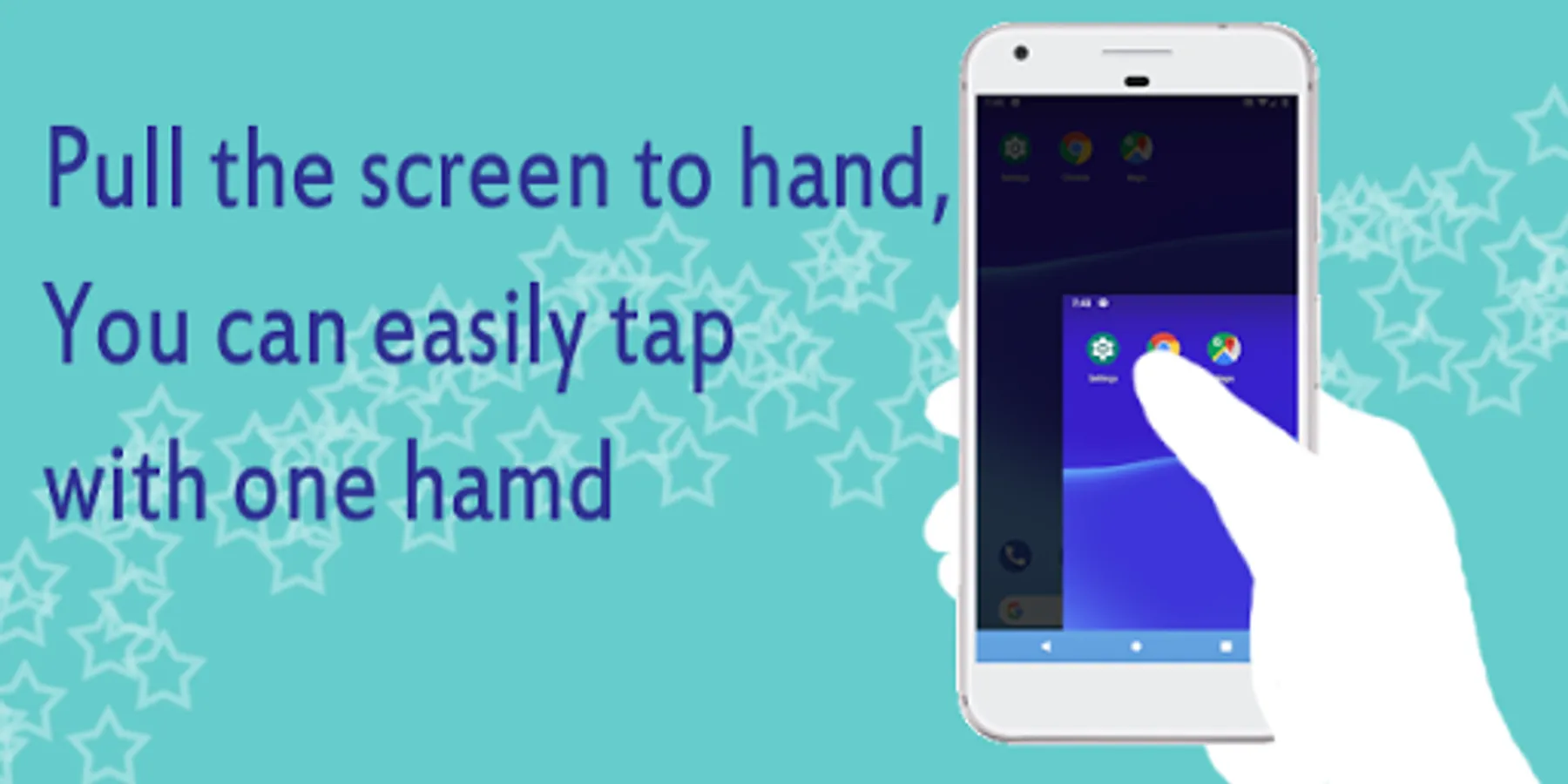
In this app, users can operate their smartphones with one hand by customizing gestures and icons. Includes features like gesture controls and icon customization options.
AppRecs review analysis
AppRecs rating 4.3. Trustworthiness 78 out of 100. Review manipulation risk 23 out of 100. Based on a review sample analyzed.
★★★★☆
4.3
AppRecs Rating
Ratings breakdown
5 star
59%
4 star
17%
3 star
14%
2 star
3%
1 star
7%
What to know
✓
Low review manipulation risk
23% review manipulation risk
✓
Credible reviews
78% trustworthiness score from analyzed reviews
✓
High user satisfaction
76% of sampled ratings are 4+ stars (4.2★ average)
About One Hand Operation Support
This app is useful in the following scenes.
"Recent smartphones are big for me and difficult to operate with one hand."
"I want to operate it with another hand when I have luggage or a bag"
************************
<< App overview >>
<>What you can do
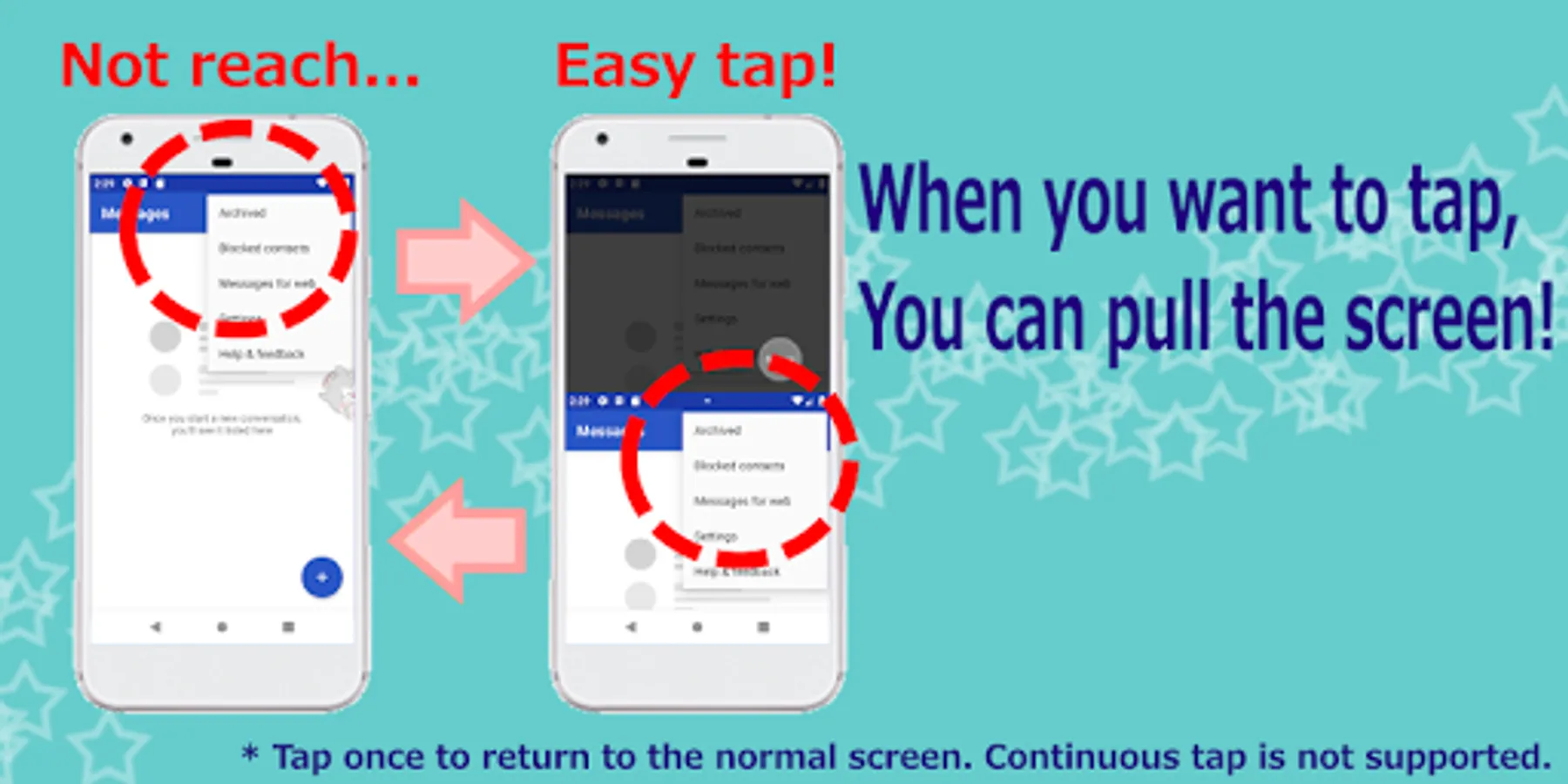
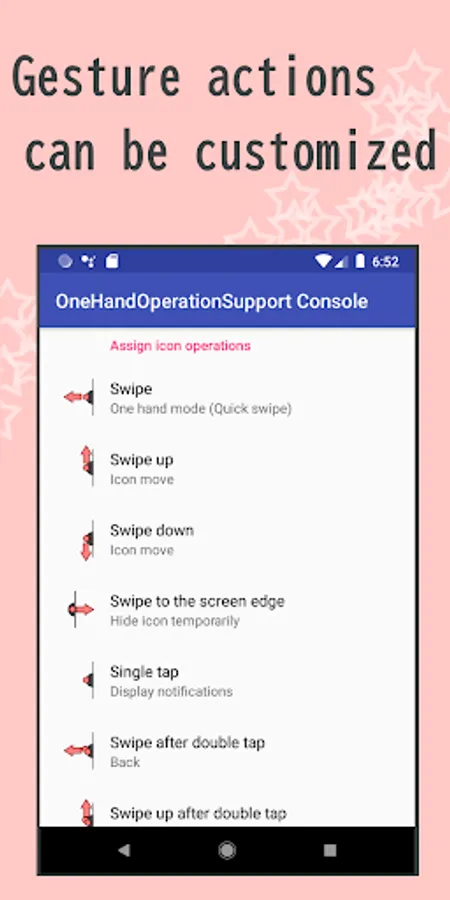
[1] Easily tap a button that your finger cannot reach by one-handed operation mode.
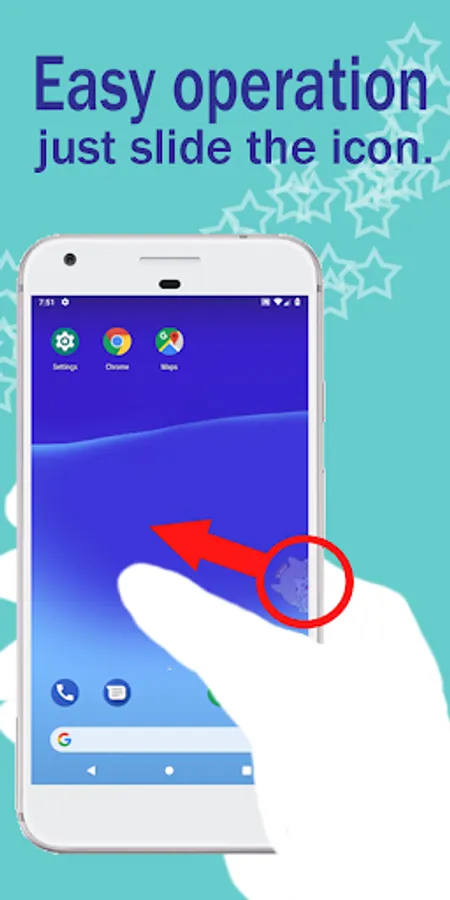
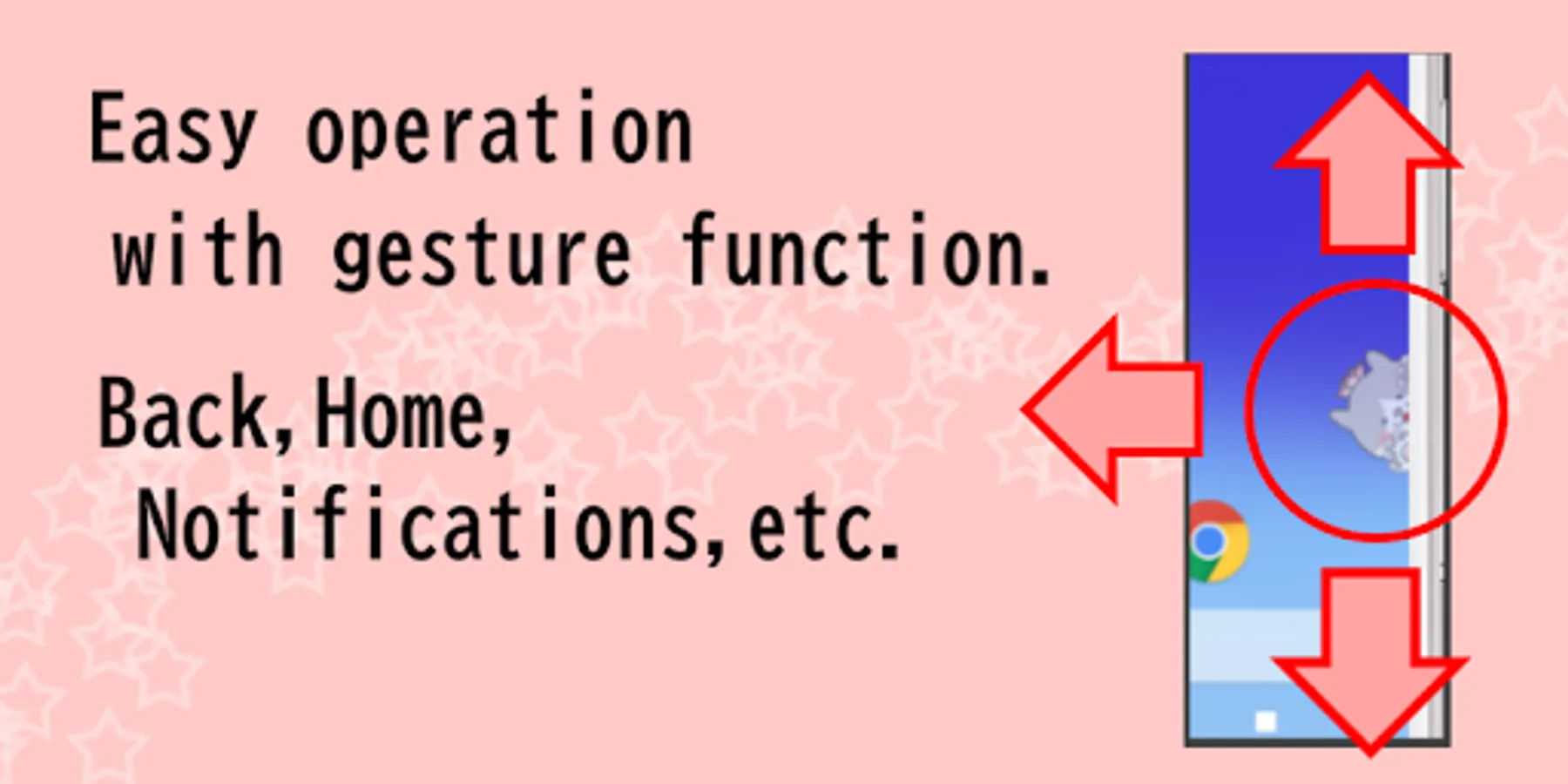
[2] Easily one-handed operate back / home / notification bar by gesture function.
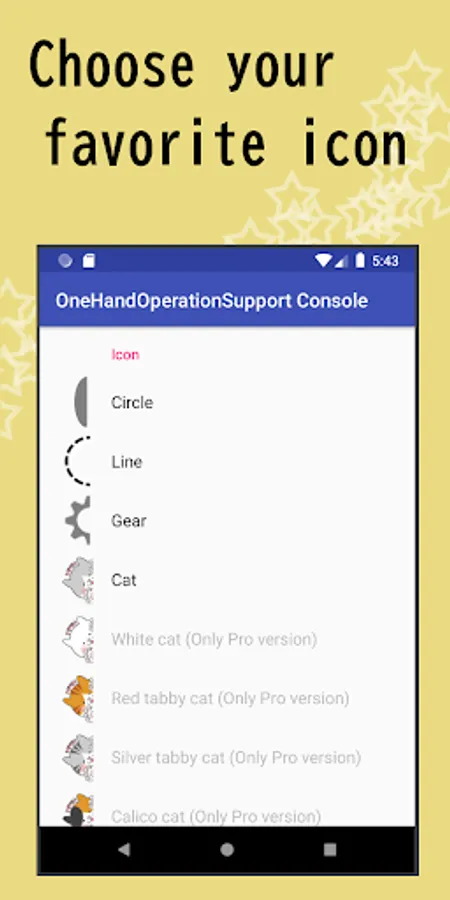
[3] Customize to your favorite icons such as cats and shapes.
<>What you cannot do
- In one-handed operation mode, only tap/long tap/swipe supported.
- In one-handed operation mode, continuous taps are not possible (tap will return to the original screen)
- In one-handed operation mode, text editing menus such as copy cannot be tapped (under consideration).
- In one-handed operation mode, protected apps (such as Chrome's secret tab) are displayed in black screen (tap operation possible).
<> Other points
- Battery saving.
- Launch a shortcut from another apps.
- We emphasize privacy protection and do not collect or analyze personal information at all.
This app is no need to worry about information leaks because internet access is not allowed.
************************
<< Price >>
- All are free except for the pre-release feature.
- About development support
There is a paid option in the Free ver, also there is a paid Pro ver.
It would be greatly appreciated if you could support us to cover the continuous development / operation cost of the app.
************************
<< About data access, collection, use, and sharing >>
- This app uses the Accessibility Service API to collect data.
However, as shown below, the data will be promptly discarded after use, except for "(2)*1".
In addition, data will not be transferred outside the device under any circumstances.
(1) Take screenshot
This app (One Hand Operation Support) collects Screenshot data to enable the generation in one-handed mode when you run one-handed mode. Also the data is discarded after the one-handed-mode, and not transfer outside the device.
(2) Retrieve window content
This app (One Hand Operation Support) collects list of running apps to enable simulation of touch operation to on-screen apps, after you perform a touch operation in one-handed mode. Also the data is discarded after the simulation, and not transfer outside the device.
(2)*1: When you use the "Memory Tap Function", the package name of the app you selected to remember in this app will be saved in the device. If you want to discard the data, you can delete it from [App action]-[Assign icon operations]-[Manage Memory tap].
(3) Perform Gestures
This app (One Hand Operation Support) perform the touch operation to enable simulation of touch operation to on-screen apps, after you perform a touch operation in one-handed operation mode screen and collect the app list data.
One Hand Operation Support Screenshots
Tap to Rate:
Reviews for One Hand Operation Support
anudeep munaganuri
12/17/2025
only it is showing the screen in one hand mode but we are not able to operate phone in one hand mode
roler roleris
8/23/2025
I guess it would be nice if it worked. Tried reinstalling, deleting cache and data but nothing helped. After the intro explaining the app, it just keeps stoping few seconds after launch.