
One Hand Operation Support Pro
chiiz soft
5.0 ★
31 ratings
100+
downloads
$2.99
+ in-app
AppRecs review analysis
AppRecs rating 4.5. Trustworthiness 61 out of 100. Review manipulation risk 41 out of 100. Based on a review sample analyzed.
★★★★☆
4.5
AppRecs Rating
Ratings breakdown
5 star
100%
4 star
0%
3 star
0%
2 star
0%
1 star
0%
What to know
⚠
Questionable review patterns
41% review manipulation risk - some review patterns appear unusual
⚠
Unusually uniform ratings
100% of sampled ratings are 5 stars with very little variation
About One Hand Operation Support Pro
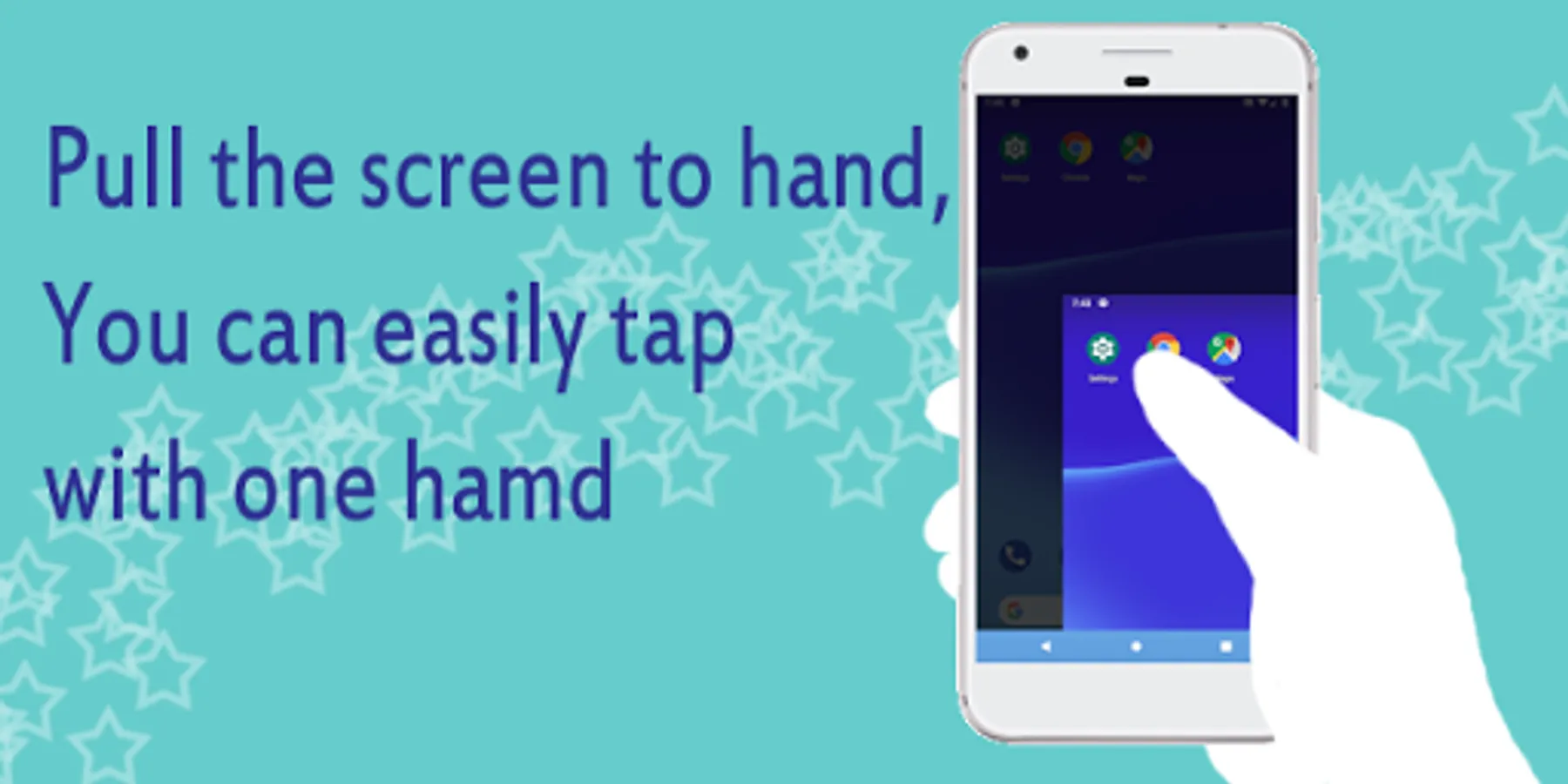
This app is useful in the following scenes.
"Recent smartphones are big for me and difficult to operate with one hand."
"I want to operate it with another hand when I have luggage or a bag"
************************
<< About this app (paid version) >>
- The features of the free version and the paid version are almost the same.
- The difference is as follows. (Purchase benefits)
+ No ads
+ Pre-release feature available
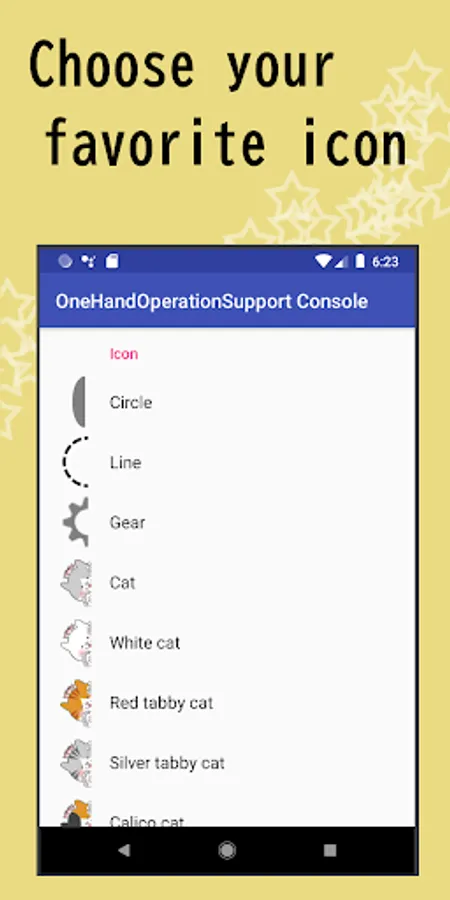
+ White cat icon is available [Only Pro ver]
+ Red tabby cat icon is available [Only Pro ver]
+ Gray tabby cat icon is available [Only Pro ver]
+ Calico cat icon is available [Only Pro ver]
- I would be happy if you consider purchasing to support the development of this app. Sales will be used for development environment (purchase of development equipment, purchase of test phone), etc.
- Free version and paid version can be used simultaneously.
- Please confirm operation by free version beforehand.
************************
<< App overview >>
<>What you can do
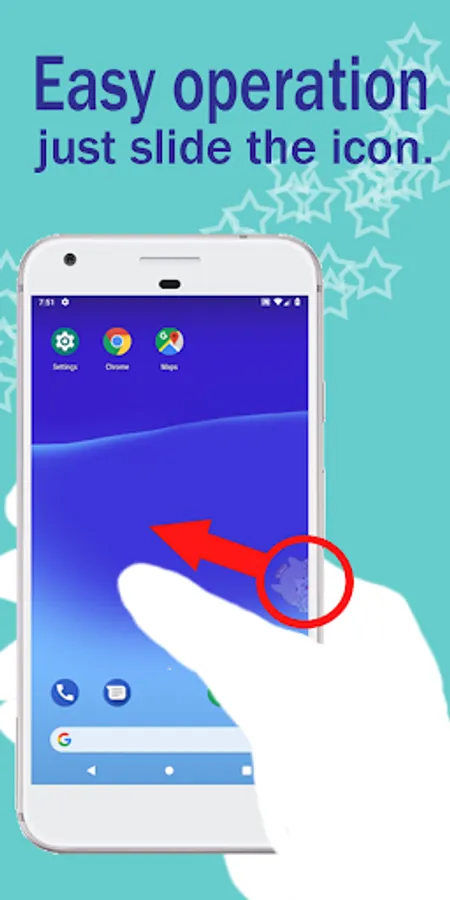
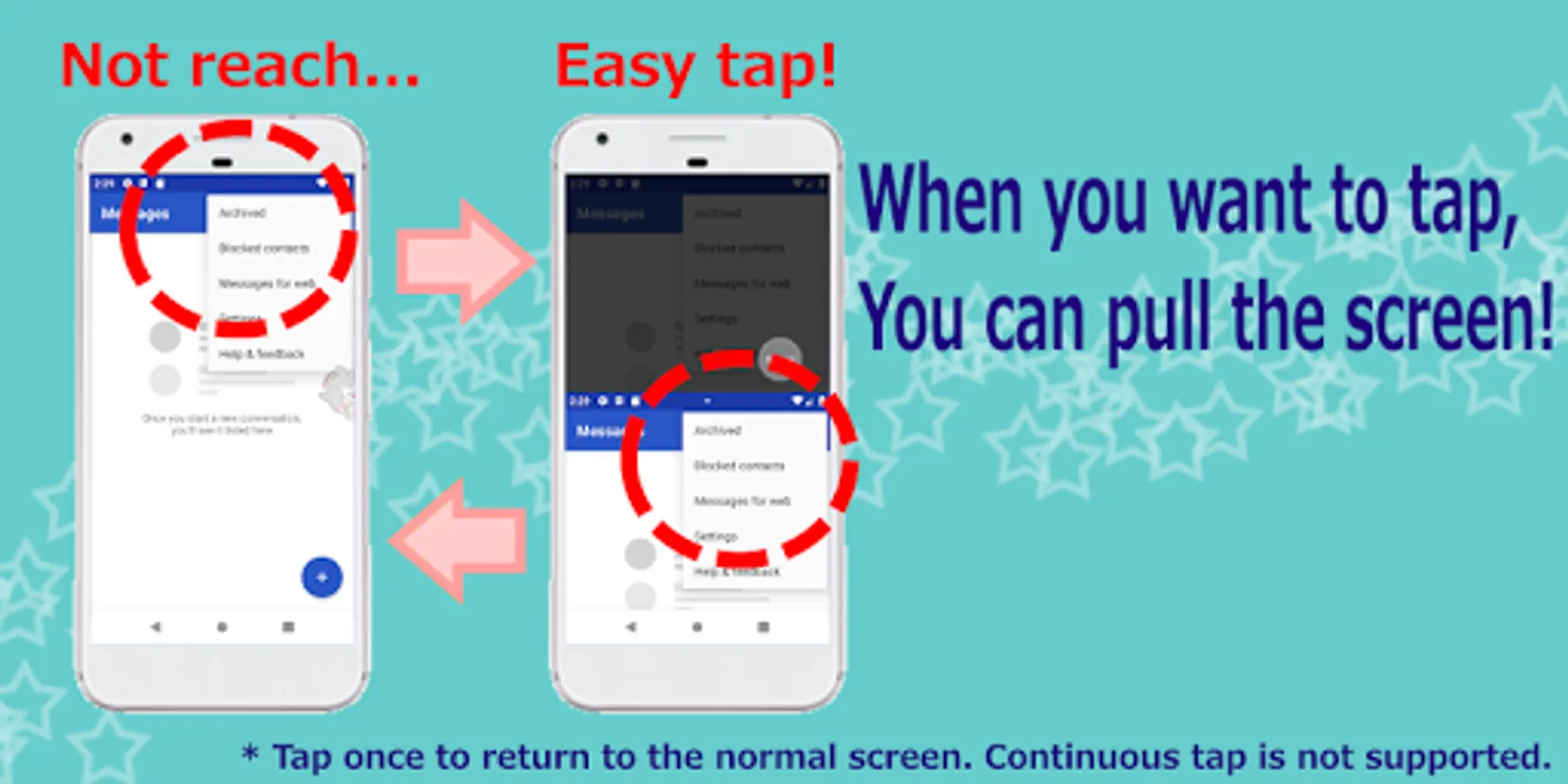
[1] Easily tap a button that your finger cannot reach by one-handed operation mode.
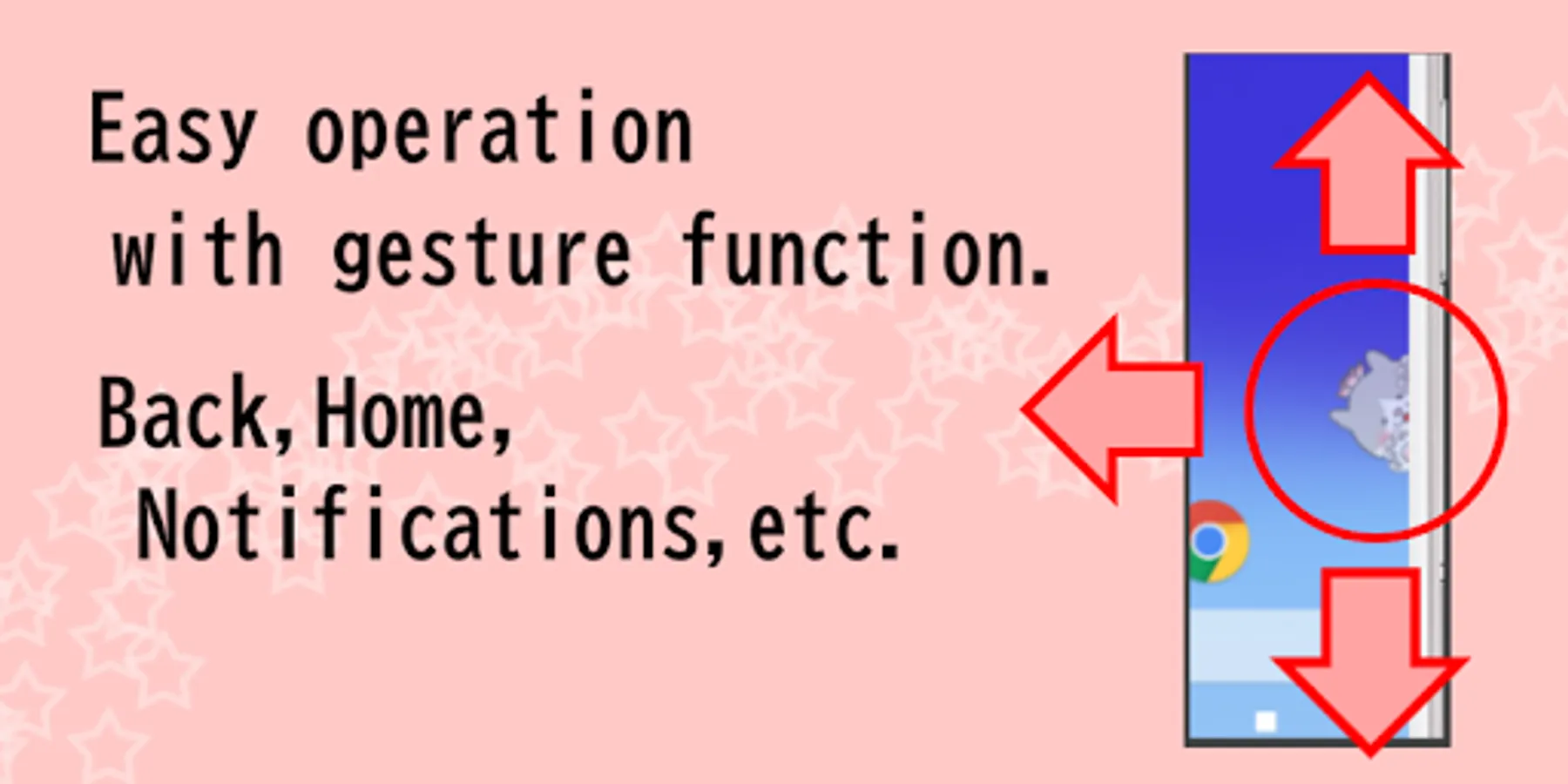
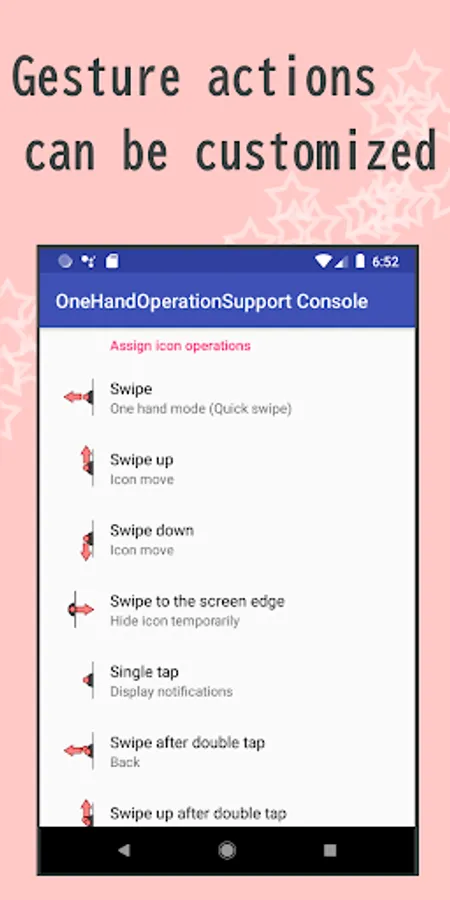
[2] Easily one-handed operate back / home / notification bar by gesture function.
[3] Customize to your favorite icons such as cats and shapes.
<>What you cannot do
- In one-handed operation mode, only tap/long tap/swipe supported.
- In one-handed operation mode, continuous taps are not possible (tap will return to the original screen)
- In one-handed operation mode, text editing menus such as copy cannot be tapped (under consideration).
- In one-handed operation mode, protected apps (such as Chrome's secret tab) are displayed in black screen (tap operation possible).
<> Other points
- Battery saving.
- Launch a shortcut from another apps.
- We emphasize privacy protection and do not collect or analyze personal information at all.
This app is no need to worry about information leaks because internet access is not allowed.
************************
<< About data access, collection, use, and sharing >>
- This app uses the Accessibility Service API to collect data.
However, as shown below, the data will be promptly discarded after use, except for "(2)*1".
In addition, data will not be transferred outside the device under any circumstances.
(1) Take screenshot
This app (One Hand Operation Support) collects Screenshot data to enable the generation in one-handed mode when you run one-handed mode. Also the data is discarded after the one-handed-mode, and not transfer outside the device.
(2) Retrieve window content
This app (One Hand Operation Support) collects list of running apps to enable simulation of touch operation to on-screen apps, after you perform a touch operation in one-handed mode. Also the data is discarded after the simulation, and not transfer outside the device.
(2)*1: When you use the "Memory Tap Function", the package name of the app you selected to remember in this app will be saved in the device. If you want to discard the data, you can delete it from [App action]-[Assign icon operations]-[Manage Memory tap].
(3) Perform Gestures
This app (One Hand Operation Support) perform the touch operation to enable simulation of touch operation to on-screen apps, after you perform a touch operation in one-handed operation mode screen and collect the app list data.
One Hand Operation Support Pro Screenshots
Tap to Rate:
Reviews for One Hand Operation Support Pro
carlo m
2/13/2022
Cool you guys took my suggestion with the square. Looks great. Happy to buy this and support your team! Suggestion: launch any app (not just shortcuts) to the assigned icon operations
David Y
12/17/2020
Love this app, everything seems to work well on Android 10 so far, thank you! Edit: breaks in display fingerprint censor when trying to use biometric authentication on apps. Hope you can add a function to toggle the service on and off from notification bar so i can use the fingerprint censot.