Designer Tools Pro
Wixel Store
4.1 ★
13K ratings
10,000,000+
downloads
Free
+ in-app
With this design tool app, you can review app specifications by toggling grids, overlaying mockups, and selecting colors. Includes customizable grid overlays, high-fidelity mockup comparisons, and pixel-level color identification features.
AppRecs review analysis
AppRecs rating 4.1. Trustworthiness 71 out of 100. Review manipulation risk 39 out of 100. Based on a review sample analyzed.
★★★★☆
4.1
AppRecs Rating
Ratings breakdown
5 star
67%
4 star
8%
3 star
6%
2 star
3%
1 star
16%
What to know
✓
Credible reviews
71% trustworthiness score from analyzed reviews
✓
High user satisfaction
75% of sampled ratings are 4+ stars (4.1★ average)
✓
Authentic reviews
Natural distribution, no red flags
About Designer Tools Pro
Designer Tools Pro provides a suite of features to review and validate app specifications. Whether it be checking your keylines or that shade of blue, you’ll definitely want to add this app to your toolkit. Even if you provide redlines, these are a great way to verify each and every pixel.
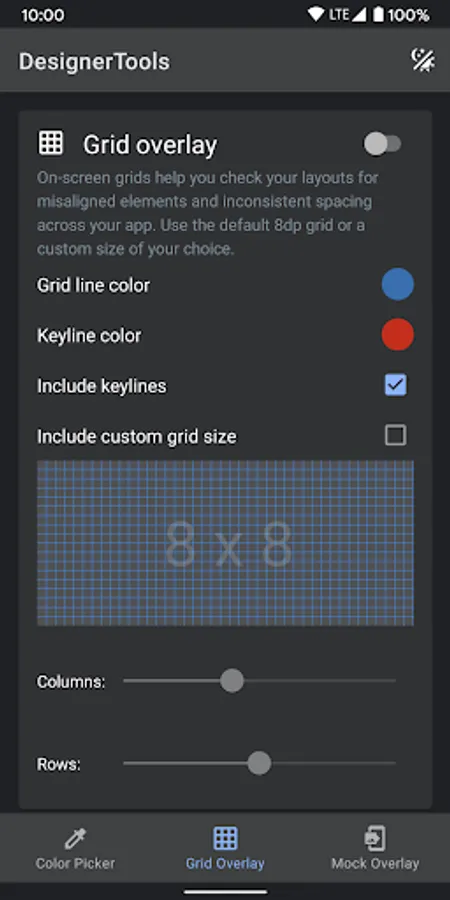
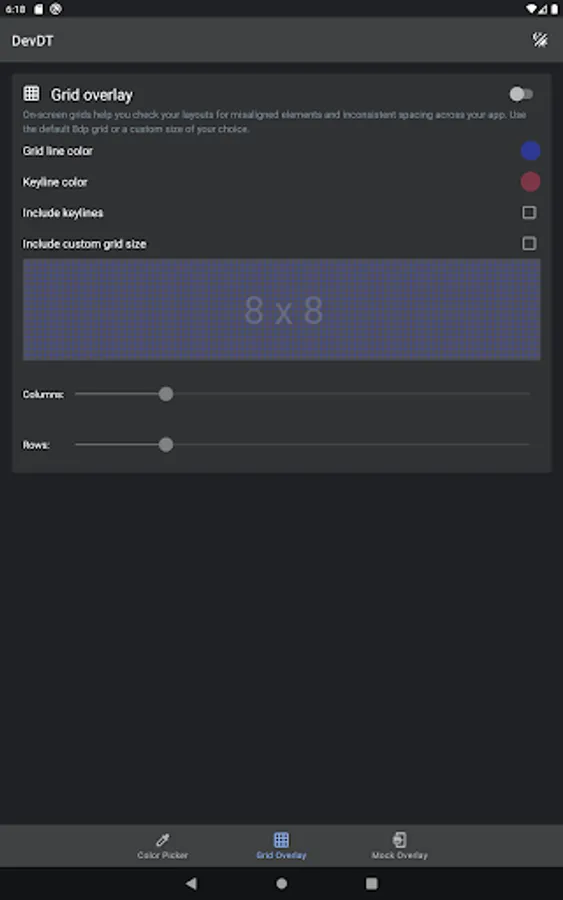
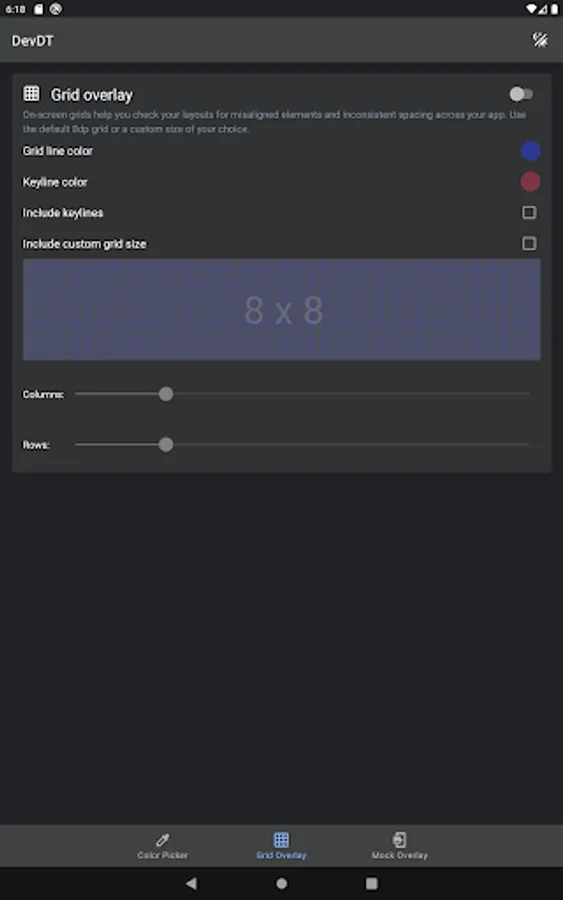
Grid Overlay - Quickly toggle on-screen grids to check layouts for inconsistent spacing or mis-aligned elements. You can even customize the grid size, grid line and keyline colors.
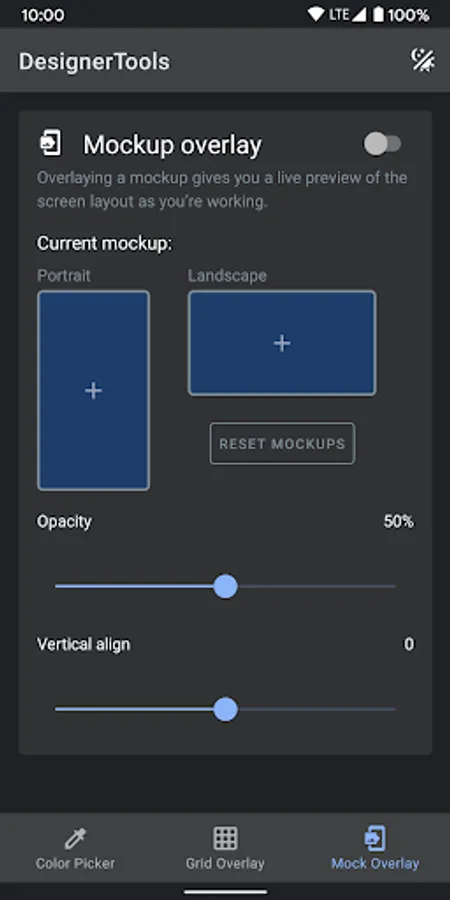
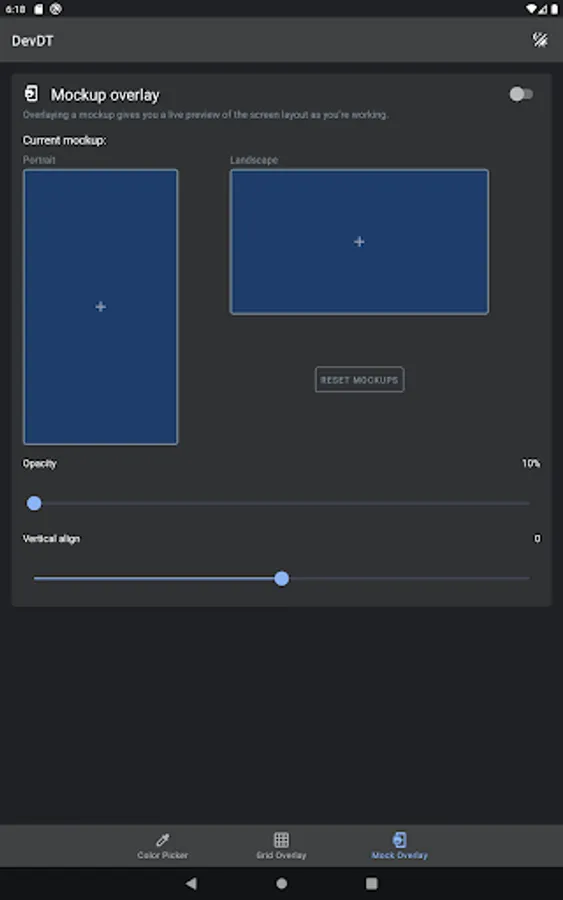
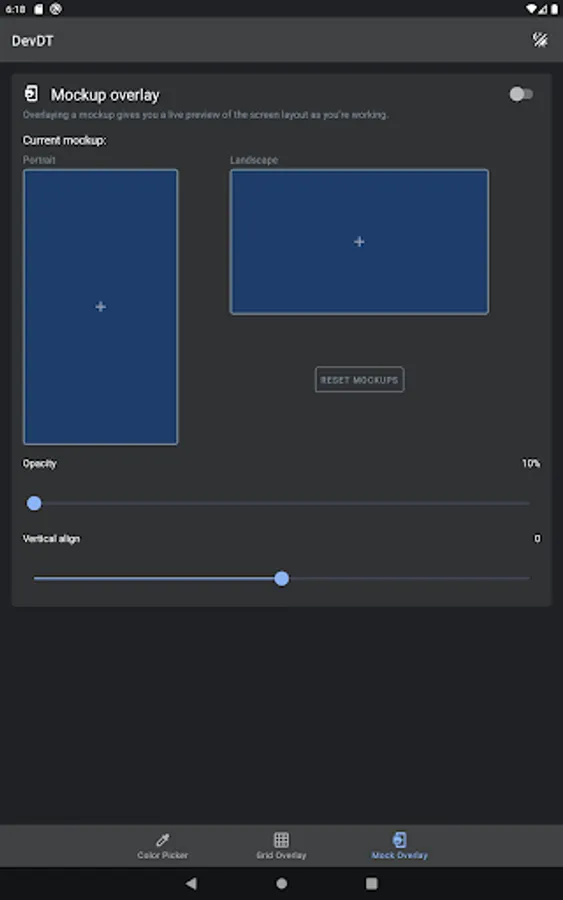
Mockup Overlay - Display a mockup image over your app. This gives you a high-fidelity opportunity to see how the design spec matches the developed user interface. Choose from portrait or landscape overlays and tune the opacity for an effective comparison. You can also adjust vertical position on mockup image
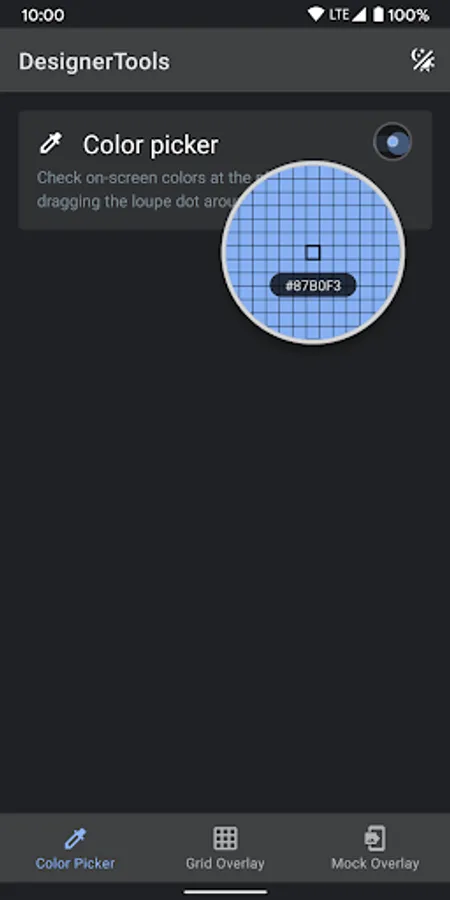
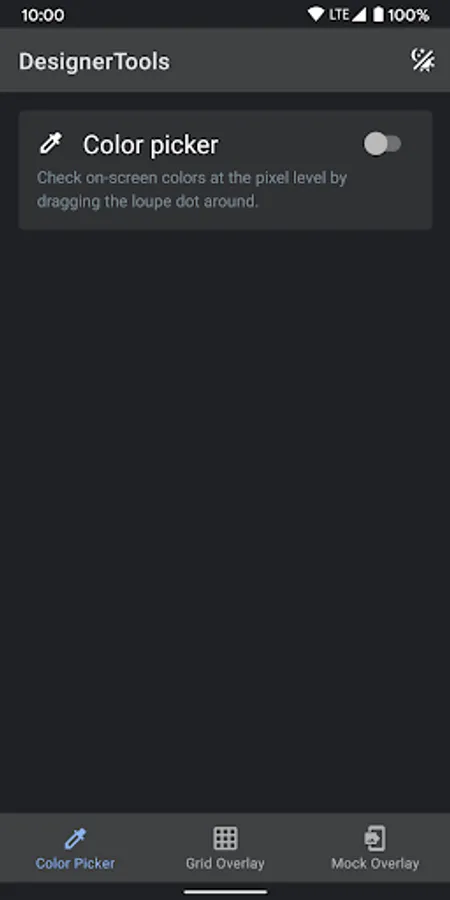
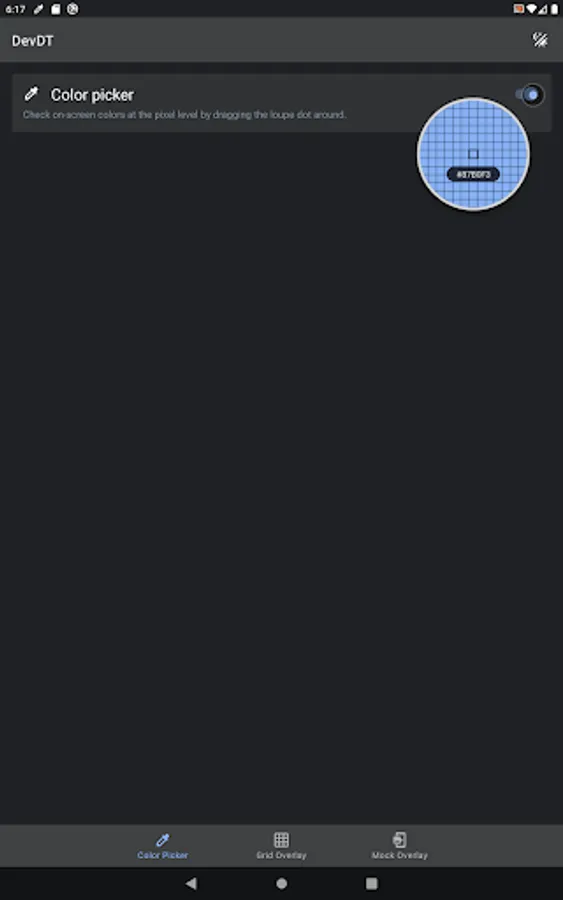
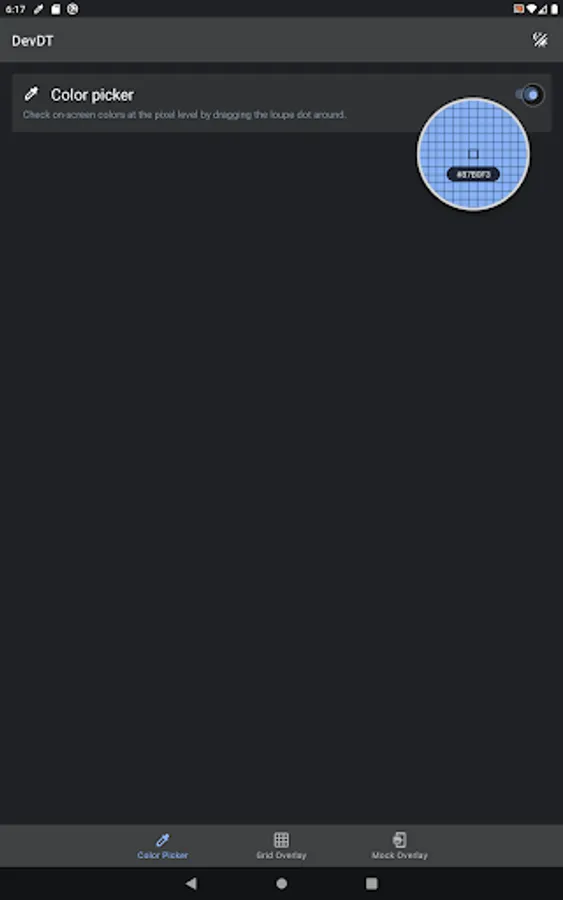
Color Picker - Use your finger to drag around a loupe magnifier and identity the hex codes of colors at the pixel level you can also tap on hex text to copy it into clipboard.
Disclosure:
The app uses the AccessibilityService API to display a floating popup to enable multitasking.
No data is collected or shared using the AccessibilityService API!
Grid Overlay - Quickly toggle on-screen grids to check layouts for inconsistent spacing or mis-aligned elements. You can even customize the grid size, grid line and keyline colors.
Mockup Overlay - Display a mockup image over your app. This gives you a high-fidelity opportunity to see how the design spec matches the developed user interface. Choose from portrait or landscape overlays and tune the opacity for an effective comparison. You can also adjust vertical position on mockup image
Color Picker - Use your finger to drag around a loupe magnifier and identity the hex codes of colors at the pixel level you can also tap on hex text to copy it into clipboard.
Disclosure:
The app uses the AccessibilityService API to display a floating popup to enable multitasking.
No data is collected or shared using the AccessibilityService API!
Designer Tools Pro Screenshots
Tap to Rate:
Reviews for Designer Tools Pro
Naitik Yadav
12/23/2025
very bad
Sandhya T Sandhya T
12/23/2025
nice app