
With this homework management app, you can organize subjects, set lesson times, and track homework assignments. Includes timetable customization, contact information, and multiple widget options.
AppRecs review analysis
AppRecs rating 4.4. Trustworthiness 53 out of 100. Review manipulation risk 29 out of 100. Based on a review sample analyzed.
★★★★☆
4.4
AppRecs Rating
Ratings breakdown
5 star
100%
4 star
0%
3 star
0%
2 star
0%
1 star
0%
What to know
✓
High user satisfaction
100% of sampled ratings are 5 stars
✓
Authentic reviews
No red flags detected
About HomeWork Pro
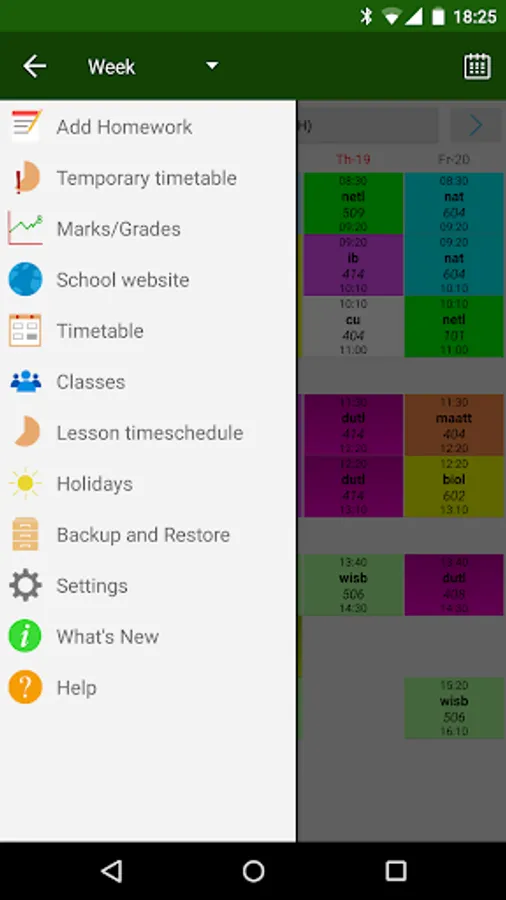
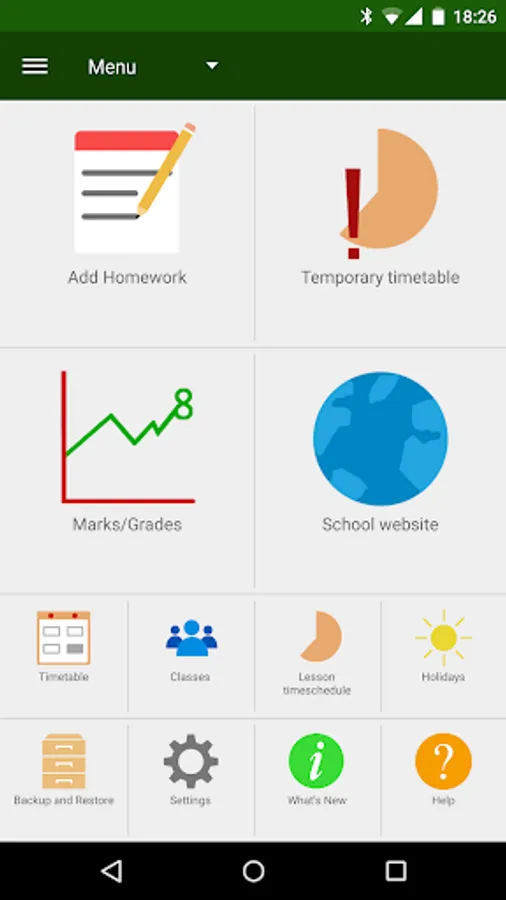
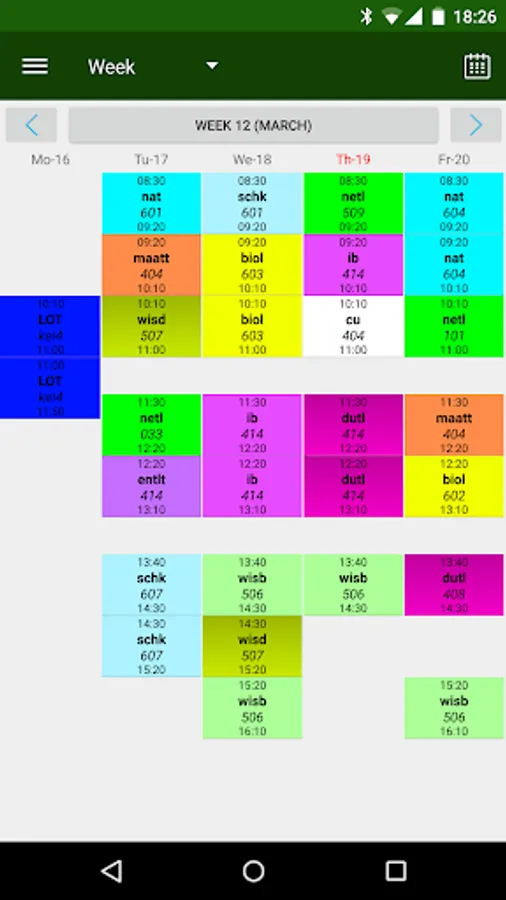
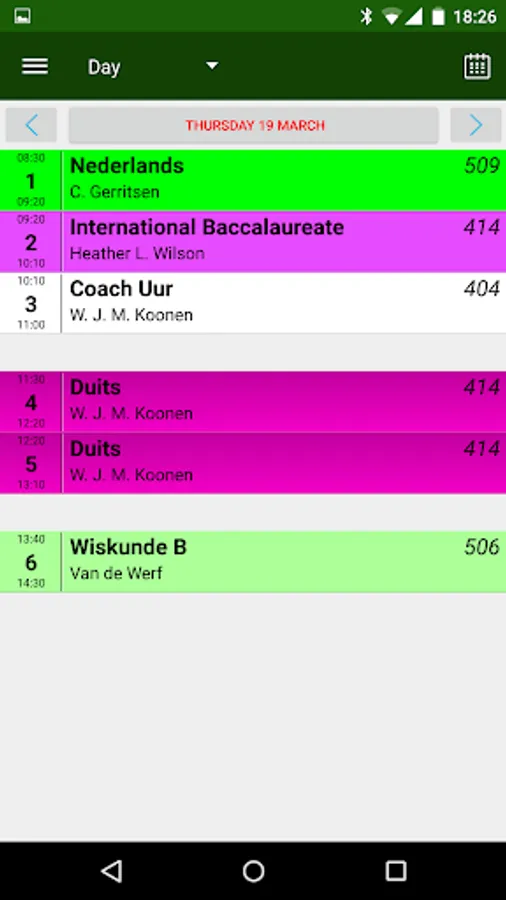
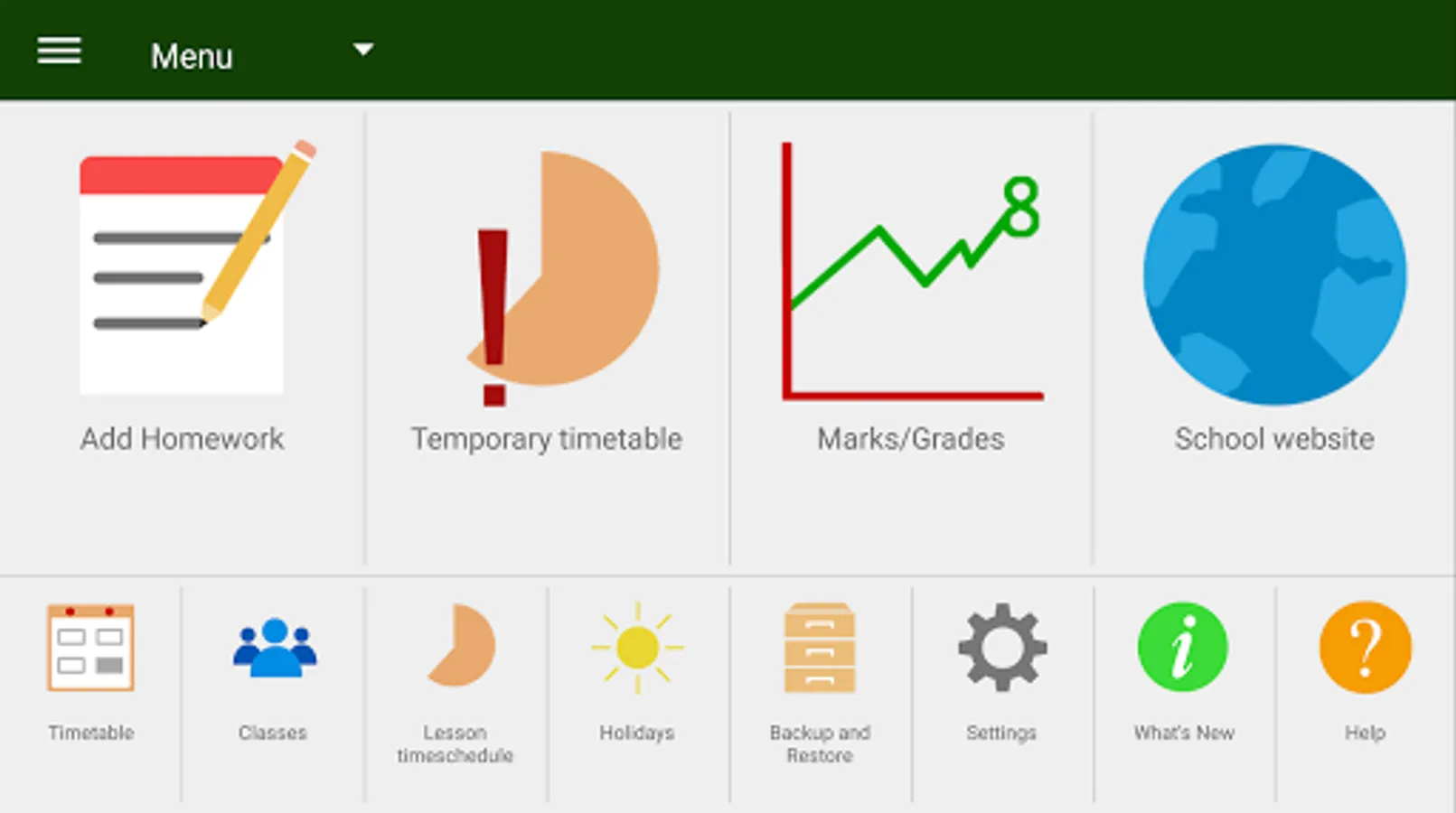
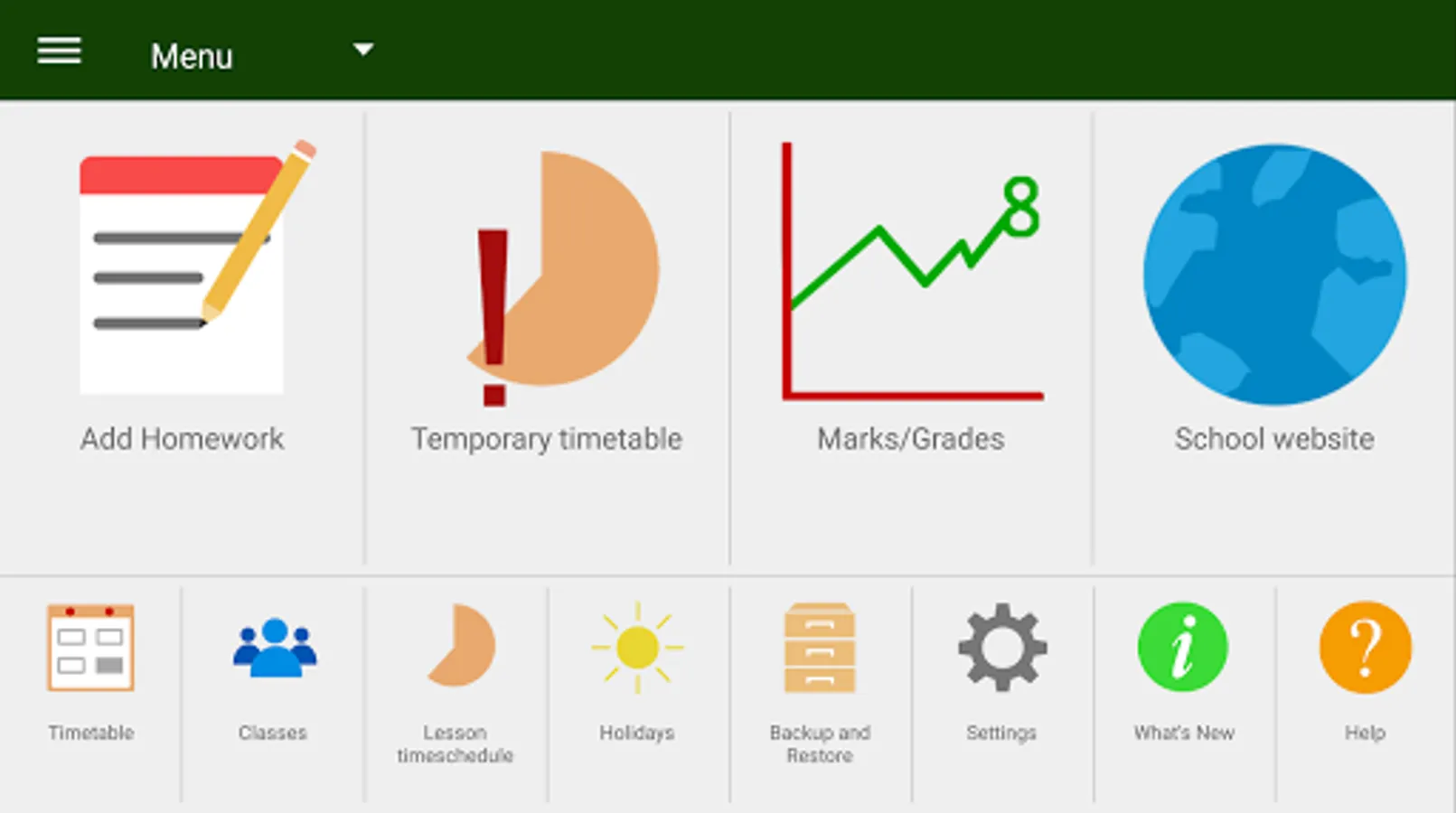
1. HomeWork app to keep track of your homework and Timetable.
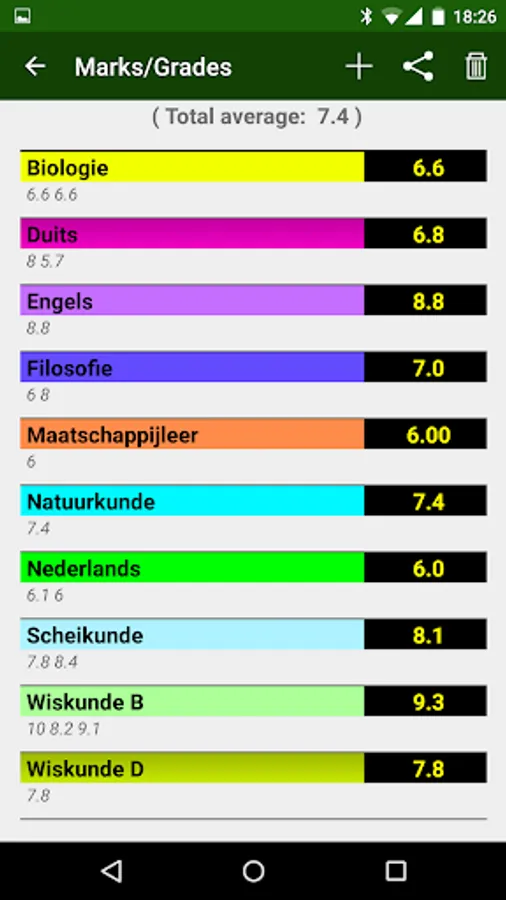
2. You can define your own subjects/lessons.
You can define the start and end times of the lessons.
Upto 20 lessons per day.
You can define contact information for each subject.
3. Feature to make a temporary (one lesson, one day) timetable change.
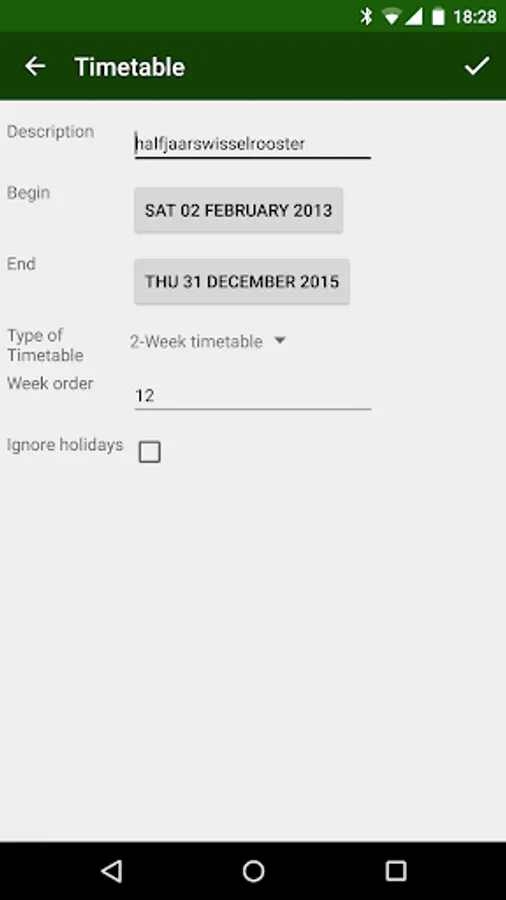
4. ---> Possible to use a 2- 3- and 4-week timetable (enable it in the Settings!)
5. ---> Possible to use a rotating timetable (enable it in the Settings!)
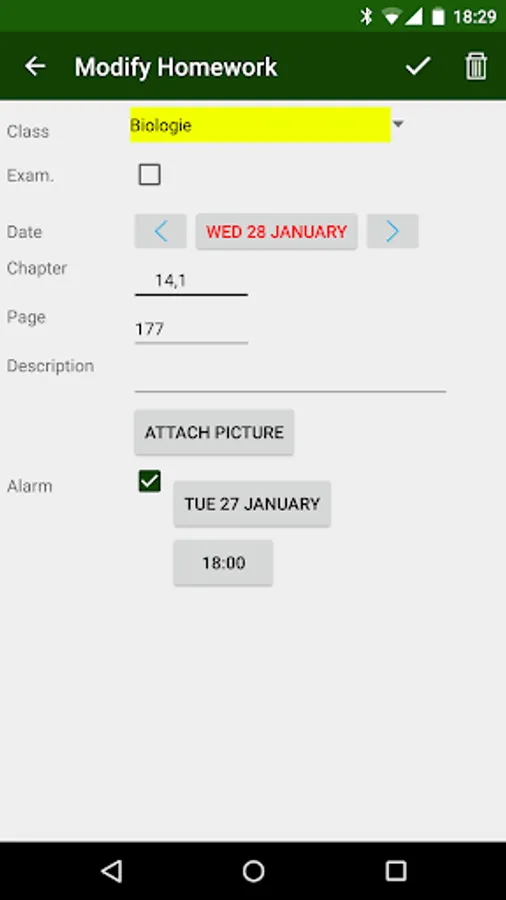
6. By (short) Clicking on a lesson in the timetable screens, you can define homework for that lesson.
By (long) Clicking on a lesson in the timetable screens, you can define a one-time timetable change for that lesson.
7. In the Timetable screens, there are indications for unfinished homework and examinations for lessons.
8. By sweeping left or right on the timetable screen, you can go forward or backward in time.
Sweep down is back to current day/week
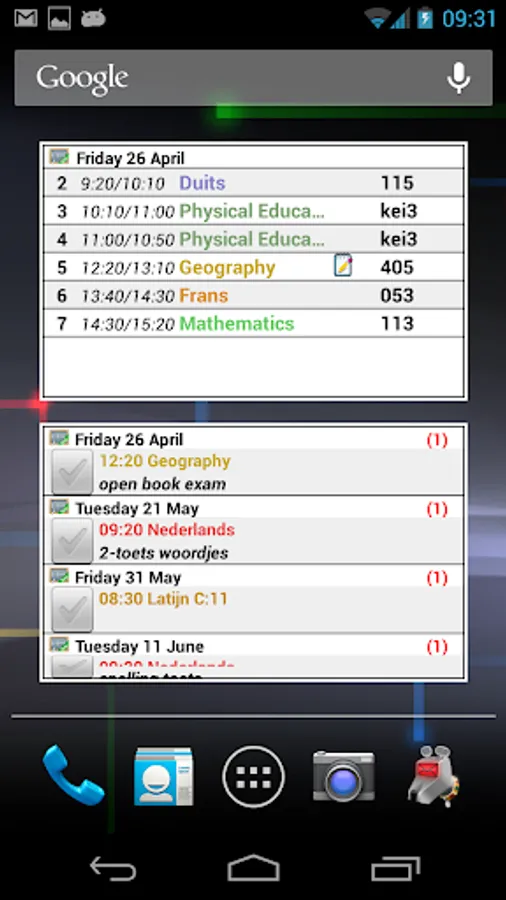
9. Multiple homescreen widgets available.
klwinkel.com
Tablet optimization was sponsored and designed by Digitally Different Srl
[Arabic translation by: Adel Al-Ghuzaili]
2. You can define your own subjects/lessons.
You can define the start and end times of the lessons.
Upto 20 lessons per day.
You can define contact information for each subject.
3. Feature to make a temporary (one lesson, one day) timetable change.
4. ---> Possible to use a 2- 3- and 4-week timetable (enable it in the Settings!)
5. ---> Possible to use a rotating timetable (enable it in the Settings!)
6. By (short) Clicking on a lesson in the timetable screens, you can define homework for that lesson.
By (long) Clicking on a lesson in the timetable screens, you can define a one-time timetable change for that lesson.
7. In the Timetable screens, there are indications for unfinished homework and examinations for lessons.
8. By sweeping left or right on the timetable screen, you can go forward or backward in time.
Sweep down is back to current day/week
9. Multiple homescreen widgets available.
klwinkel.com
Tablet optimization was sponsored and designed by Digitally Different Srl
[Arabic translation by: Adel Al-Ghuzaili]
HomeWork Pro Screenshots
Tap to Rate:
Reviews for HomeWork Pro
Mark Asante-Boamah
4/15/2021
Good app
A Google user
10/21/2019
The app use to be amazing last time I used it and was exactly what I needed, just remembered about it the other day and wanted to share it with a family member but it seems the devs don't seem to support the apps early adopters who paid for the pro version since it can't be added to family library to share, but anyone who buys it now can....