In this app, you can convert video files into various audio formats by selecting the video, choosing an audio format, and clicking convert. Includes support for multiple video and audio formats, adjustable bitrate, and metadata editing.
AppRecs review analysis
AppRecs rating 4.1. Trustworthiness 74 out of 100. Review manipulation risk 41 out of 100. Based on a review sample analyzed.
★★★★☆
4.1
AppRecs Rating
Ratings breakdown
5 star
65%
4 star
11%
3 star
9%
2 star
1%
1 star
14%
What to know
✓
Authentic reviews
Natural distribution, no red flags
⚠
Questionable review patterns
41% review manipulation risk - some review patterns appear unusual
⚠
Review quality concerns
75% of sampled 5-star reviews are very short
About MP3 Video Converter
Mp3 Video Converter is a free tool, which can extract audio from your video files.
Mp3 Video Converter is a powerful MP3 audio extraction tool. With the Mp3 Video Converter you can easily convert your video into MP3 or other audio formats.
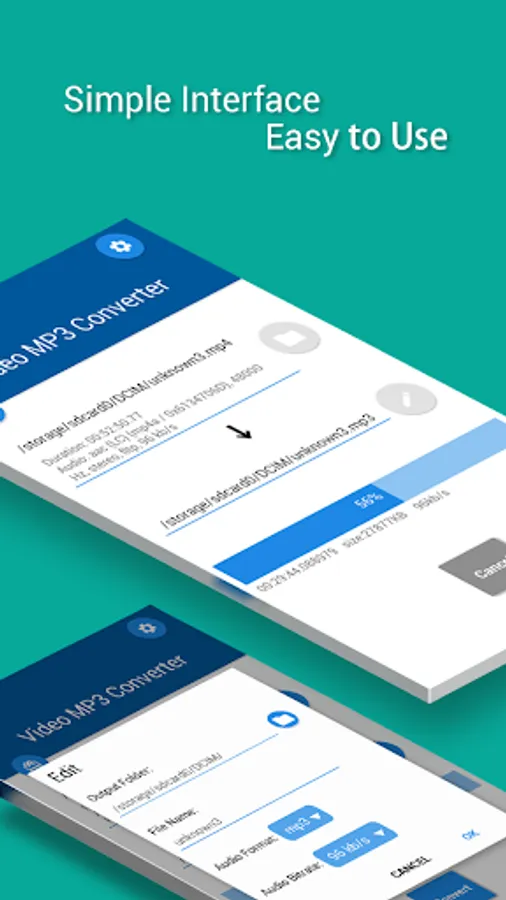
The user interface completely comply with the latest design specifications - MATERIAL DESIGN.
Features:
- User interface under Material Design, simple, concise.
- The converting speed is very fast.
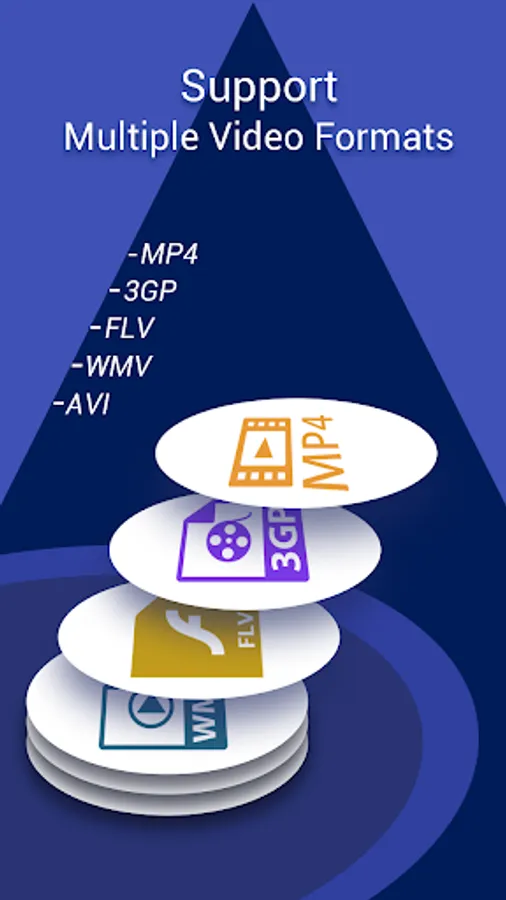
- Video formats: MP4, 3gp, flv, wmv, avi, etc.
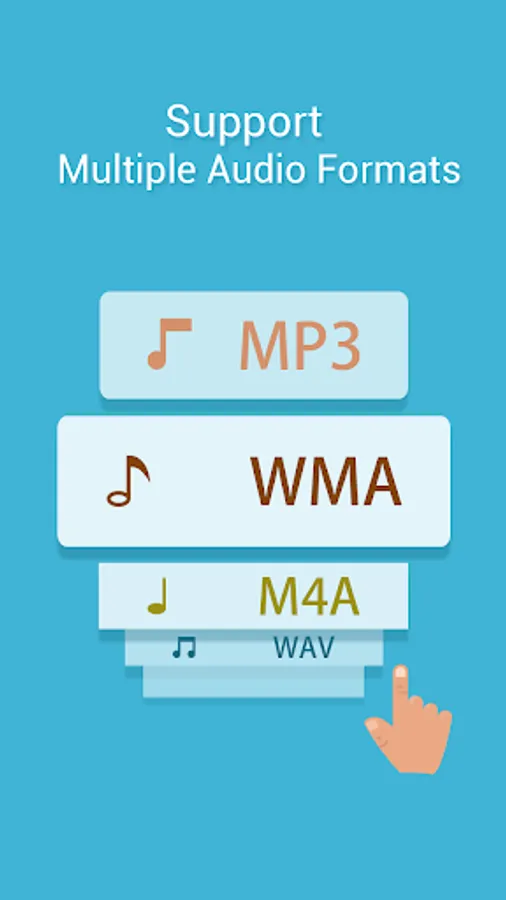
- Audio formats: mp3, wma, m4a, wav, aac, etc.
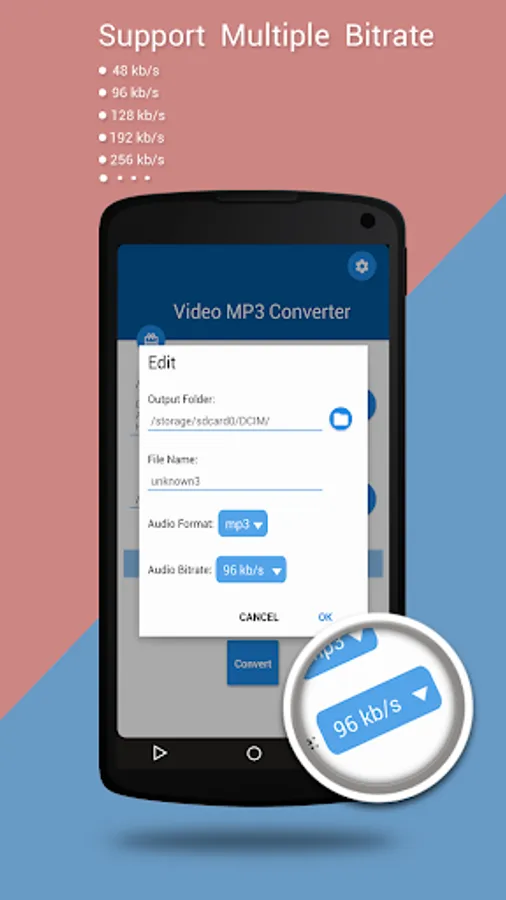
- Bitrate: 48 kb/s , 64 kb/s, 128 kb/s, 192 kb/s, 256 kb/s.
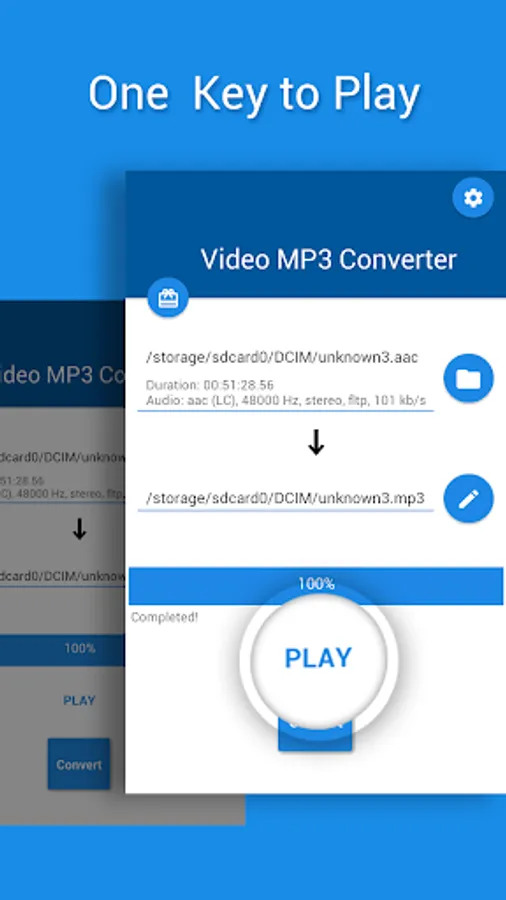
- One key to play the mp3 or any other audio file which extracted from the video.
The converting operation is very convenient:
1, Select a Video that you want to convert.
2, Select an audio format (MP3, wma, m4a, wav) and a certain Bitrate.
3, Add metadata information for MP3 format and others (optional).
4, Click "Convert" button to start Converting .
This software uses libraries from the FFmpeg project licensed under the LGPLv2.1
This software uses libraries from the LAME project licensed under the LGPL
This software uses libraries from the fdk-aac project licensed under the href=https://github.com/Arcen/fdk-aac/blob/master/NOTICE>NOTICE
Mp3 Video Converter is a powerful MP3 audio extraction tool. With the Mp3 Video Converter you can easily convert your video into MP3 or other audio formats.
The user interface completely comply with the latest design specifications - MATERIAL DESIGN.
Features:
- User interface under Material Design, simple, concise.
- The converting speed is very fast.
- Video formats: MP4, 3gp, flv, wmv, avi, etc.
- Audio formats: mp3, wma, m4a, wav, aac, etc.
- Bitrate: 48 kb/s , 64 kb/s, 128 kb/s, 192 kb/s, 256 kb/s.
- One key to play the mp3 or any other audio file which extracted from the video.
The converting operation is very convenient:
1, Select a Video that you want to convert.
2, Select an audio format (MP3, wma, m4a, wav) and a certain Bitrate.
3, Add metadata information for MP3 format and others (optional).
4, Click "Convert" button to start Converting .
This software uses libraries from the FFmpeg project licensed under the LGPLv2.1
This software uses libraries from the LAME project licensed under the LGPL
This software uses libraries from the fdk-aac project licensed under the href=https://github.com/Arcen/fdk-aac/blob/master/NOTICE>NOTICE
MP3 Video Converter Screenshots
Tap to Rate:
Reviews for MP3 Video Converter
Riaz Riazansari
7/2/2024
Good app
Abrar Hussain
4/23/2024
Good