QR Code Scanner For Android
Pix Team
4.4 ★
5K ratings
100,000+
downloads
Free
With this QR code scanner app, you can quickly scan and recognize QR codes and barcodes, view scan history, and generate your own QR codes for sharing. Includes support for various code types, flashlight function, and easy sharing options.
AppRecs review analysis
AppRecs rating 4.5. Trustworthiness 48 out of 100. Review manipulation risk 44 out of 100. Based on a review sample analyzed.
★★★★☆
4.5
AppRecs Rating
Ratings breakdown
5 star
75%
4 star
11%
3 star
0%
2 star
3%
1 star
11%
What to know
⚠
Questionable review patterns
44% review manipulation risk - some review patterns appear unusual
⚠
Limited rating diversity
86% high ratings in sampled reviews
⚠
Review quality concerns
68% of sampled 5-star reviews are very short
About QR Code Scanner For Android
QR Code Reader is a professional QR code scanning and QR code generating tool which supports txt、contact、WiFi、SMS、 Email、url and so on. When the app opens, your device will change into real-time scanning mode instantly. QR Code Reader allows you to share anything digitally.
Features:
- Encoding library: EQS 、 QR Code、 Data Matrix、Barcode、EAN8、Code39、Code128
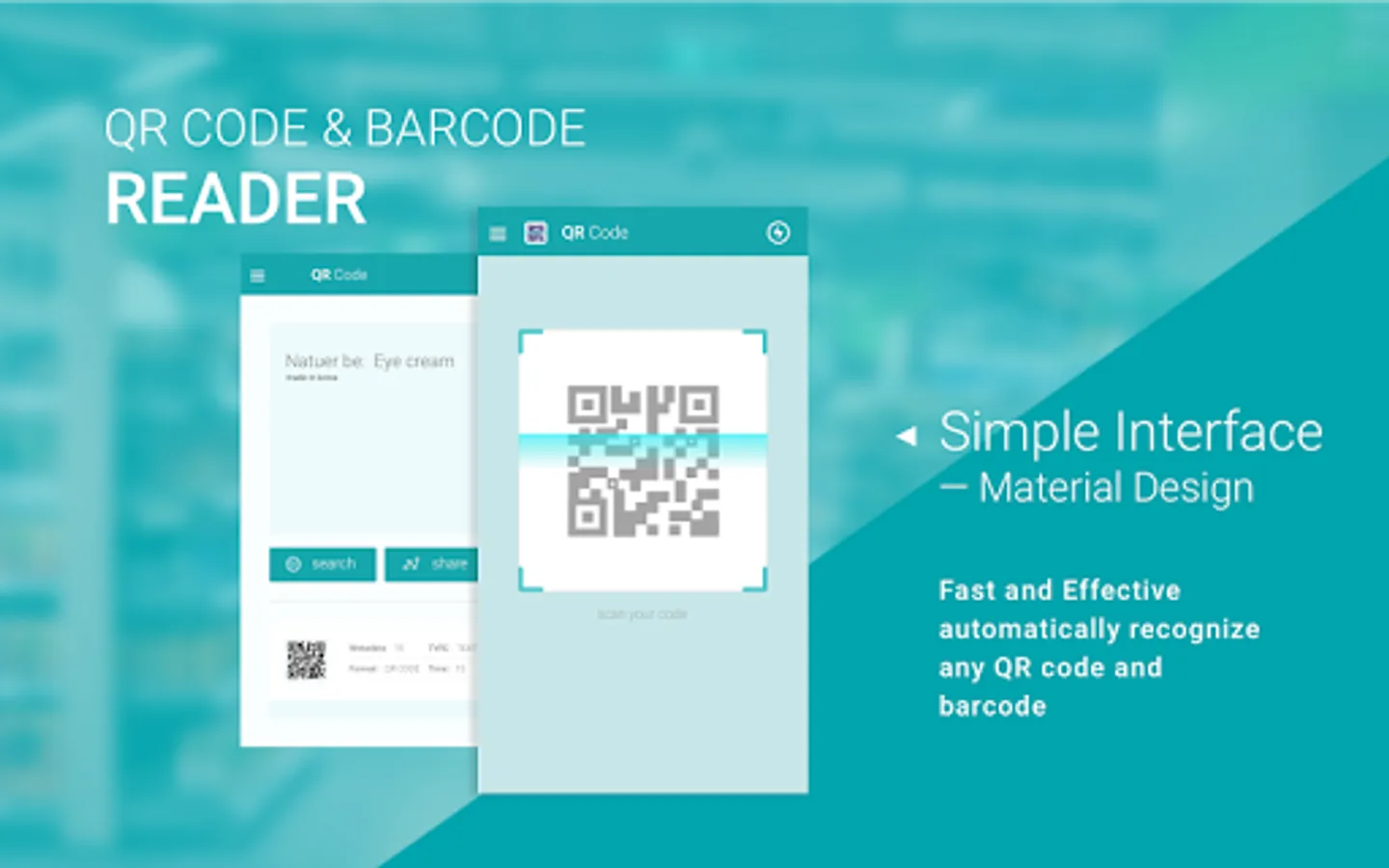
- Simple user interface: material design
- Support: QR Code and Barcode
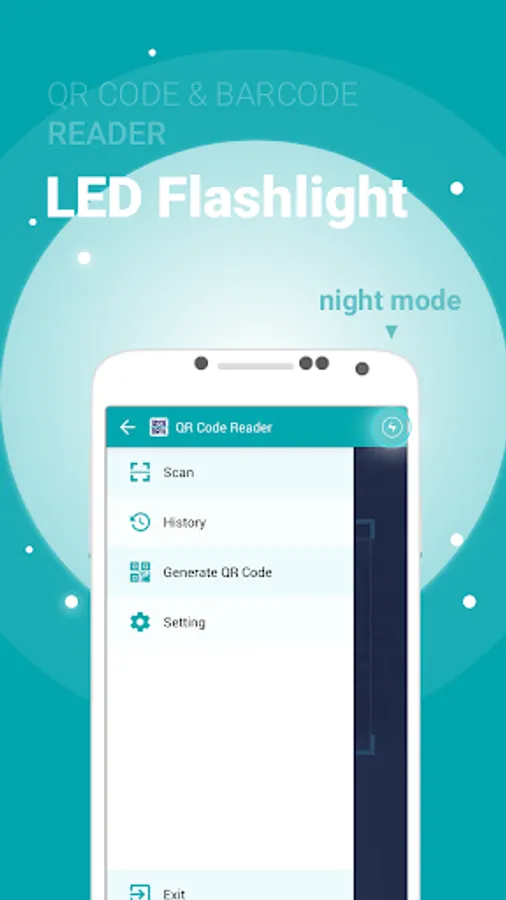
- Flashlight supported for low-light environments.
- View a history list of all of your past scans
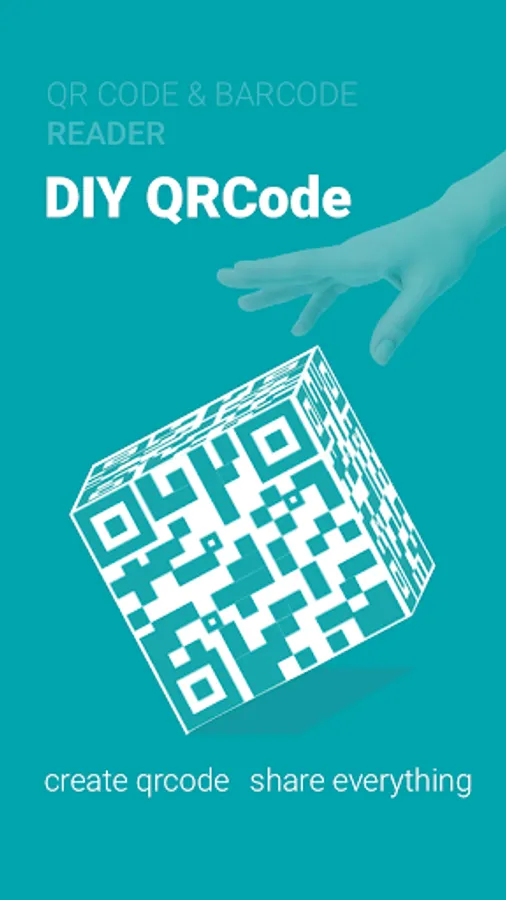
- Create your own QR codes and share them.
Tips:
Designed with security as a top priority, the QR Code Reader offers a simple interface with abundant functionalities. Some functionalities to improve usability requires certain permissions to access your device.
How to scan the QR code:
Simply open the application, align the code, QR Code Reader will automatically
recognize any QR code. When the QR code scanning finishes, if the code contains a URL, you can get access to the site via browser by pressing the browser button. If the code contains only text, you can read it directly.
Download and have a try:
1, Create a code from a contact or bookmark and let friends scan it to their devices.
2, Scan retail items, compare prices, read product reviews.
3, Where you are going, share it with friends, colleagues and family.
4, Benefit from discounts and special offers by scanning barcodes on coupons and vouchers.
5, Scan a QR Code on a subway wall or from a catalog and have an item delivered directly to your home.
6, Create and share QR Codes in less than a second from maps, contacts,bookmarks, installed apps and more.
Features:
- Encoding library: EQS 、 QR Code、 Data Matrix、Barcode、EAN8、Code39、Code128
- Simple user interface: material design
- Support: QR Code and Barcode
- Flashlight supported for low-light environments.
- View a history list of all of your past scans
- Create your own QR codes and share them.
Tips:
Designed with security as a top priority, the QR Code Reader offers a simple interface with abundant functionalities. Some functionalities to improve usability requires certain permissions to access your device.
How to scan the QR code:
Simply open the application, align the code, QR Code Reader will automatically
recognize any QR code. When the QR code scanning finishes, if the code contains a URL, you can get access to the site via browser by pressing the browser button. If the code contains only text, you can read it directly.
Download and have a try:
1, Create a code from a contact or bookmark and let friends scan it to their devices.
2, Scan retail items, compare prices, read product reviews.
3, Where you are going, share it with friends, colleagues and family.
4, Benefit from discounts and special offers by scanning barcodes on coupons and vouchers.
5, Scan a QR Code on a subway wall or from a catalog and have an item delivered directly to your home.
6, Create and share QR Codes in less than a second from maps, contacts,bookmarks, installed apps and more.
QR Code Scanner For Android Screenshots

Tap to Rate:
Reviews for QR Code Scanner For Android
Grand frère Lion
6/1/2025
Good
Kevin Beck
5/17/2024
Did not work