Magic Cinema ViewFinder
Roman Medvid
4.0 ★
2K ratings
1,000,000+
downloads
Free
+ in-app
In this digital director's viewfinder app, you can simulate camera framing and select lens options to preview shots. Includes camera simulation, focal length adjustment, and frame overlays.
AppRecs review analysis
AppRecs rating 4.1. Trustworthiness 72 out of 100. Review manipulation risk 37 out of 100. Based on a review sample analyzed.
★★★★☆
4.1
AppRecs Rating
Ratings breakdown
5 star
62%
4 star
14%
3 star
3%
2 star
6%
1 star
15%
What to know
✓
Credible reviews
72% trustworthiness score from analyzed reviews
✓
High user satisfaction
76% of sampled ratings are 4+ stars (4.0★ average)
✓
Authentic reviews
Natural distribution, no red flags
About Magic Cinema ViewFinder
*** OVER 42,000 people across the world using Magic ViewFinder apps to frame their NEXT SHOT ***
• For a cinematographer: looking for an angle and view in your next shoot?
• For a director: creating your next storyboard?
• For a photographer: scouting for a shoot location?
• For a camera man: want to see your next shot framing without the camera in your hands?
Magic ViewFinder presents you a precise framing preview for the real camera/lens combination you will be shooting with, right where you stand with your phone/tablet. It simulates the framing of any Blackmagic camera or lens and helps thousands of professionals in filmmaking or photography at the preproduction.
PLEASE READ: this app does not turn your smartphone into an external monitor, but operates as a stand-alone directors viewfinder.
If you have any issues please email us for a quick support: dev@kadru.net
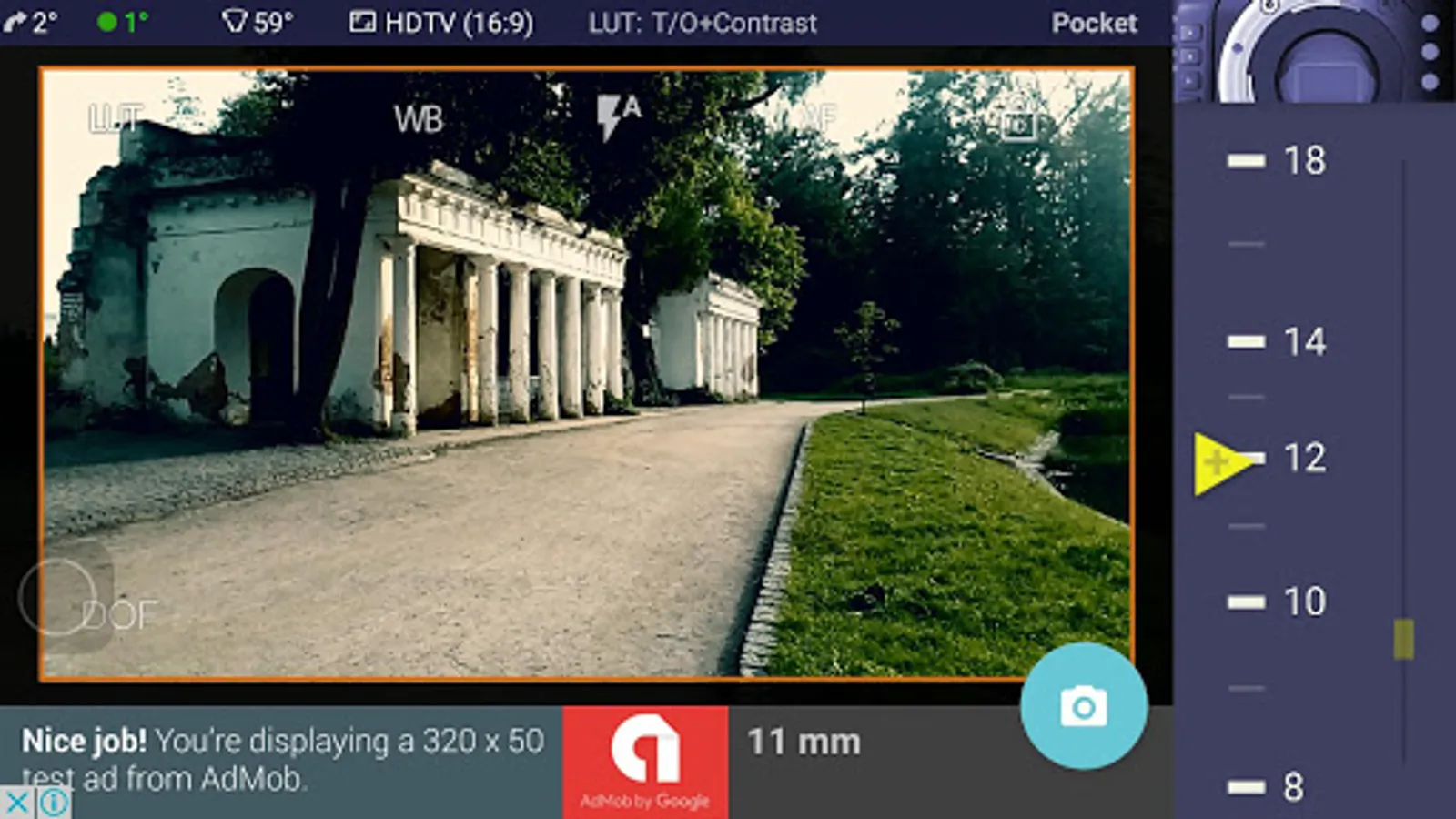
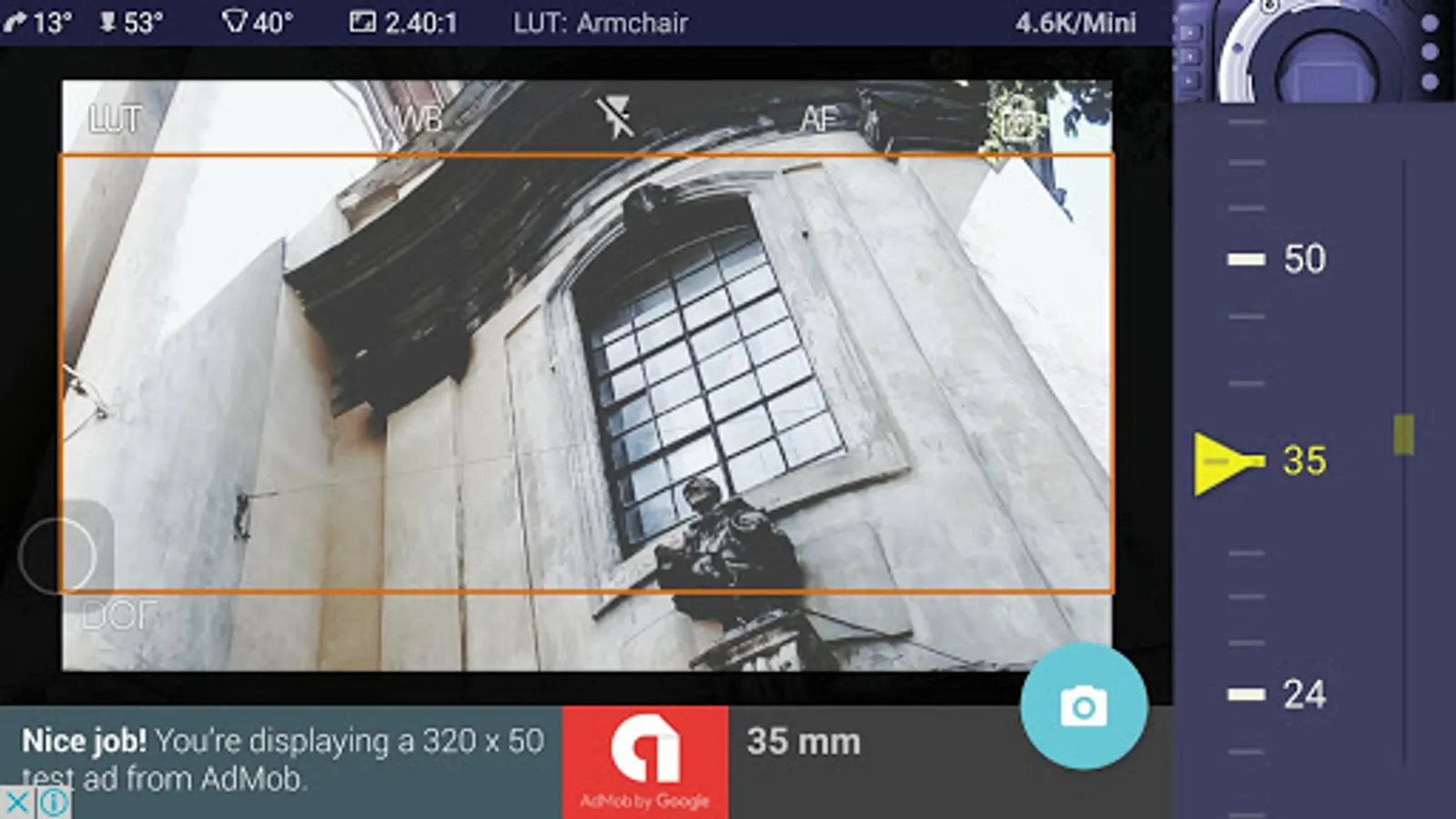
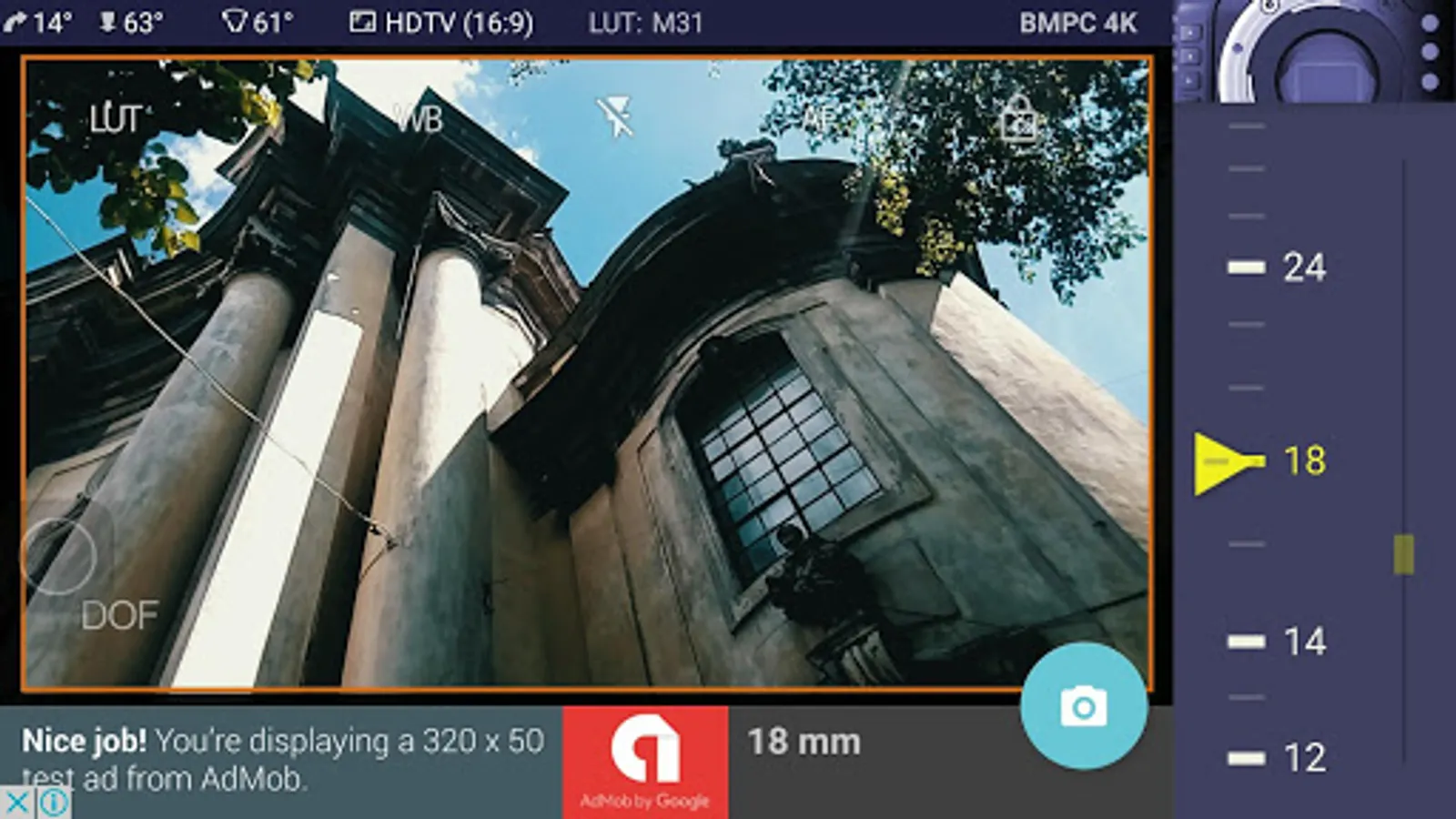
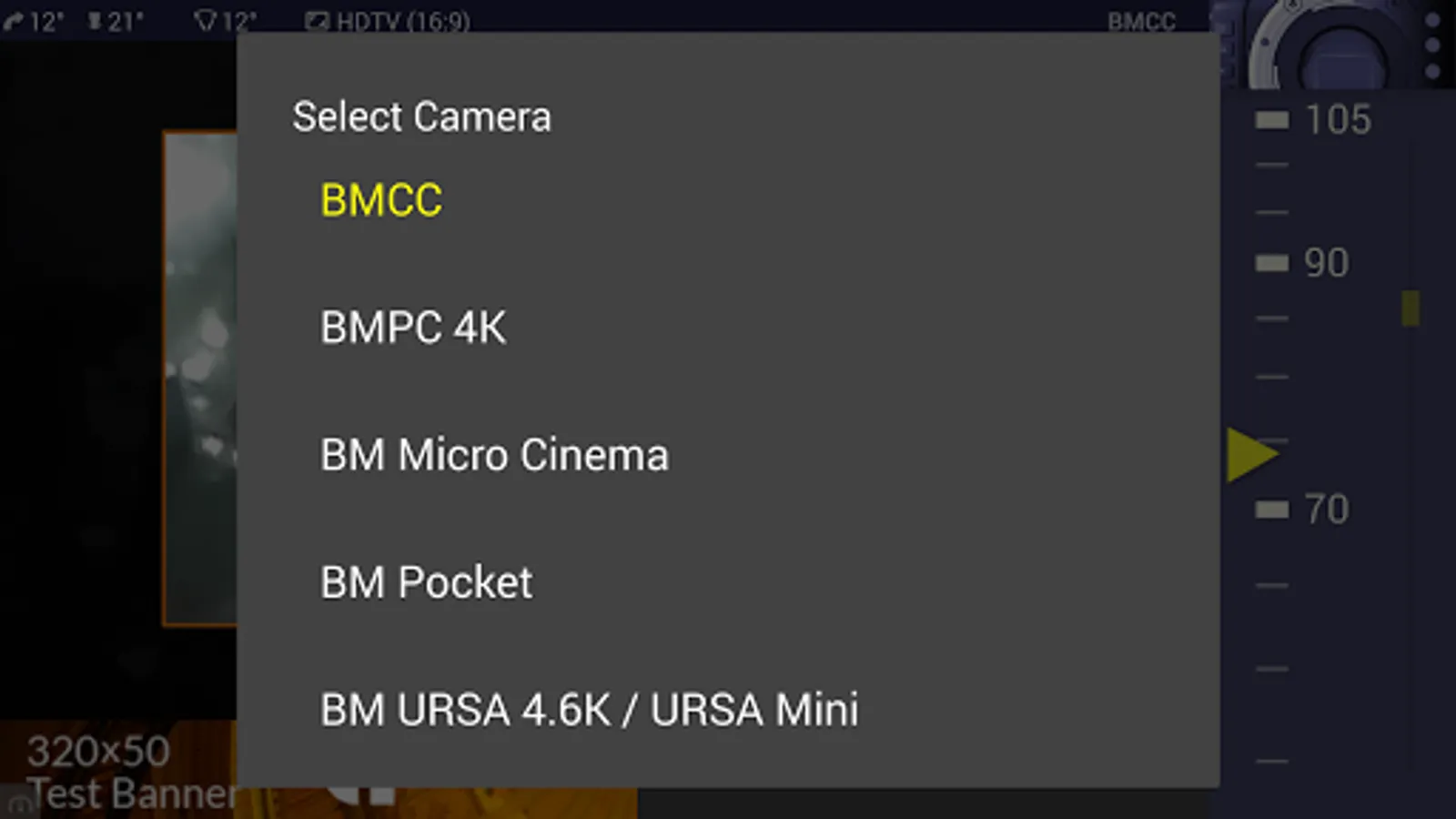
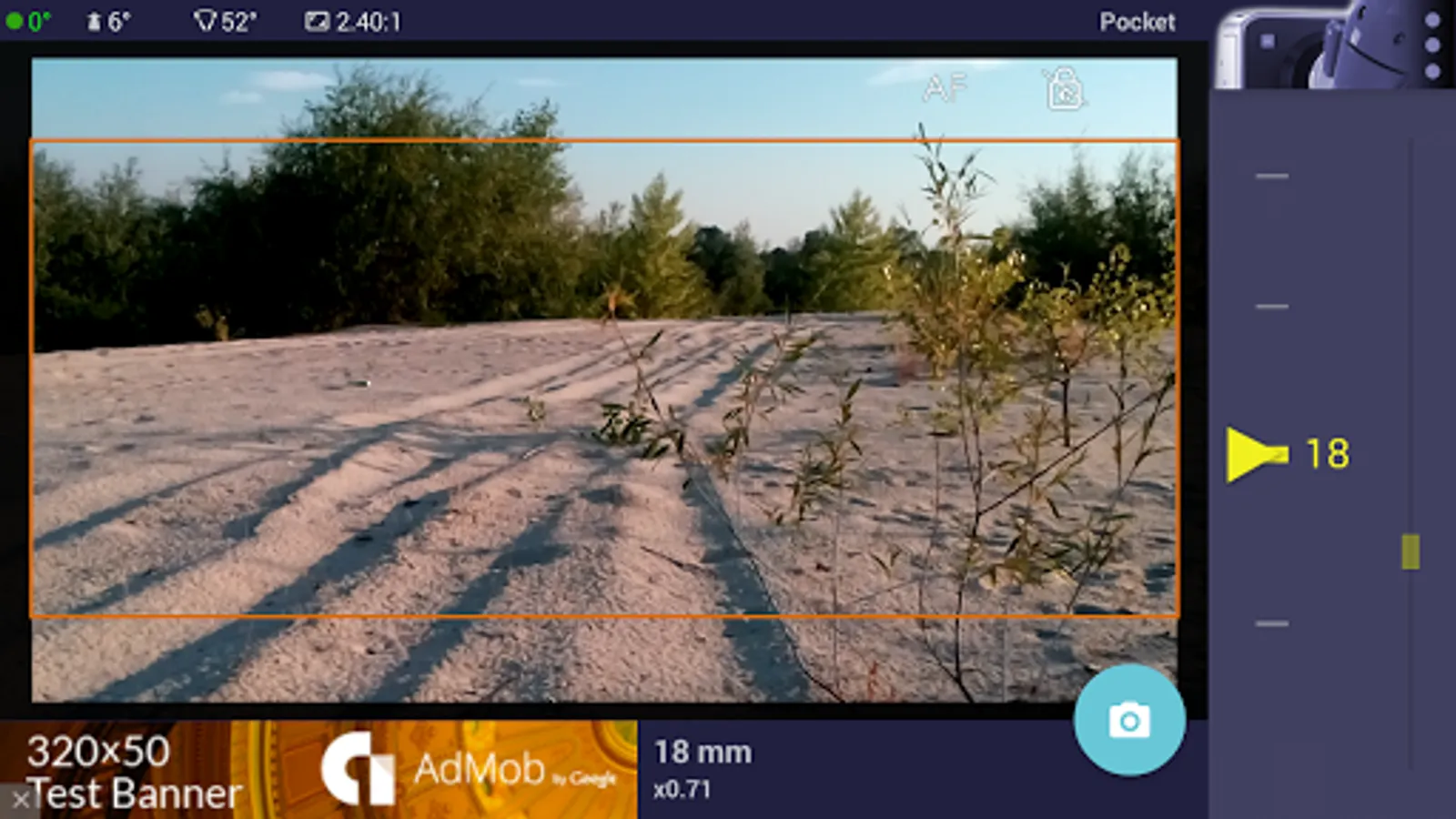
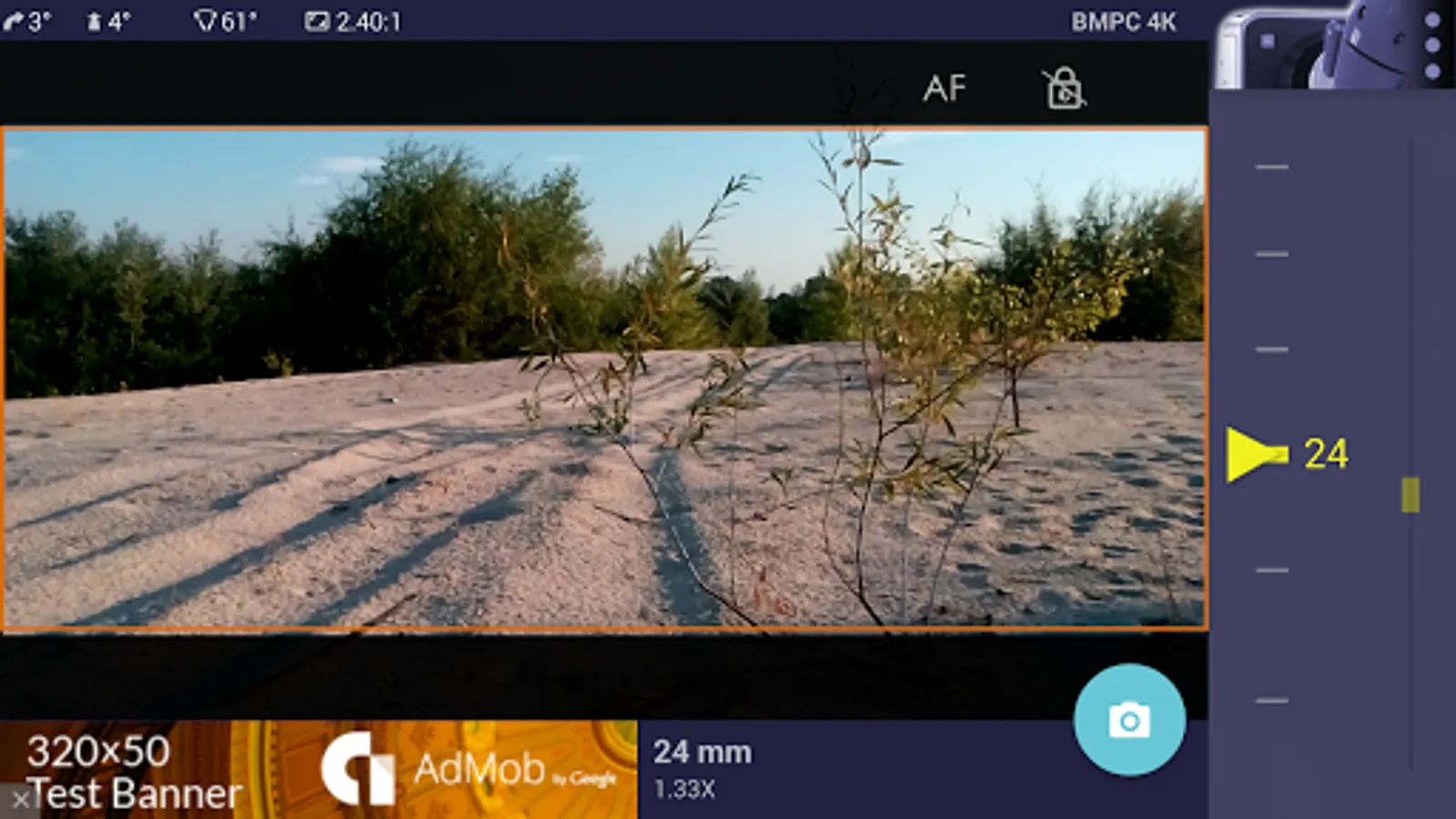
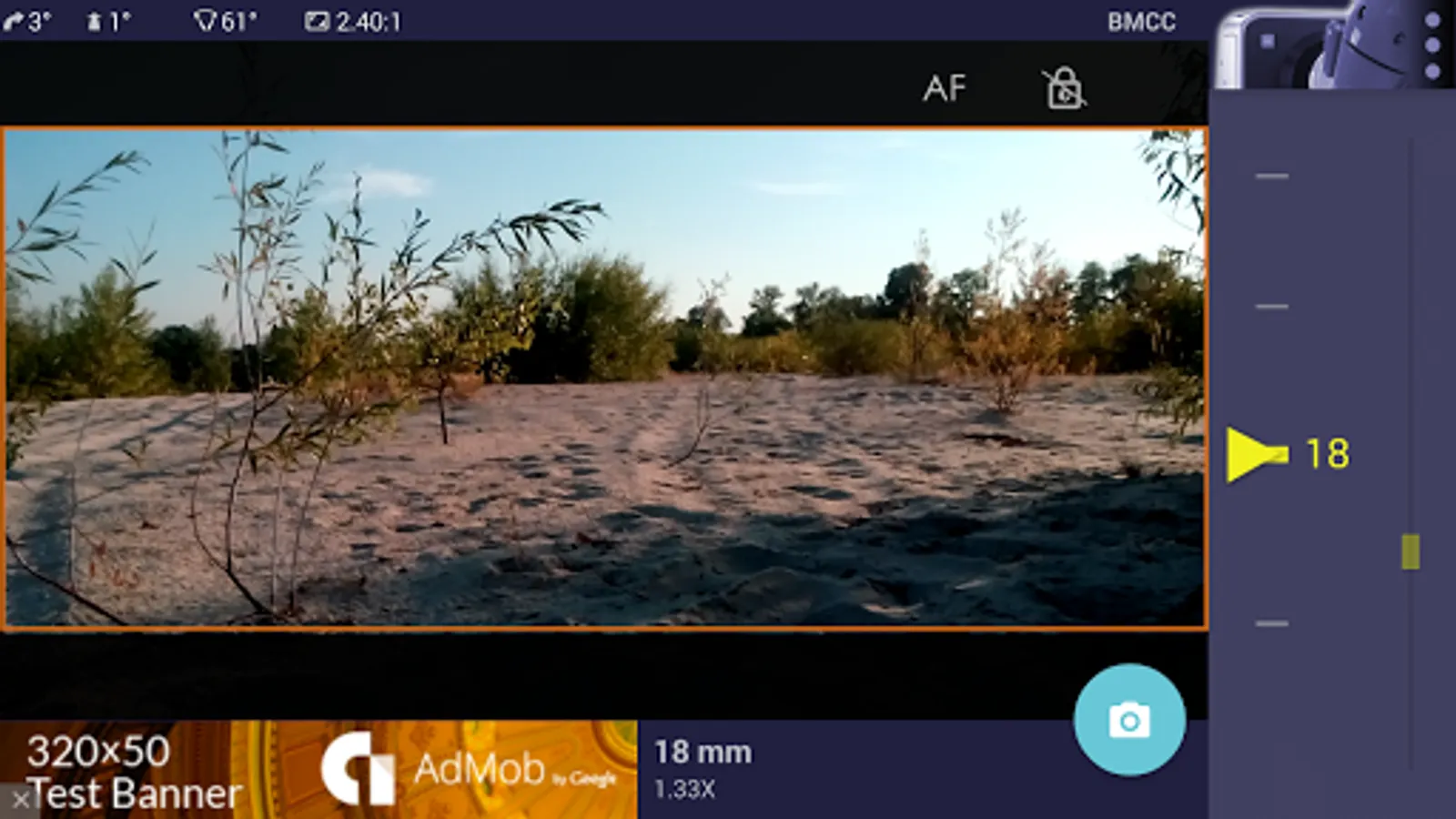
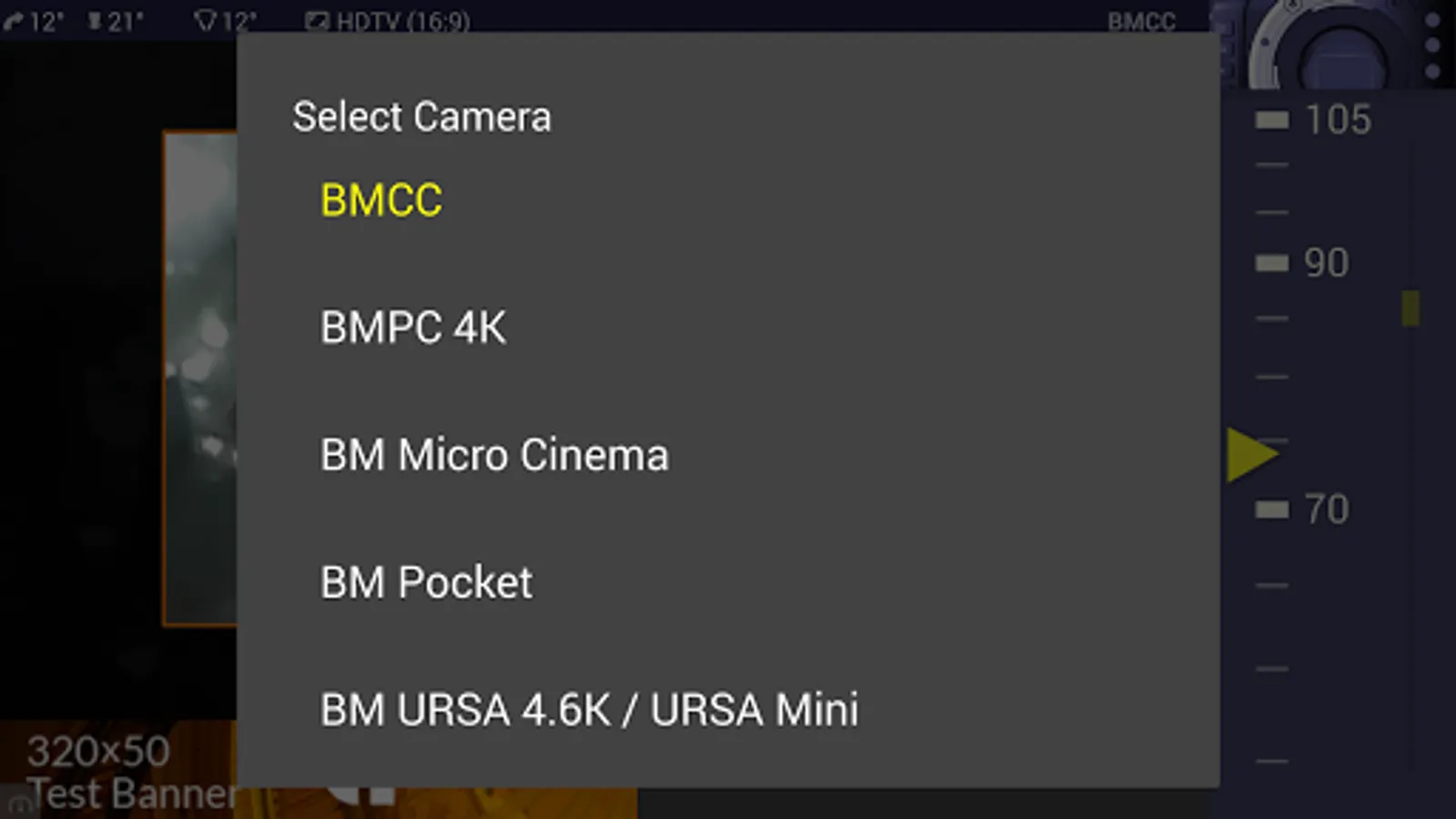
The app is a digital director's viewfinder -- it helps you see the exact field of view for your future shot. Select the camera from the menu and rotate the wheel to select the focal length of the lens.
Supported cameras:
- Blackmagic URSA 4.6K / URSA Mini
- Blackmagic URSA
- Blackmagic BMCC, BMPC 4K
- Blackmagic Micro Cinema
- Blackmagic Pocket, Pocket 4k
Magic ViewFinder simulates using tele adapters or anamorphic optics on your camera (see menu). From the menu you can also select the aspect ratio of the frame guide overlaying your image.
Magic ViewFinder also lets you apply some commonly used color presets (also known as LUTs) to the live picture, which brings you even closer to the final shot.
When you have found the right view, you may save it for future reference, with additional data like the focal length, tilt and roll, date and time and camera / lens information.
While taking a photo, you may lock exposure and turn on and off the auto focus to better control the captured picture.
At the start there is a constant middle-speed center-based auto focus engaged to keep your images focused. But you can tap the live screen to focus on particular objects. Long-click to return to continuous AF.
If the field of view of your real camera is wider than your in-device camera, Magic ViewFinder adds 'padding' around the image, since the device cannot 'see' what is beyond its scope. It is the best solution that we developed first, and other viewfinder apps copied this feature from Magic ViewFinder.
Please note that position of your Android device corresponds to the 'nodal point' of your real lens, which is somewhere in the middle of the lens. This point is, so to speak, the weighted center of the optics.
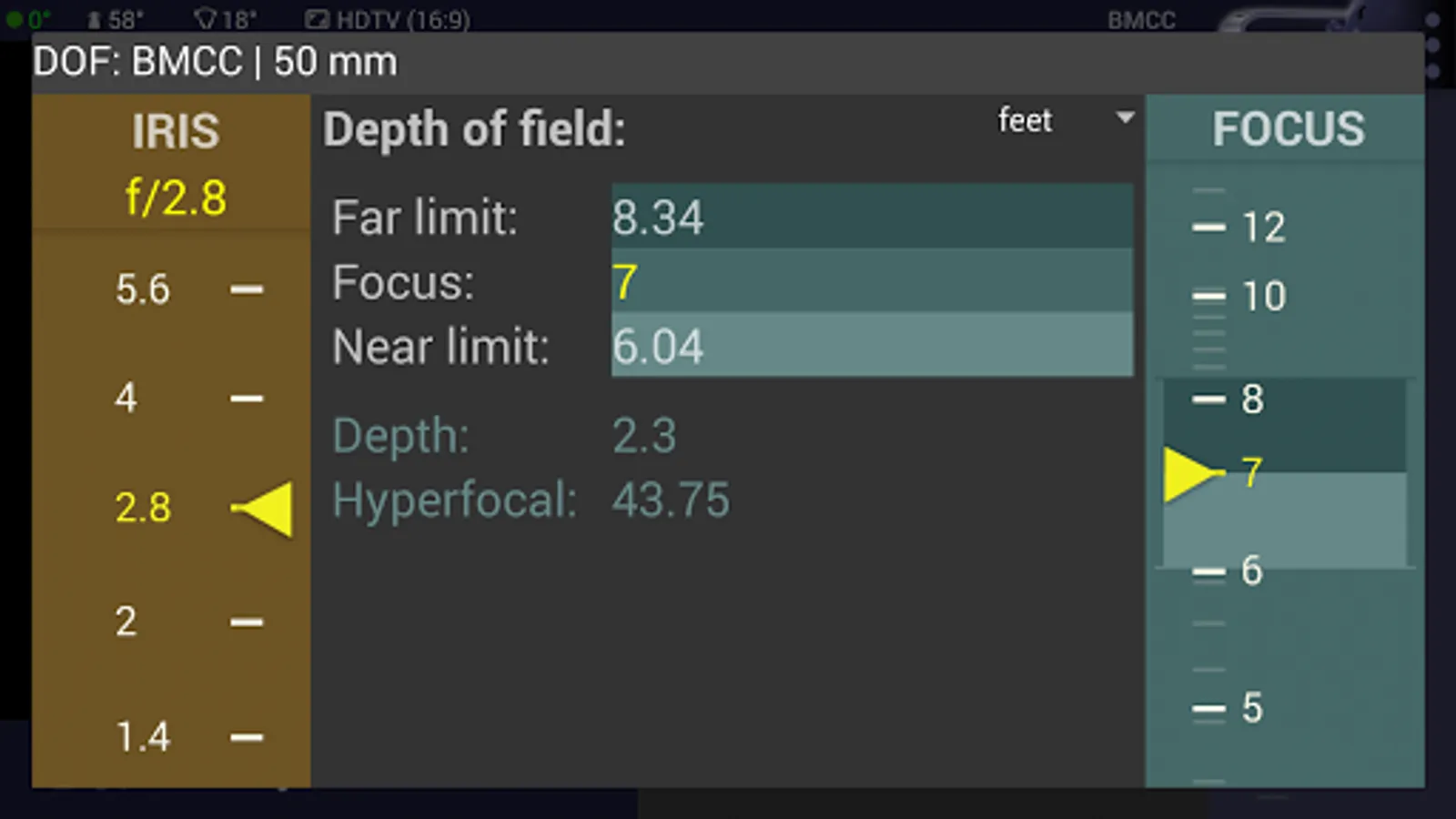
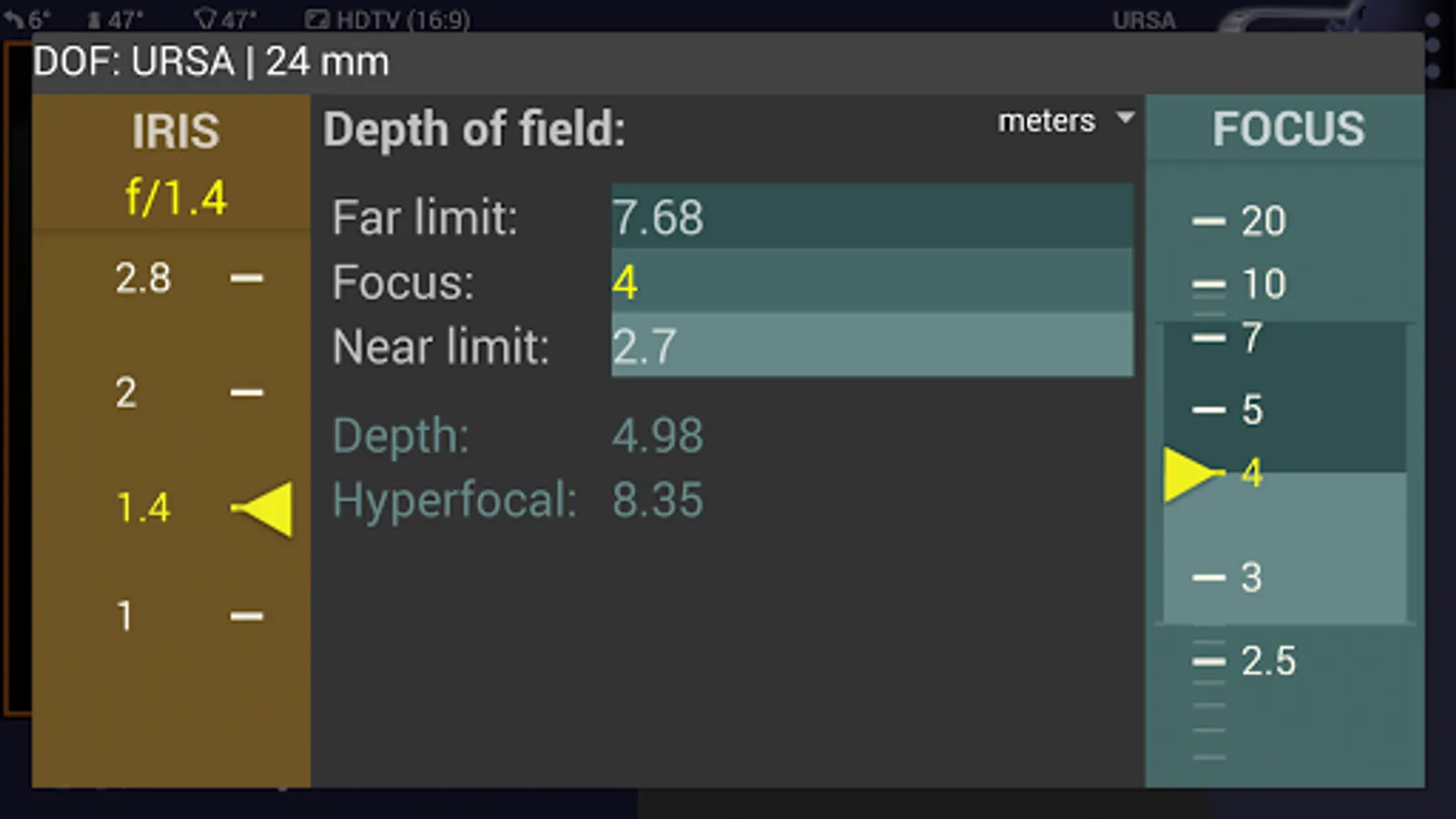
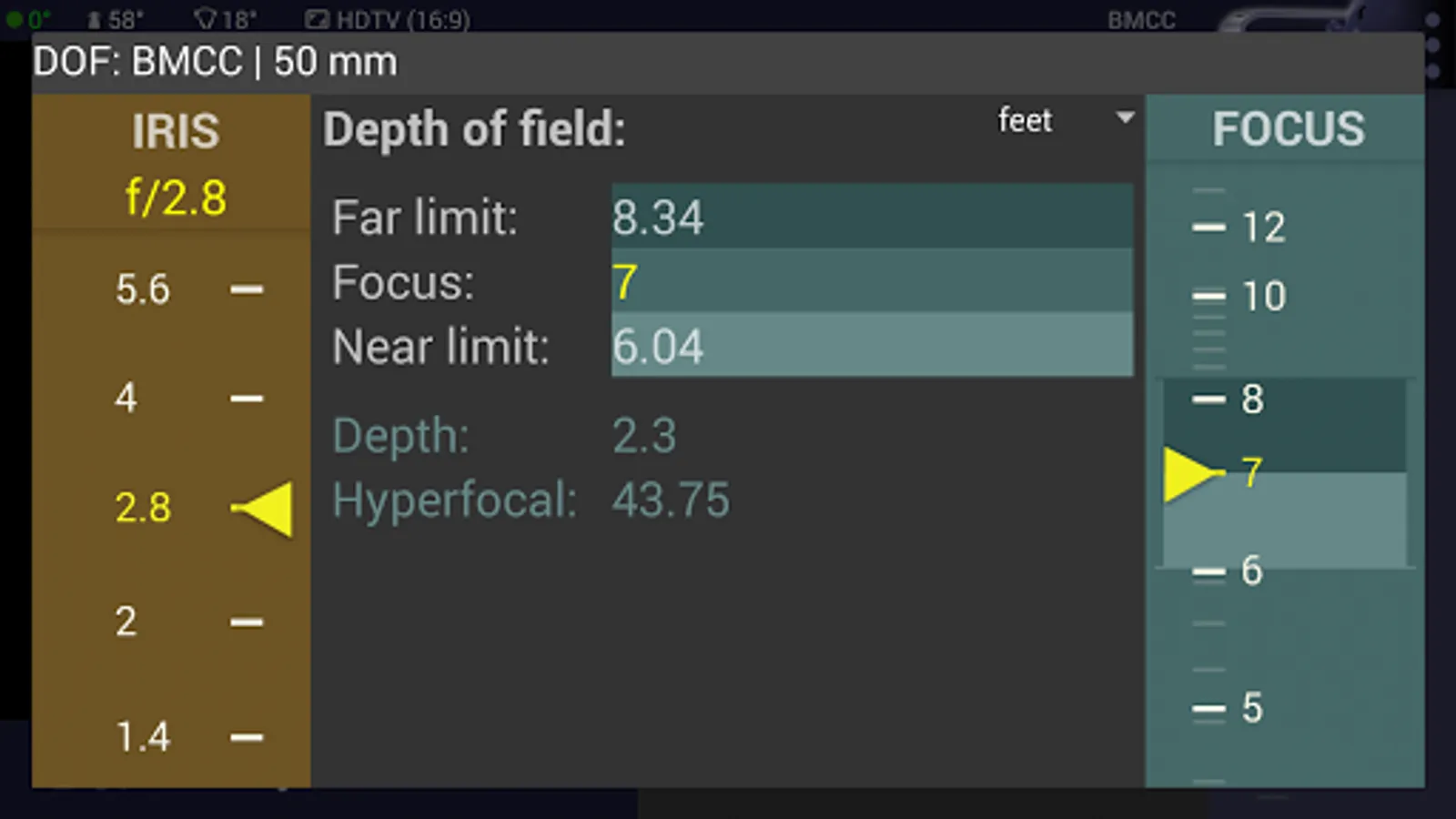
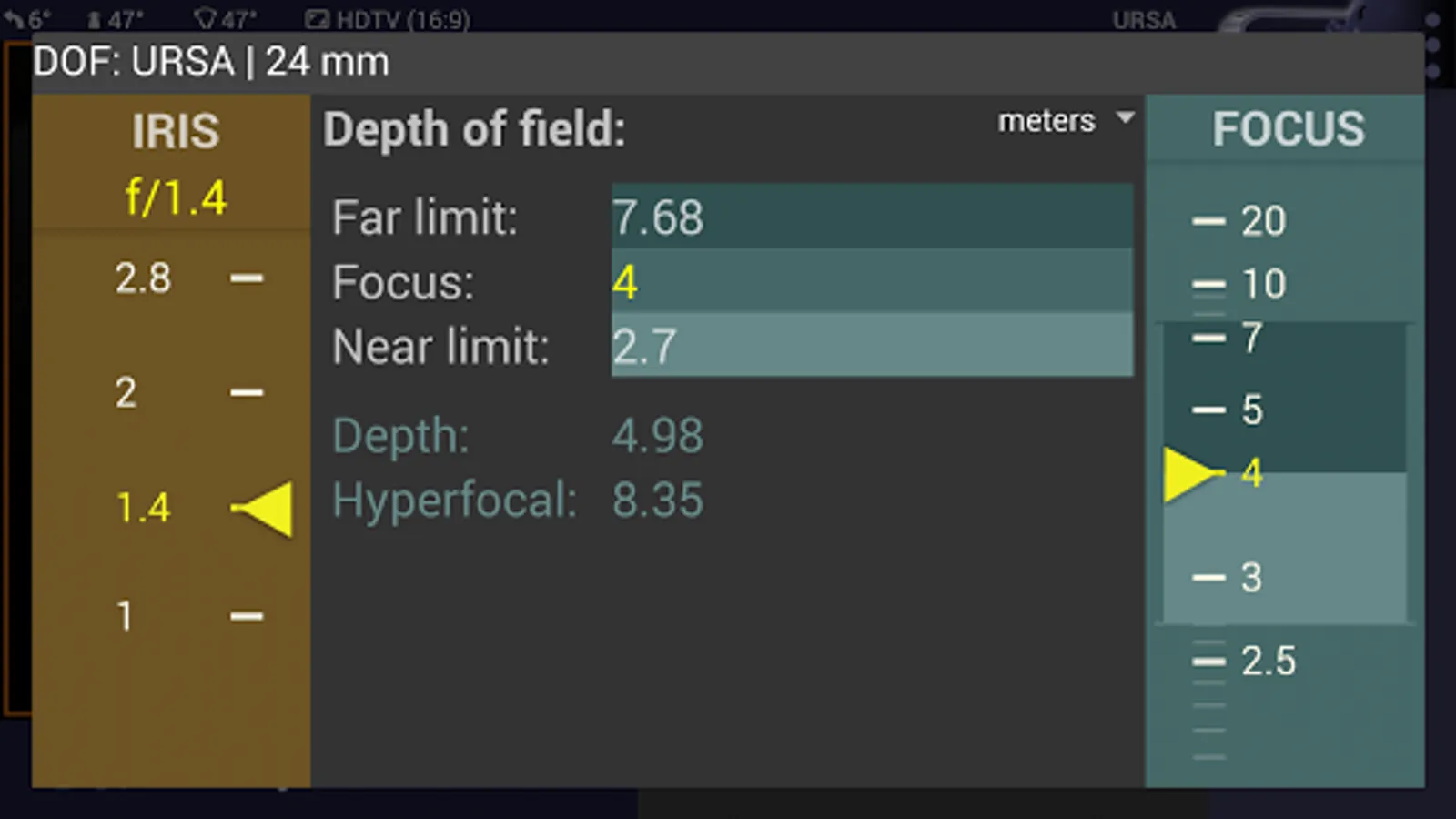
Depth-Of-Field tool: If you want to check depth-of-field, press DOF icon and calculate the near and far limits of DOF while changing the aperture and the focus distance.
Ad policy: The ads help me continue the development of the app. Also by watching a video ad you can turn on Premium Features totally free for 2 hours.
To activate additional settings, to increase the range of supported cameras to Blackmagic, ARRI Alexa, Red, as well to Lumix, Sony, Canon, Nikon and 4/3 formats, to use all available optical adapters, frame guides and anamorphic indexes and to turn off advertising, please subscribe to paid Premium Features or purchase advanced Magic Universal ViewFinder app.
Please keep in mind that this app will perform best on the devices oriented for HD or Full HD display. On older and smaller devices this program may perform awkwardly.
Specifically, Calibration is recommended for a precise operation of the app. You can start Calibration process from the menu, the instructions are on the web site.
Please read the description and manual at: http://dev.kadru.net
By installing this app you agree to the following privacy policy:
http://dev.kadru.net/privacy_policy/Privacy_Policy_Magic_CaNiLu_ViewFinder.html
• For a cinematographer: looking for an angle and view in your next shoot?
• For a director: creating your next storyboard?
• For a photographer: scouting for a shoot location?
• For a camera man: want to see your next shot framing without the camera in your hands?
Magic ViewFinder presents you a precise framing preview for the real camera/lens combination you will be shooting with, right where you stand with your phone/tablet. It simulates the framing of any Blackmagic camera or lens and helps thousands of professionals in filmmaking or photography at the preproduction.
PLEASE READ: this app does not turn your smartphone into an external monitor, but operates as a stand-alone directors viewfinder.
If you have any issues please email us for a quick support: dev@kadru.net
The app is a digital director's viewfinder -- it helps you see the exact field of view for your future shot. Select the camera from the menu and rotate the wheel to select the focal length of the lens.
Supported cameras:
- Blackmagic URSA 4.6K / URSA Mini
- Blackmagic URSA
- Blackmagic BMCC, BMPC 4K
- Blackmagic Micro Cinema
- Blackmagic Pocket, Pocket 4k
Magic ViewFinder simulates using tele adapters or anamorphic optics on your camera (see menu). From the menu you can also select the aspect ratio of the frame guide overlaying your image.
Magic ViewFinder also lets you apply some commonly used color presets (also known as LUTs) to the live picture, which brings you even closer to the final shot.
When you have found the right view, you may save it for future reference, with additional data like the focal length, tilt and roll, date and time and camera / lens information.
While taking a photo, you may lock exposure and turn on and off the auto focus to better control the captured picture.
At the start there is a constant middle-speed center-based auto focus engaged to keep your images focused. But you can tap the live screen to focus on particular objects. Long-click to return to continuous AF.
If the field of view of your real camera is wider than your in-device camera, Magic ViewFinder adds 'padding' around the image, since the device cannot 'see' what is beyond its scope. It is the best solution that we developed first, and other viewfinder apps copied this feature from Magic ViewFinder.
Please note that position of your Android device corresponds to the 'nodal point' of your real lens, which is somewhere in the middle of the lens. This point is, so to speak, the weighted center of the optics.
Depth-Of-Field tool: If you want to check depth-of-field, press DOF icon and calculate the near and far limits of DOF while changing the aperture and the focus distance.
Ad policy: The ads help me continue the development of the app. Also by watching a video ad you can turn on Premium Features totally free for 2 hours.
To activate additional settings, to increase the range of supported cameras to Blackmagic, ARRI Alexa, Red, as well to Lumix, Sony, Canon, Nikon and 4/3 formats, to use all available optical adapters, frame guides and anamorphic indexes and to turn off advertising, please subscribe to paid Premium Features or purchase advanced Magic Universal ViewFinder app.
Please keep in mind that this app will perform best on the devices oriented for HD or Full HD display. On older and smaller devices this program may perform awkwardly.
Specifically, Calibration is recommended for a precise operation of the app. You can start Calibration process from the menu, the instructions are on the web site.
Please read the description and manual at: http://dev.kadru.net
By installing this app you agree to the following privacy policy:
http://dev.kadru.net/privacy_policy/Privacy_Policy_Magic_CaNiLu_ViewFinder.html
Magic Cinema ViewFinder Screenshots
Tap to Rate:
Reviews for Magic Cinema ViewFinder
Imran Khan
12/22/2025
niec
Owynne Dawkins
10/23/2025
The app gets stuck when processing images. Photos do not get saved into the camera roll. I don't think I'm doing anything wrong, but happy to hear from anyone if I am. At the moment it's unusable for me.