Ray Story Board PRO
Roman Medvid
3.1 ★
22 ratings
500+
downloads
$3.49
+ in-app
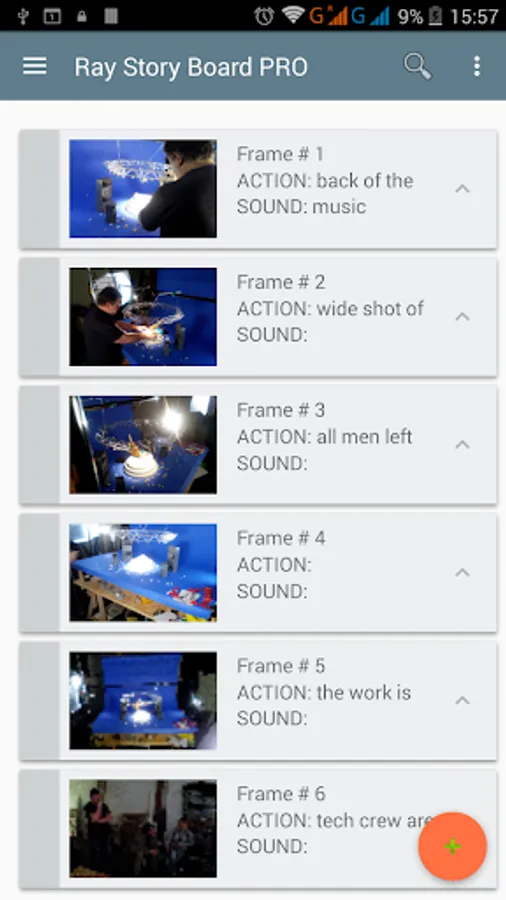
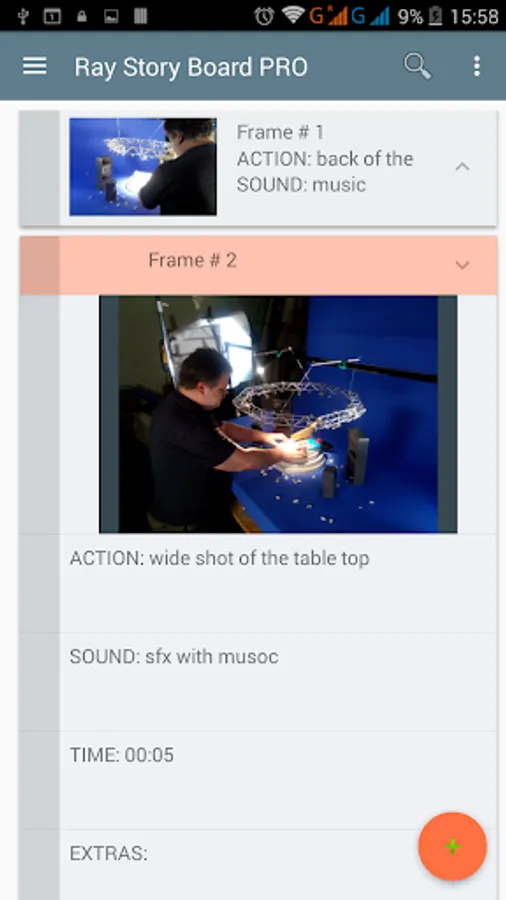
With this storyboarding app, you can create, organize, and annotate scenes using images and text. Includes image import options, annotation tools, PDF and JPG export, and cloud sharing features.
AppRecs review analysis
AppRecs rating 3.1. Trustworthiness 65 out of 100. Review manipulation risk 28 out of 100. Based on a review sample analyzed.
★★★☆☆
3.1
AppRecs Rating
Ratings breakdown
5 star
45%
4 star
10%
3 star
0%
2 star
0%
1 star
45%
What to know
✓
Low review manipulation risk
28% review manipulation risk
About Ray Story Board PRO
Handy tool to create and view storyboards
- Fill frames and their descriptions with text and key visuals
- Add images from Gallery or take the photos on the spot
- Automatically imports EXIF data from Magic ViewFinder apps
- Put some annotations / drawing on top of images
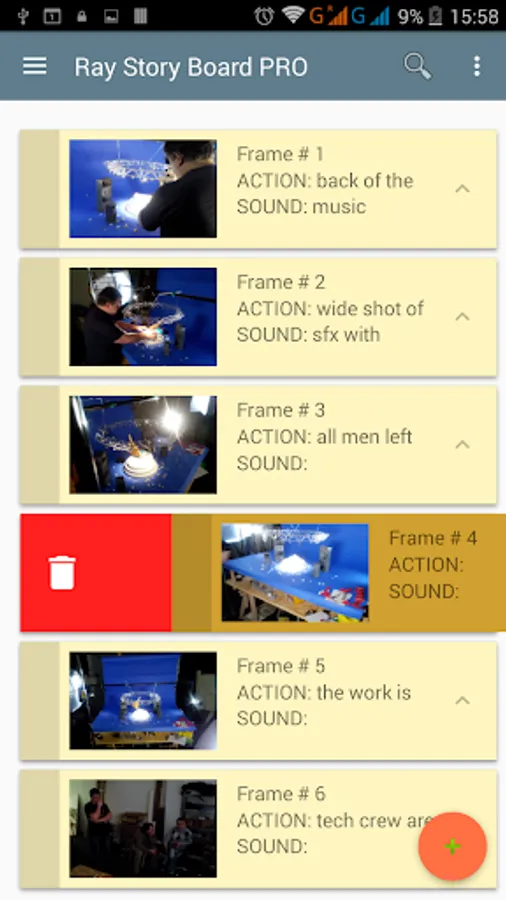
- Swipe Left / Right to delete or postpone the info
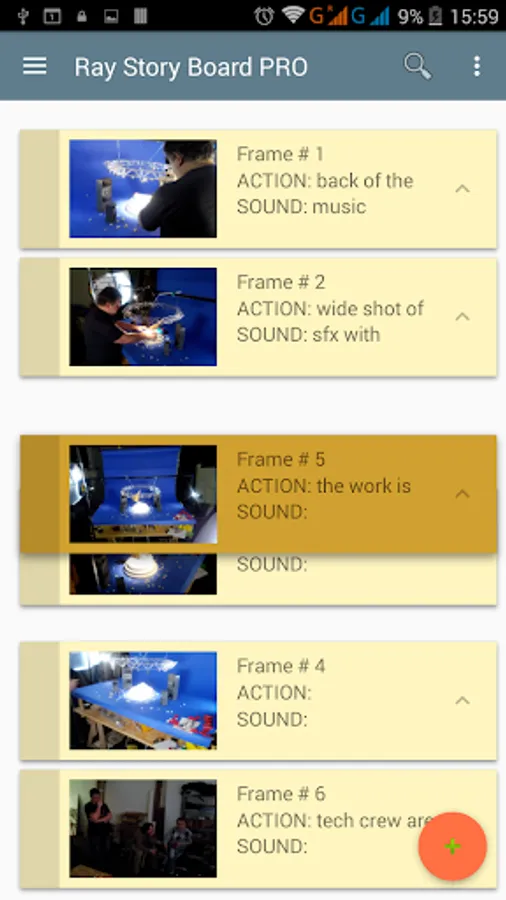
- Drag and Drop (by the left drag panel) to change the order of frames.
- Export your storyboard to PDF (only for Android OS 4.4+) or JPG file
- Search through your notes easily
- Use slideshow to animate your images with audio playback
- Share storyboards via the Cloud with others
- Use up to 12 projects for different storyboards.
There are no advertisements in the app.
Ray Story Board PRO Screenshots
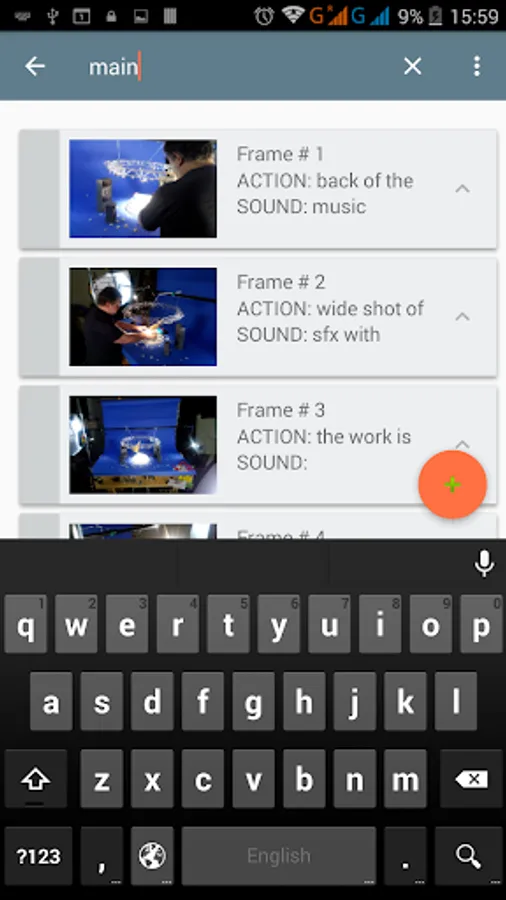
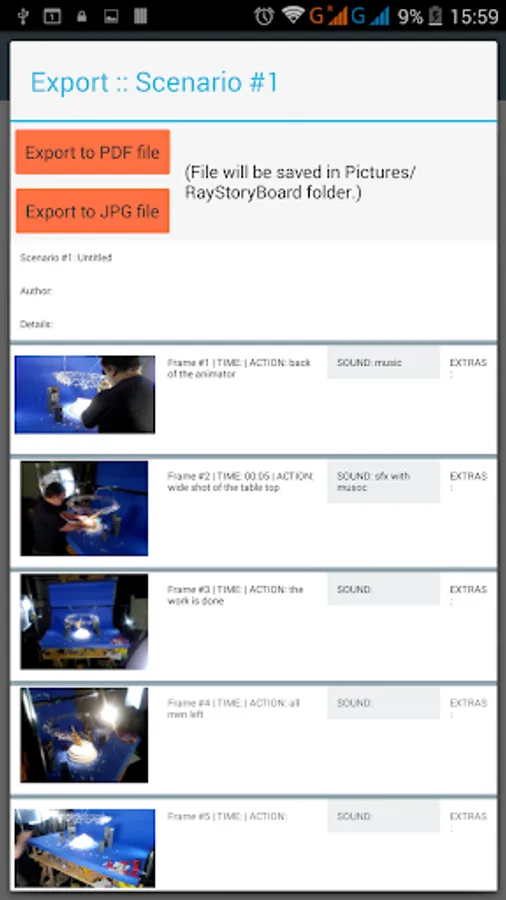
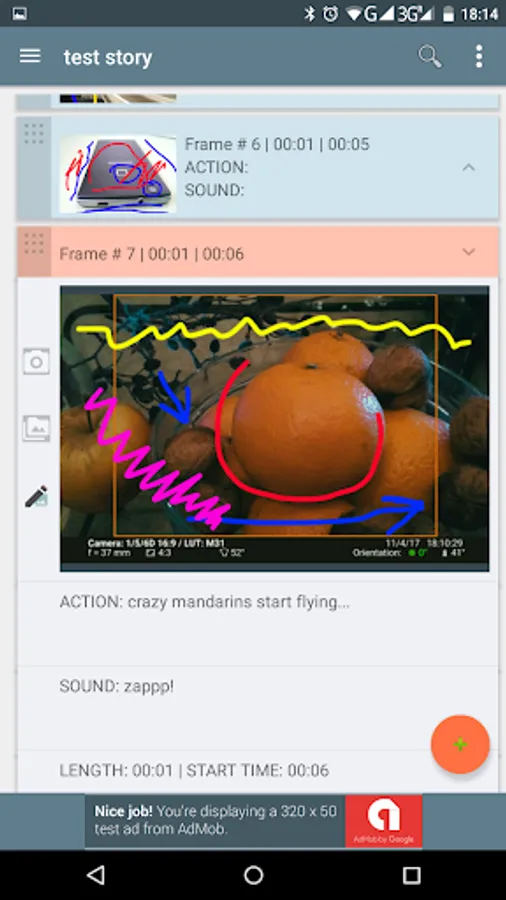
Tap to Rate:
Reviews for Ray Story Board PRO
Tim Nguyen
8/17/2020
This developer is horrible! Developer response to a review: "Interesting... You buy my app and give it 3 stars. Really? If you make a feature request, why do ruin the reputation of my app at the same time?" Really? I say it's a nice tool and offered a suggestion as a customer..and that's a response I get. Lol. Less stars and uninstall. Original review: Overall a nice tool. More stars if there is an "Undo" option added, in addition, to eraser mode when drawing in a frame.
A Google user
3/19/2020
I lose my work. My photos disappear and I get an error message. Lost hours and hours of work. I uninstalled and reinstalled. After reinstall I put two pictures in as a test. Did not even close the app. Took the dog for a walk. An hour later returned and they pictures are gone. Is there a secret to saving ones work?