In this file manager app, you can organize, copy, delete, and compress files across local, external, and cloud storage. Includes support for network services, cloud integrations, file sharing, and app management features.
AppRecs review analysis
AppRecs rating 4.0. Trustworthiness 61 out of 100. Review manipulation risk 34 out of 100. Based on a review sample analyzed.
★★★★☆
4.0
AppRecs Rating
Ratings breakdown
5 star
51%
4 star
28%
3 star
9%
2 star
7%
1 star
5%
What to know
✓
High user satisfaction
79% of sampled ratings are 4+ stars (4.1★ average)
✓
Authentic reviews
Natural distribution, no red flags
About N Files - File Manager
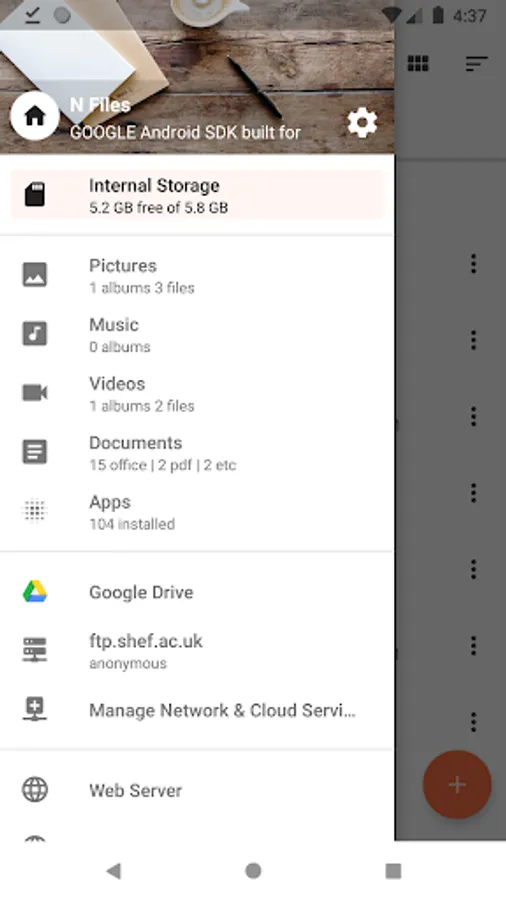
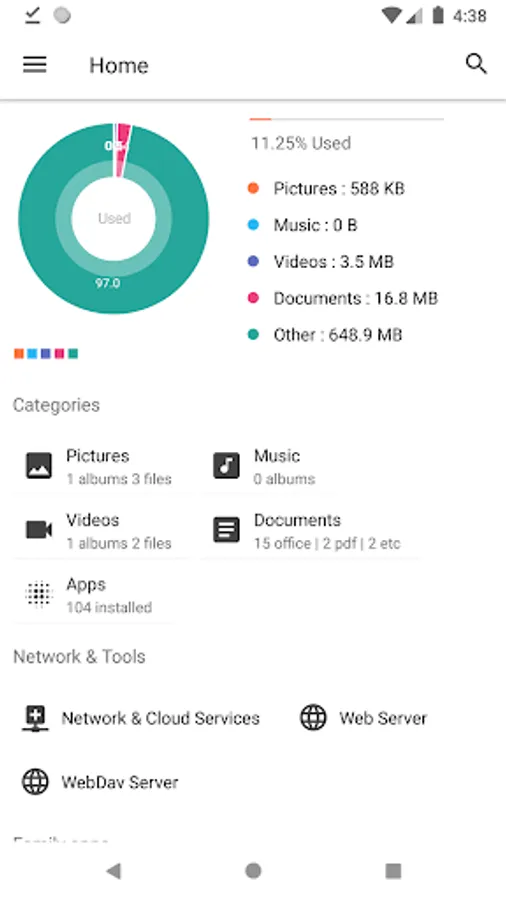
N Files is the most efficient and powerful file explorer. You can easily manage your files and folders in your device, external SD Card, OTG USB, local and network, and cloud storage. And you can share your files using a Web server and WebDAV server.
- It provides the proper functioning to match each specific file.
- Storage of the device which makes it easy to find the folder/file.
- Navigation using a USB memory stick is possible.
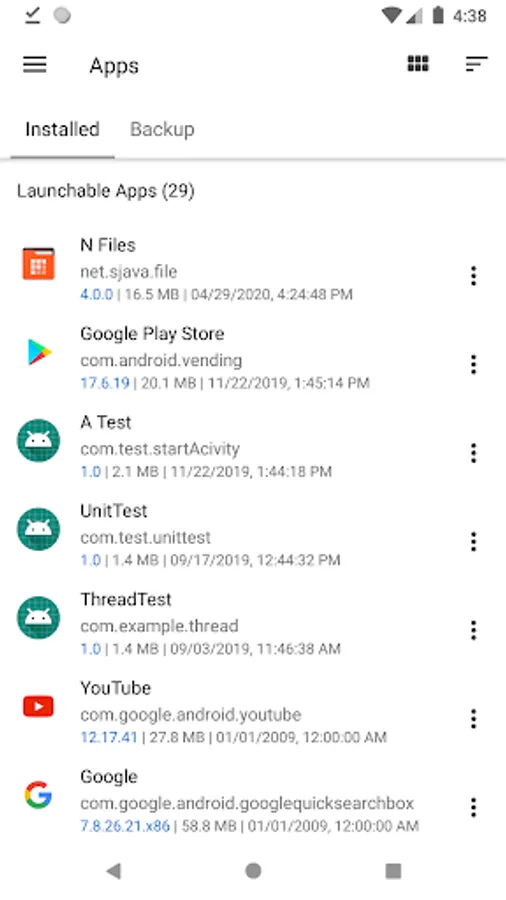
- Verification of running and installed apps.
- Supports image and video thumbnails.
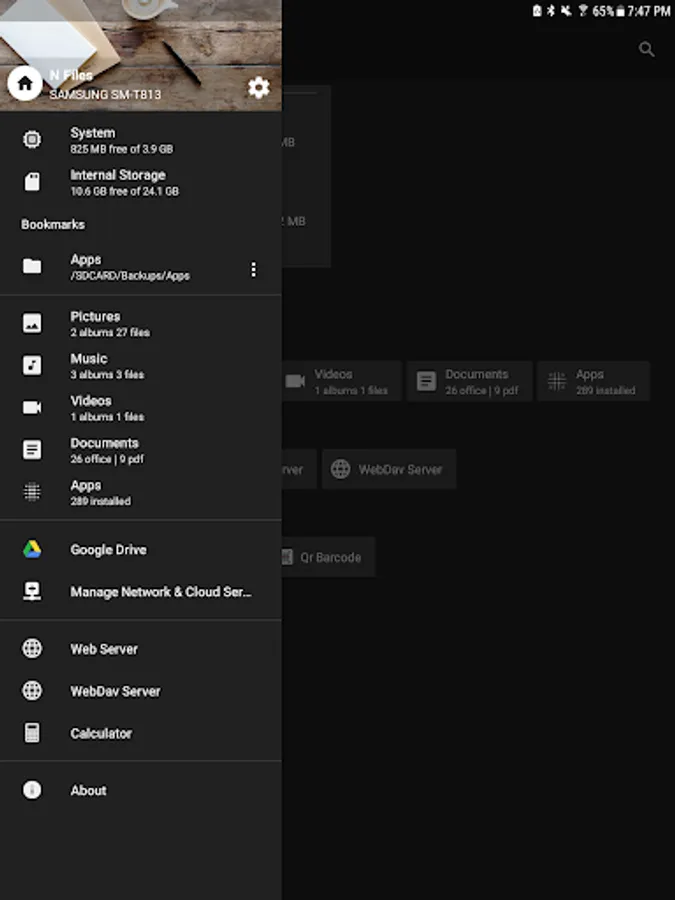
- Supports Network services.
- Supports Cloud services.
- Supports Bookmarks service.
- Supports Video Player.
- Windows SMB v1, v2(Windows 10)
- FTP
- WebDav
- Google Drive
- Dropbox
- Box
- 4Shared
- Yandex Disk
- CloudMe
- Web Server
- WebDav Server
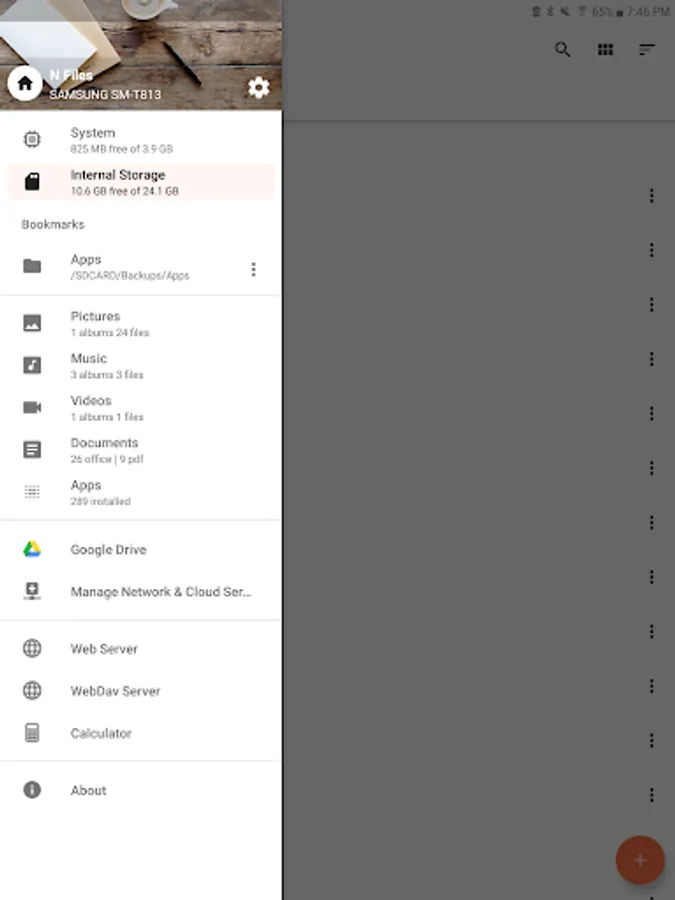
- UI/UX is designed with Material theme and style.
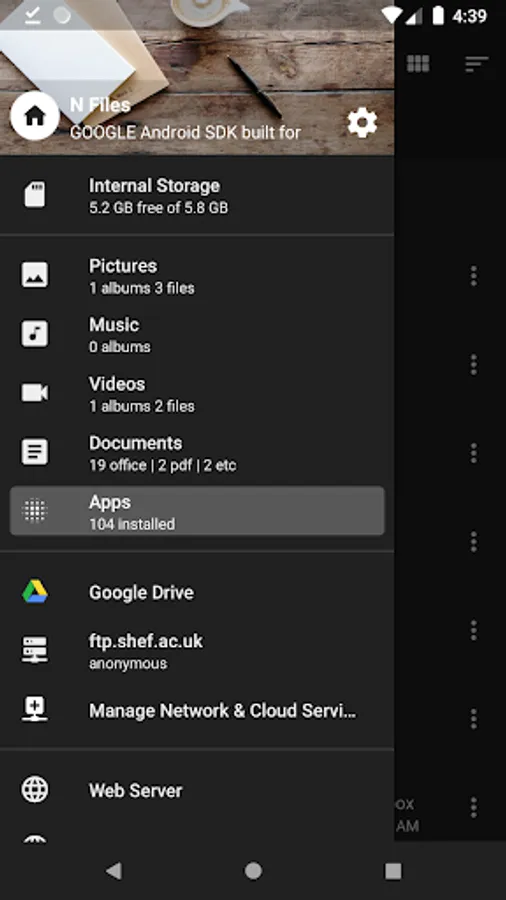
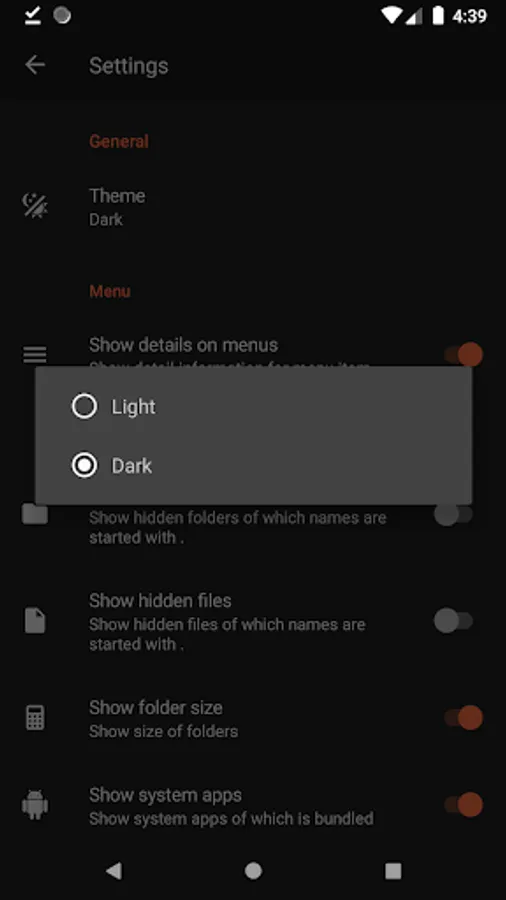
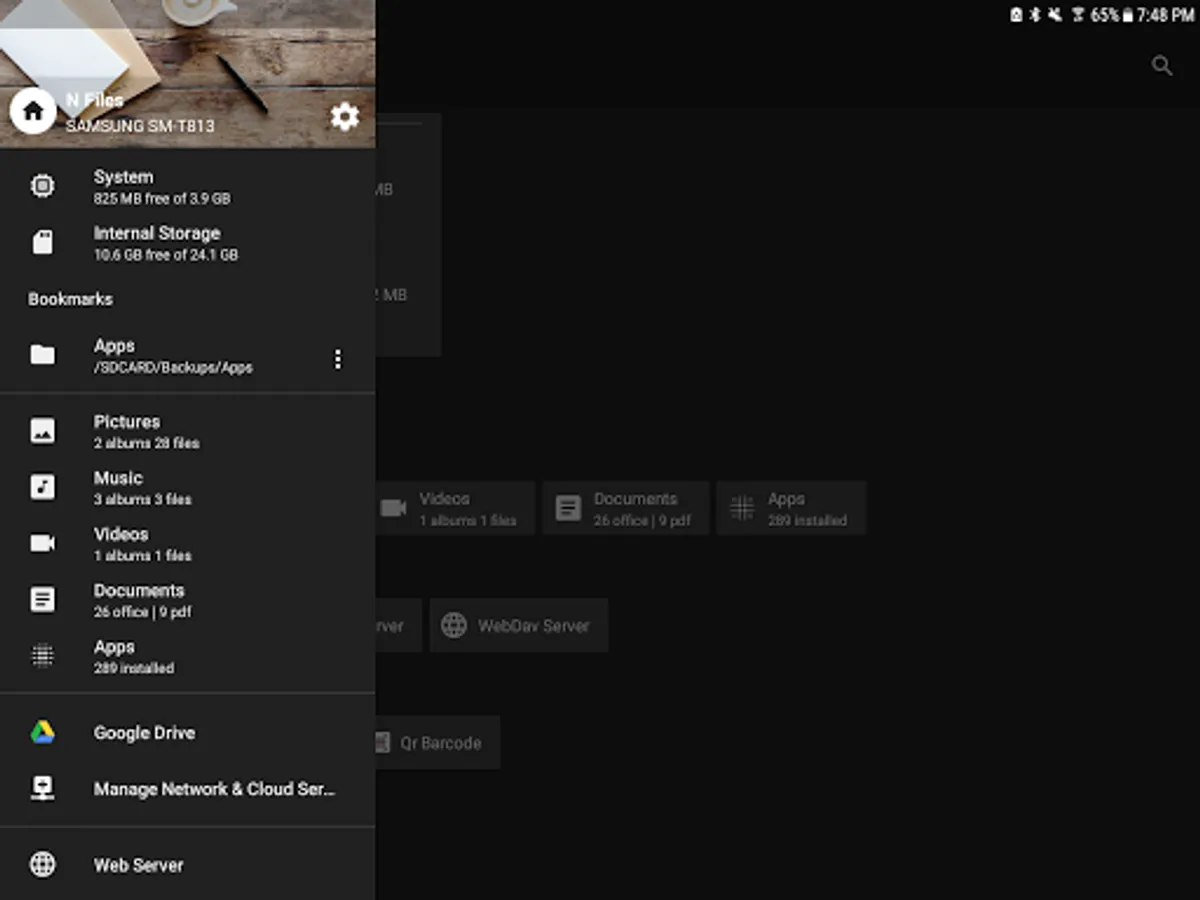
- Contains Light/Dark/DayLight themes.
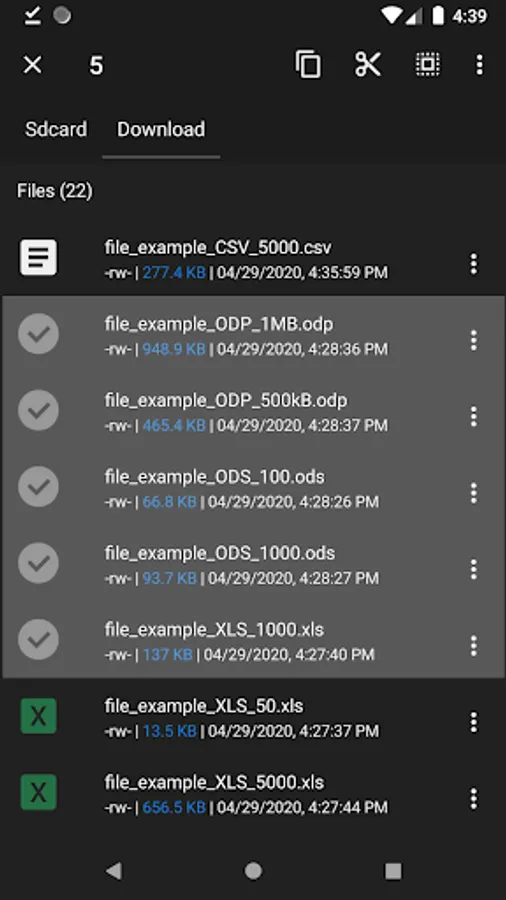
- Manage your folders and files with; create, rename, delete, copy, paste, rename, compress, and properties operations.
- View your APK file's AndroidManifest.xml file content.
- Backup your APK files.
- Compress/Decompress(zip, rar, tar, gzip, bzip, arj, 7z, jar, xz, lzma, pack)
- You can share your files with different apps.
- You can search with the instant search feature.
- Manage running apps.
- Manage installed apps.
- Backup your apps.
Features:
- It provides the proper functioning to match each specific file.
- Storage of the device which makes it easy to find the folder/file.
- Navigation using a USB memory stick is possible.
- Verification of running and installed apps.
- Supports image and video thumbnails.
- Supports Network services.
- Supports Cloud services.
- Supports Bookmarks service.
- Supports Video Player.
Network services:
- Windows SMB v1, v2(Windows 10)
- FTP
- WebDav
Cloud services:
- Google Drive
- Dropbox
- Box
- 4Shared
- Yandex Disk
- CloudMe
Server:
- Web Server
- WebDav Server
Design:
- UI/UX is designed with Material theme and style.
- Contains Light/Dark/DayLight themes.
Folder and file:
- Manage your folders and files with; create, rename, delete, copy, paste, rename, compress, and properties operations.
- View your APK file's AndroidManifest.xml file content.
- Backup your APK files.
- Compress/Decompress(zip, rar, tar, gzip, bzip, arj, 7z, jar, xz, lzma, pack)
Share:
- You can share your files with different apps.
Search:
- You can search with the instant search feature.
Apps:
- Manage running apps.
- Manage installed apps.
- Backup your apps.
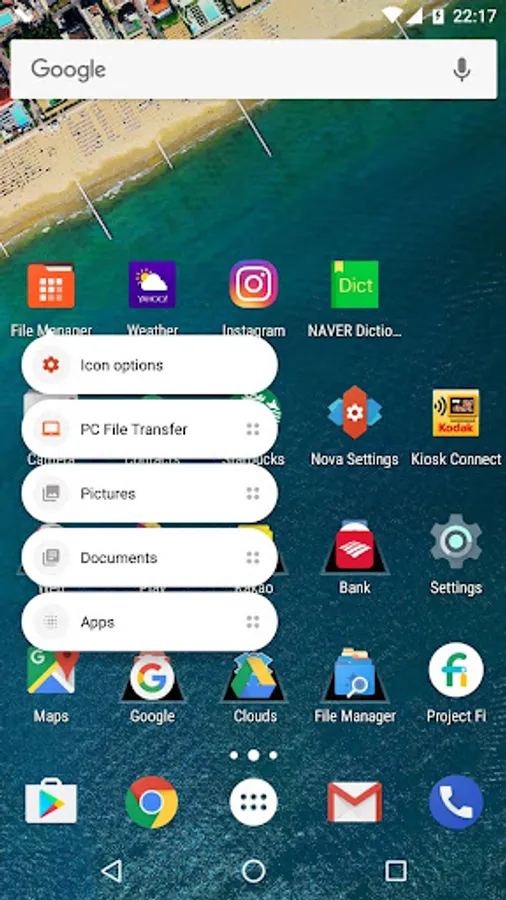
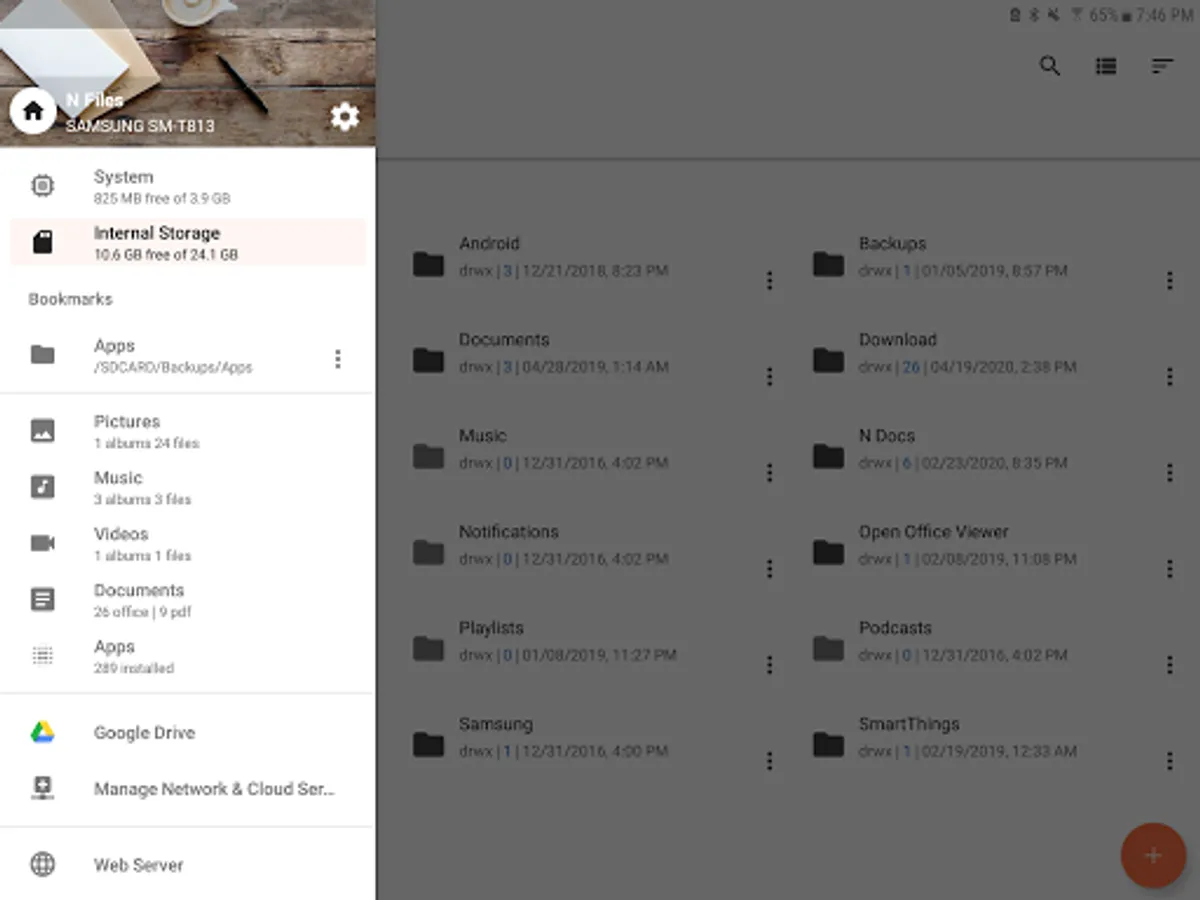
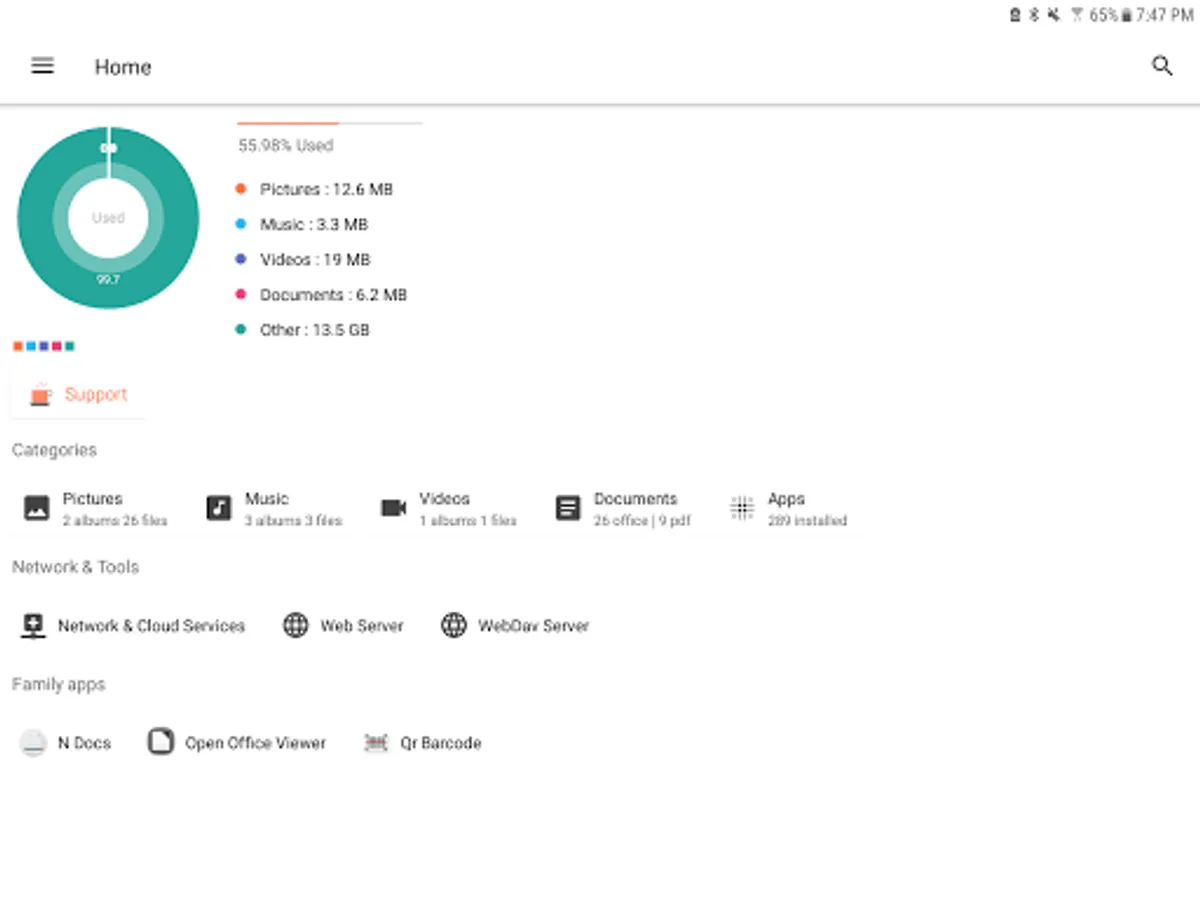
N Files - File Manager Screenshots
Tap to Rate:
Reviews for N Files - File Manager
Stephanus Erasmus
1/2/2024
SWEET 😎
Nitish Sharma
12/4/2023
Kindly provide dual window for multitasking.