Office Reader - PDF,Word,Excel
nTools
3.9 ★
4K ratings
500,000+
downloads
Free
+ in-app
In this document viewer app, you can open and manage various file formats including Word, Excel, PDF, and eBooks with quick access and secure viewing options. Includes support for password-protected files, file conversion, and offline access.
AppRecs review analysis
AppRecs rating 3.9. Trustworthiness 81 out of 100. Review manipulation risk 25 out of 100. Based on a review sample analyzed.
★★★☆☆
3.9
AppRecs Rating
Ratings breakdown
5 star
57%
4 star
11%
3 star
8%
2 star
8%
1 star
16%
What to know
✓
Low review manipulation risk
25% review manipulation risk
✓
Credible reviews
81% trustworthiness score from analyzed reviews
⚠
Ad complaints
Many low ratings mention excessive ads
About Office Reader - PDF,Word,Excel
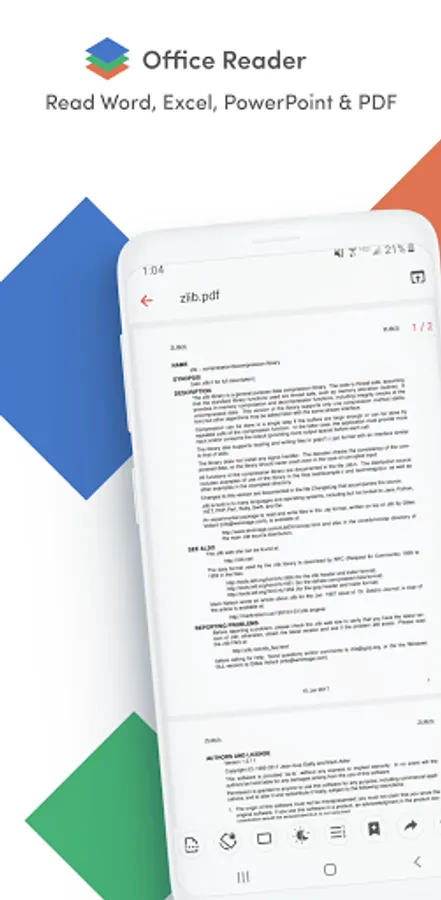
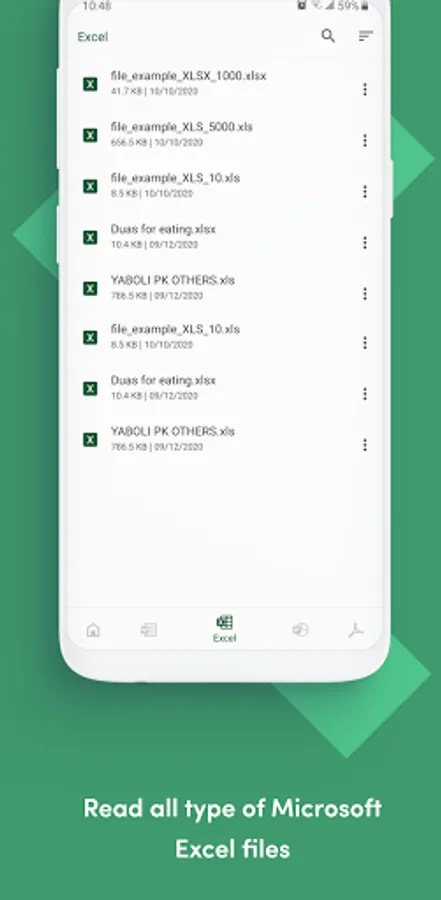
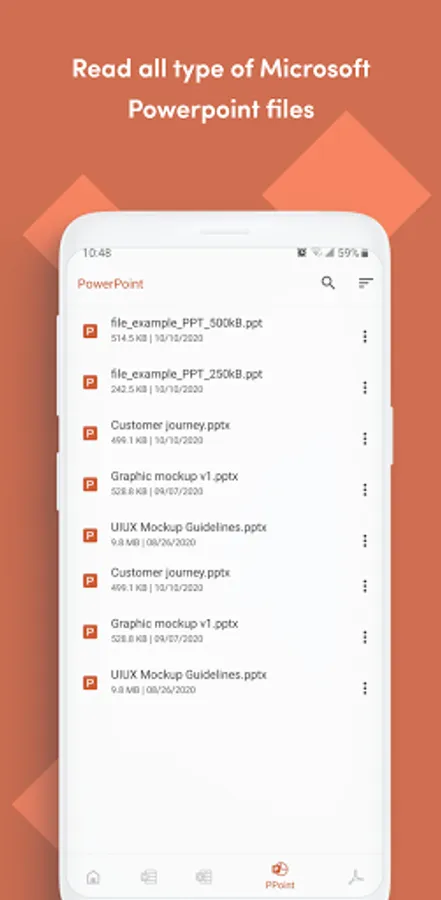
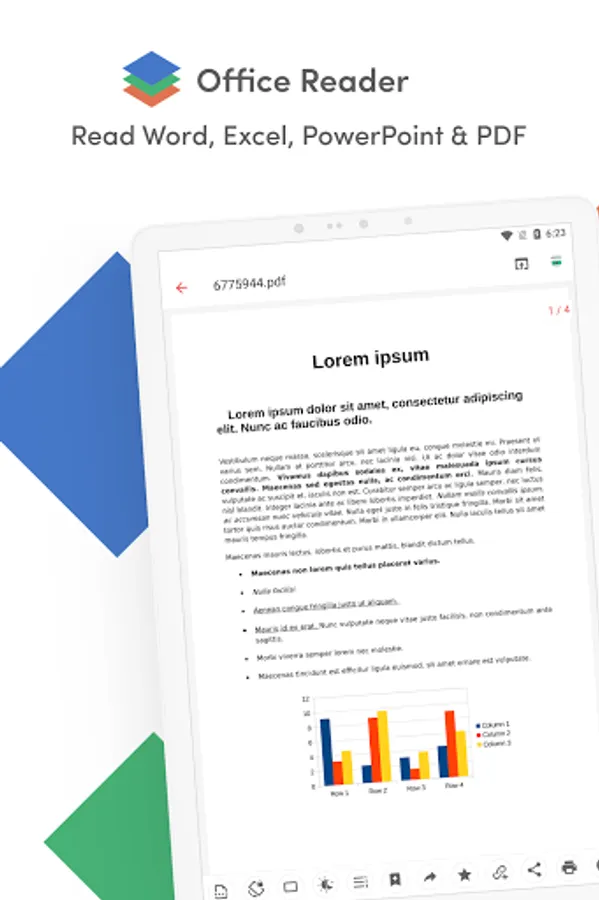
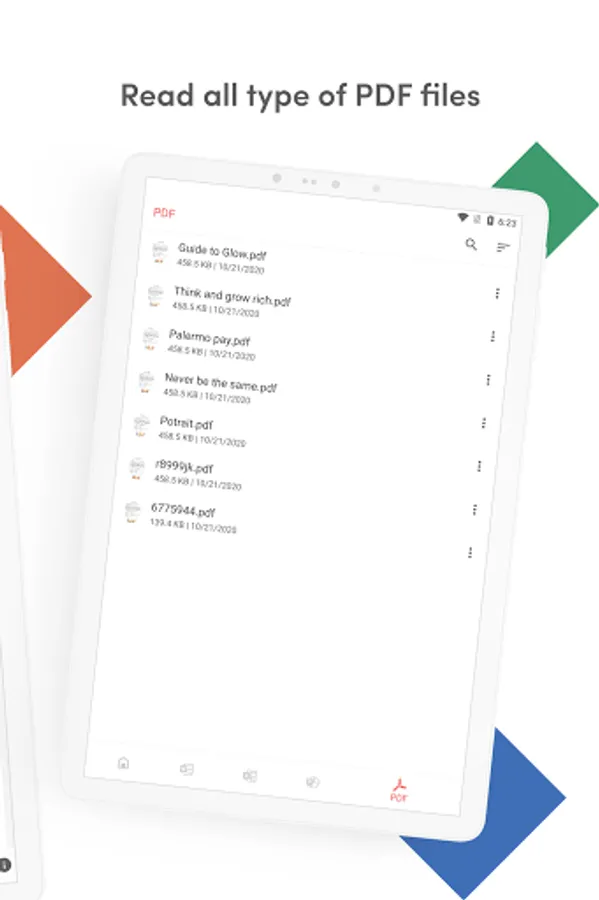
Read, view, and manage all your documents in one free app. Open Word, Excel, PowerPoint, PDF, eBooks, and more—anytime, anywhere, even offline.
✨ Key Features
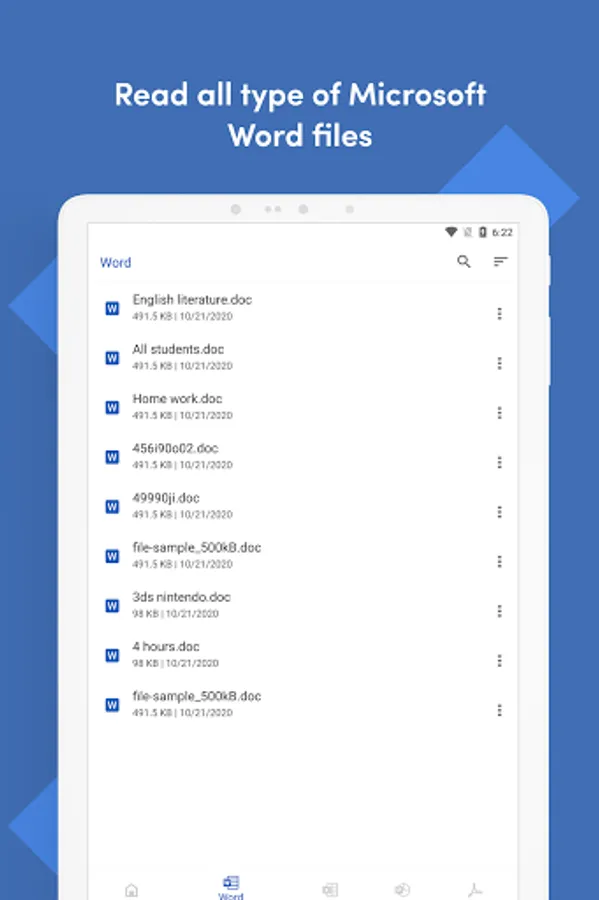
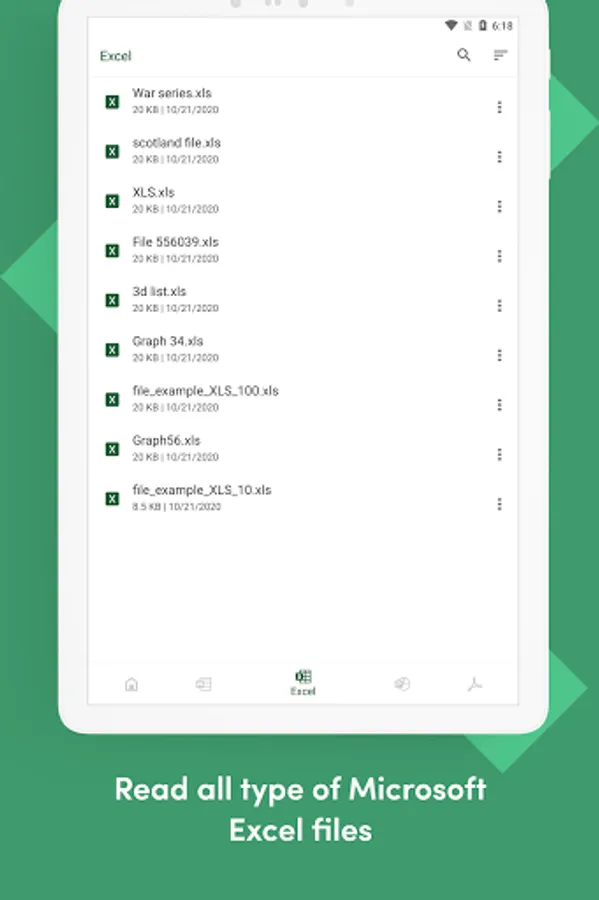
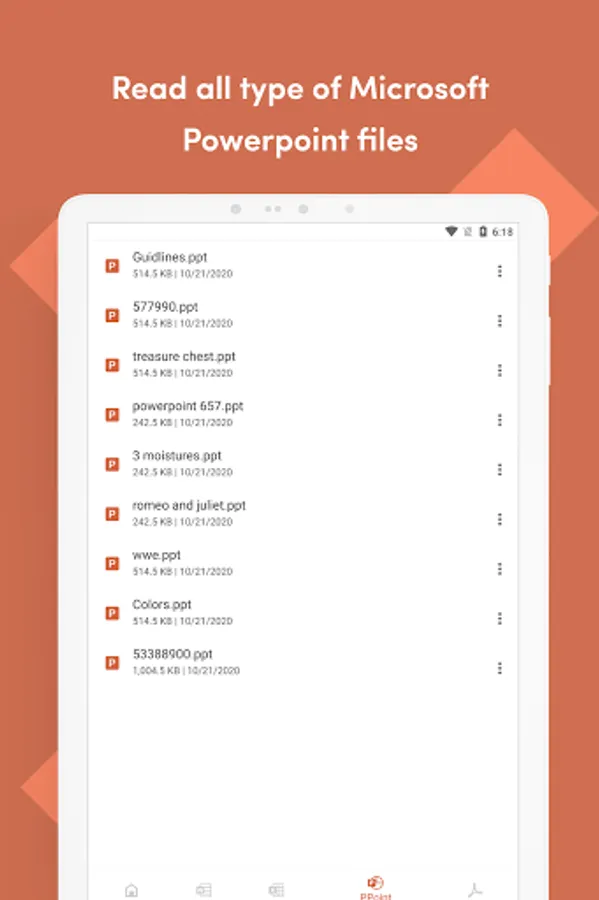
• All Document Formats Supported
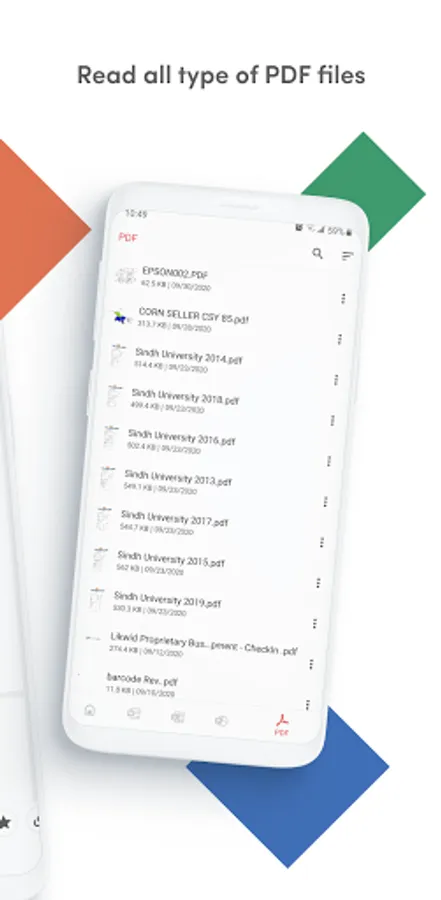
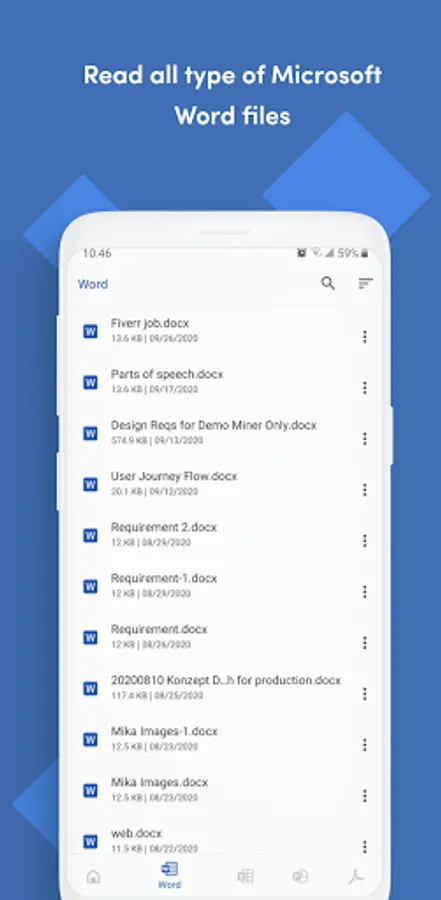
Open DOC, DOCX, XLS, XLSX, PPT, PPTX, PDF, RTF, TXT, CSV, HTML, MD, EPUB, MOBI, FB2, DJVU, AZW, EML, MSG, IPYNB, PGN, MML, and source codes (Java, Python, C++, etc.).
• Password-Protected Files
Securely view locked DOCX, XLS/XLSX, PPT/PPTX, and PDF files.
• File Conversion
Convert Word, Excel, PowerPoint, PDF, RTF, HTML, Markdown, Emails, and even source codes into PDF or text.
• Productivity Tools
📷 Doc Scan – scan documents into PDF.
📂 Folder Navigation – easily manage files.
⏱️ Quick Access – long press app icon to see recent files.
🚀 Why Choose Office Reader?
• Fast & lightweight
• 100% free, no hidden cost
• Works offline – perfect for travel or study
• Clean & simple design for easy navigation
Whether it’s business documents, study notes, eBooks, or source codes, Office Reader makes file viewing simple, fast, and secure.
Office Reader - PDF,Word,Excel Screenshots
Tap to Rate:
Reviews for Office Reader - PDF,Word,Excel
Jakoby Davis
12/30/2025
ad free, holy moly this is the best app ever. thank you for not wasting my time or storage space with this app. I'll be pressing that little coffee button every time it appears!
Neel Bahuguna
12/29/2025
one of the best all in one file viewer app. Has all main basic functionality. Does not have annoying ads. Does not prompt everytime to buy premium. all in one good package. really recommend it.