In this app, users experiment with transmitting video data over audio signals by converting images to sound and back. Includes tools for adjusting color palettes, recording animated GIFs, and testing broadcasts.
AppRecs review analysis
AppRecs rating 4.5. Trustworthiness 54 out of 100. Review manipulation risk 36 out of 100. Based on a review sample analyzed.
★★★★☆
4.5
AppRecs Rating
Ratings breakdown
5 star
89%
4 star
6%
3 star
6%
2 star
0%
1 star
0%
What to know
✓
High user satisfaction
89% of sampled ratings are 5 stars
✓
Authentic reviews
No red flags detected
About PixiVisor
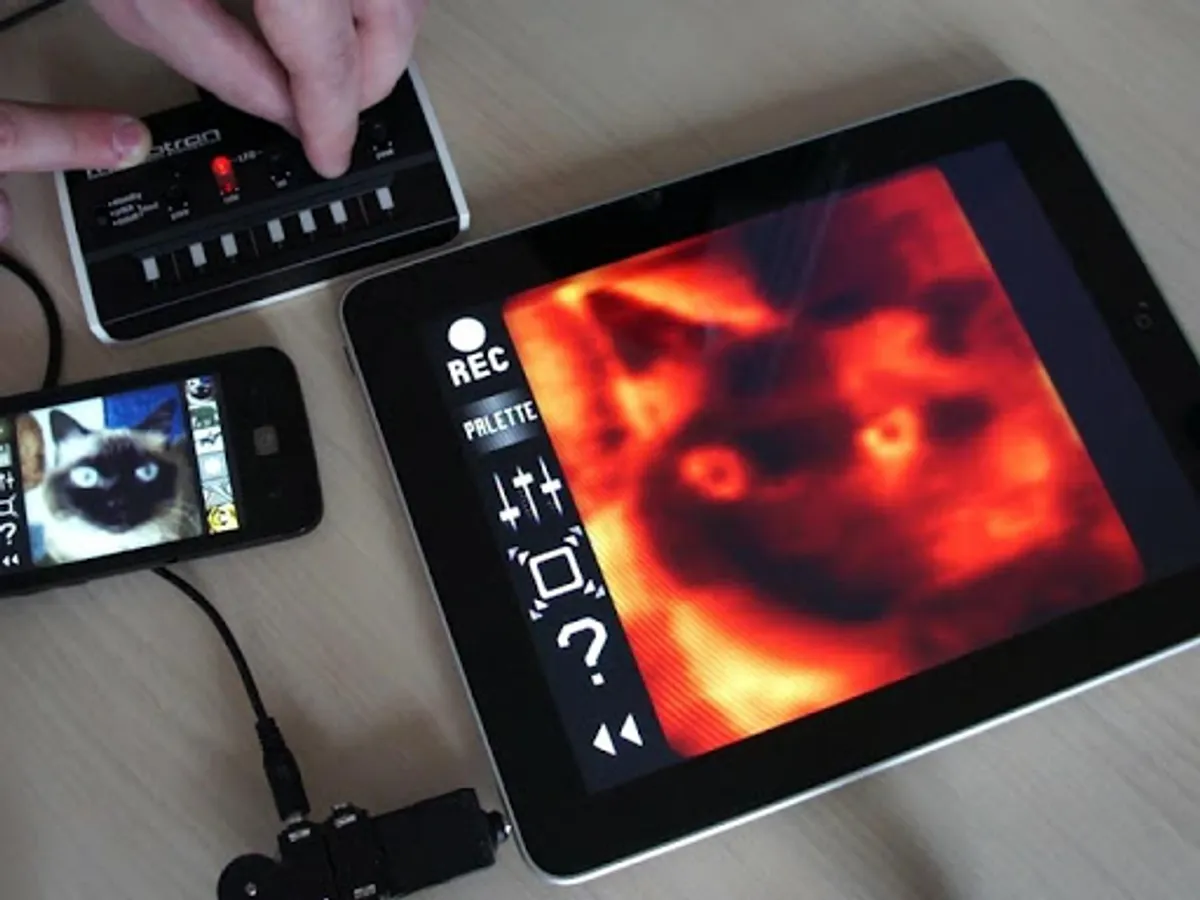
It consists of two parts: Transmitter and Receiver.
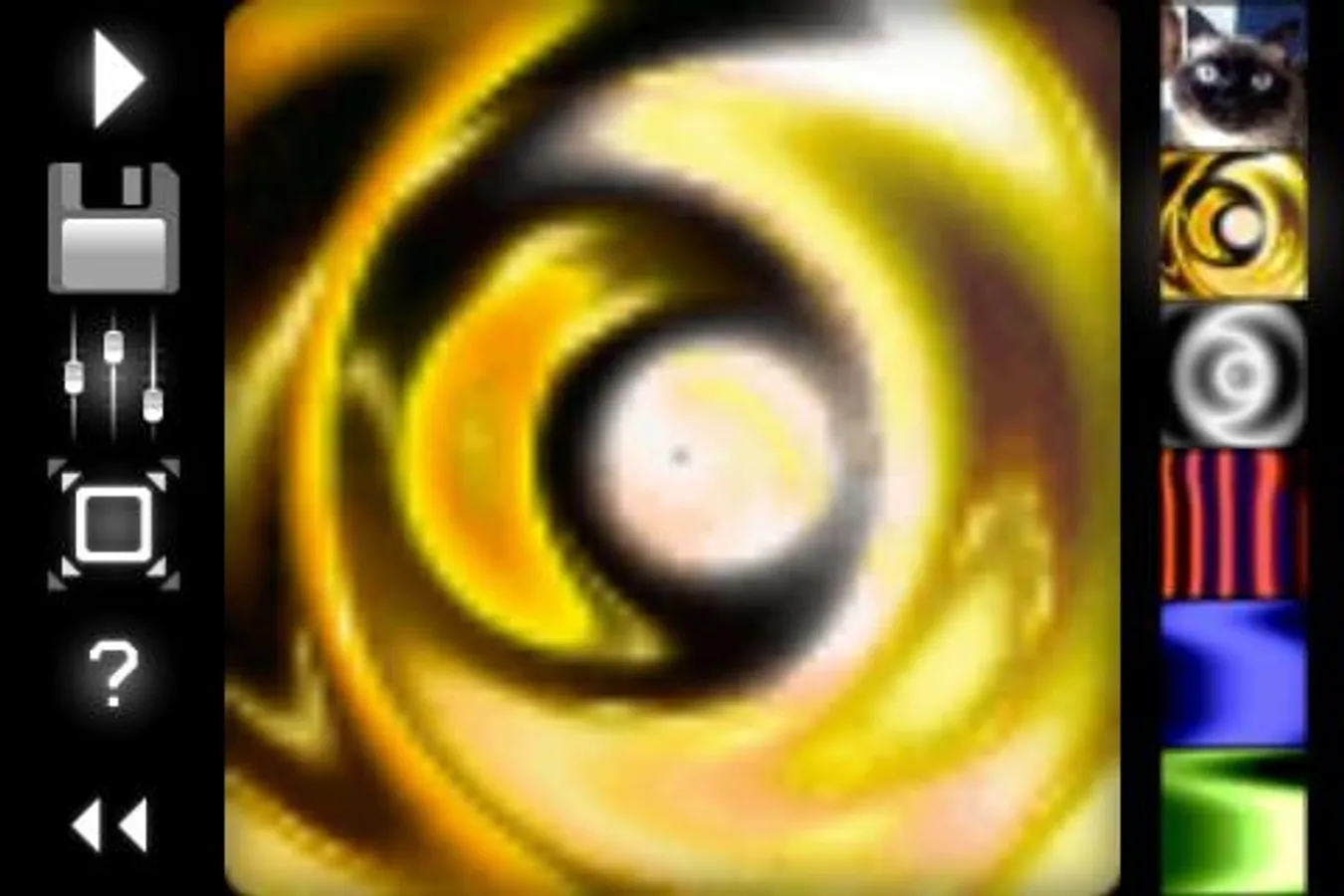
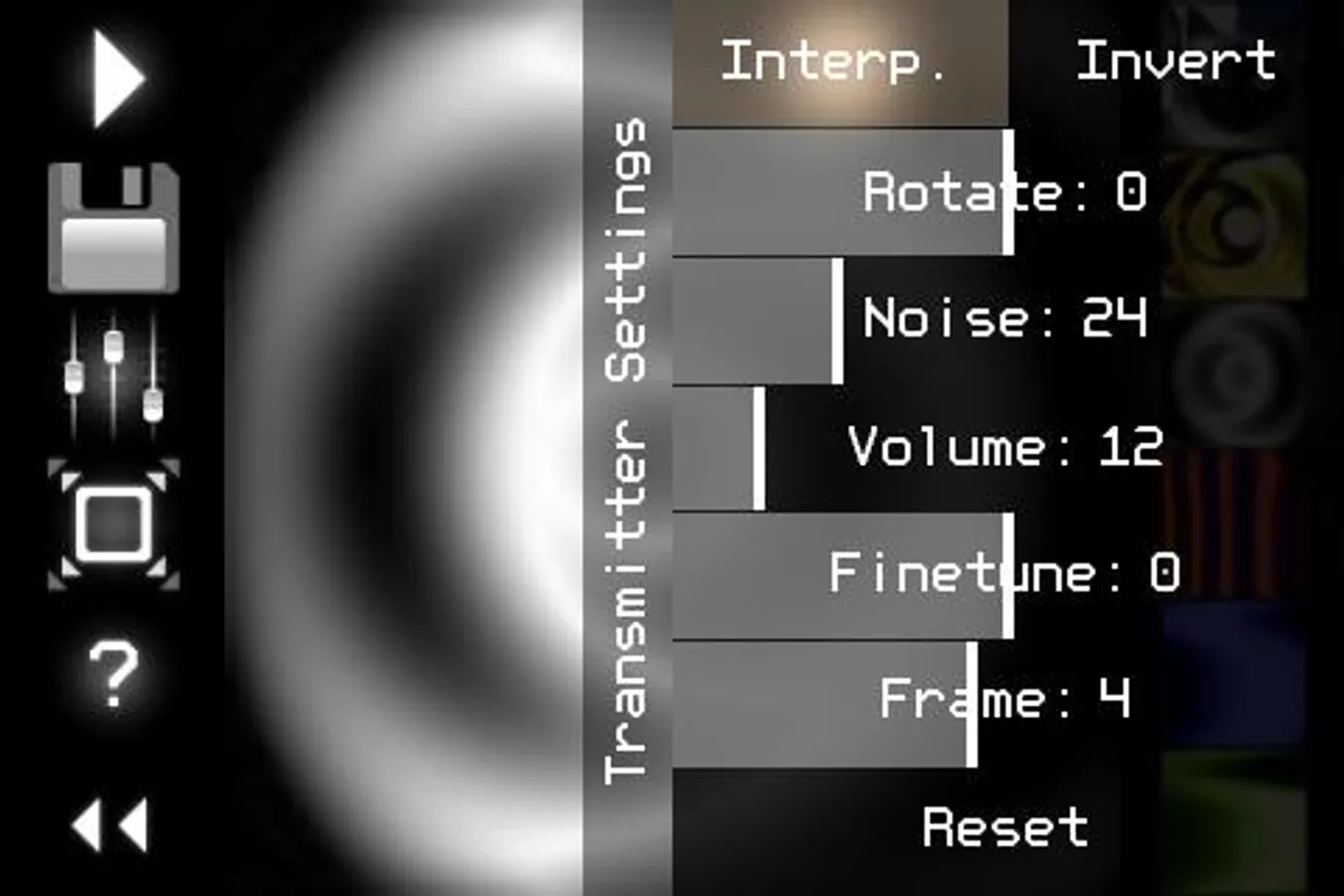
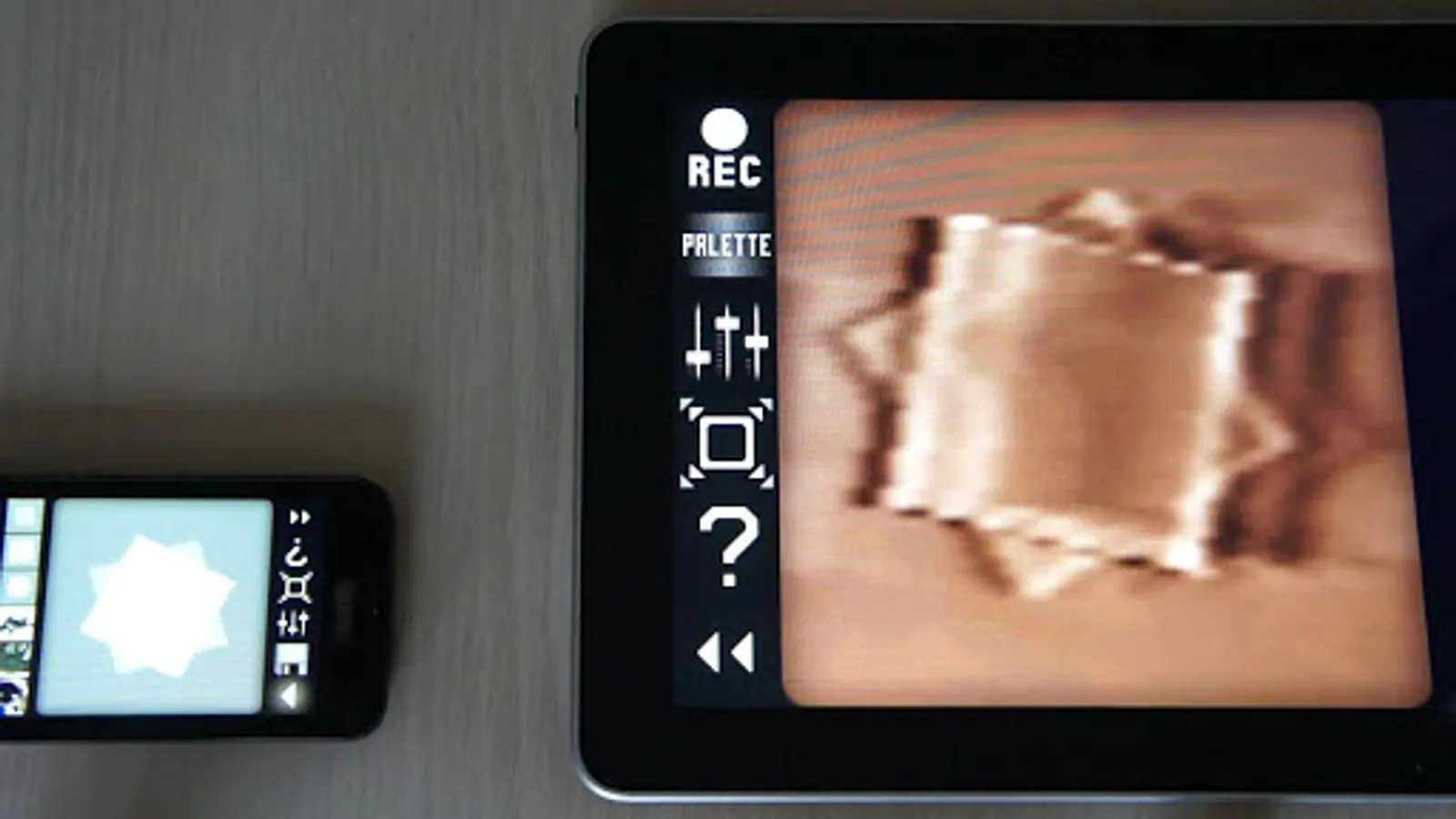
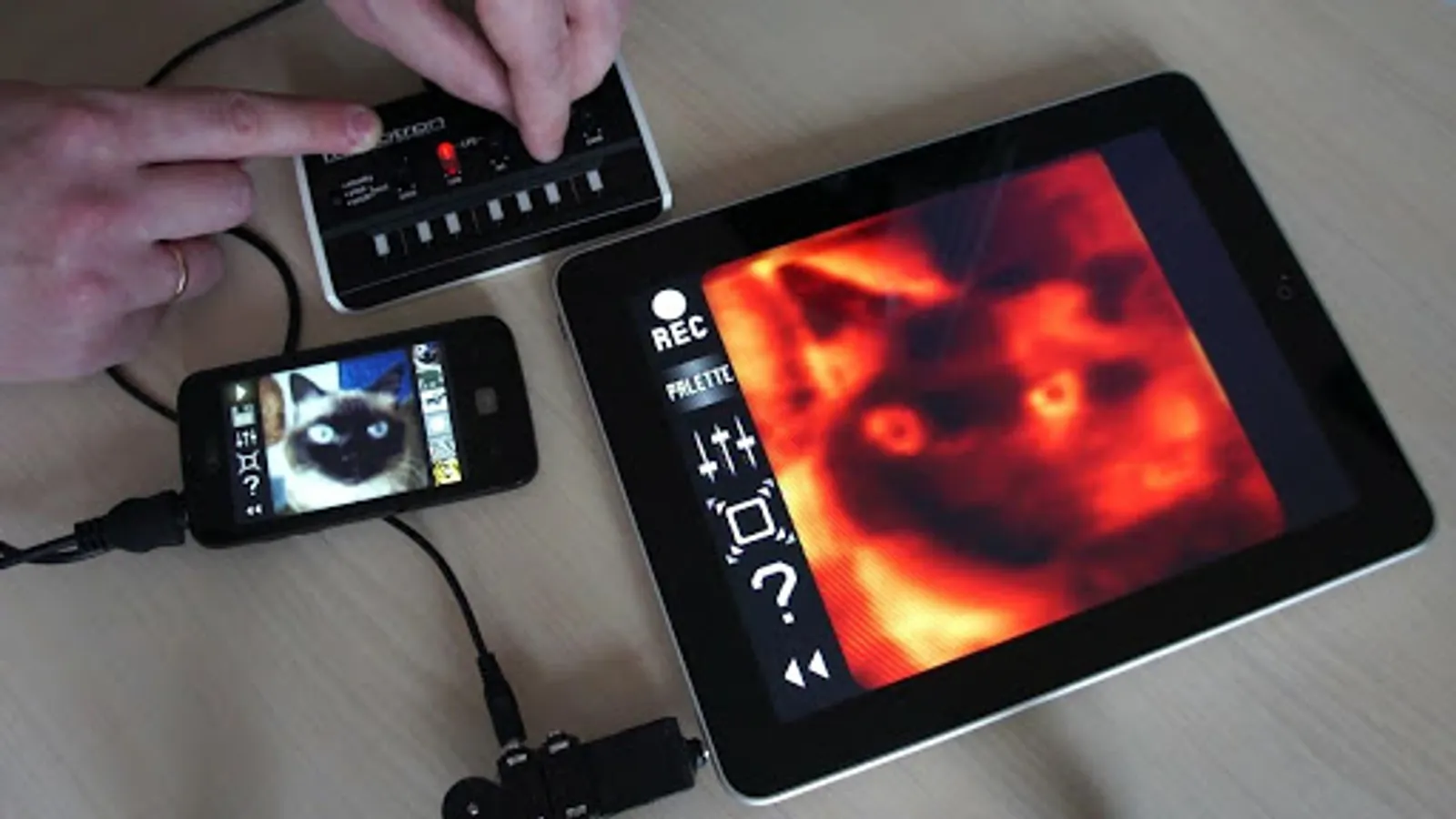
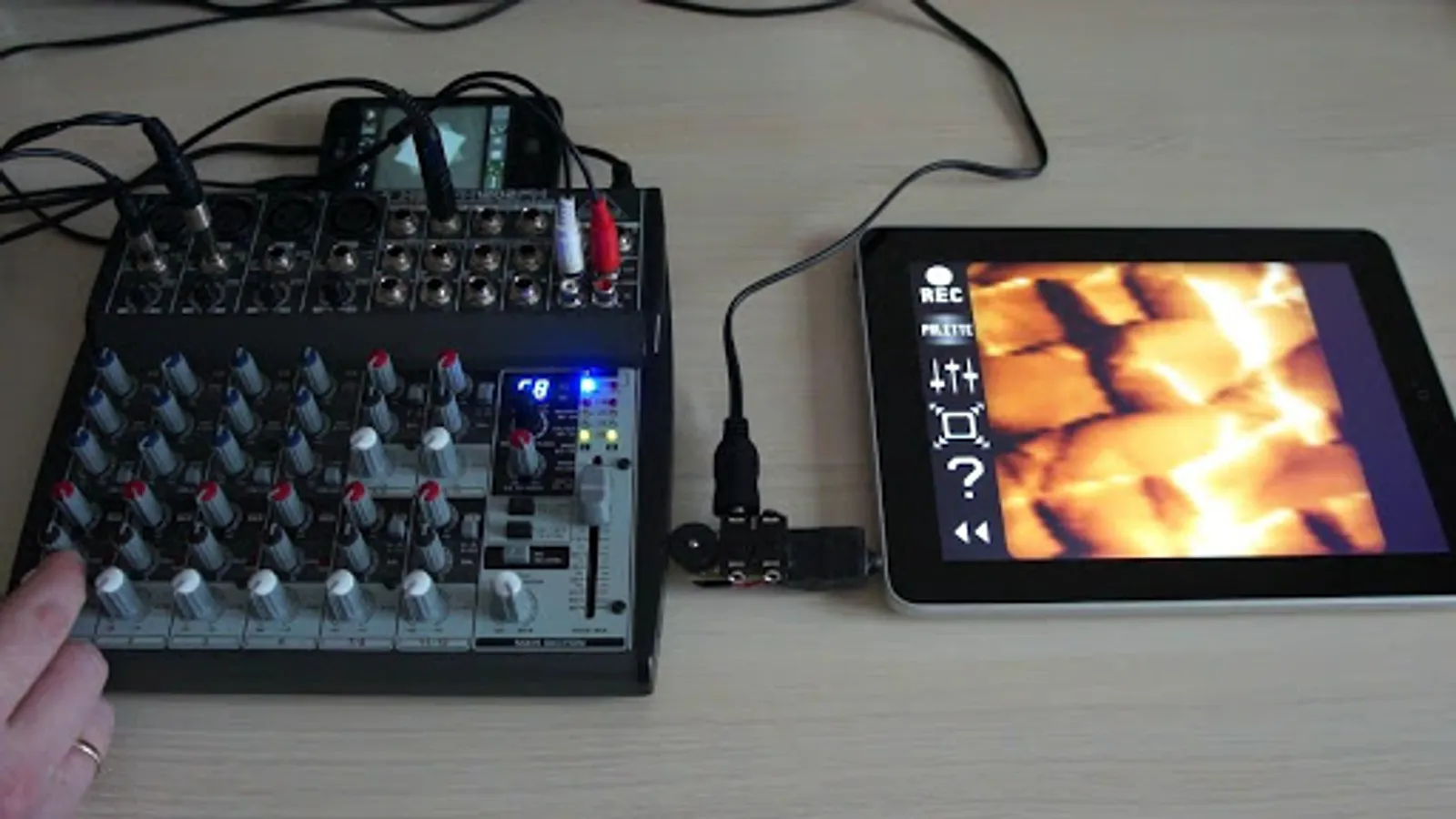
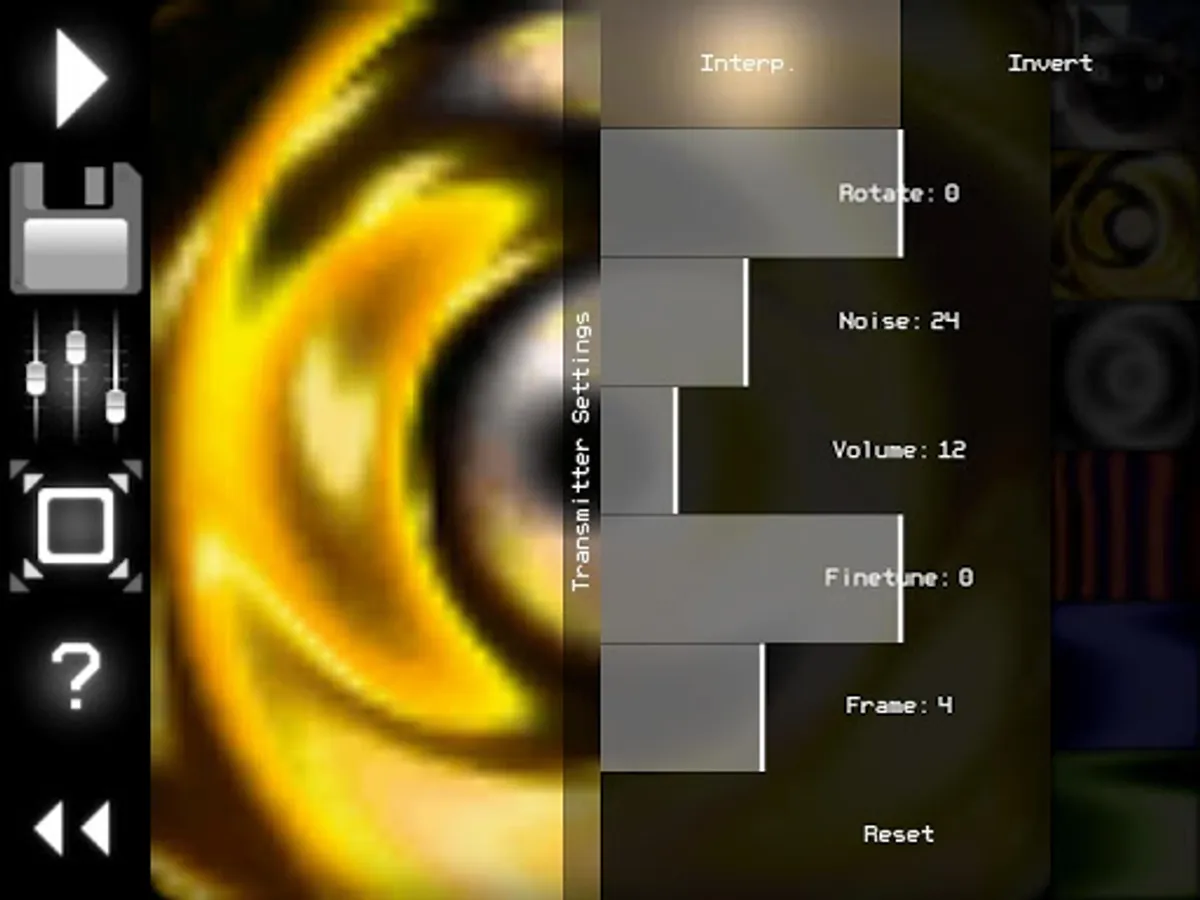
* Transmitter converts the low-resolution video (stream from camera, static image or GIF animation) to sound in real time, pixel by pixel (progressive scan). So any image or animation can be transferred to the other devices through the sound.
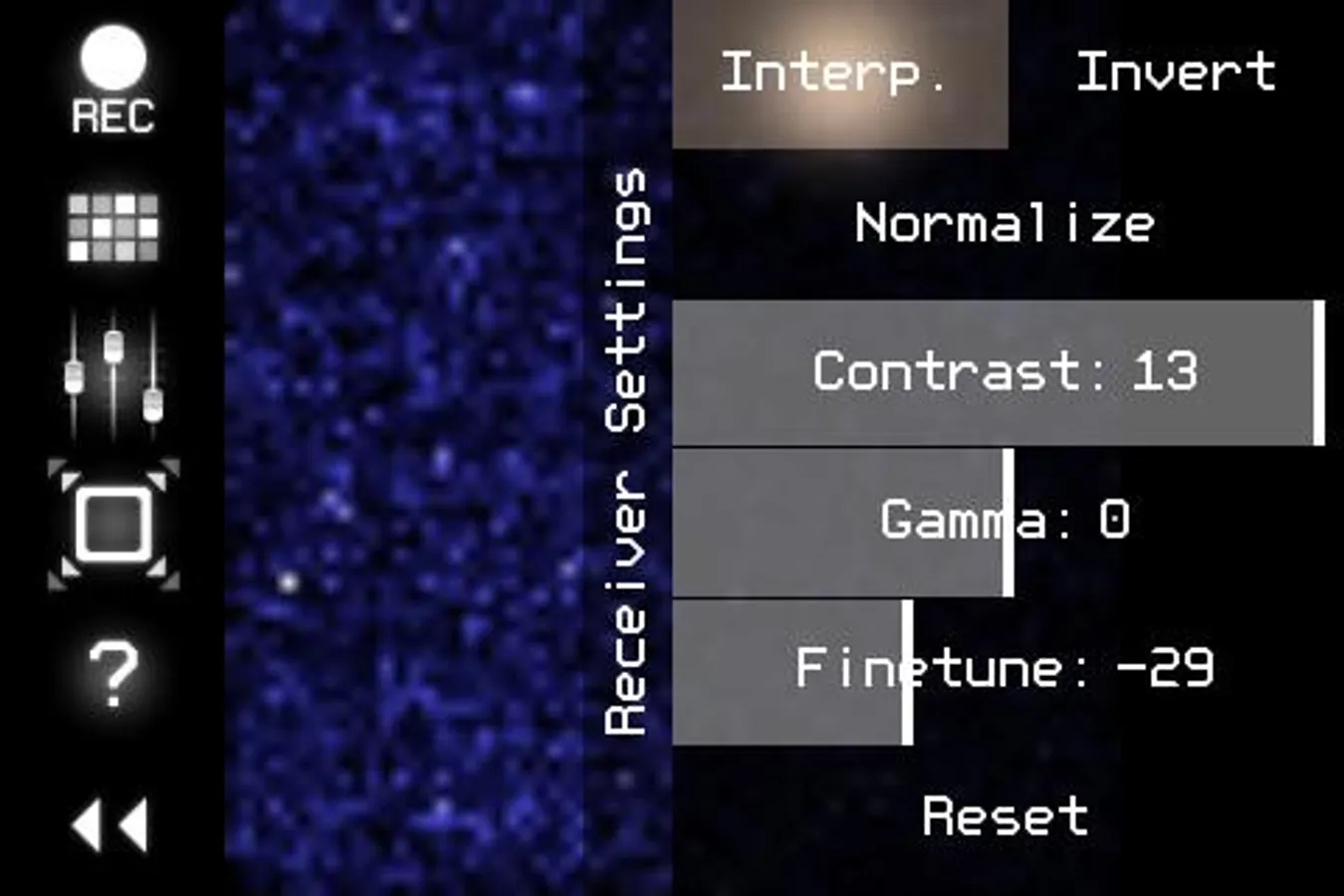
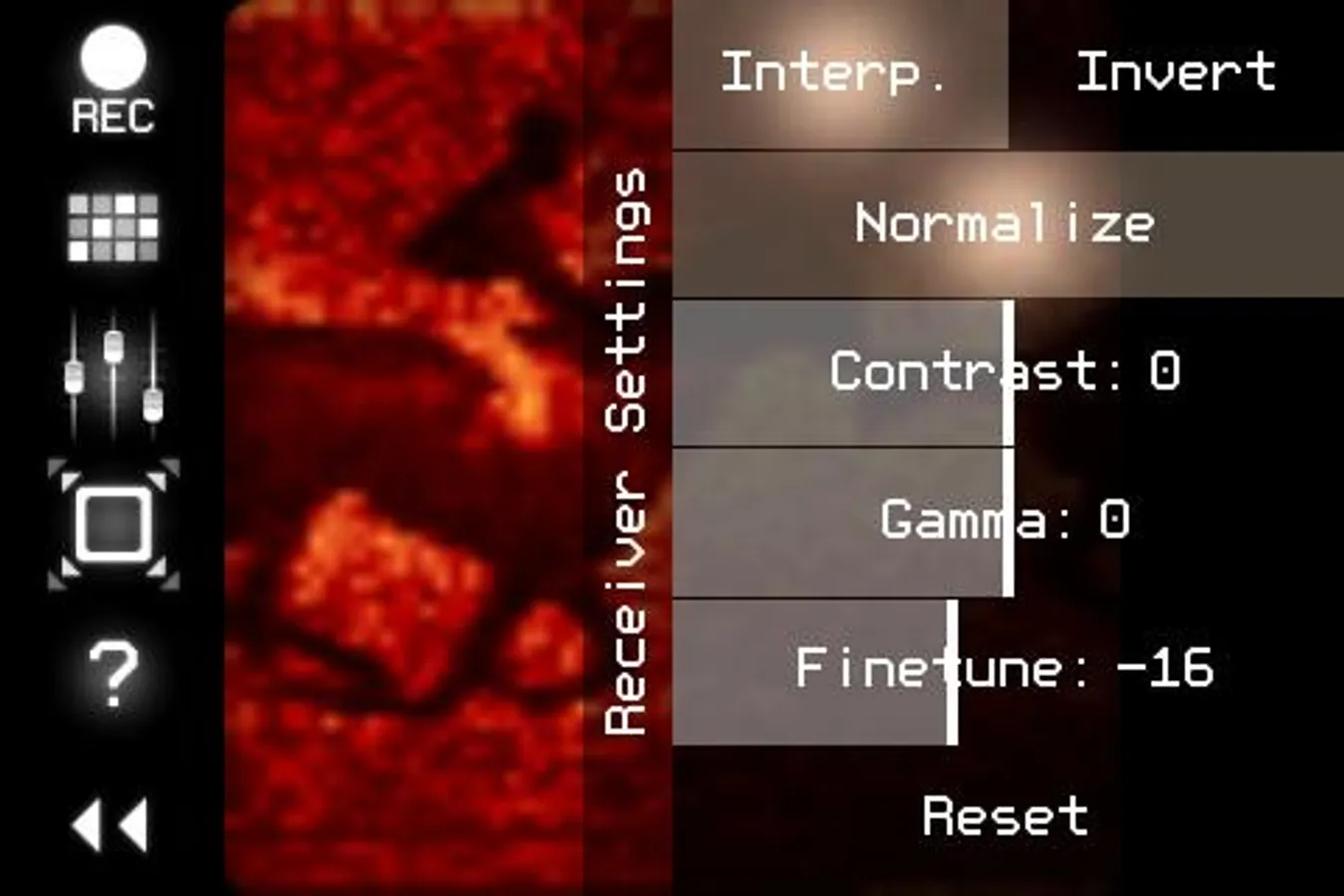
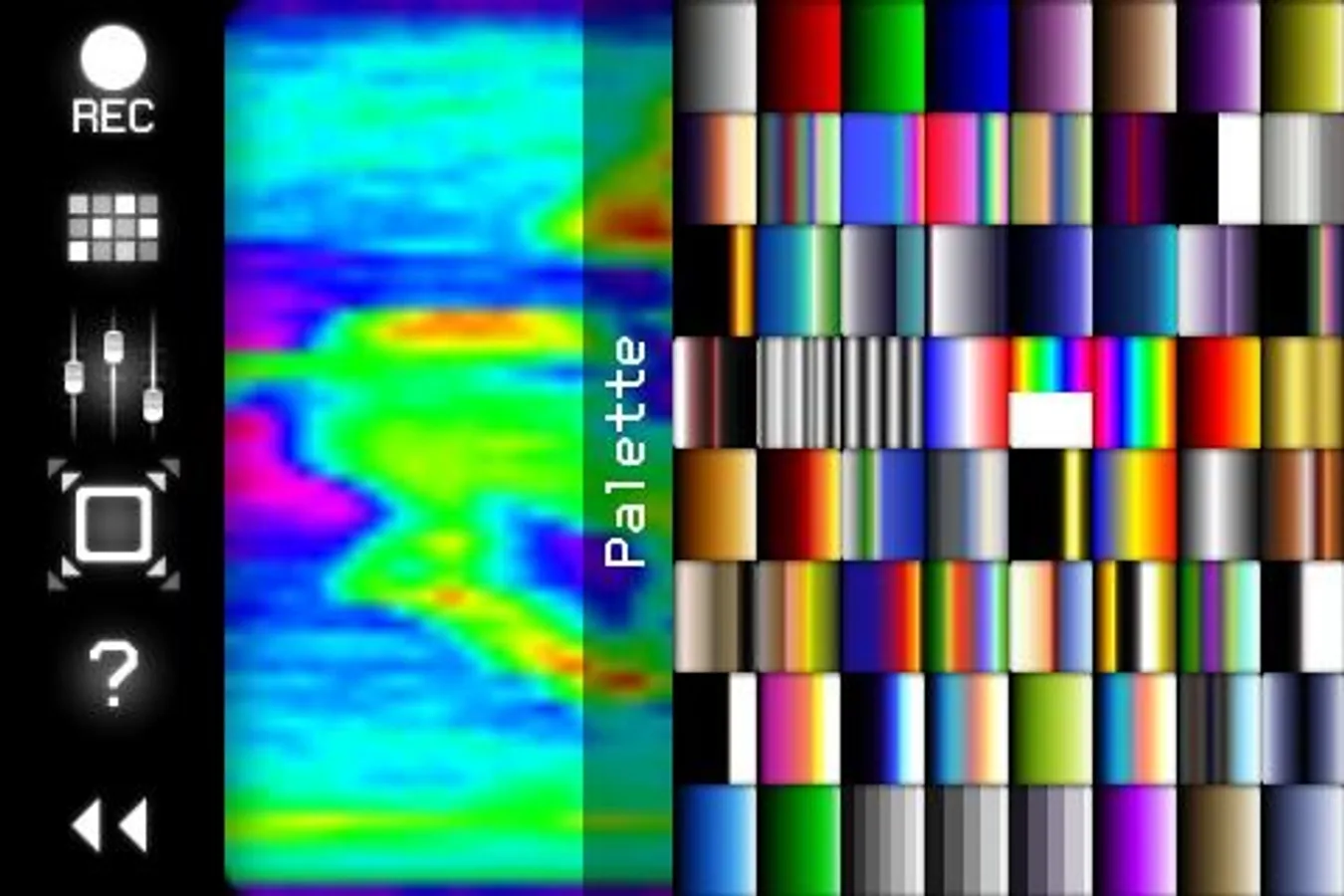
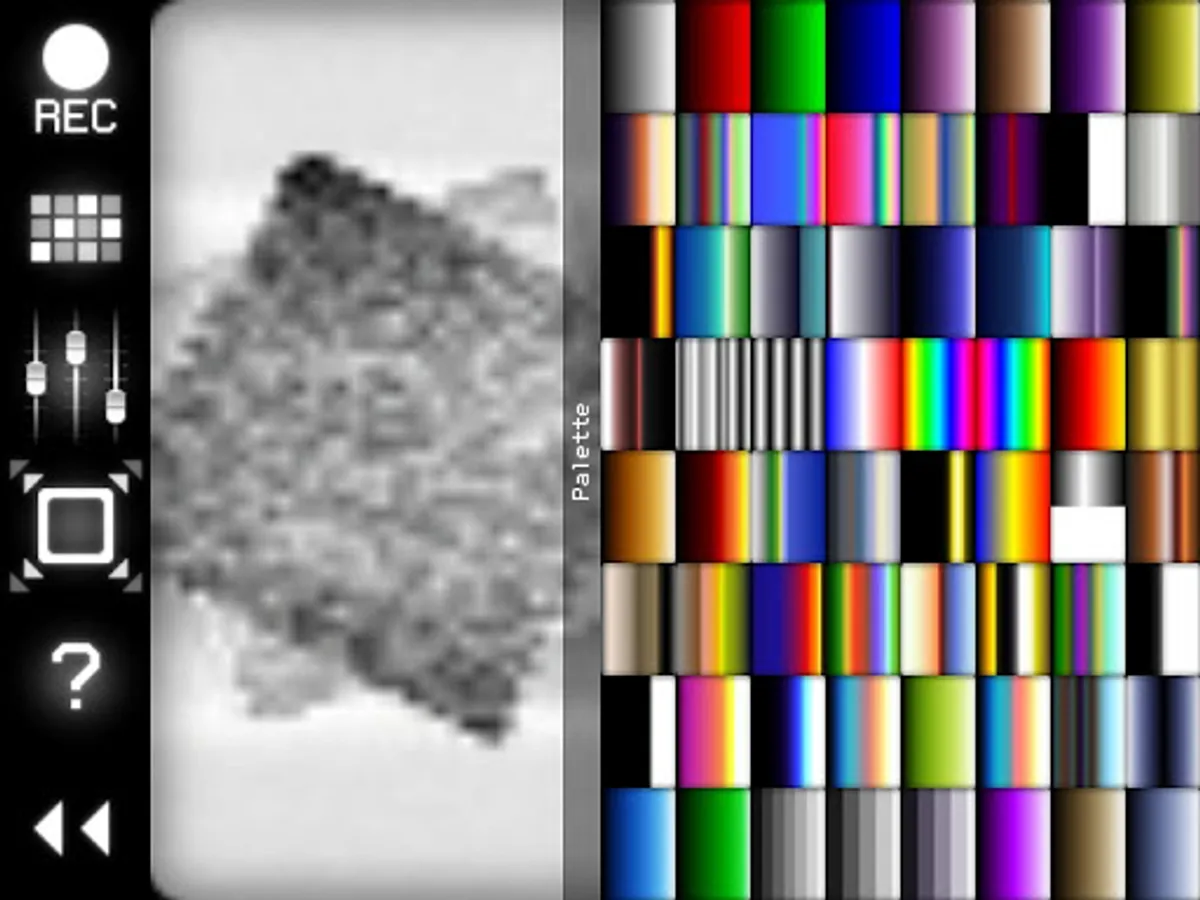
* Receiver converts the sound (from microphone or Line-in input) back to video. You can set the color palette for this video, and record it to animated GIF file.
Examples of use:
* wireless Lo-Fi video transmission over audio;
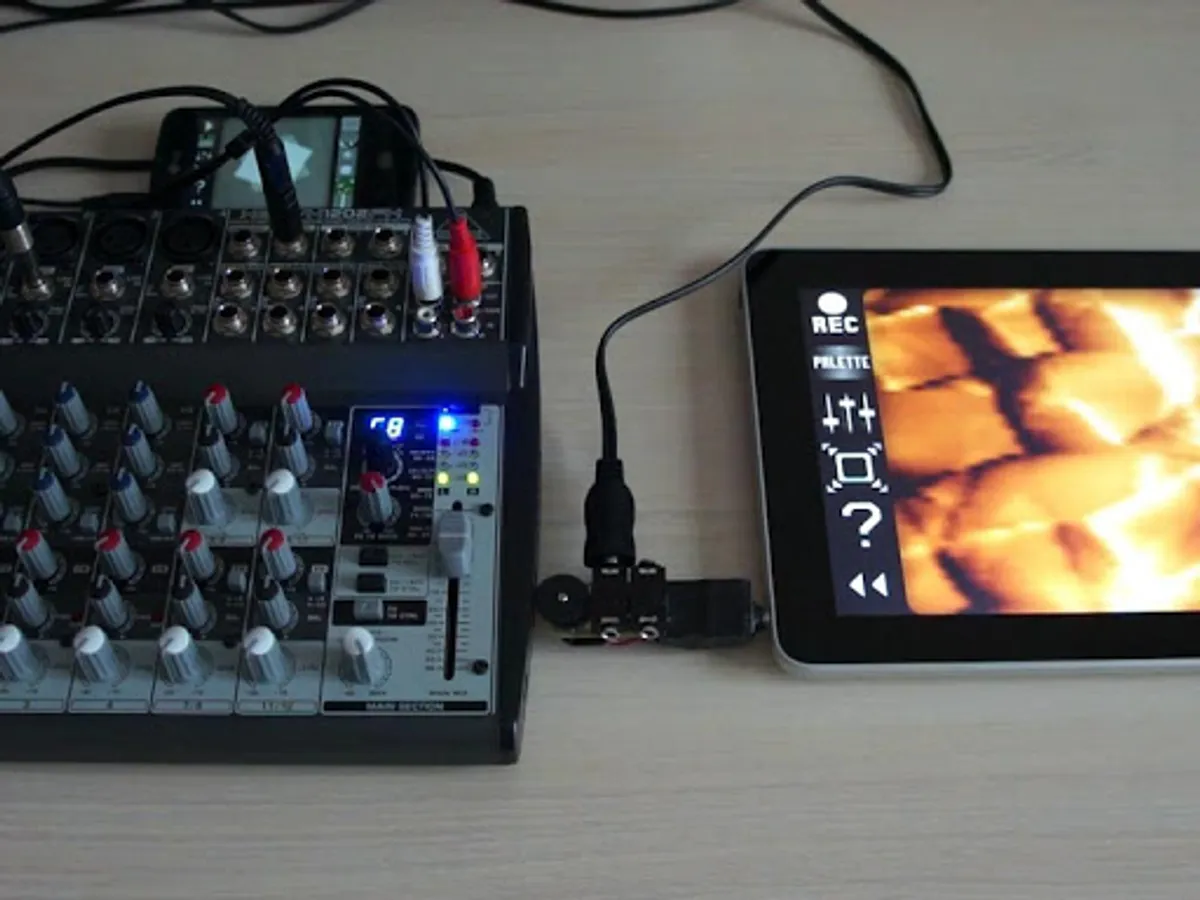
* video signal transmission through audio cable; you can then modify that signal by some mixers or audio FX processors;
* VJing;
* sound visualization;
* searching for hidden messages in the ambient noise; EVP (Electronic Voice Phenomenon), ITC (Instrumental Transcommunication);
* save any sound to animated GIF;
* something else...
PixiVisor is also available for iOS, Windows, Linux and macOS.
Control keys:
ESCAPE - exit;
SPACE - play/stop (transmitter);
1,2,3,4,5,6 - slot select (transmitter);
F - hide/show control panel;
[ - previous palette (receiver);
] - next palette (receiver);
I - invert (receiver);
N - normalize (receiver);
1,2 - contrast -/+ (receiver);
3,4 - gamma -/+ (receiver);
5,6 - finetune -/+ (receiver);
7,8 - repeat X -/+ (receiver);
9,0 - repeat Y -/+ (receiver);
LEFT,RIGHT,UP,DOWN - move the image (receiver).
Official PixiVisor homepage + test broadcasts + more videos:
https://warmplace.ru/soft/pixivisor
Known solutions for some problems:
https://warmplace.ru/android
PixiVisor Screenshots
Tap to Rate:
Reviews for PixiVisor
peter anthony petra anna monette
1/7/2025
prompts a moment spent reconceptuasing how I've traditionally contemplated traditional modes of sensory input and what each ultimately amounts to during its trip from the external world to the point within the users mind body soul complex that said stimili again took a noted solidified form as part of some newly introduced grasped notion of relevancyvancy
Robert Wyn
6/14/2024
Application cannot load a custom image to broadcast, instead needs to be viewed from the camera directly, it also seems to recieve audio from a microphone on my phone that until installing this application, I had no idea even existed, it's the one used for extraneous noise suppression, not the main/better microphone, which does nothing on this, blocking the hole, which should be dead silence, still presents a noise profile of strobing black and white🤷 also missing presets+assets shown in exampl