In this app, you can scan and play pictures encoded with sound using the camera, and create your own codes with recorded audio. Includes features for real-time decoding, manual speed control, and hand-drawn code creation.
AppRecs review analysis
AppRecs rating 4.6. Trustworthiness 73 out of 100. Review manipulation risk 34 out of 100. Based on a review sample analyzed.
★★★★☆
4.6
AppRecs Rating
Ratings breakdown
5 star
81%
4 star
6%
3 star
4%
2 star
5%
1 star
4%
What to know
✓
Credible reviews
73% trustworthiness score from analyzed reviews
✓
High user satisfaction
81% of sampled ratings are 5 stars
About PhonoPaper
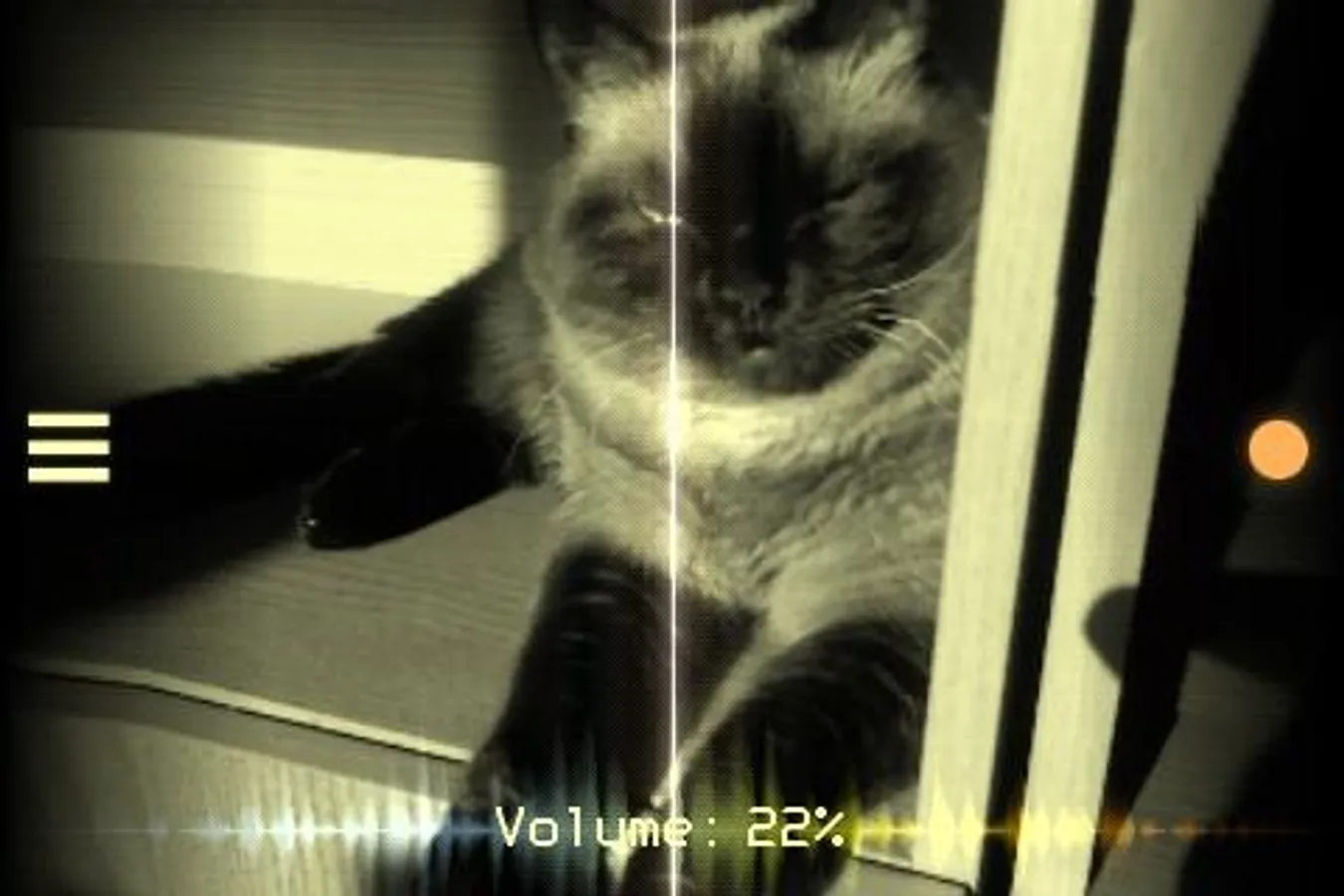
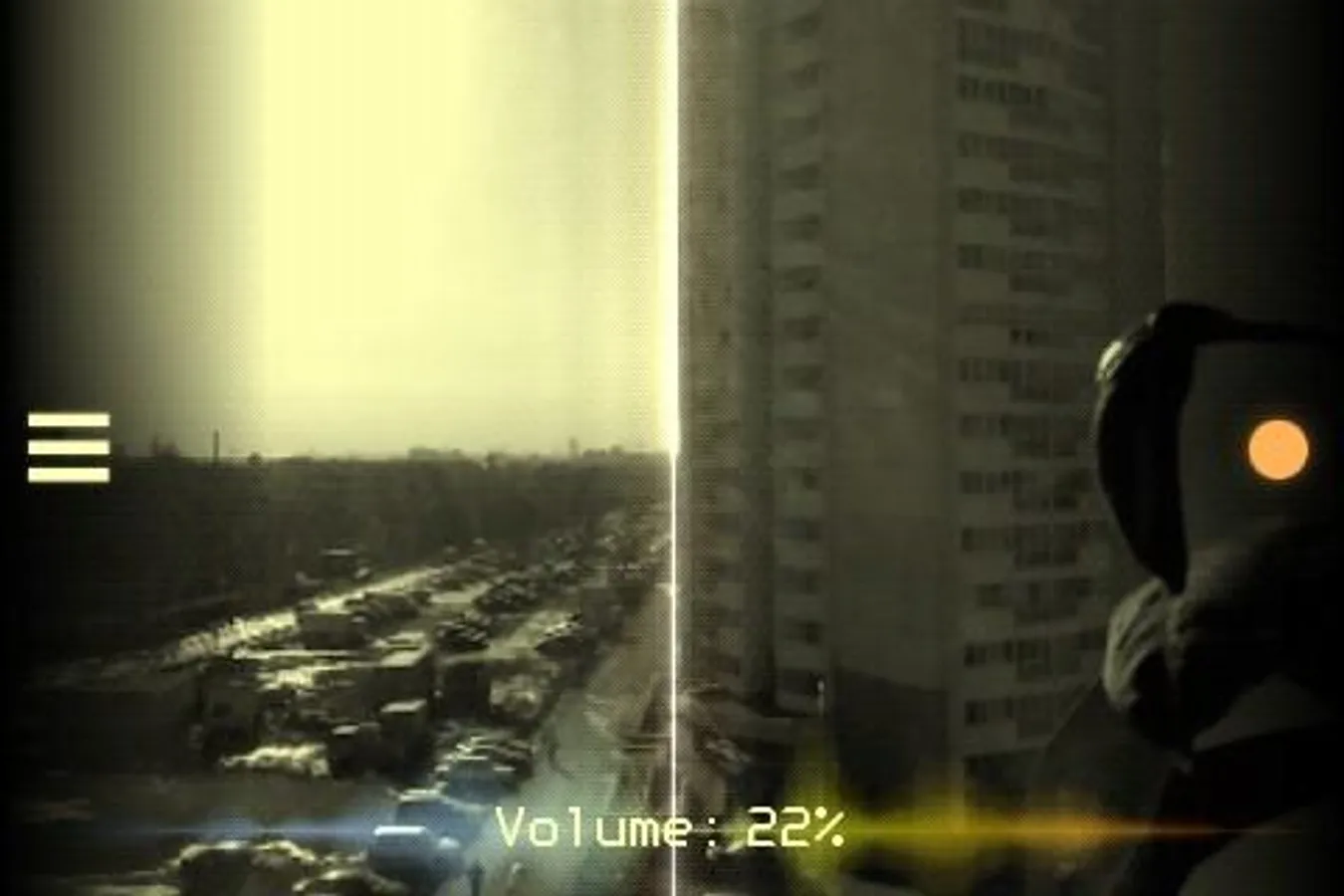
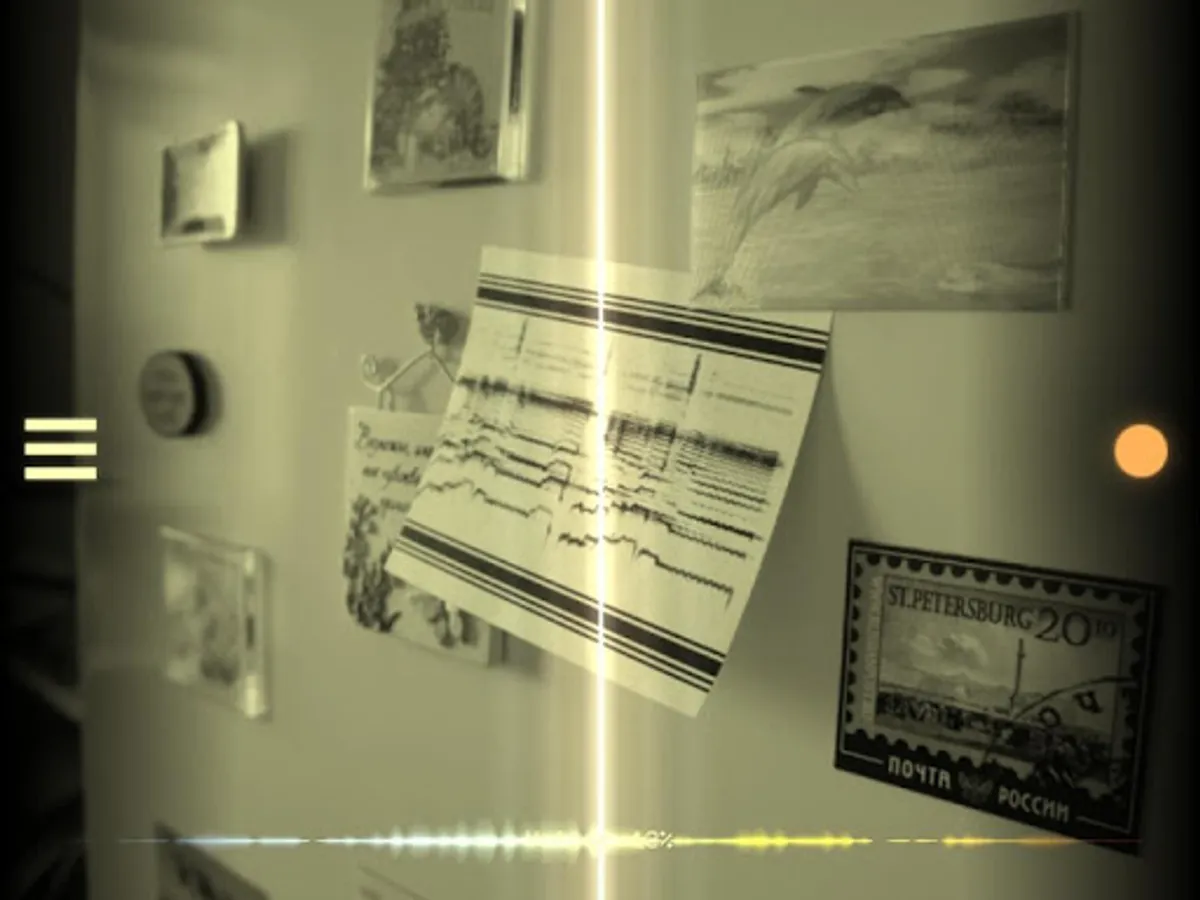
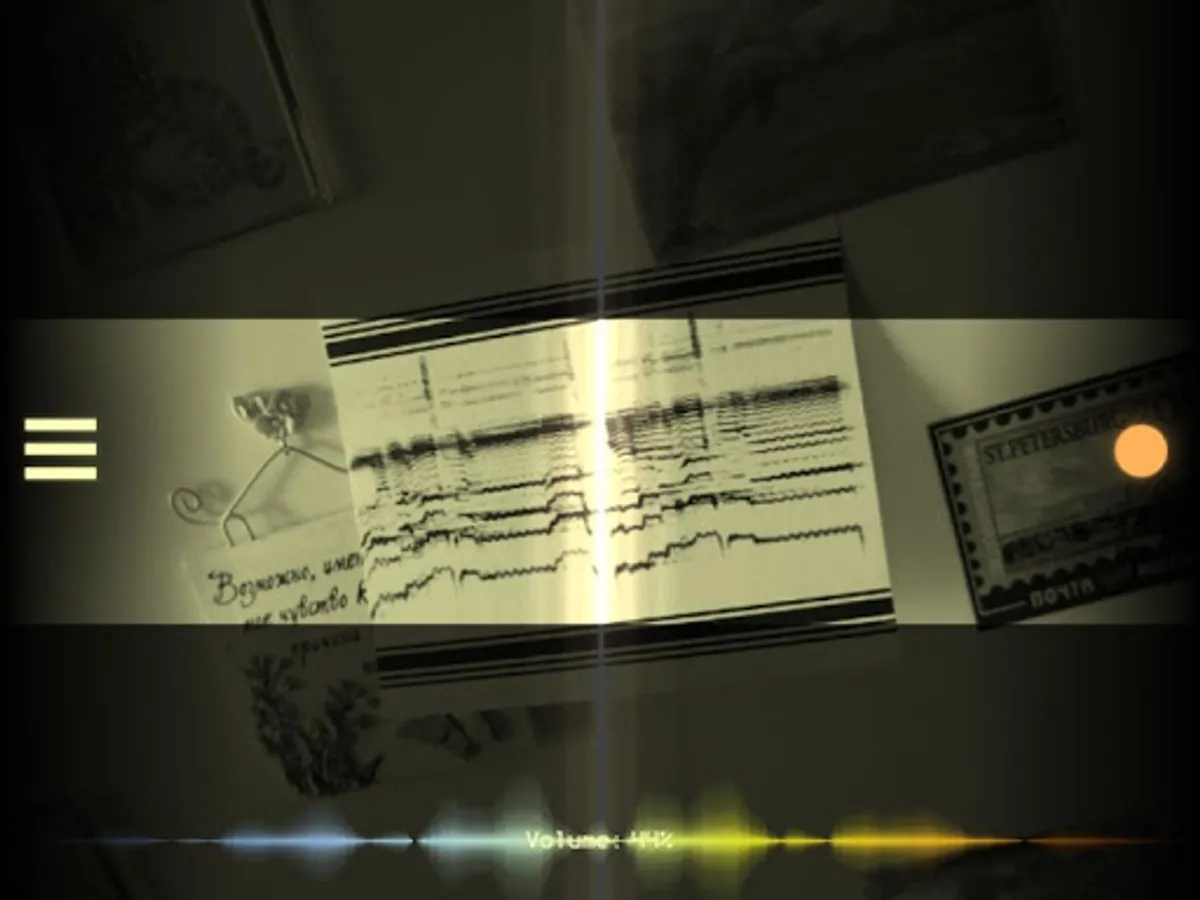
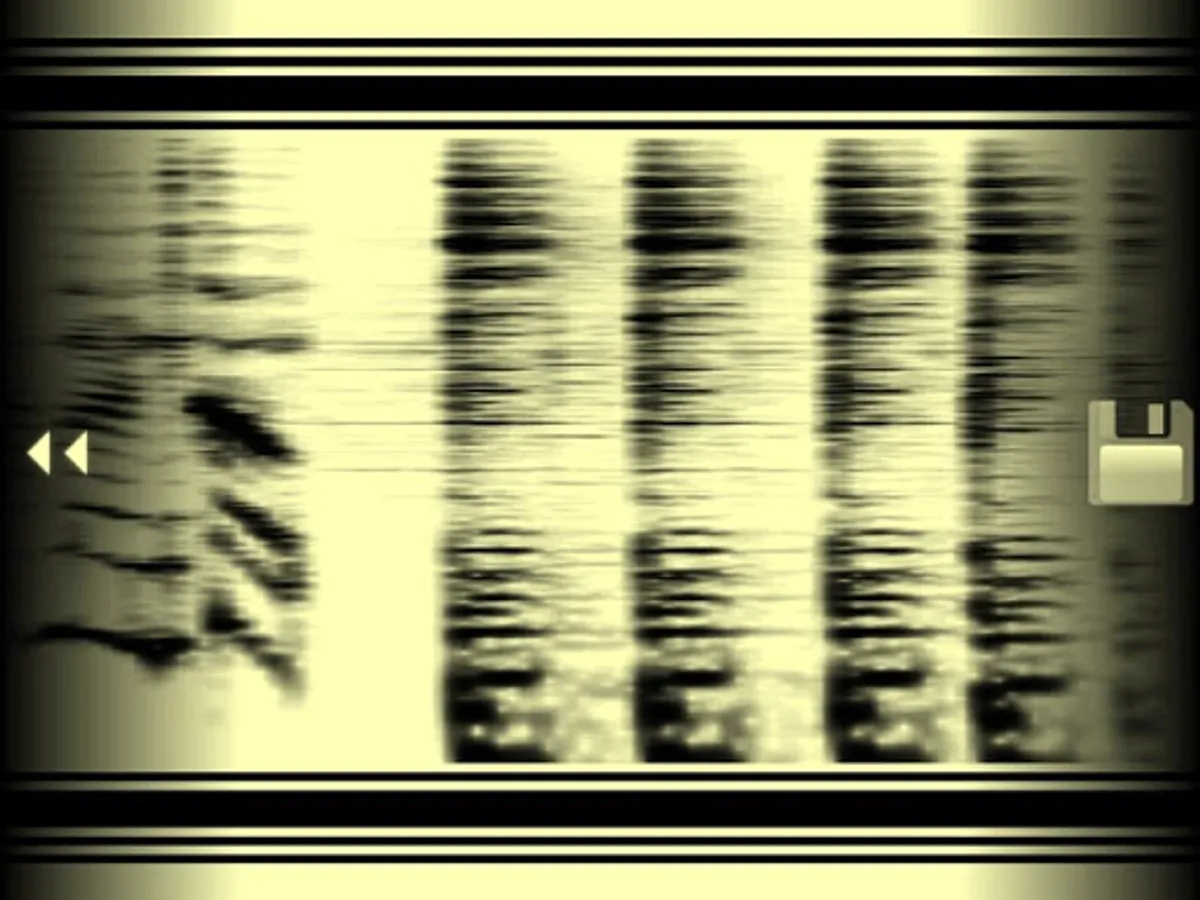
PhonoPaper is a camera app for playing pictures with encoded sound (PhonoPaper-codes).
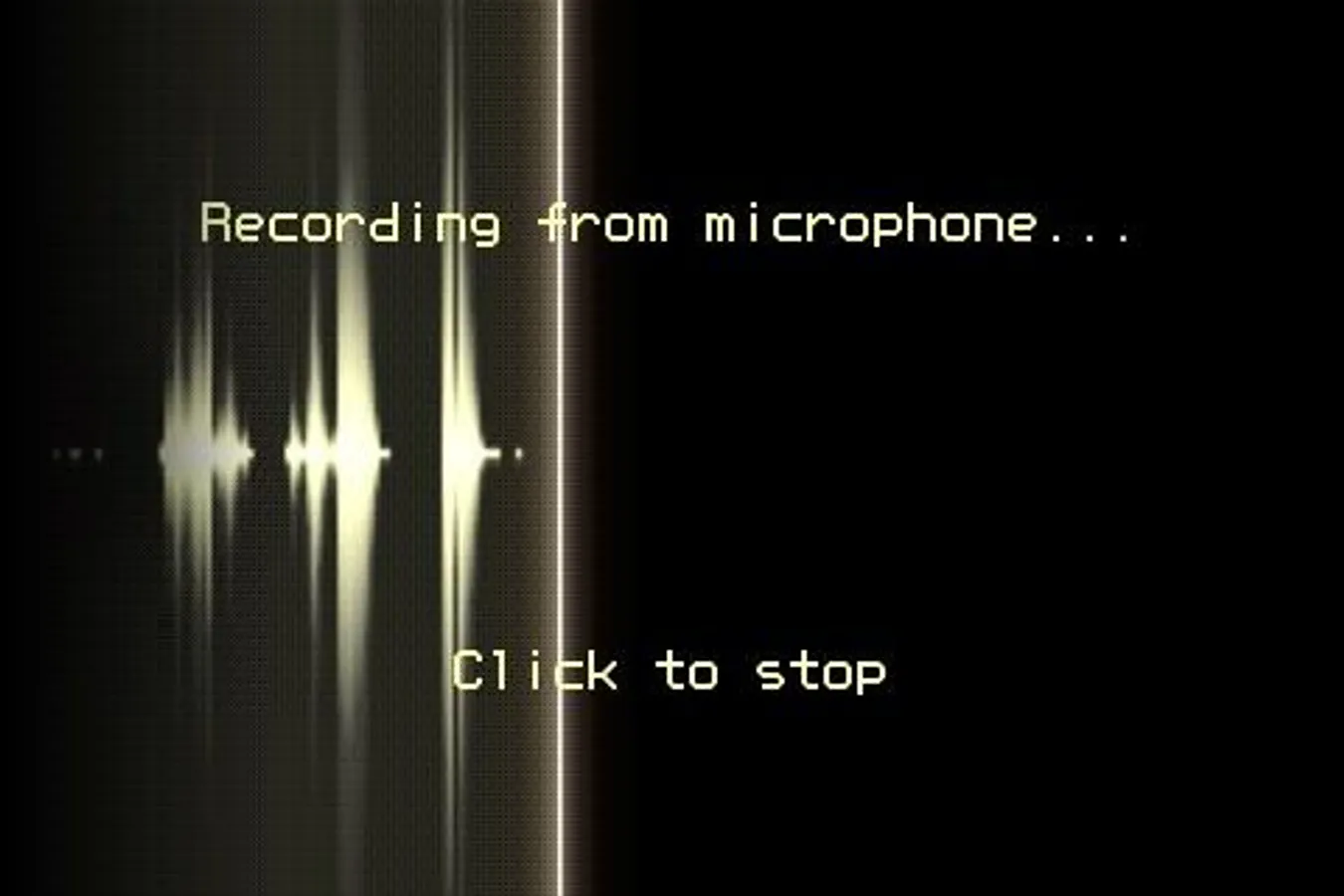
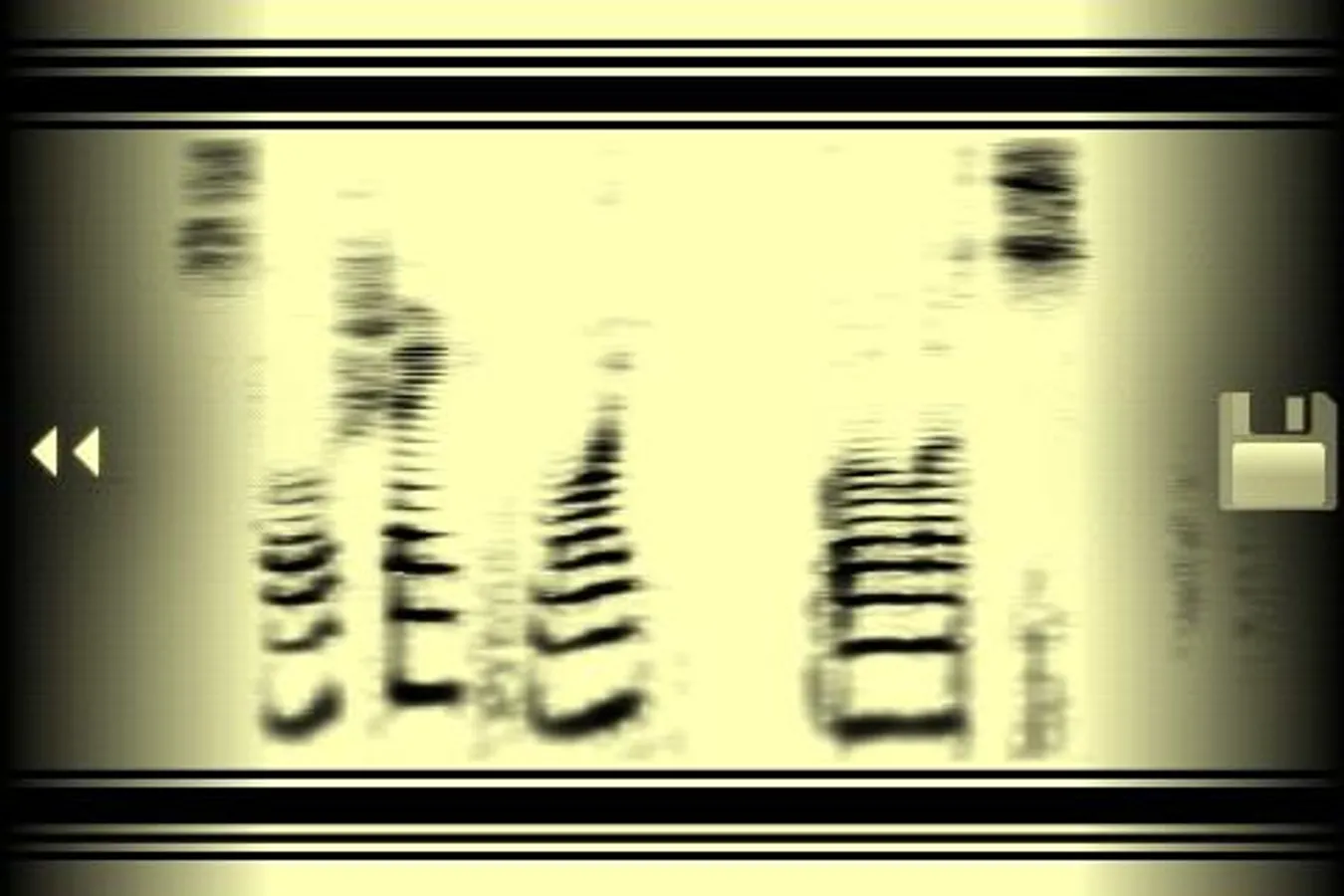
With this app, you can also create your own codes: 10 seconds of sound can be recorded from a microphone and converted into an image.
[ Key features ]
* PhonoPaper does not require access to the network for decoding;
* PhonoPaper code is analogue, so it is not so sensitive to different types of the image distortion (bad camera, dark picture, wrinkled paper, etc.); at least you will hear the "silhouette" of the original sound;
* code can be played in real-time with hand-controlled speed and direction;
* code can be drawn by hand to get some unusual sounds.
[ Examples of usage ]
* voice messages (or pieces of music) on t-shirts, billboards, posters, postcards, goods;
* audio labels for phonorecords;
* audio examples in books;
* secret messages;
* art-experiments.
[ How to use ]
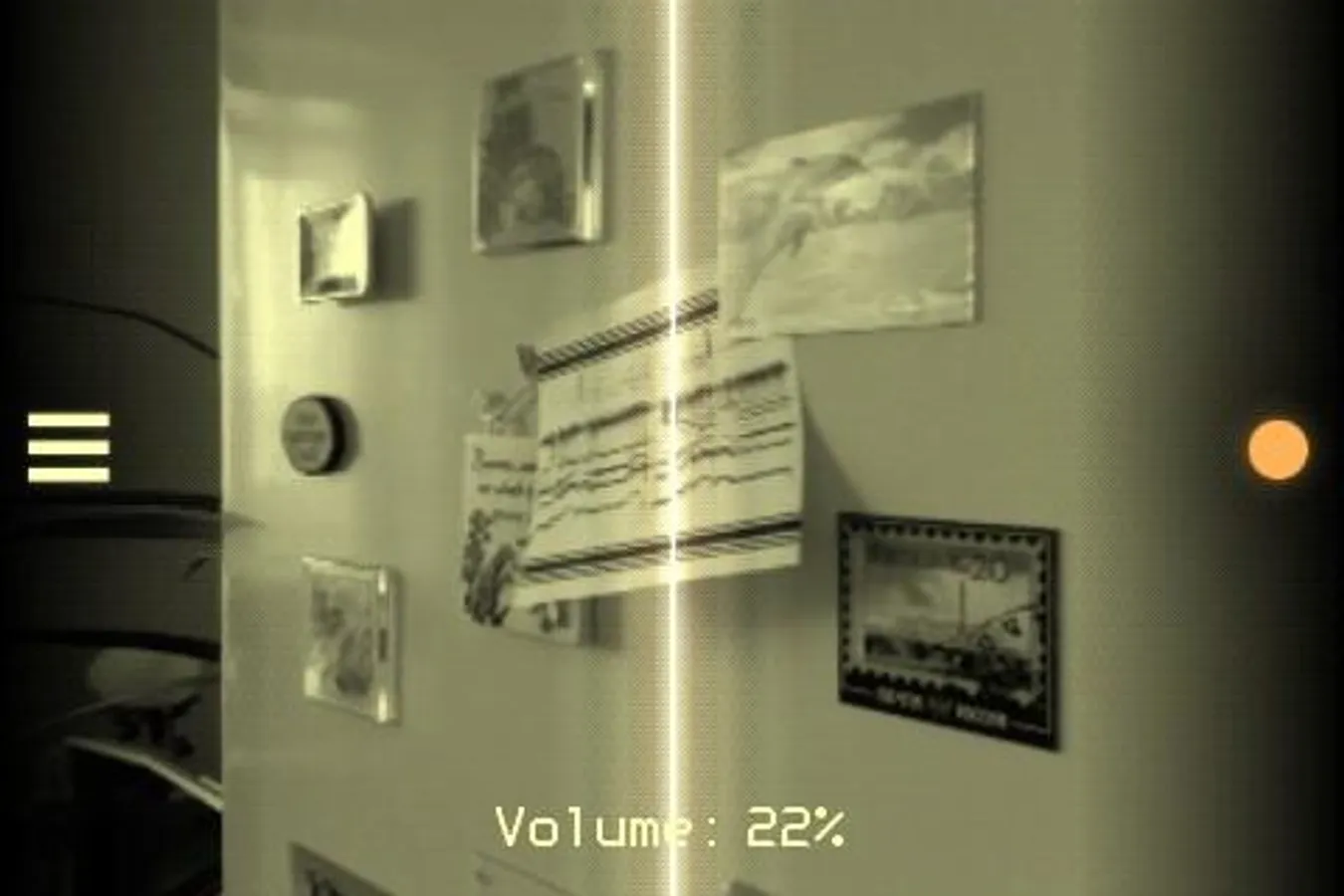
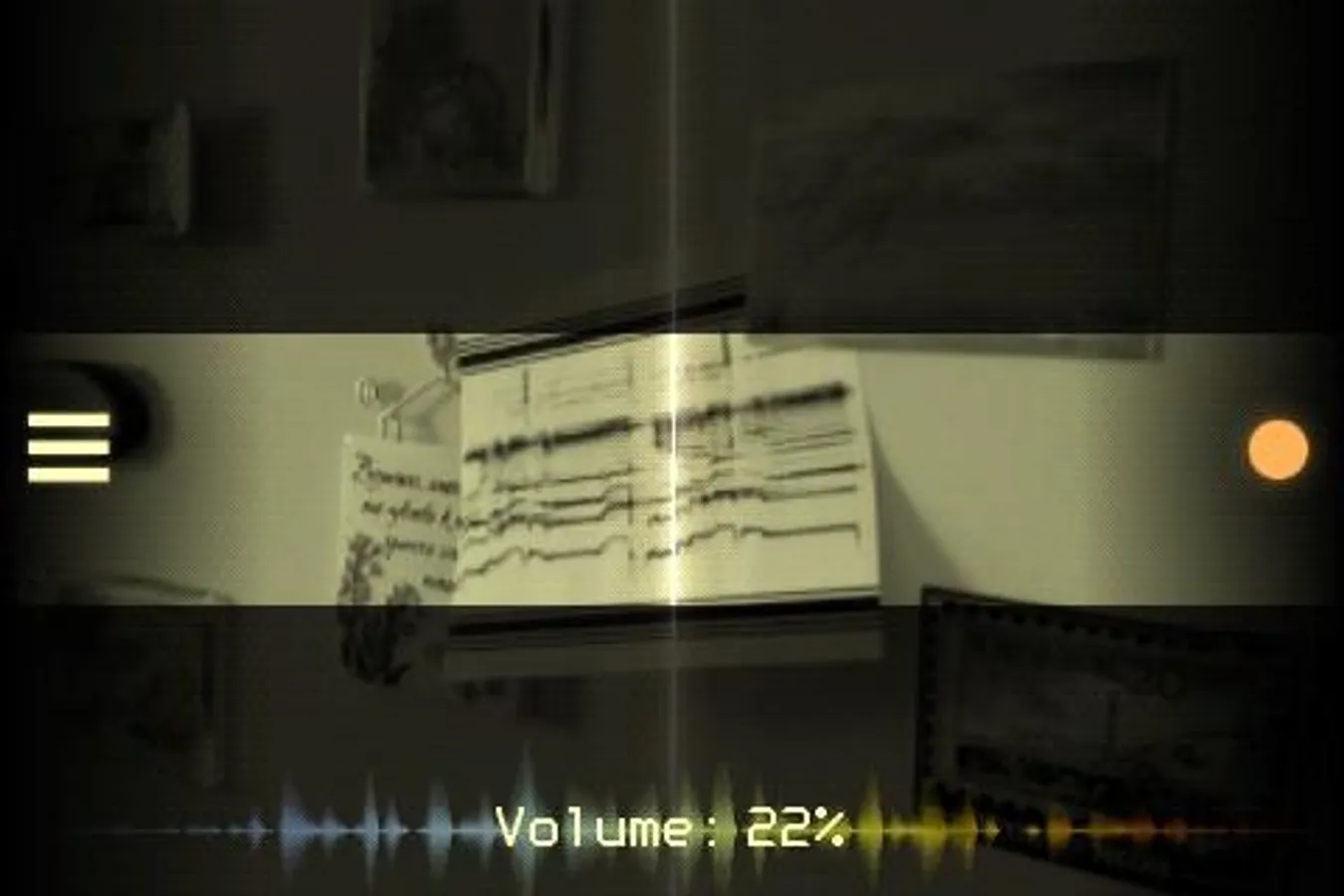
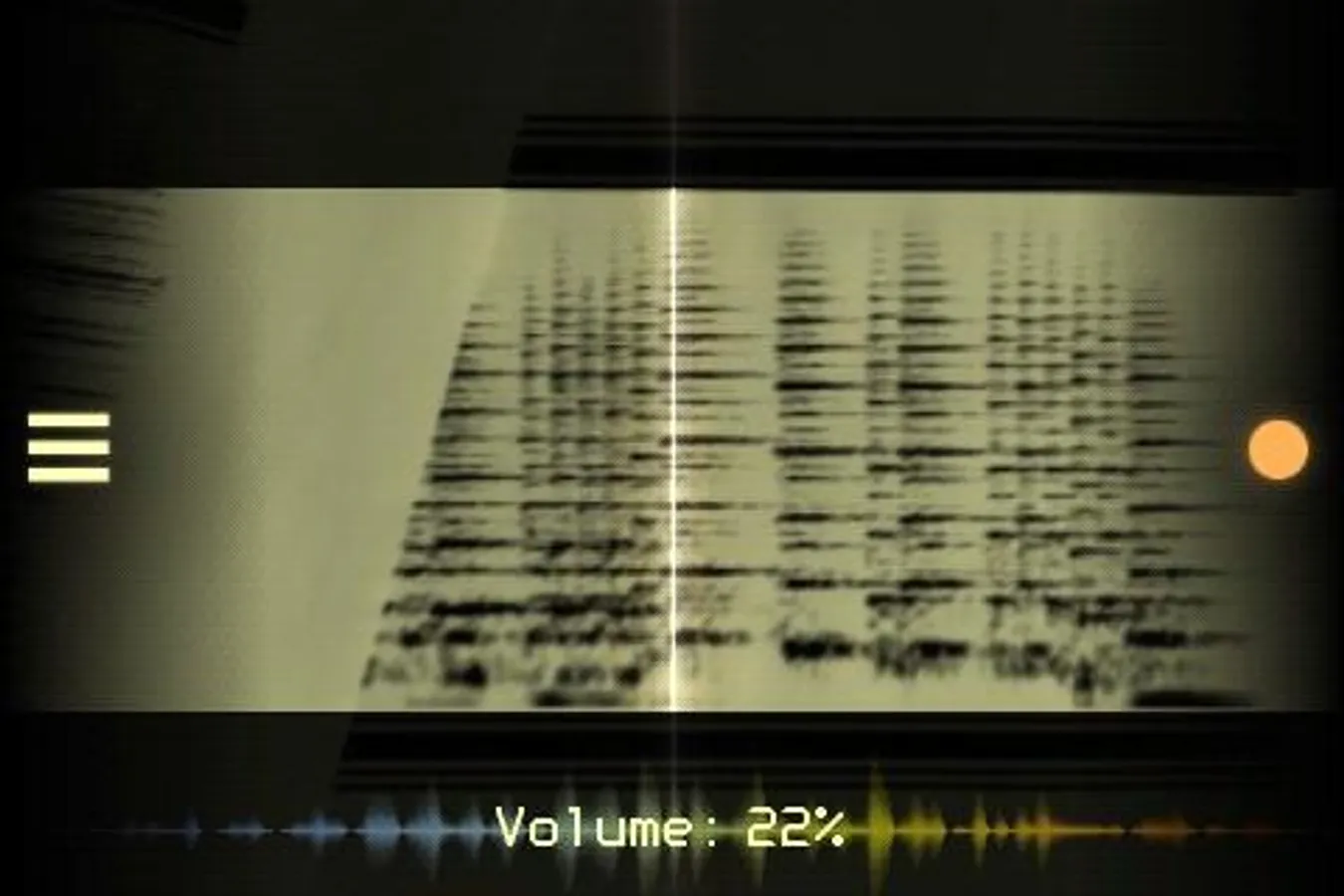
Launch the app, point the camera at the code (tap on the screen to focus if necessary) and smoothly scan the picture from left to right. The code should be parallel to the frame - try to keep the camera level. The black code markers (top and bottom) should fall entirely into the frame. If the application recognizes code markers, you will hear a sound. If you are unable to play the code smoothly, press the record button on the right side of the screen, this will enable automatic scanning.
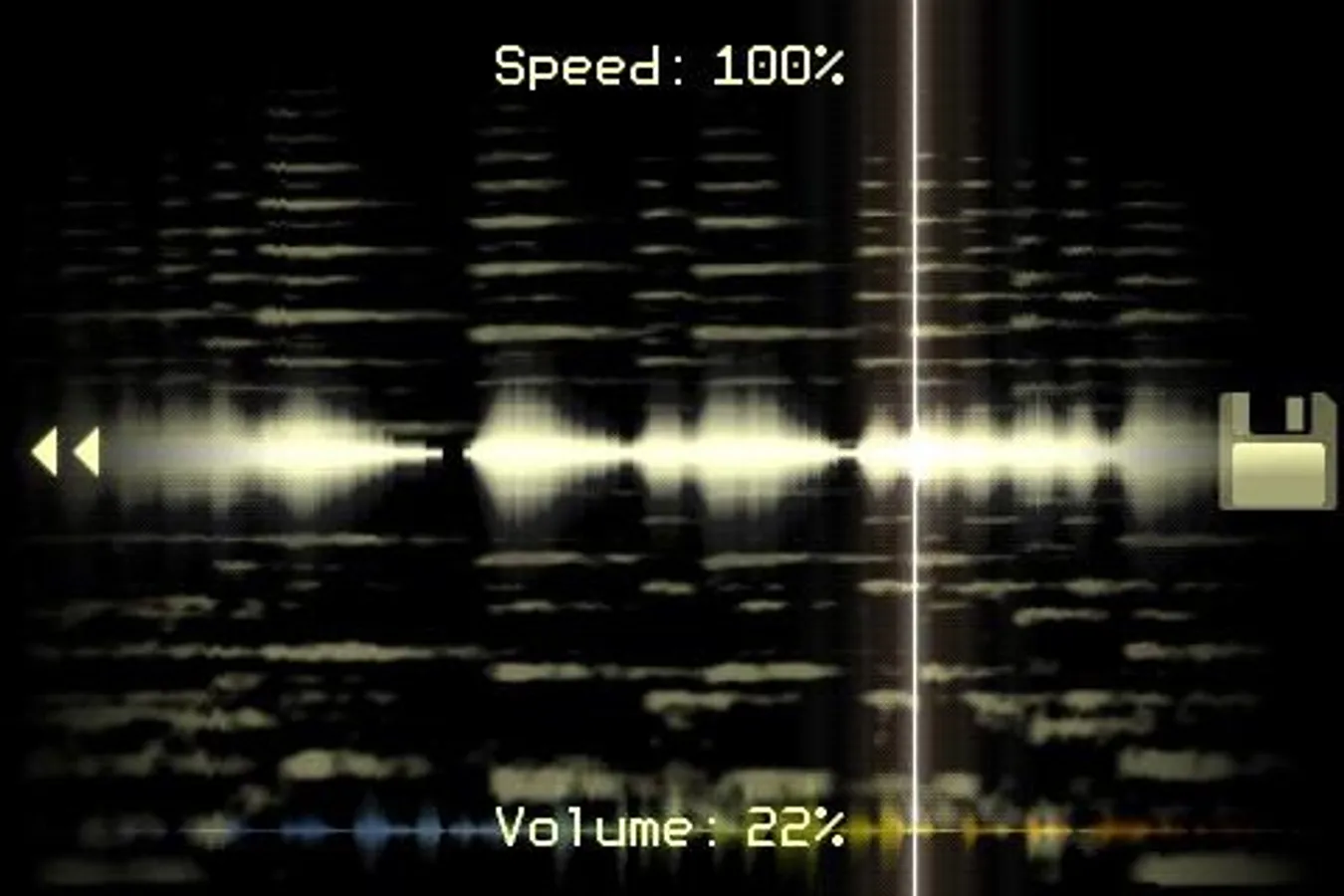
Default PhonoPaper code length is 10 seconds. But if the code was generated in Virtual ANS app, its length can be much longer - in this case, the playback speed can be changed manually.
Known solutions for some problems:
http://warmplace.ru/android
With this app, you can also create your own codes: 10 seconds of sound can be recorded from a microphone and converted into an image.
[ Key features ]
* PhonoPaper does not require access to the network for decoding;
* PhonoPaper code is analogue, so it is not so sensitive to different types of the image distortion (bad camera, dark picture, wrinkled paper, etc.); at least you will hear the "silhouette" of the original sound;
* code can be played in real-time with hand-controlled speed and direction;
* code can be drawn by hand to get some unusual sounds.
[ Examples of usage ]
* voice messages (or pieces of music) on t-shirts, billboards, posters, postcards, goods;
* audio labels for phonorecords;
* audio examples in books;
* secret messages;
* art-experiments.
[ How to use ]
Launch the app, point the camera at the code (tap on the screen to focus if necessary) and smoothly scan the picture from left to right. The code should be parallel to the frame - try to keep the camera level. The black code markers (top and bottom) should fall entirely into the frame. If the application recognizes code markers, you will hear a sound. If you are unable to play the code smoothly, press the record button on the right side of the screen, this will enable automatic scanning.
Default PhonoPaper code length is 10 seconds. But if the code was generated in Virtual ANS app, its length can be much longer - in this case, the playback speed can be changed manually.
Known solutions for some problems:
http://warmplace.ru/android
PhonoPaper Screenshots
Tap to Rate:
Reviews for PhonoPaper
Melvin Dela Cruz
12/22/2025
So fun
Dragos Andriana
12/14/2025
great! thank you!