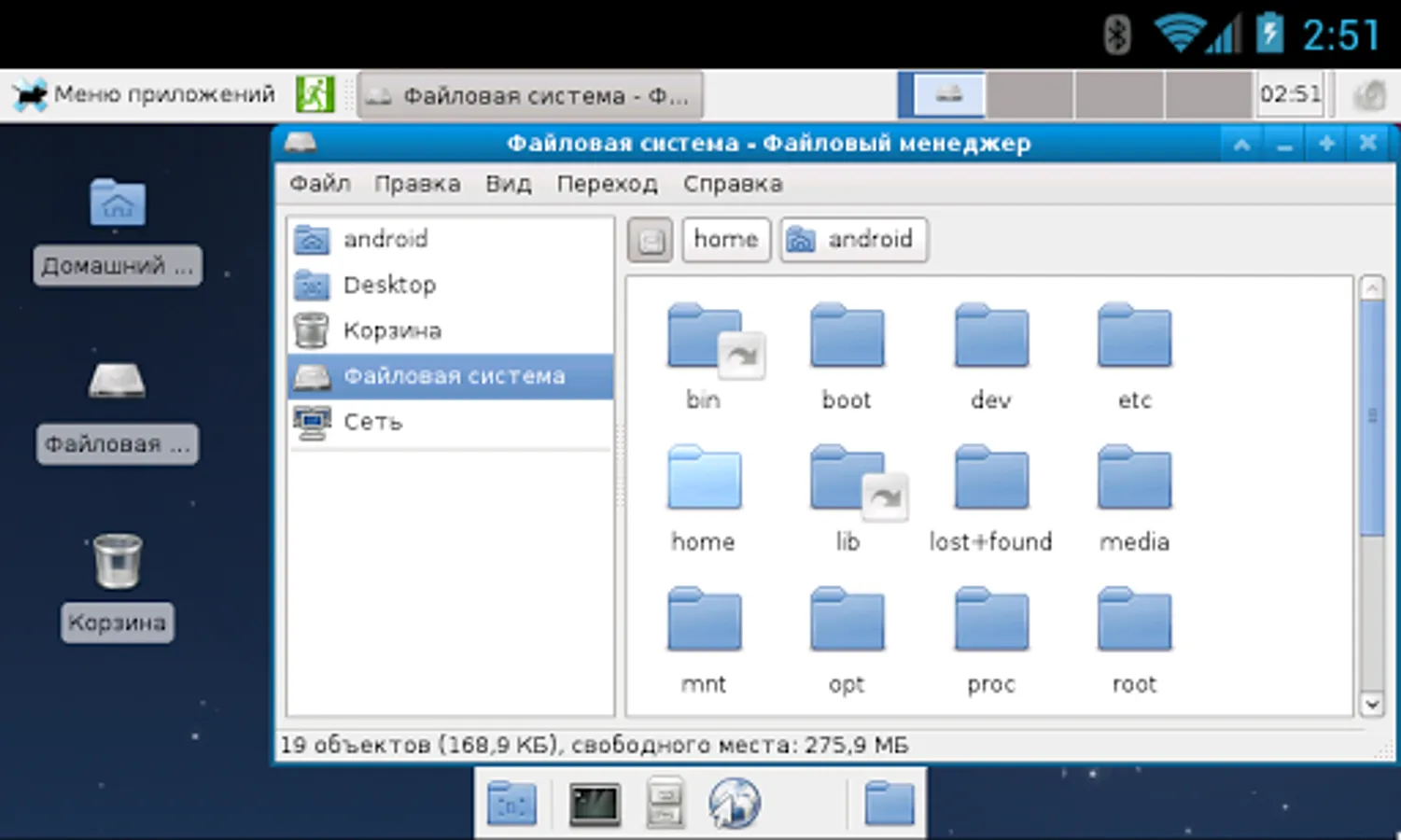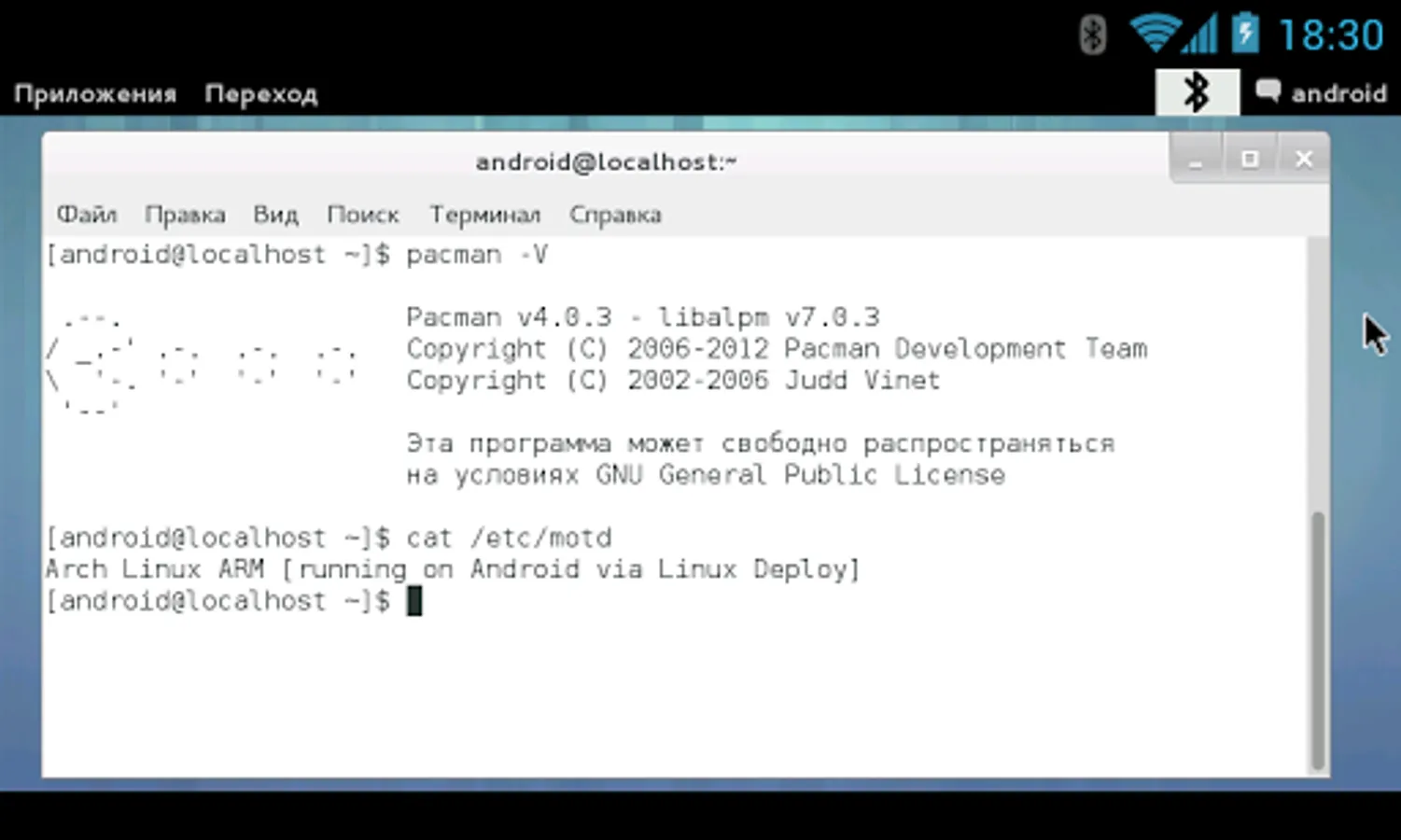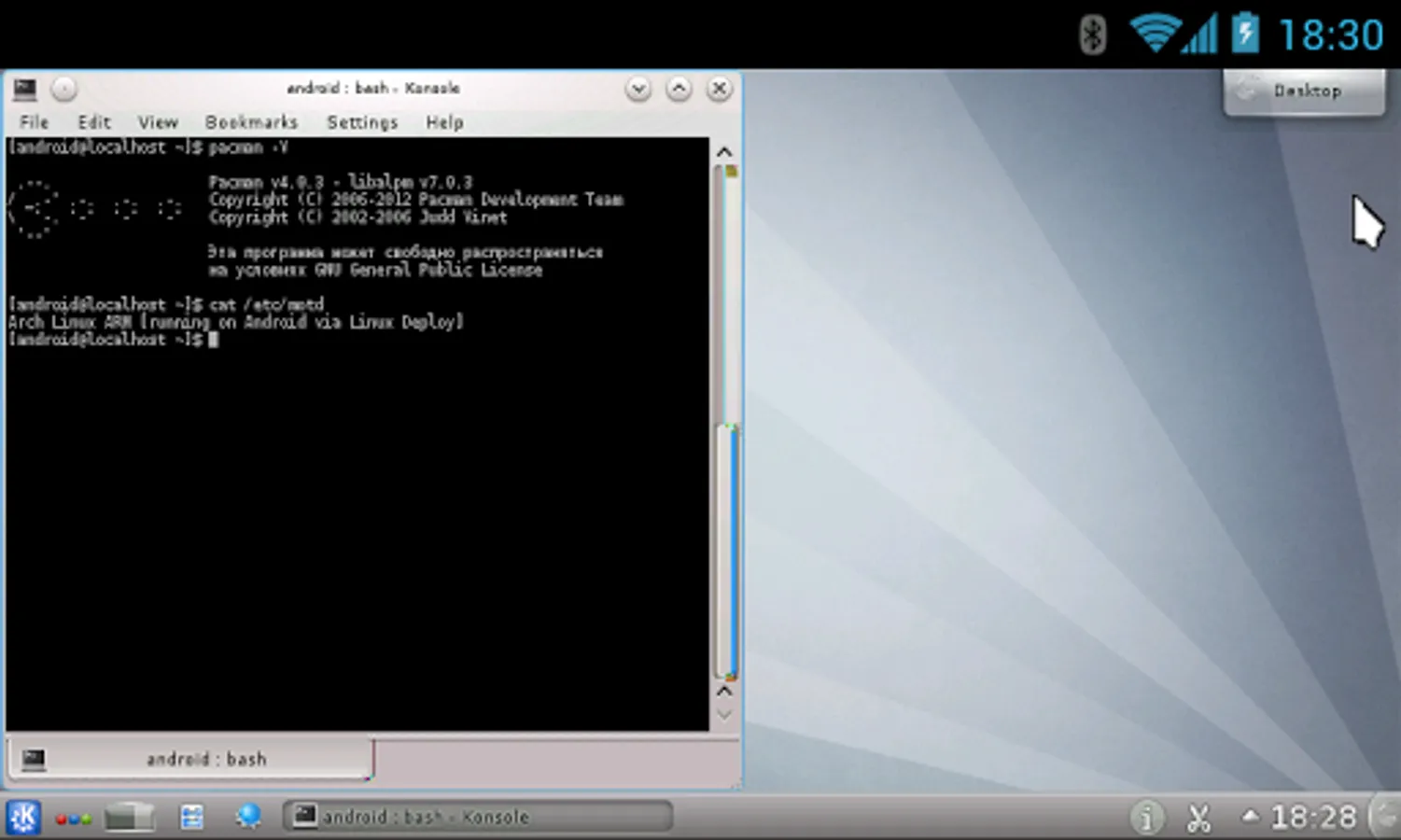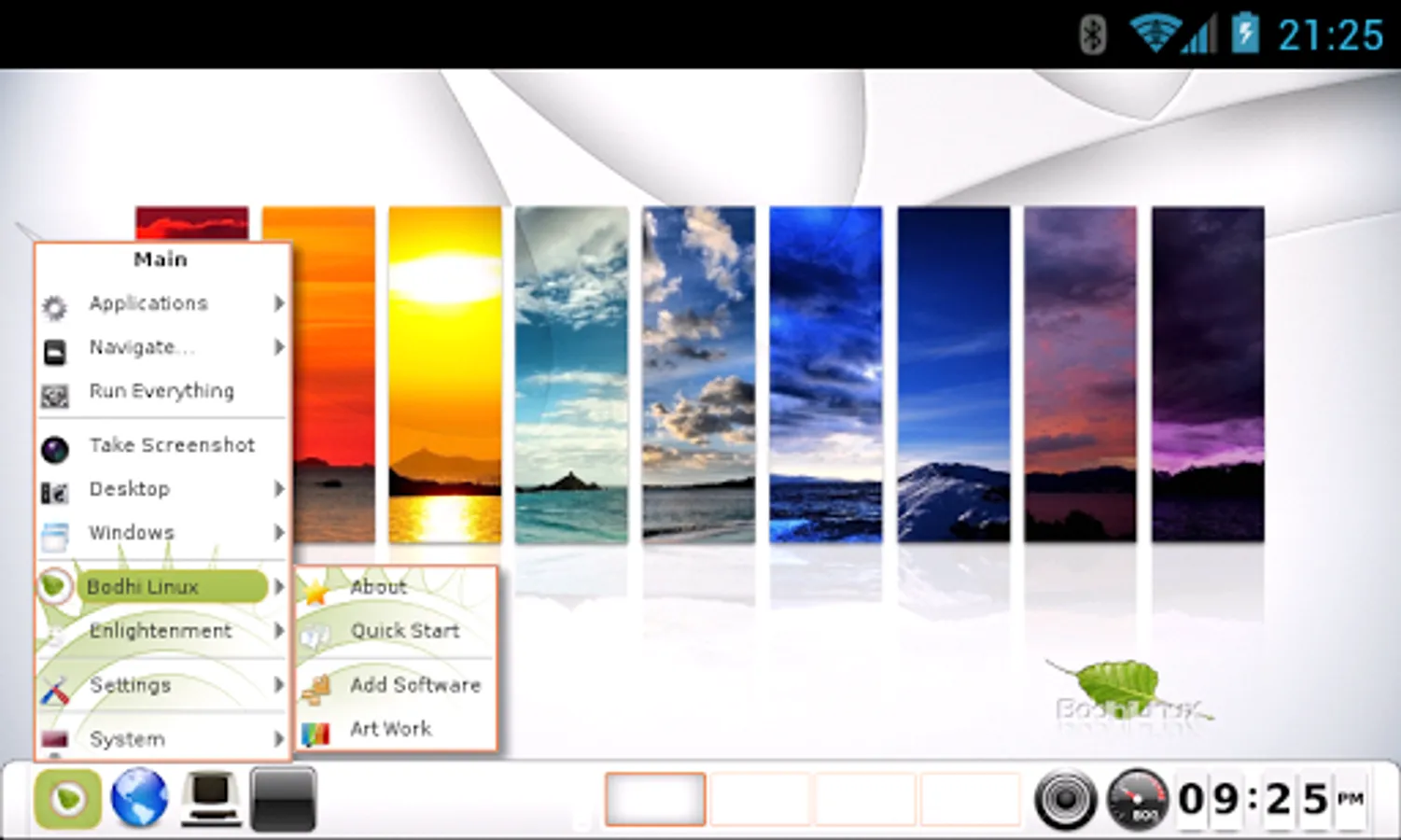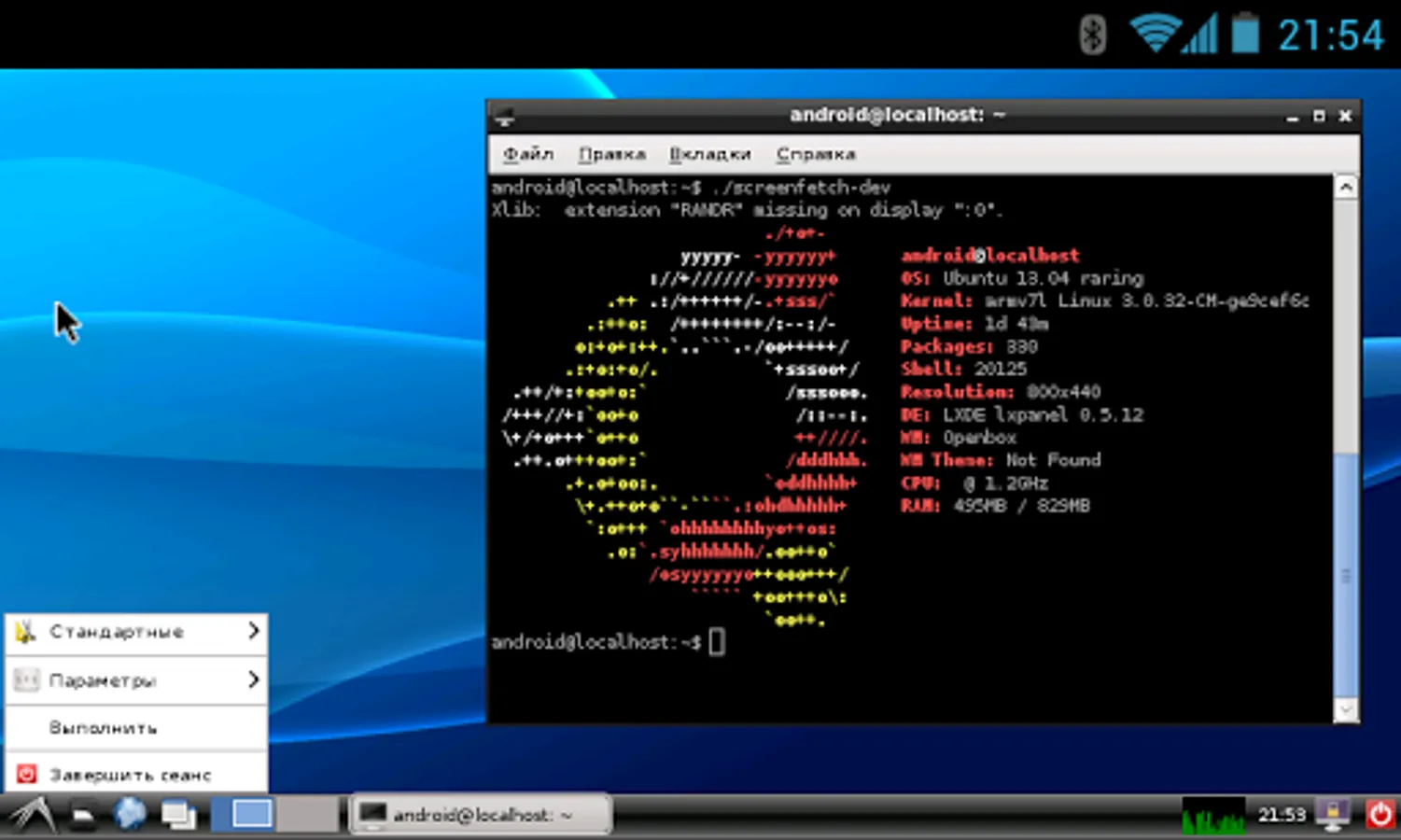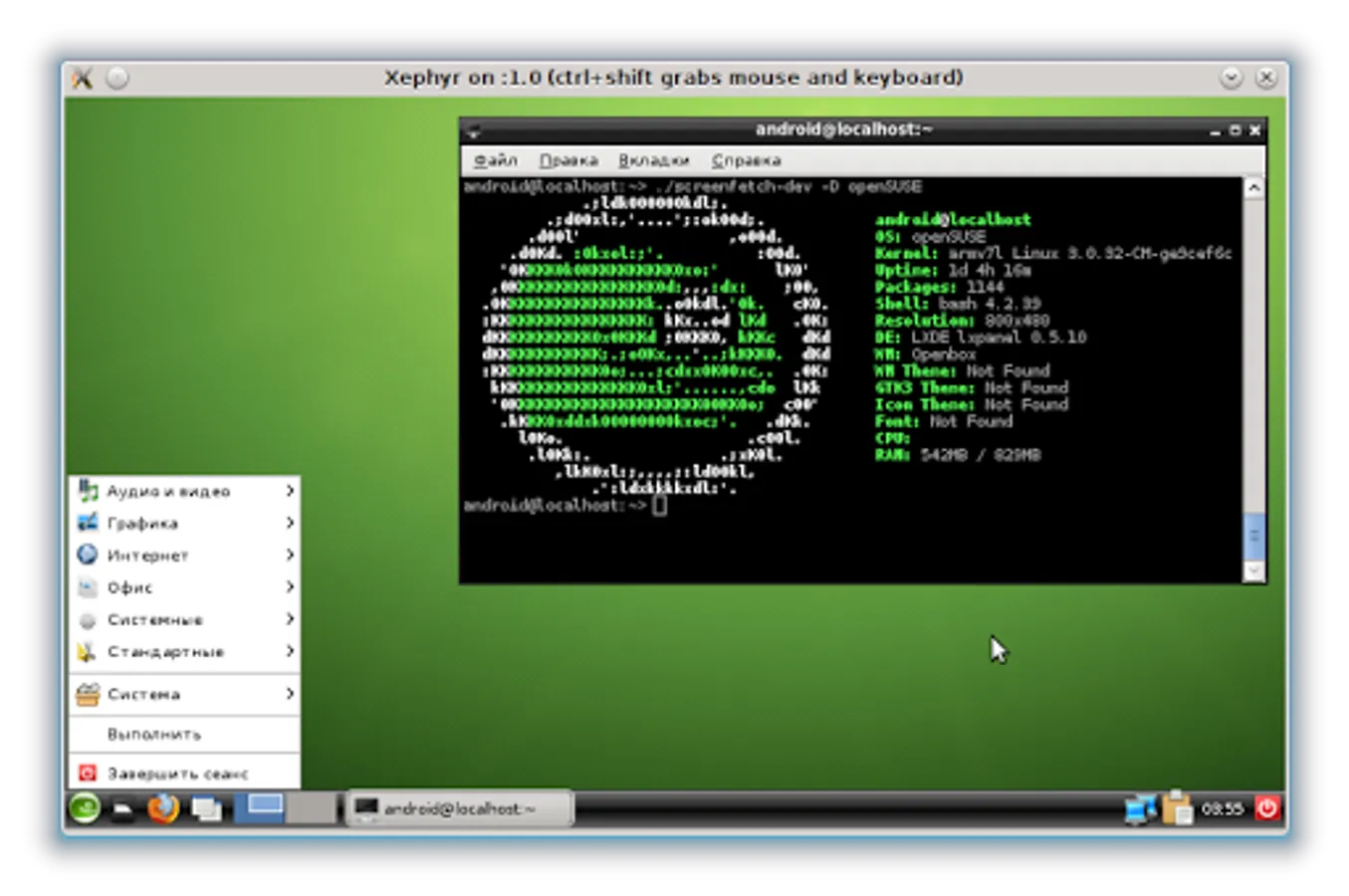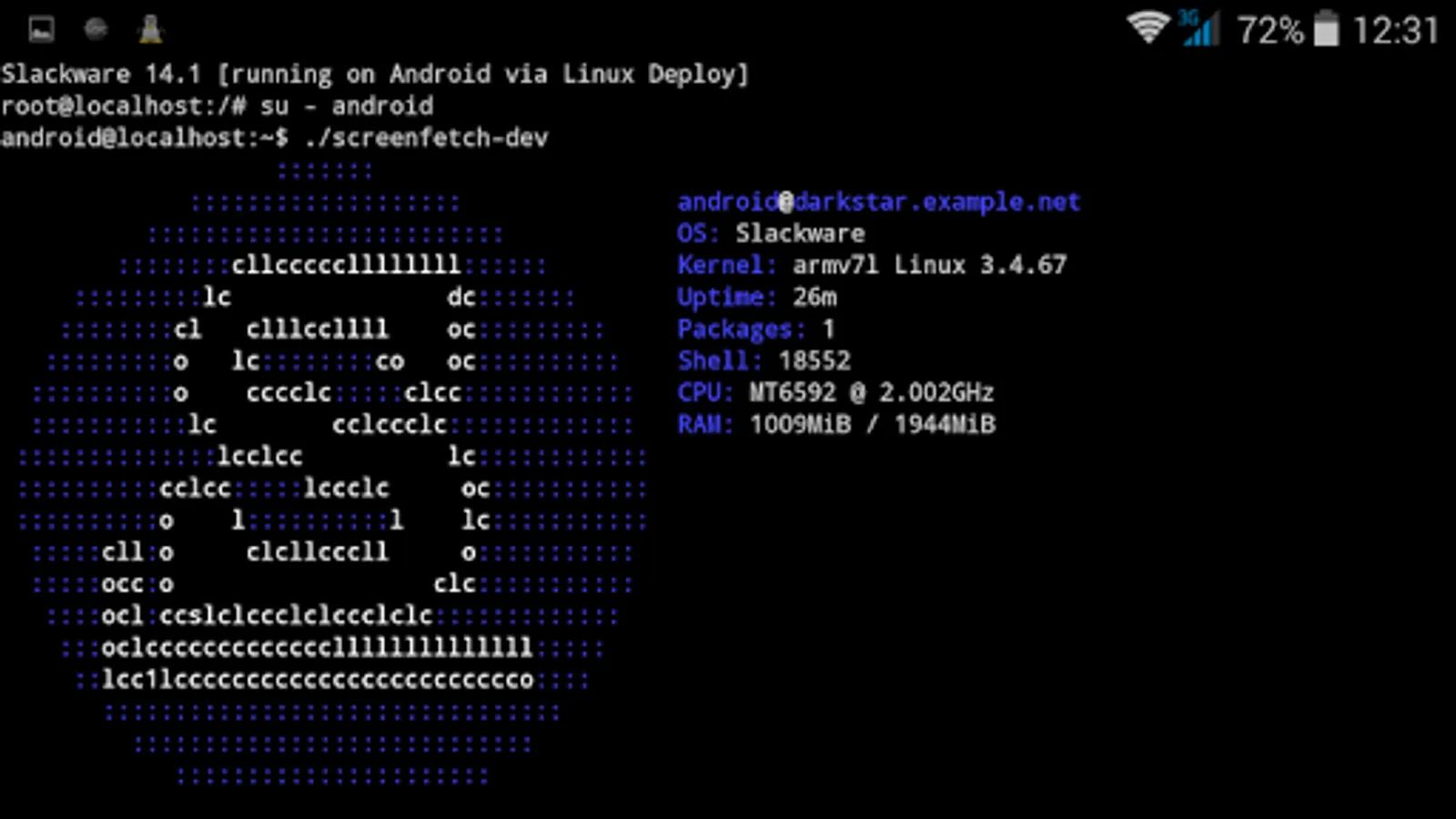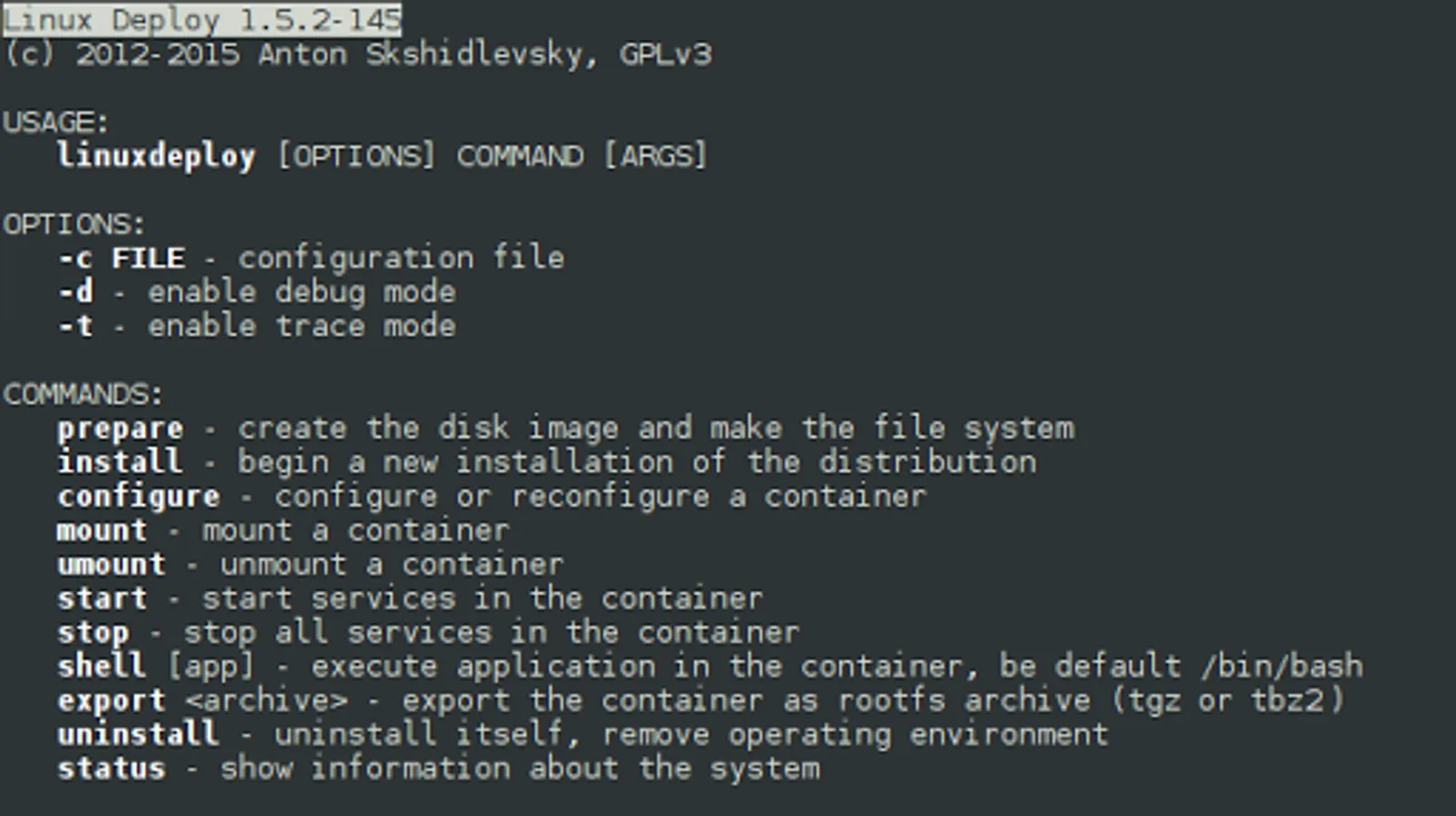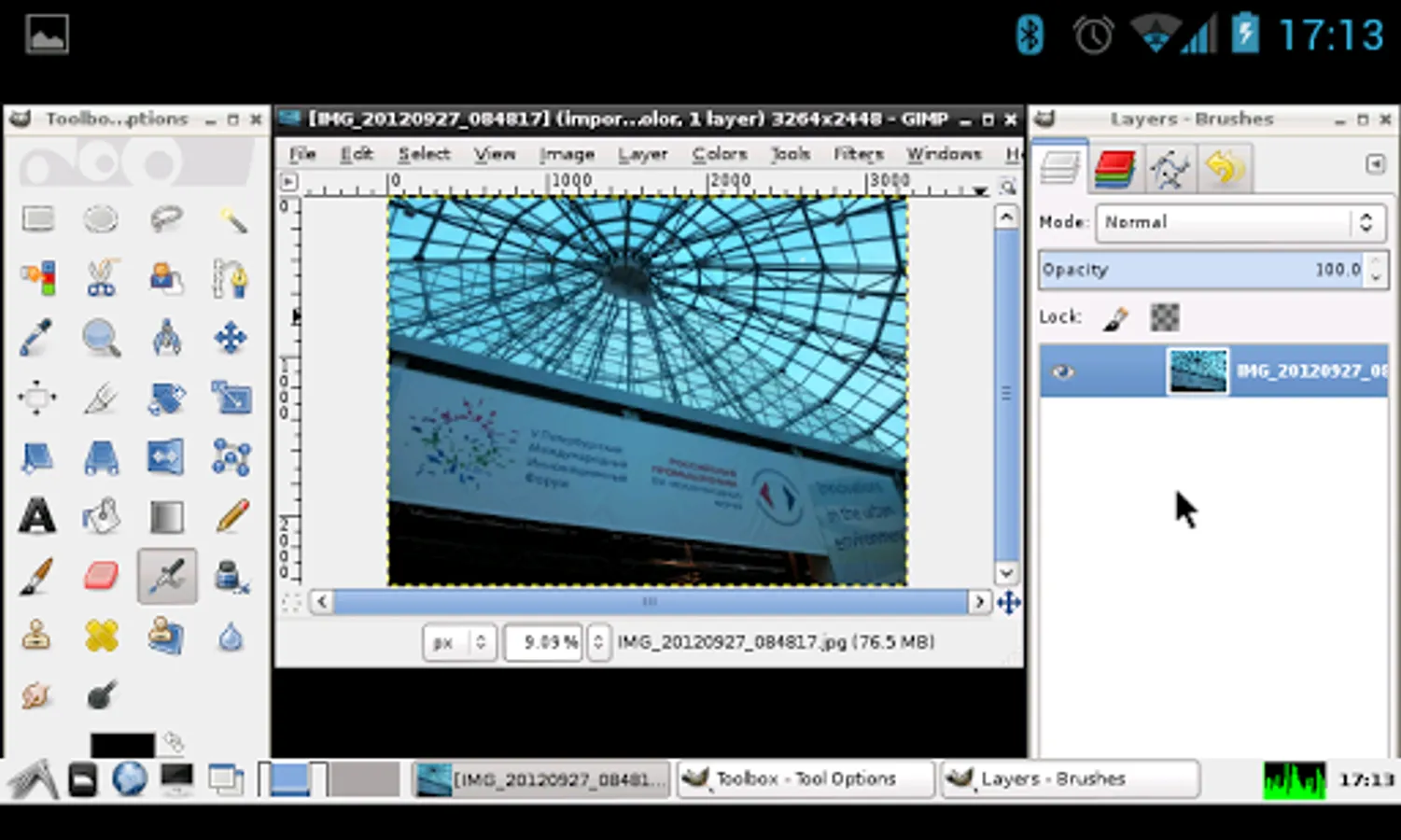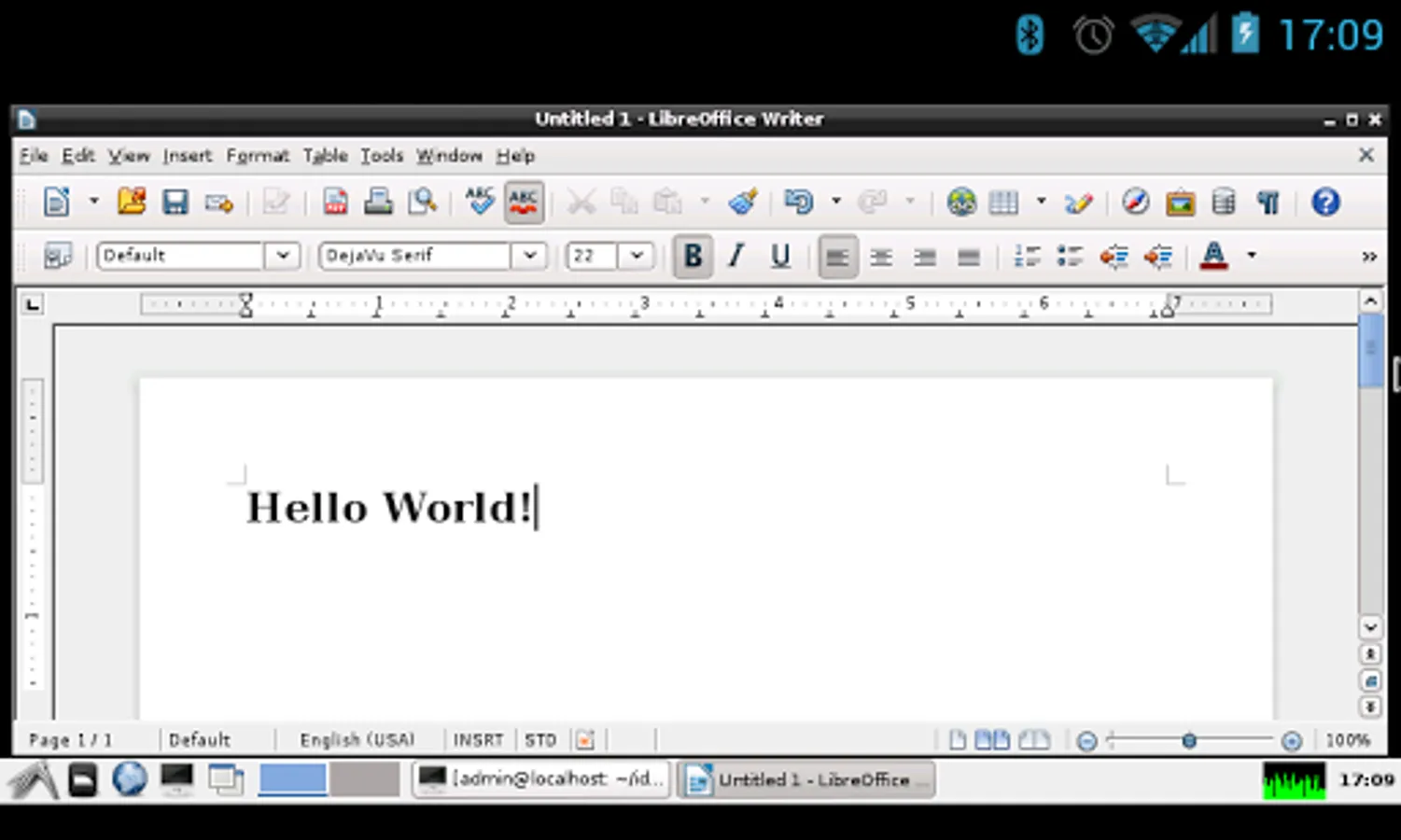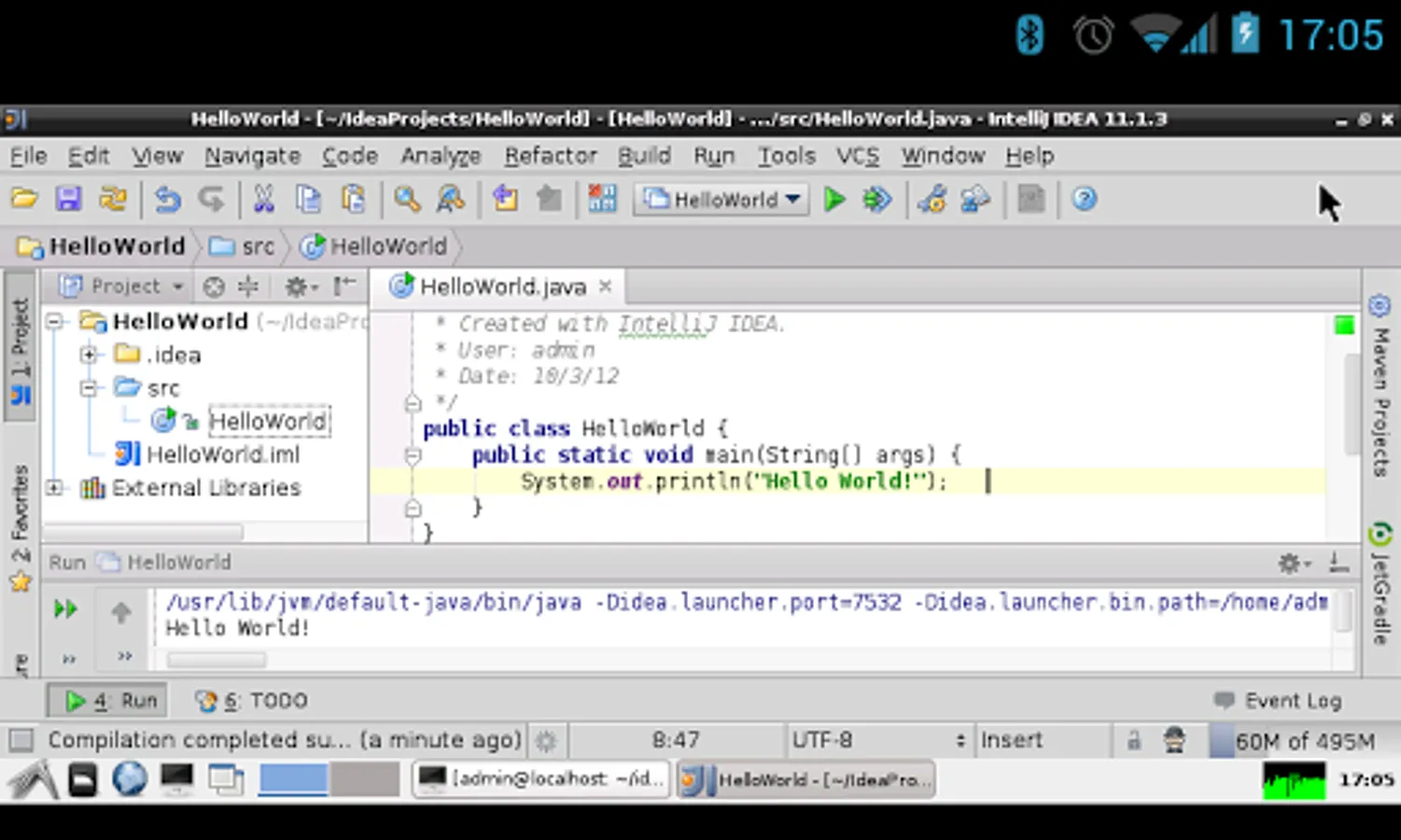
In this app, you can install and manage a GNU/Linux operating system on your Android device using disk images and chroot environments. Includes support for multiple Linux distributions, SSH and VNC servers, and environment management tools.
AppRecs review analysis
AppRecs rating 4.0. Trustworthiness 0 out of 100. Review manipulation risk 0 out of 100. Based on a review sample analyzed.
★★★★☆
4.0
AppRecs Rating
Ratings breakdown
5 star
67%
4 star
6%
3 star
5%
2 star
5%
1 star
18%
What to know
✓
Good user ratings
73% positive sampled reviews
About Linux Deploy
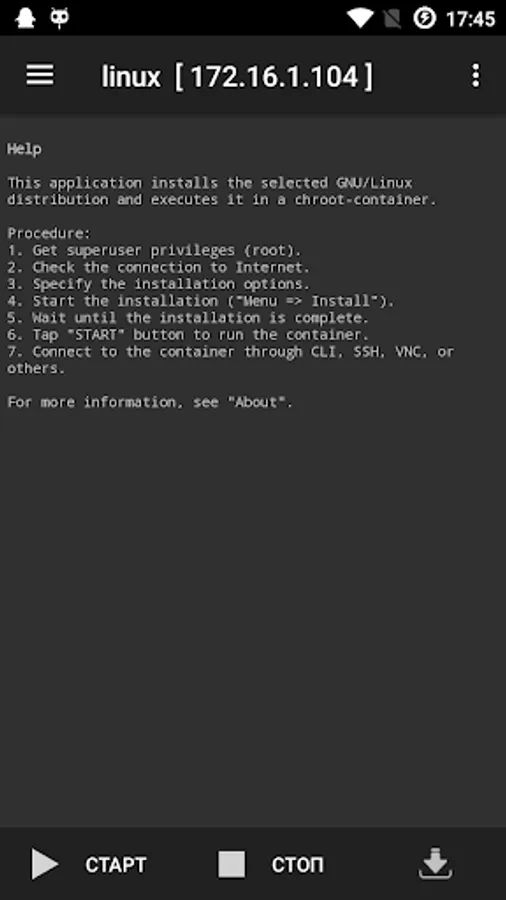
This application is open source software for quick and easy installation of the operating system (OS) GNU/Linux on your Android device.
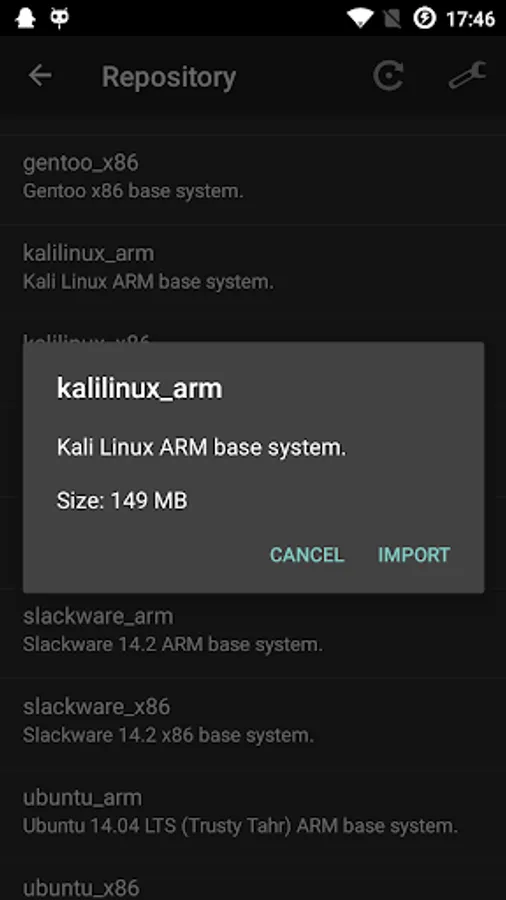
The application creates a disk image on a flash card, mounts it and installs an OS distribution. Applications of the new system are run in a chroot environment and working together with the Android platform. All changes made on the device are reversible, i.e. the application and components can be removed completely. Installation of a distribution is done by downloading files from official mirrors online over the internet. The application requires superuser rights (ROOT).
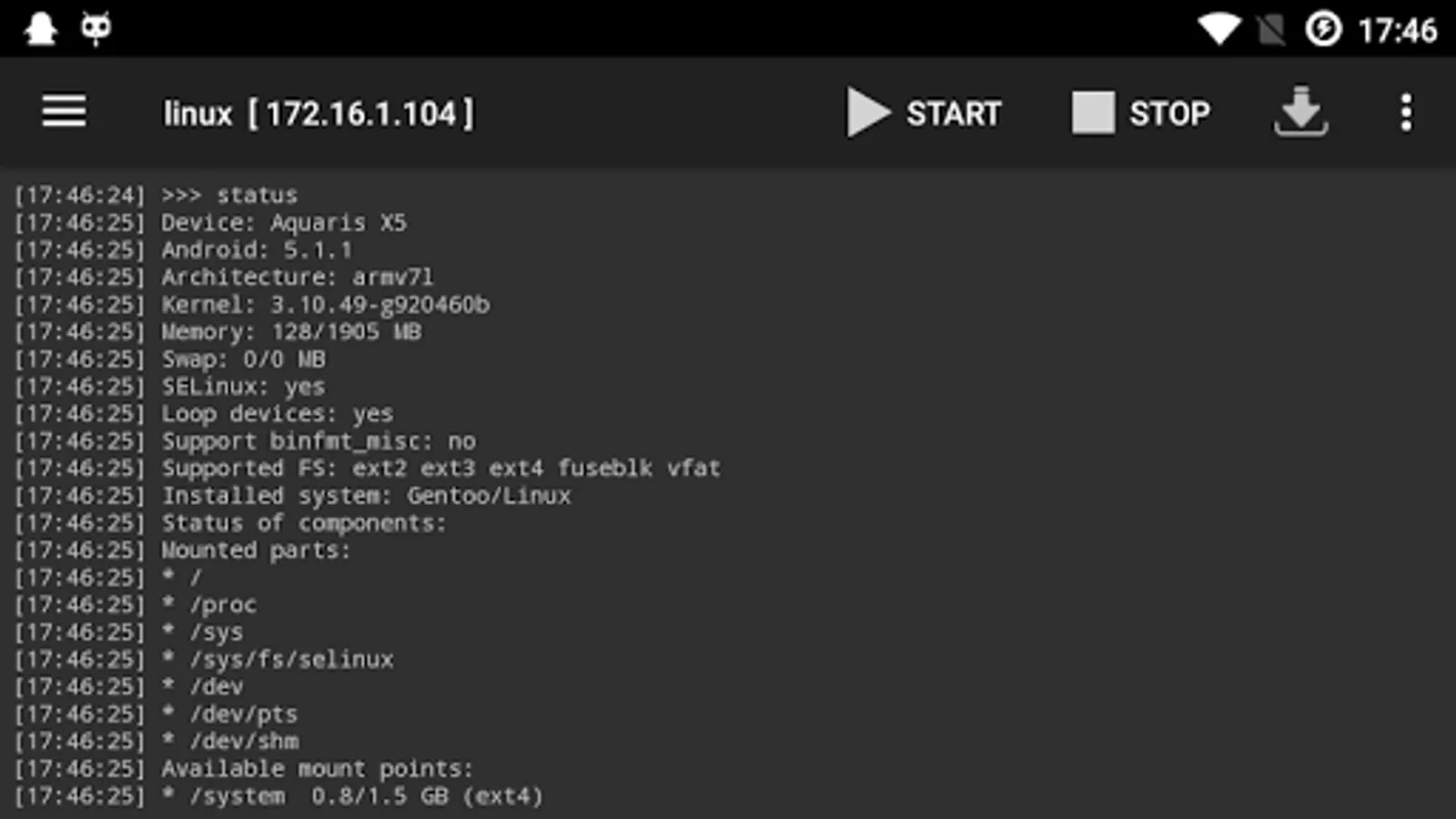
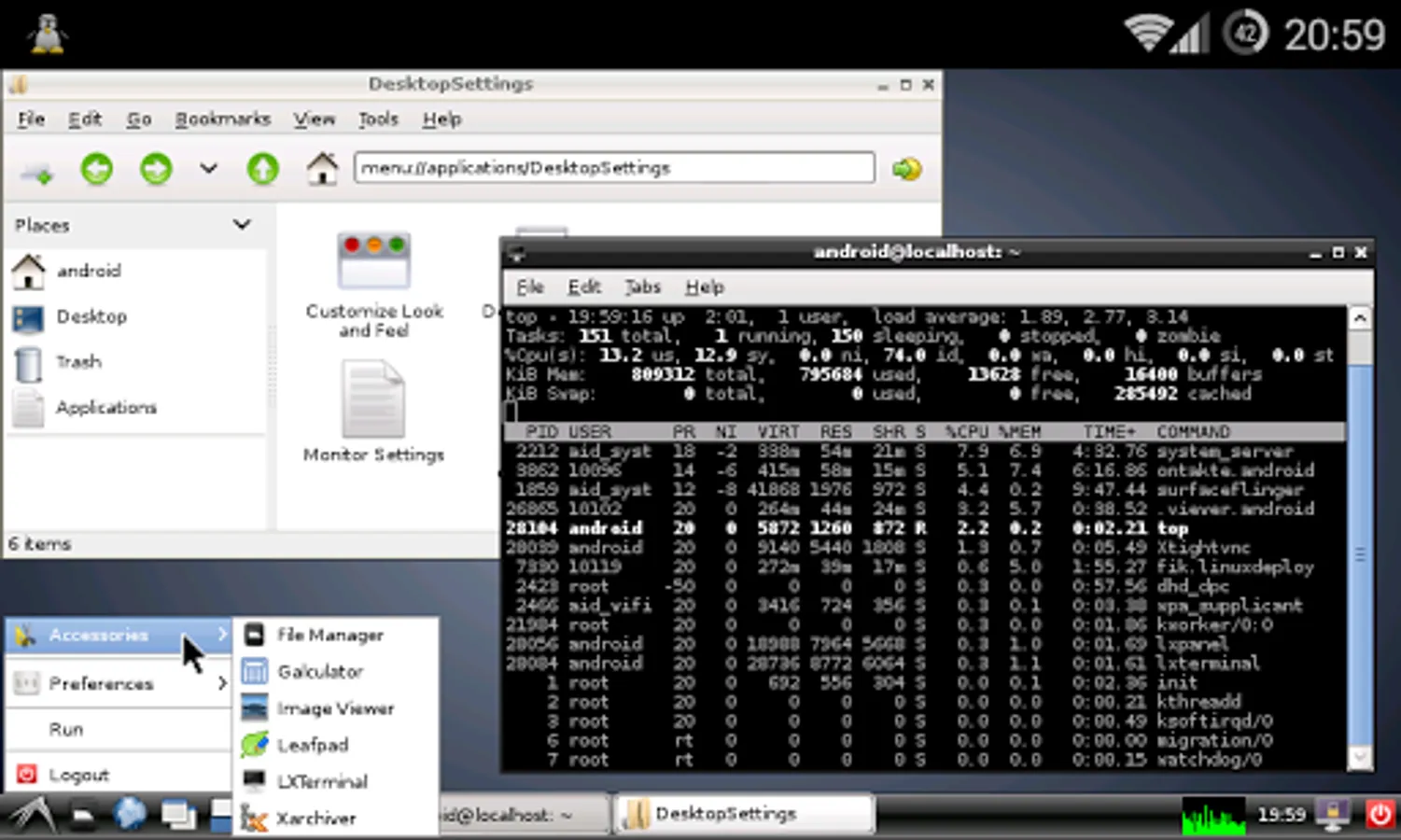
The program supports multi language interface. You can manage the process of installing the OS, and after installation, you can start and stop services of the new system (there is support for running your scripts) through the UI. The installation process is reported as text in the main application window. During the installation, the program will adjust the environment, which includes the base system, SSH server, VNC server and desktop environment. The program interface can also manage SSH and VNC settings.
Installing a new operating system takes about 15 minutes. The recommended minimum size of a disk image is 1024 MB (with LXDE), and without a GUI - 512 MB. When you install Linux on the flash card with the FAT32 file system, the image size should not exceed 4095 MB! After the initial setup the password for SSH and VNC generated automatically. The password can be changed through "Properties -> User password" or standard OS tools (passwd, vncpasswd).
FEATURES:
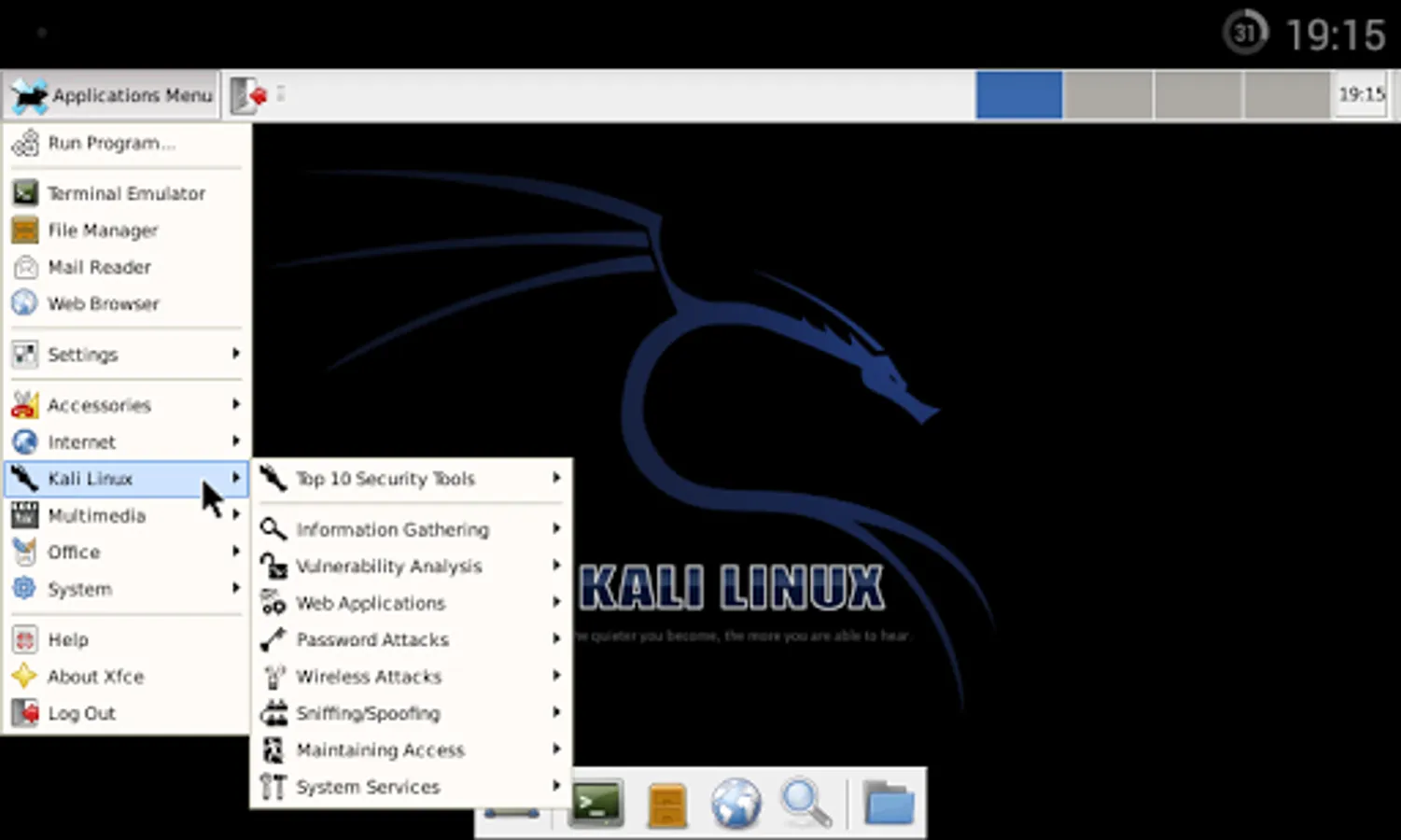
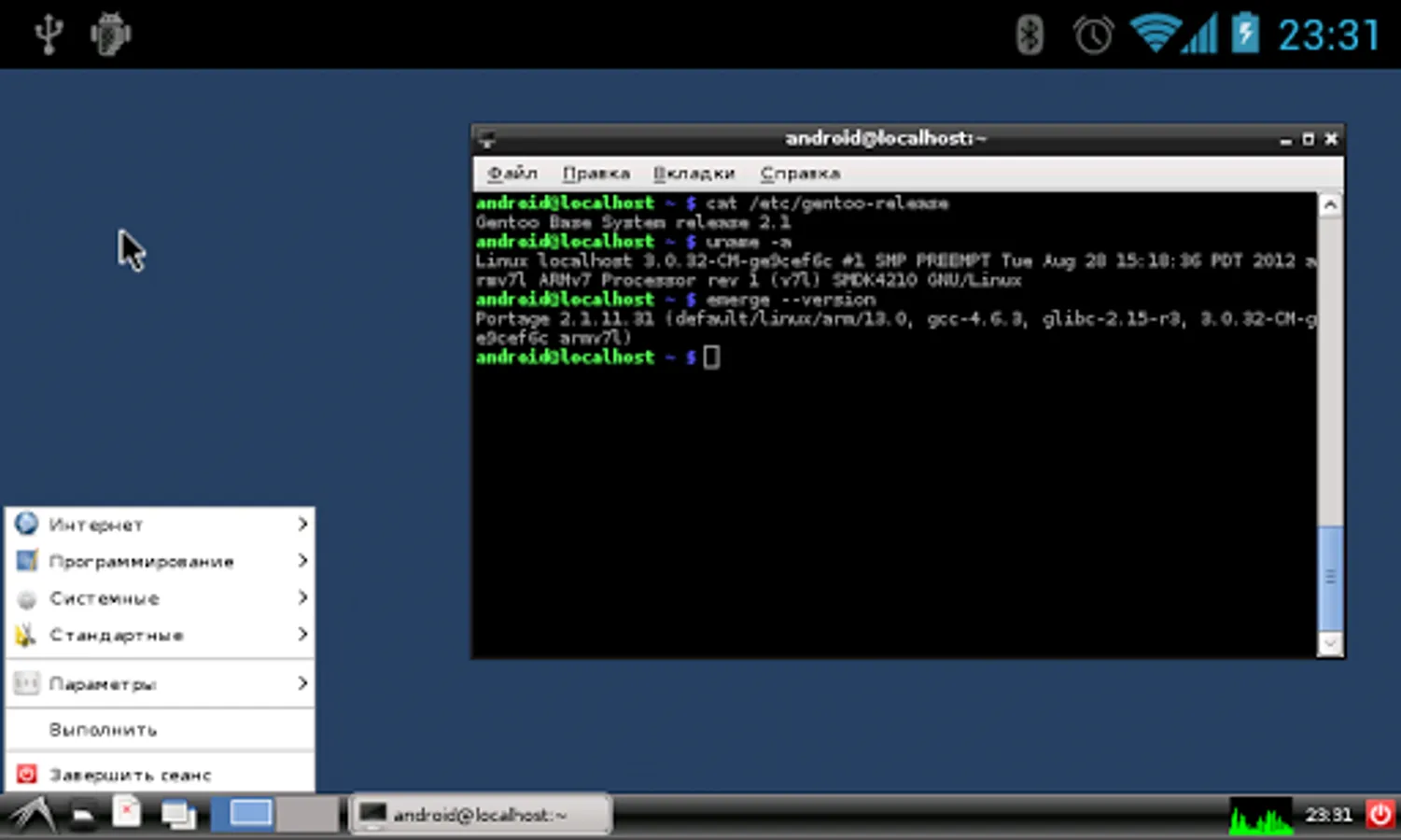
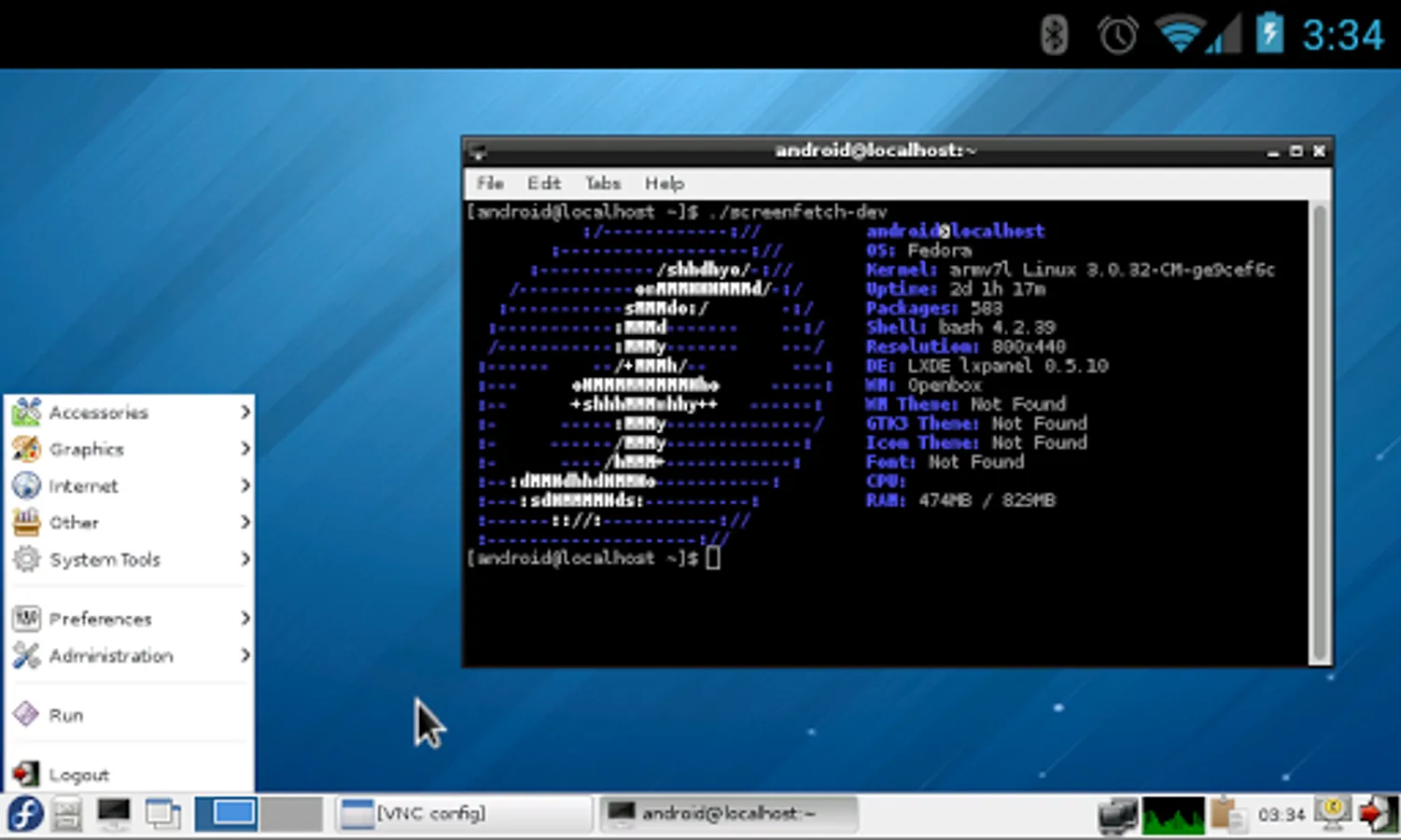
Supported distributions: Alpine, Debian, Ubuntu, Kali, Arch, Fedora, CentOS, Slackware, Docker, RootFS (tgz, tbz2, txz)
Installation type: file, partition, RAM, directory
Supported file systems: ext2, ext3, ext4
Supported architectures: ARM, ARM64, x86, x86_64, emulation mode (ARM ~ x86)
I/O interfaces: CLI, SSH, VNC, X server, framebuffer
Management interfaces (CLI): Android terminal (or adb), telnet, web browser (web terminal)
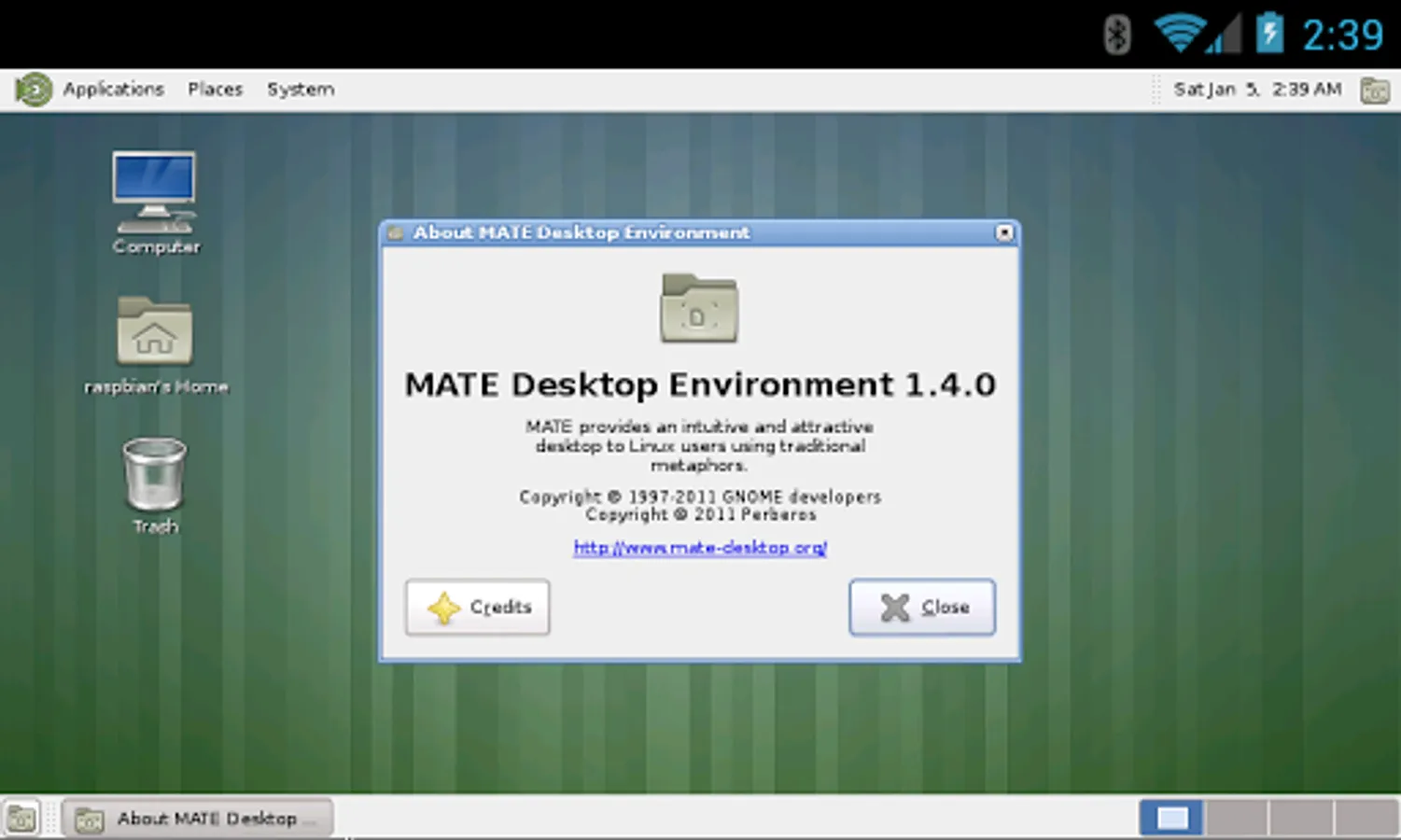
Desktop environment: XTerm, LXDE, Xfce, MATE, other (manual configuration)
Supported languages: multi language interface
NOTICE:
Instructions and guides: https://github.com/meefik/linuxdeploy/wiki
Ask questions on the forum: https://4pda.ru/forum/index.php?showtopic=378043
Previous versions: https://github.com/meefik/linuxdeploy/releases
For access to a repository: https://play.google.com/store/apps/details?id=ru.meefik.donate
Donations: https://meefik.github.io/donate
ATTENTION!
This program comes with ABSOLUTELY NO WARRANTY. This is free software, and you are welcome to redistribute it under license GPLv3.
The application creates a disk image on a flash card, mounts it and installs an OS distribution. Applications of the new system are run in a chroot environment and working together with the Android platform. All changes made on the device are reversible, i.e. the application and components can be removed completely. Installation of a distribution is done by downloading files from official mirrors online over the internet. The application requires superuser rights (ROOT).
The program supports multi language interface. You can manage the process of installing the OS, and after installation, you can start and stop services of the new system (there is support for running your scripts) through the UI. The installation process is reported as text in the main application window. During the installation, the program will adjust the environment, which includes the base system, SSH server, VNC server and desktop environment. The program interface can also manage SSH and VNC settings.
Installing a new operating system takes about 15 minutes. The recommended minimum size of a disk image is 1024 MB (with LXDE), and without a GUI - 512 MB. When you install Linux on the flash card with the FAT32 file system, the image size should not exceed 4095 MB! After the initial setup the password for SSH and VNC generated automatically. The password can be changed through "Properties -> User password" or standard OS tools (passwd, vncpasswd).
FEATURES:
Supported distributions: Alpine, Debian, Ubuntu, Kali, Arch, Fedora, CentOS, Slackware, Docker, RootFS (tgz, tbz2, txz)
Installation type: file, partition, RAM, directory
Supported file systems: ext2, ext3, ext4
Supported architectures: ARM, ARM64, x86, x86_64, emulation mode (ARM ~ x86)
I/O interfaces: CLI, SSH, VNC, X server, framebuffer
Management interfaces (CLI): Android terminal (or adb), telnet, web browser (web terminal)
Desktop environment: XTerm, LXDE, Xfce, MATE, other (manual configuration)
Supported languages: multi language interface
NOTICE:
Instructions and guides: https://github.com/meefik/linuxdeploy/wiki
Ask questions on the forum: https://4pda.ru/forum/index.php?showtopic=378043
Previous versions: https://github.com/meefik/linuxdeploy/releases
For access to a repository: https://play.google.com/store/apps/details?id=ru.meefik.donate
Donations: https://meefik.github.io/donate
ATTENTION!
This program comes with ABSOLUTELY NO WARRANTY. This is free software, and you are welcome to redistribute it under license GPLv3.