Circle Clock
Zopsoft Technology
3.6 ★
1K ratings
100,000+
downloads
Free
+ in-app
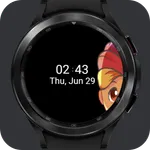
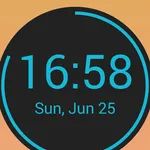
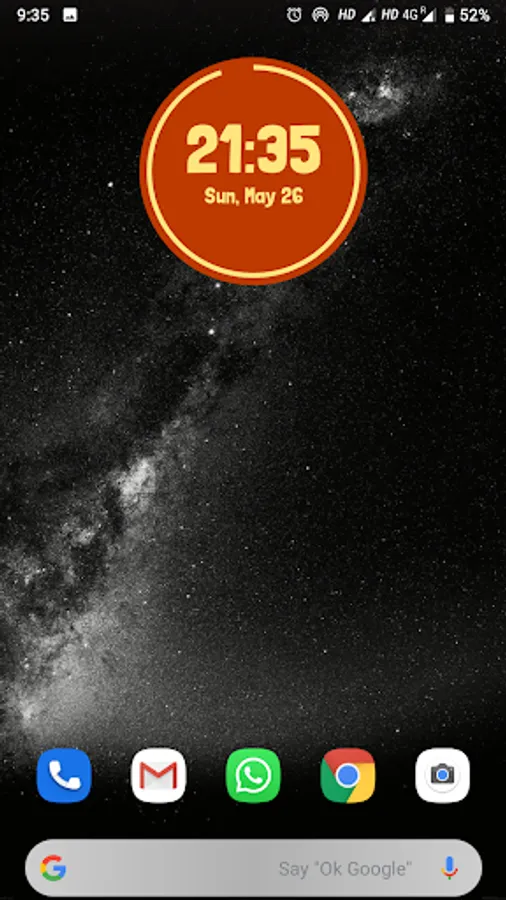
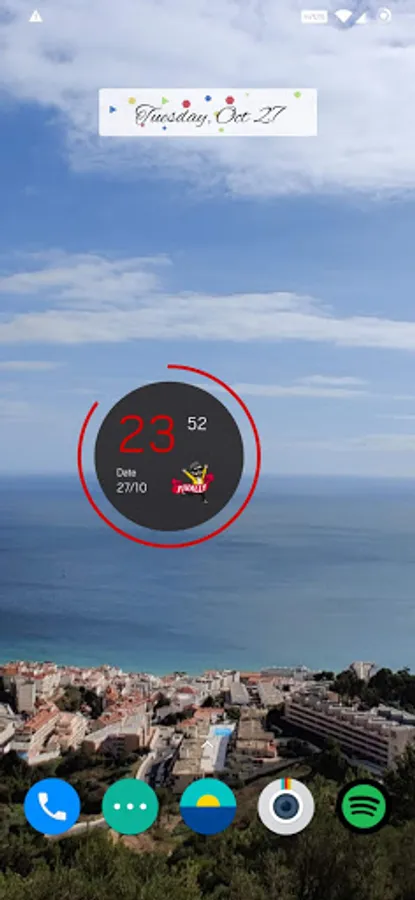
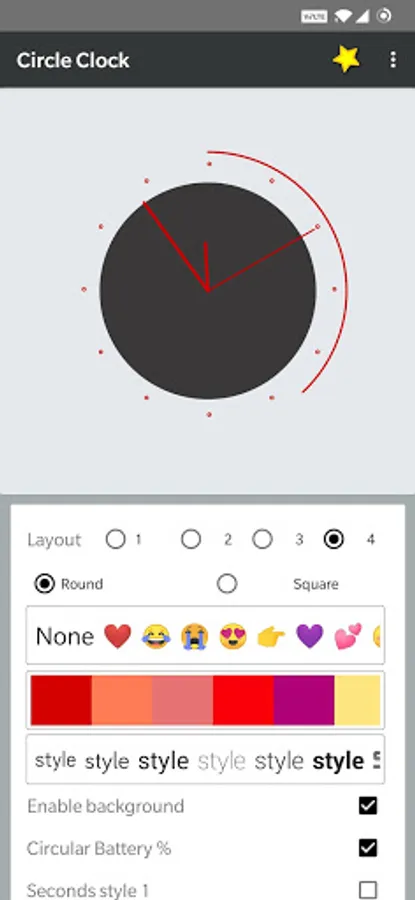
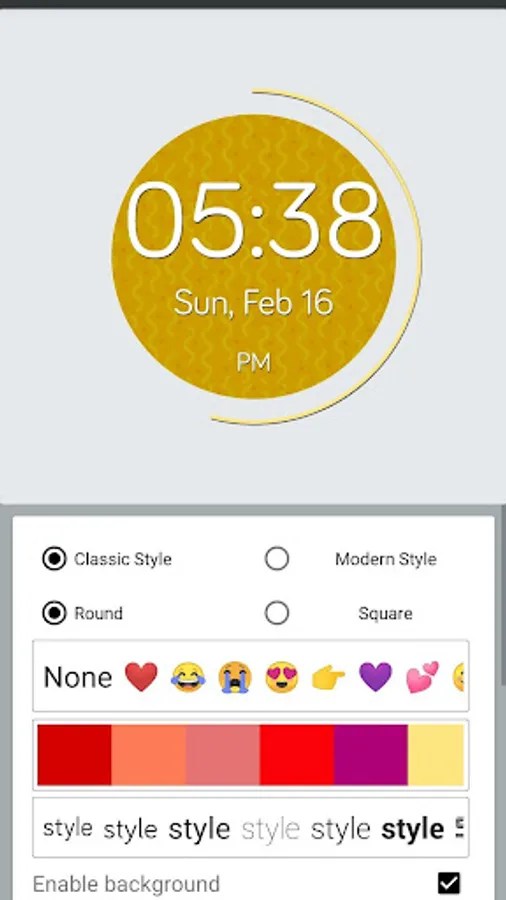
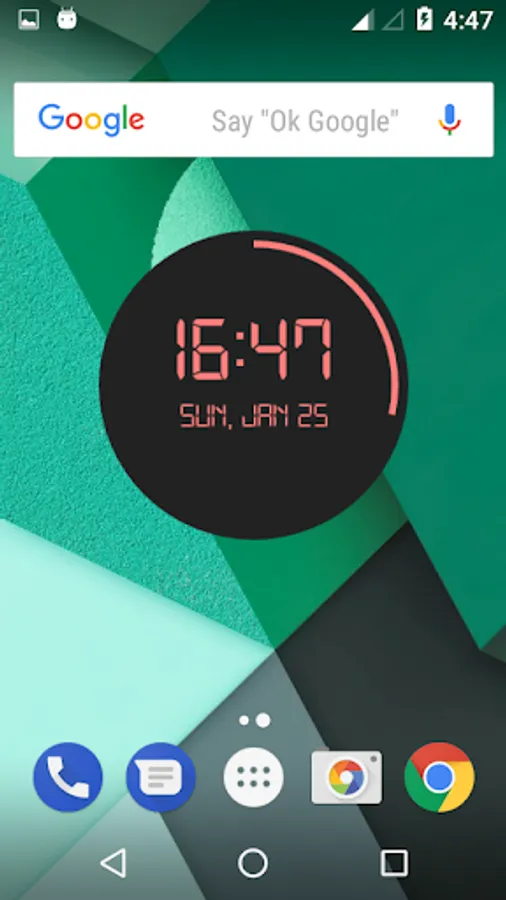
In this clock widget app, you can customize designs, colors, fonts, and display options. Includes background and text color adjustments, font selection, and hourly beep sounds.
AppRecs review analysis
AppRecs rating 3.7. Trustworthiness 81 out of 100. Review manipulation risk 24 out of 100. Based on a review sample analyzed.
★★★☆☆
3.7
AppRecs Rating
Ratings breakdown
5 star
42%
4 star
23%
3 star
7%
2 star
10%
1 star
18%
What to know
✓
Low review manipulation risk
24% review manipulation risk
✓
Credible reviews
81% trustworthiness score from analyzed reviews
✓
Good user ratings
65% positive sampled reviews
About Circle Clock
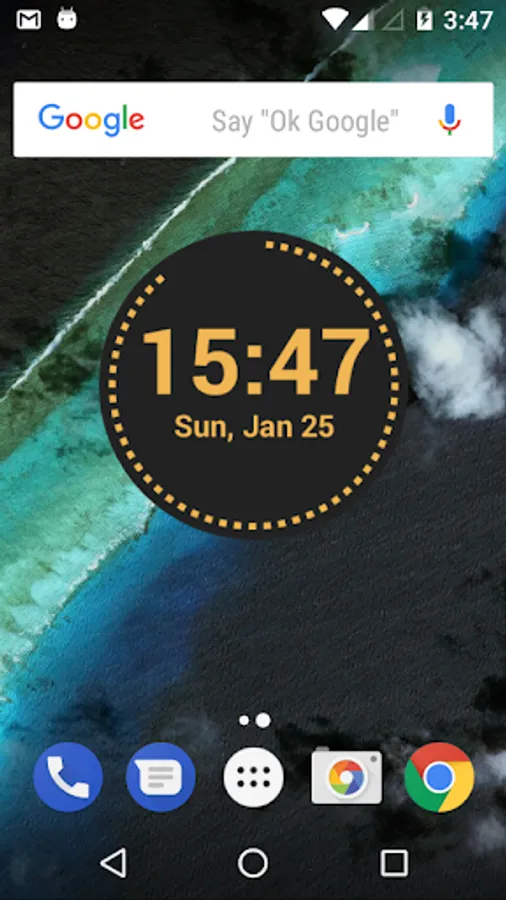
A beautiful clock widget with beautiful designs. We have hand picked designs to give the best in class experience of clock widget.
Features
* Change text colors
* Background colors
* Font styles
* Change second styles
* Set 12/24 hr clock
* Second hand animation
* Hourly Beep/Sound
* Increase/Decrease size of background and text seperately
Customization's
* Fonts
* Time color
* Stroke color (Text remains white)
* Disable background
* Hourly beep sounds
* Background size
* Text size
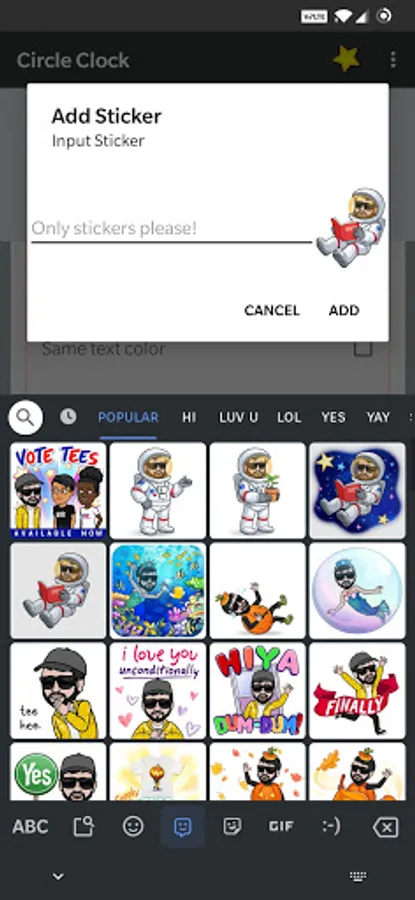
* (New) Sticker/Bitmoji support
* (New) Open custom app on click
* (New) Show/Hide AM/PM separately
* (New) Sperate option to Display 12/24 hr format
Permissions
[Storage] :
- Required for Kitkat or below devices for sound selection in Hourly Beep feature.
- Required for saving sticker
Note:
Start the app once before adding the widget.
If the widget does not start, follow steps:
1. Remove widget from home screen.
2. Start the app
3. Then add widget
Features
* Change text colors
* Background colors
* Font styles
* Change second styles
* Set 12/24 hr clock
* Second hand animation
* Hourly Beep/Sound
* Increase/Decrease size of background and text seperately
Customization's
* Fonts
* Time color
* Stroke color (Text remains white)
* Disable background
* Hourly beep sounds
* Background size
* Text size
* (New) Sticker/Bitmoji support
* (New) Open custom app on click
* (New) Show/Hide AM/PM separately
* (New) Sperate option to Display 12/24 hr format
Permissions
[Storage] :
- Required for Kitkat or below devices for sound selection in Hourly Beep feature.
- Required for saving sticker
Note:
Start the app once before adding the widget.
If the widget does not start, follow steps:
1. Remove widget from home screen.
2. Start the app
3. Then add widget
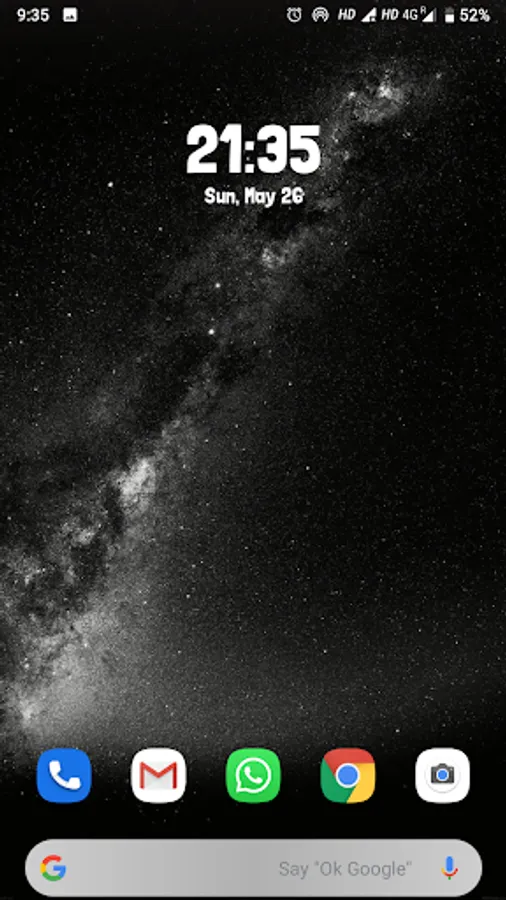
Circle Clock Screenshots
Tap to Rate:
Reviews for Circle Clock
Amit Kumar
2/8/2025
Good
Raushan Kumar
9/3/2024
Bad