Text Widget & Text Sticker
Zopsoft Technology
2.1 ★
41 ratings
5,000+
downloads
Free
In this image editing app, you can add custom text and stickers to images, adjust fonts, colors, and positions, then share or set as widgets. Includes options to reuse previous creations, share via multiple platforms, and customize transparency and background.
AppRecs review analysis
AppRecs rating 2.1. Trustworthiness 0 out of 100. Review manipulation risk 0 out of 100. Based on a review sample analyzed.
★★☆☆☆
2.1
AppRecs Rating
Ratings breakdown
5 star
13%
4 star
0%
3 star
13%
2 star
29%
1 star
45%
What to know
⚠
Mixed user feedback
Average 2.1★ rating suggests room for improvement
About Text Widget & Text Sticker
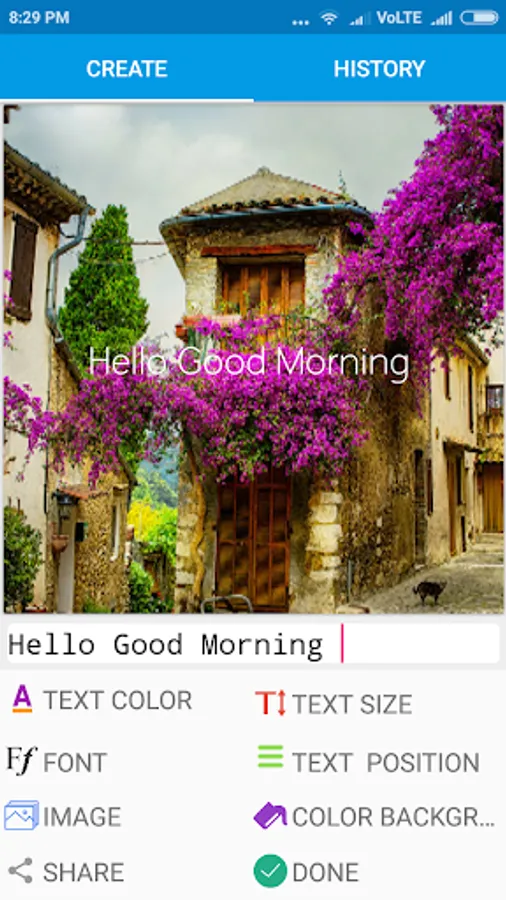
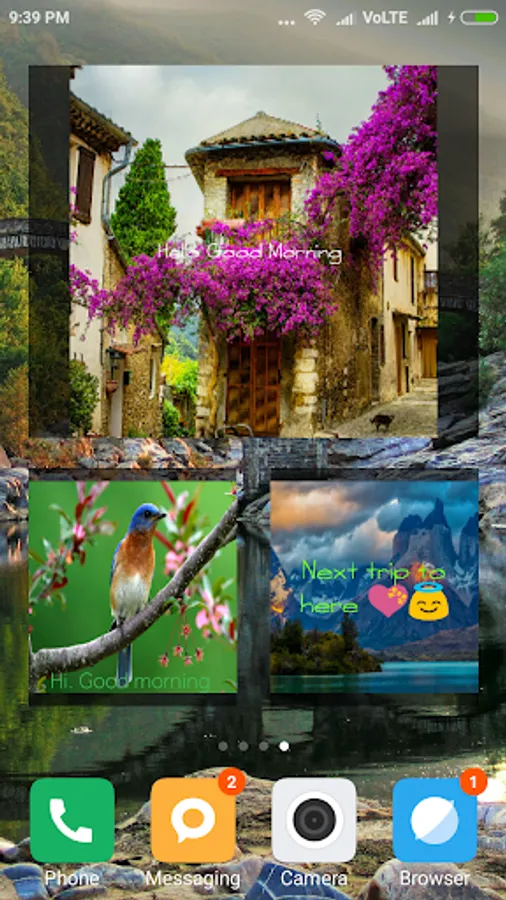
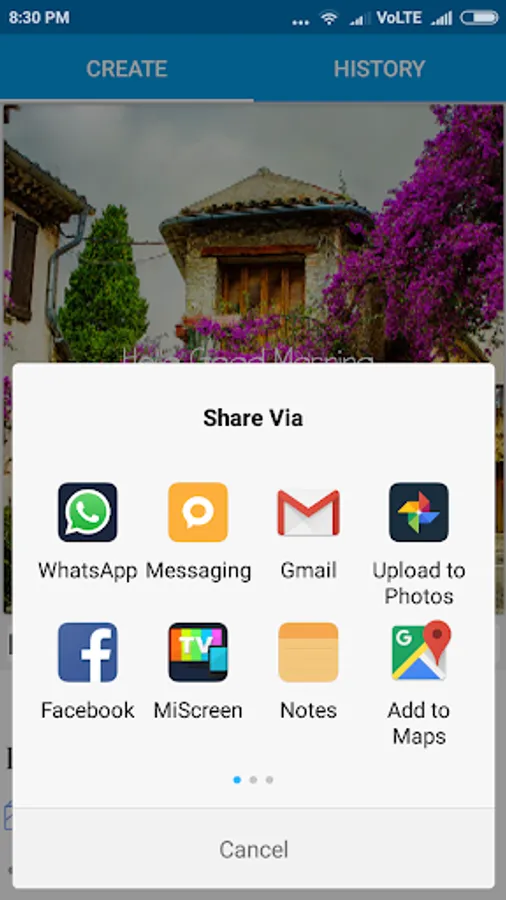
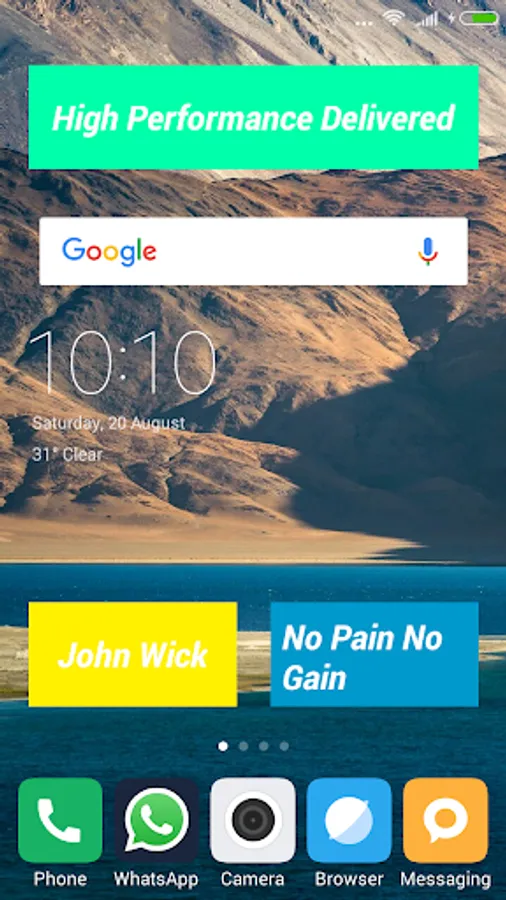
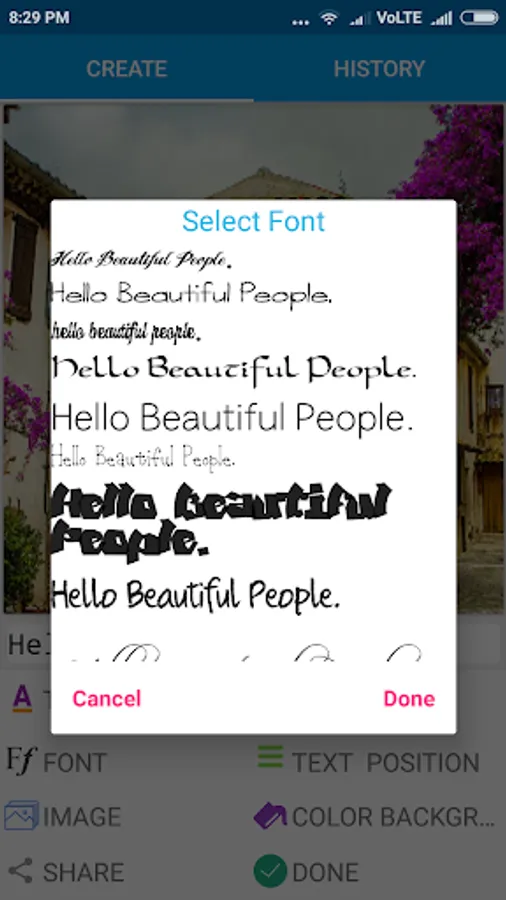
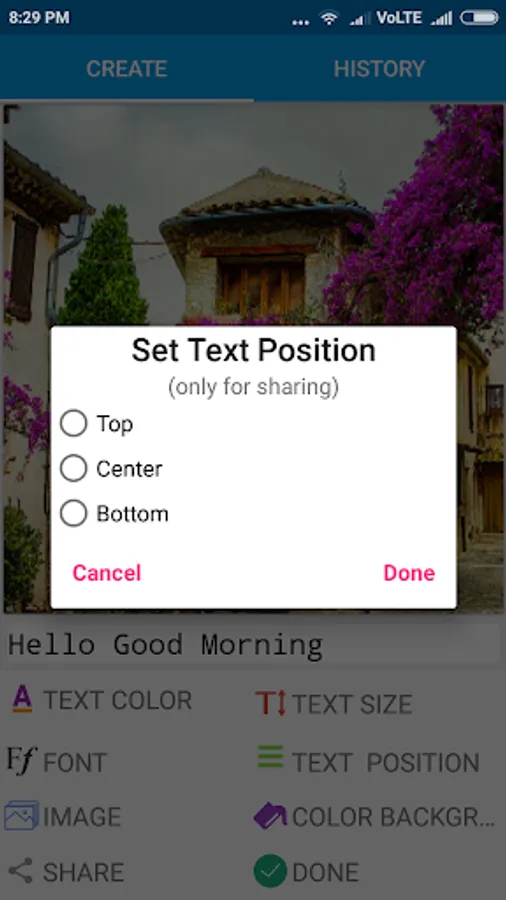
Write your phrases on top of images and share them with your friends on social networks like WhatsApp, Facebook, Gmail etc . Create texts with custom font, color, & sizes. Position the text and share it with friends or click done button to place the sticker on home screen from widgets section.
The Color picker is designed to take transparent colors as well for both text and background color.
🎨Features
1. Write on images.
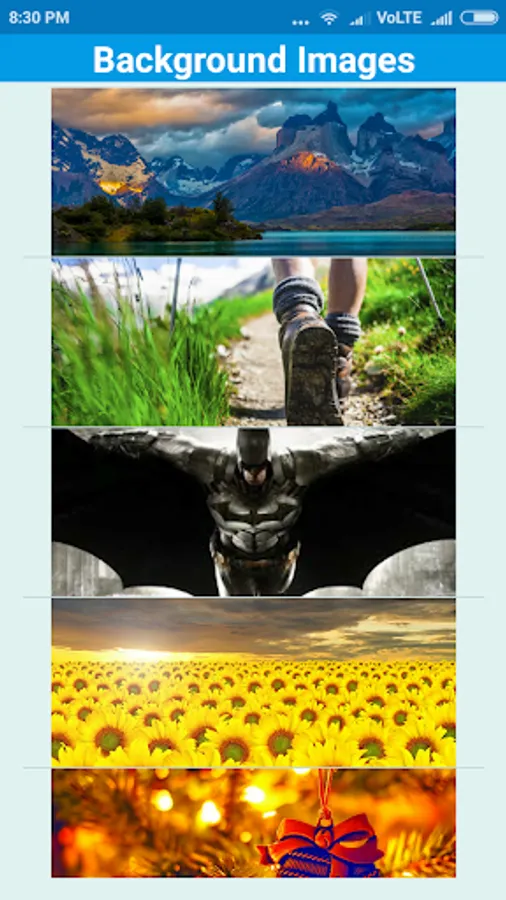
2. Change font, text size, text color, text position,background color or image.
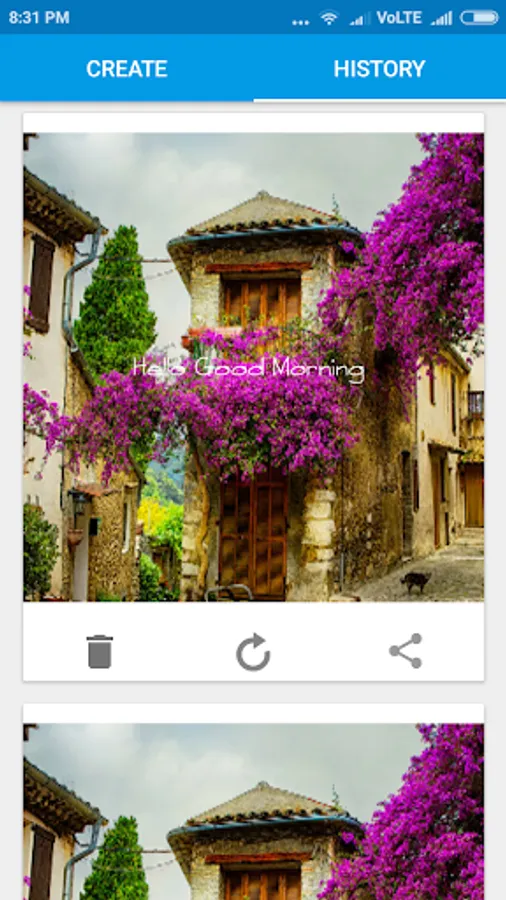
3. Reuse old widget , share old images from history page.
4. Share them with your friends.
5. Or select them as widgets for short notes, stickers.
🎨Where to use
Put creative or swaggy phrases like famous movie dialogues, your company tag lines, your name, or can even pass your phone to a friend with your phrase on top of screen. You can use this app to write almost anything in any language with emojis too. Every note or sticker you make is ready to share with your friends through Bluetooth, WhatsApp, Skype, Facebook, Gmail etc.
🎨Working
1. Write your Text.
2. Select font, color, size according to requirement.
3. Click Share button.
4. or Done button to setup widget.
To re-use old widget simple click on recycle button.
The Color picker is designed to take transparent colors as well for both text and background color.
🎨Features
1. Write on images.
2. Change font, text size, text color, text position,background color or image.
3. Reuse old widget , share old images from history page.
4. Share them with your friends.
5. Or select them as widgets for short notes, stickers.
🎨Where to use
Put creative or swaggy phrases like famous movie dialogues, your company tag lines, your name, or can even pass your phone to a friend with your phrase on top of screen. You can use this app to write almost anything in any language with emojis too. Every note or sticker you make is ready to share with your friends through Bluetooth, WhatsApp, Skype, Facebook, Gmail etc.
🎨Working
1. Write your Text.
2. Select font, color, size according to requirement.
3. Click Share button.
4. or Done button to setup widget.
To re-use old widget simple click on recycle button.
Text Widget & Text Sticker Screenshots
Tap to Rate: