With this note-taking app, you can scan, edit, and save your drawings or notes using your device. Includes automatic and manual scanning, image editing tools, and sharing options.
AppRecs review analysis
AppRecs rating 2.1. Trustworthiness 80 out of 100. Review manipulation risk 25 out of 100. Based on a review sample analyzed.
★★☆☆☆
2.1
AppRecs Rating
Ratings breakdown
5 star
19%
4 star
7%
3 star
10%
2 star
11%
1 star
53%
What to know
✓
Low review manipulation risk
25% review manipulation risk
⚠
Mixed user feedback
Average 2.3★ rating suggests room for improvement
⚠
High negative review ratio
65% of sampled ratings are 1–2 stars
About Boogie Board Jot
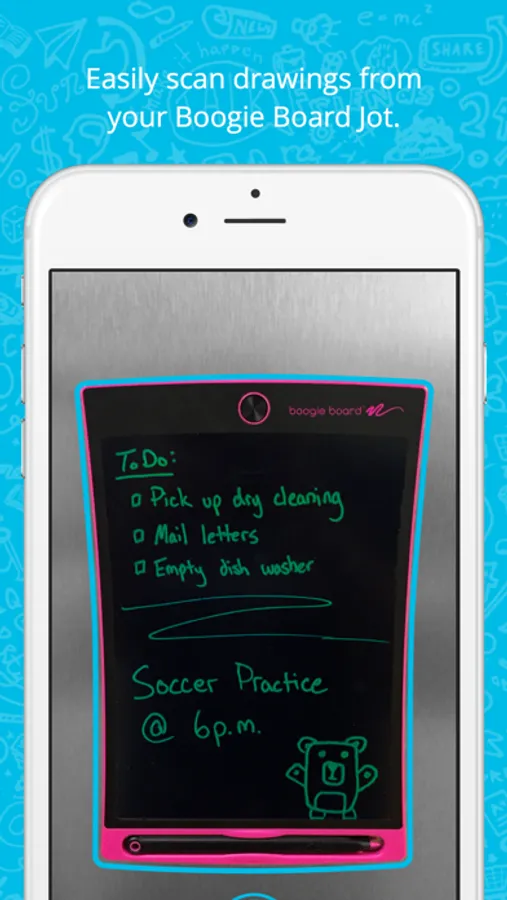
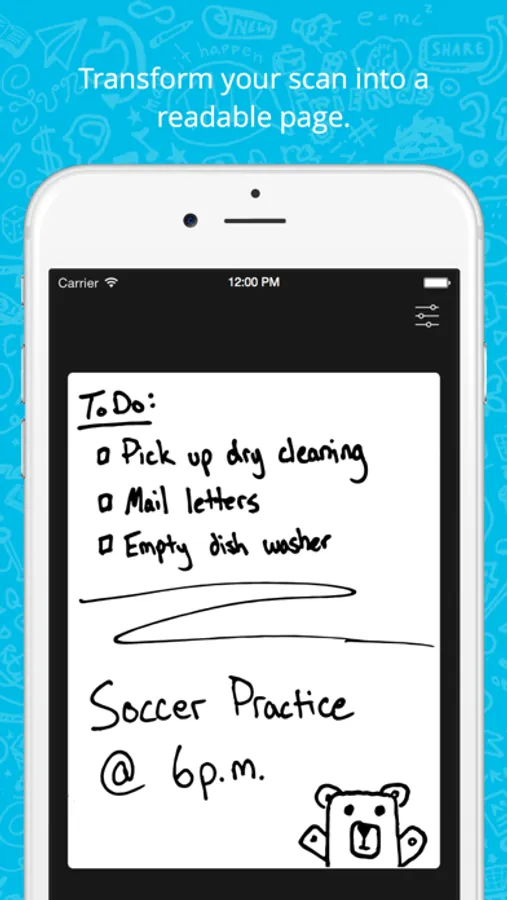
The Boogie Board Jot app scans anything you draw on your Jot and saves it for whenever you need it most.
SCAN
• Automatically scan the drawing off your Jot
• Manually adjust the crop area to fine tune the scan
SAVE & SHARE
• Save all your pages to view later
• Share pages to your favorite services
EDIT
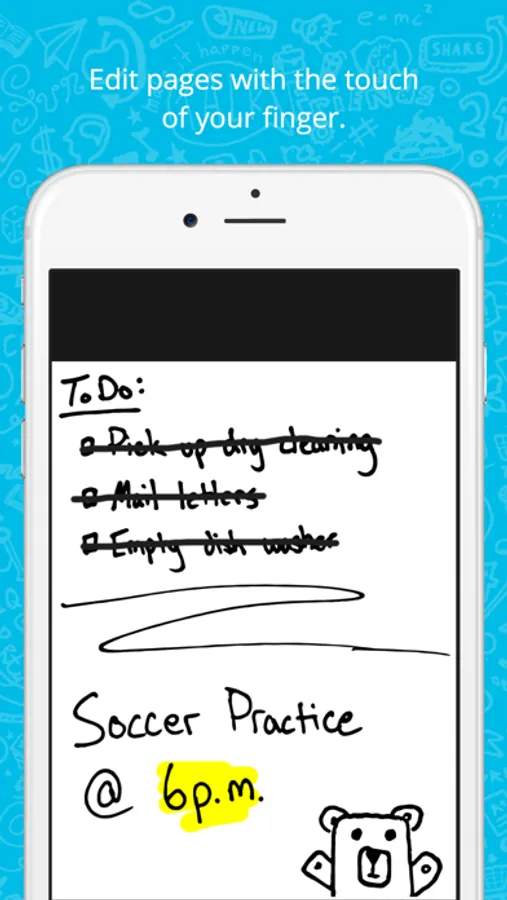
• Use your finger to make edits to your pages
• Choose from either a pen or highlighter
Boogie Board Jot Screenshots
Tap to Rate:
Reviews for Boogie Board Jot
OriginalStevenH
Great idea bad implementation
For a brand new boogie board had the app qr on the box. The app is simple yet there is a major problem. The scan area cuts off all the size. I even manually select the entire area and it still cuts off the size. That’s just bad implementation. I have to extend the size by almost an inch and a half outside the board writing area just to get it to work properly. Since there is no calibration and I don’t feel like doing this every time I’m not going to continue to use this app if they are not willing to fix a minor issue like this.
Hhfhdhjj
Needs fixing
Incredibly annoying and frustrating that the scan won’t pick up the bottom inch or so of the screen. Also cuts off corners. What’s the point of making this size of boogie board if your app won’t even scan the whole thing. Makes shopping list get cut off.