
CIB Smart Wallet
Commercial International Bank (Egypt) S.A.E
2.7 ★
156 ratings
Free
With this digital wallet app, you can send and receive money, make in-store or online payments, and manage transactions easily. Includes transfer options, bill payments, card management, and customer support features.
AppRecs review analysis
AppRecs rating 2.8. Trustworthiness 0 out of 100. Review manipulation risk 0 out of 100. Based on a review sample analyzed.
★★☆☆☆
2.8
AppRecs Rating
Ratings breakdown
5 star
28%
4 star
12%
3 star
9%
2 star
6%
1 star
45%
What to know
✓
Authentic reviews
Natural distribution, no red flags
⚠
Mixed user feedback
Average 2.7★ rating suggests room for improvement
⚠
High negative review ratio
51% of sampled ratings are 1–2 stars
About CIB Smart Wallet
Smart Wallet is the fastest way to perform financial transactions anytime, anywhere.
Smart Wallet transforms payment accessibility with a rapid, simple and secure payment experience.
Smart Wallet allows you to:
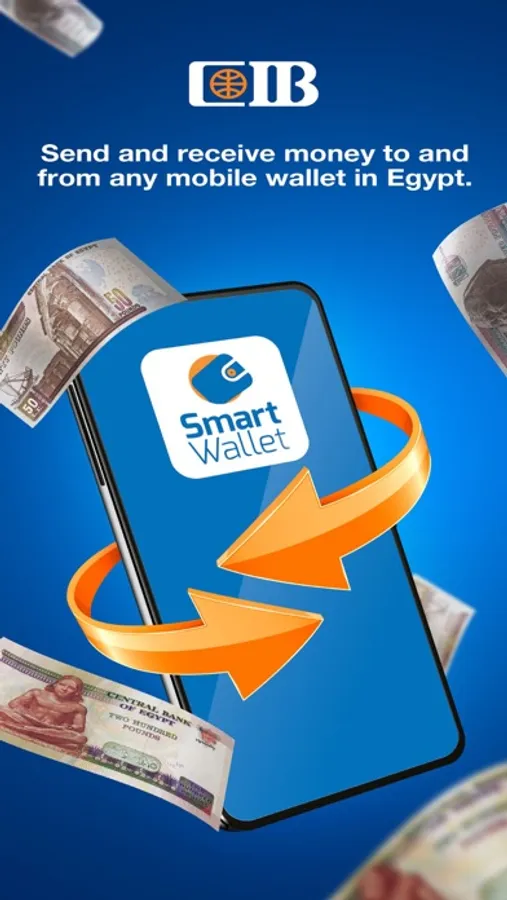
• Send and receive money to and from any wallet in Egypt
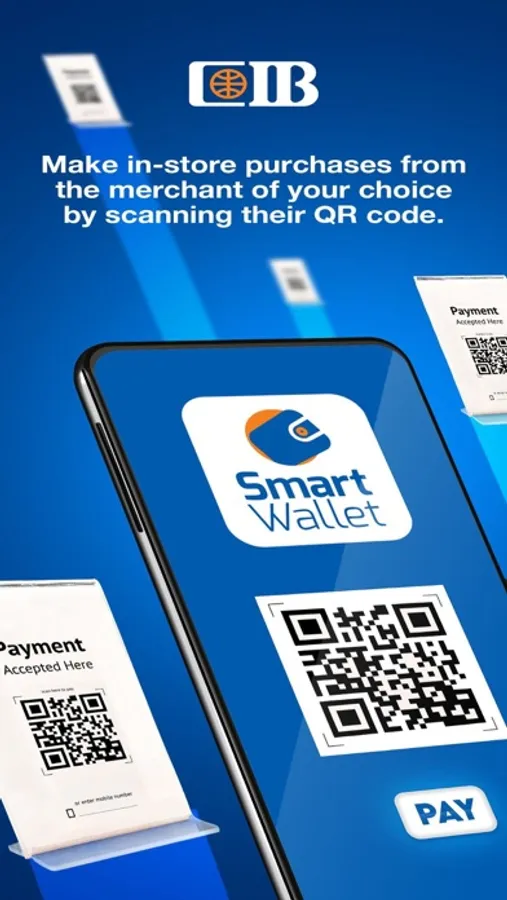
• Make in-store purchases from the merchant of your choice by scanning their QR code
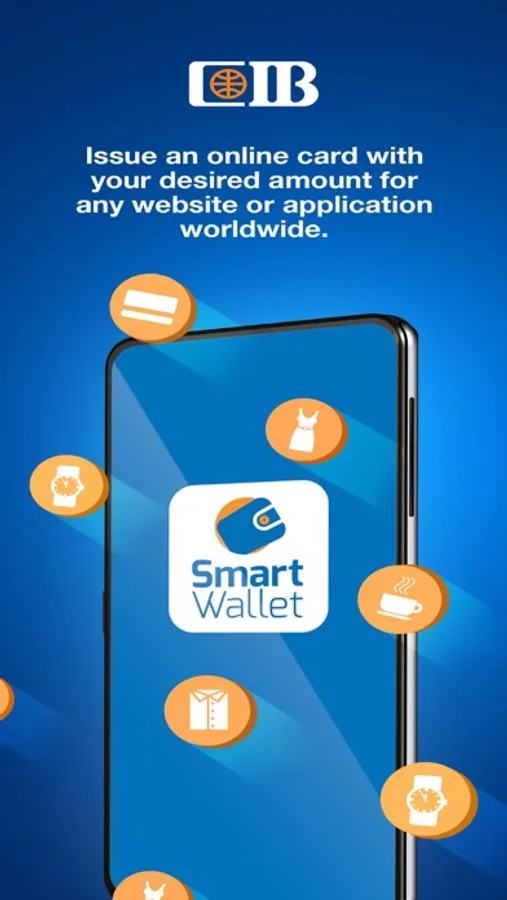
• Issue a single-use/multi-use, virtual online card with your desired amount for any website or application worldwide
• Top up airtime on a prepaid phone with the Mobile Recharge feature
• Deposit and withdraw money from CIB’s Authorized Banking Agent Network and ATMs
• Load your wallet with cash by linking your CIB debit, credit or prepaid cards (up to two cards)
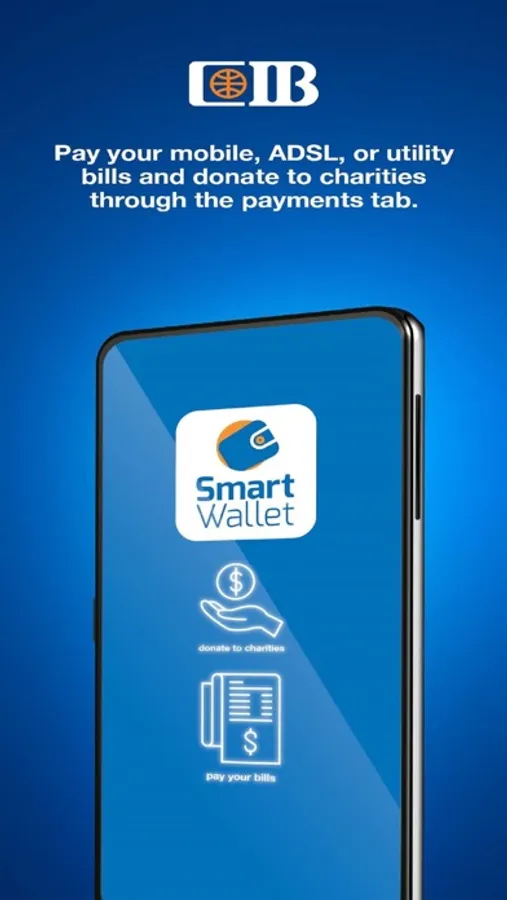
• You may pay your mobile, ADSL, or utility bills or donate to the charity of your choice
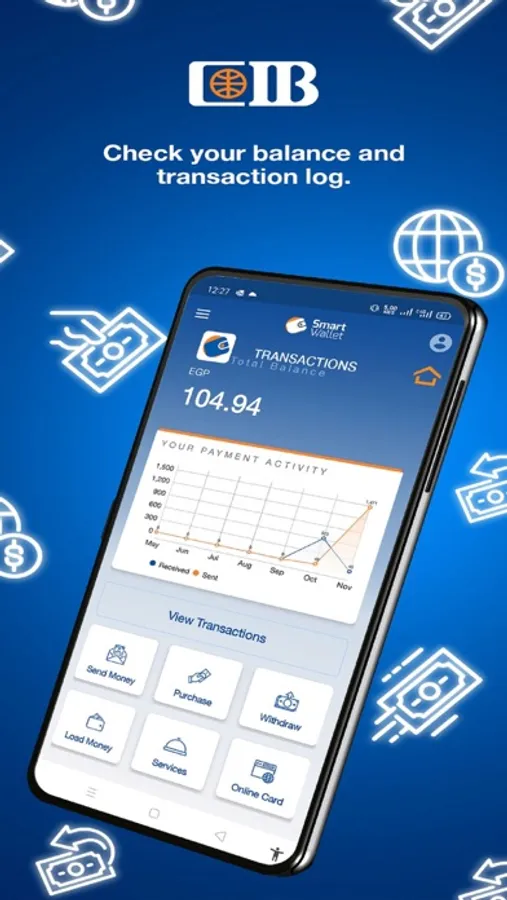
• Check and export your transaction log to be able to print or use it in the future.
• Save all your usual payments, merchants, family, and friends to the Favorites feature
• Use the Contact Us button to speak with our dedicated call center agent for support or to leave your feedback/complaint
• View the service fees and overview within the application
You do not need to have a CIB bank account to have a CIB Smart Wallet. Register through one of the following channels:
1. Any of CIB’s Authorized Banking Agent outlet
2. Any CIB branch
If you are a CIB client, register now by texting your full National ID number and last 4 digits of your CIB card to 4435 or through your Online Banking account.
*To register, you need a valid national ID number and a mobile number.
*You can unregister from CIB Smart Wallet via the application.
In collaboration with Meeza Digital.
Terms & conditions apply.
Smart Wallet transforms payment accessibility with a rapid, simple and secure payment experience.
Smart Wallet allows you to:
• Send and receive money to and from any wallet in Egypt
• Make in-store purchases from the merchant of your choice by scanning their QR code
• Issue a single-use/multi-use, virtual online card with your desired amount for any website or application worldwide
• Top up airtime on a prepaid phone with the Mobile Recharge feature
• Deposit and withdraw money from CIB’s Authorized Banking Agent Network and ATMs
• Load your wallet with cash by linking your CIB debit, credit or prepaid cards (up to two cards)
• You may pay your mobile, ADSL, or utility bills or donate to the charity of your choice
• Check and export your transaction log to be able to print or use it in the future.
• Save all your usual payments, merchants, family, and friends to the Favorites feature
• Use the Contact Us button to speak with our dedicated call center agent for support or to leave your feedback/complaint
• View the service fees and overview within the application
You do not need to have a CIB bank account to have a CIB Smart Wallet. Register through one of the following channels:
1. Any of CIB’s Authorized Banking Agent outlet
2. Any CIB branch
If you are a CIB client, register now by texting your full National ID number and last 4 digits of your CIB card to 4435 or through your Online Banking account.
*To register, you need a valid national ID number and a mobile number.
*You can unregister from CIB Smart Wallet via the application.
In collaboration with Meeza Digital.
Terms & conditions apply.
CIB Smart Wallet Screenshots
Tap to Rate:
Reviews for CIB Smart Wallet
ielsayed
App is crashing
I cannot even open the app, it crashes just once started.
karammostafa
التطبيق لازم يتحدث
تطبيق عقيم ، ووجب تحديثه زي باقي المحافظ ، ازاي لحد دلوقتي مبيظهرش علي التطبيق اي refunds ولا سجل العمليات المردودة بال VCC وليه مانعين ال screenshots علشان اقدر اسجل رصيدي باستمرار