
In this video editing app, users can incorporate still images and record audio to create videos. Includes image insertion, audio dubbing, and sharing features.
AppRecs review analysis
AppRecs rating 4.4. Trustworthiness 80 out of 100. Review manipulation risk 24 out of 100. Based on a review sample analyzed.
★★★★☆
4.4
AppRecs Rating
Ratings breakdown
5 star
76%
4 star
8%
3 star
2%
2 star
5%
1 star
8%
What to know
✓
Low review manipulation risk
24% review manipulation risk
✓
Credible reviews
80% trustworthiness score from analyzed reviews
✓
High user satisfaction
85% of sampled ratings are 4+ stars (4.4★ average)
About Jumpcut
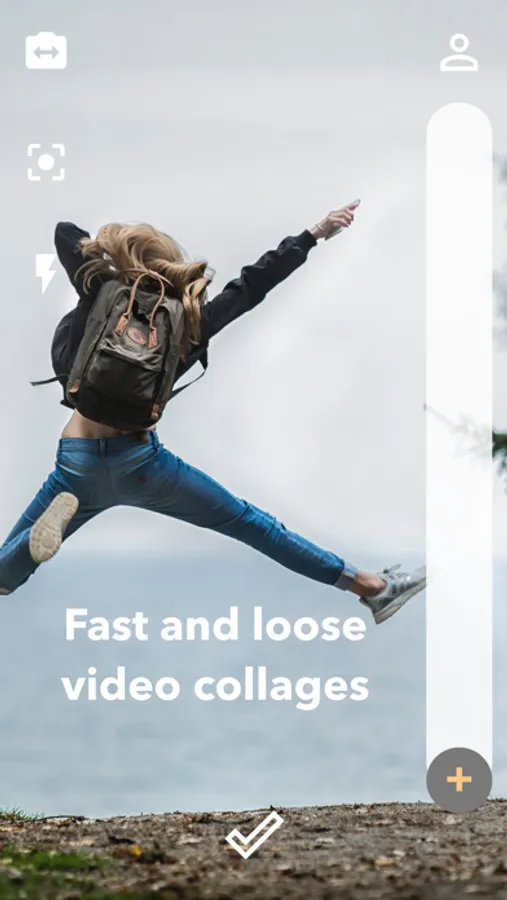
Edit using a powerful editor equipped with offline persistence and share your work all for free.
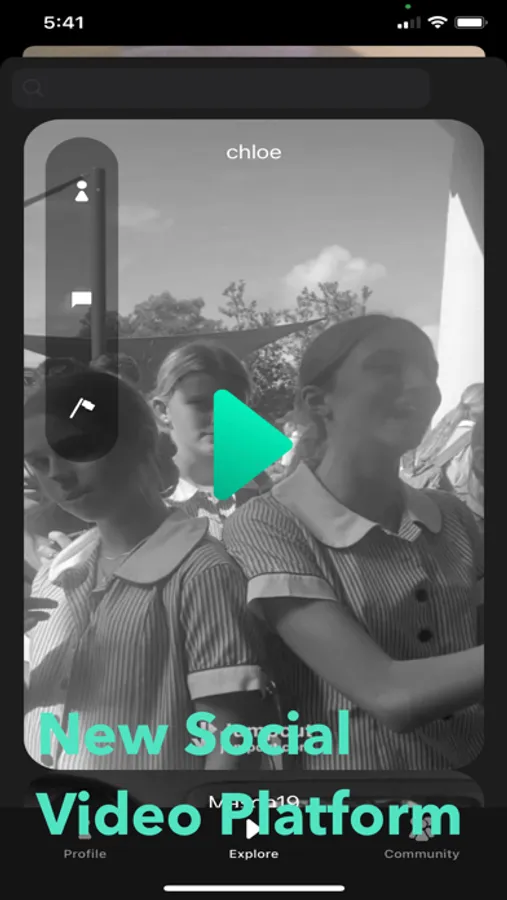
Sign up for Jumpcut Pro to remove ads, the watermark, and to participate in a collaborative just-for-fun global stream.
This app contains a subscription to Jumpcut Pro, a monthly subscription for $8.99. The subscription is not necessary to edit and share videos.
App Tracking is specifically for showing ads to free users.
privacy policy:
https://jumpcutapp.com/privacy.html
terms of service:
https://jumpcutapp.com/terms.html
Jumpcut Screenshots

Tap to Rate:
Reviews for Jumpcut
Taylor TSM
no recording button
the app is not acccsible for me you can tell me tap on the screen to take a picture all you want but it doesn't work me and my friend who are blind use voice over on are phones so that tap to make a video won't work and my friend reviewow your app a year ago and it took you a year to respond to her if your going to respond to me please don't take forever you don't have to rush but you don't have to take forever either have a good day.
Metal head 2009
Can’t even import video
I got this app thinking I was going to have an app that would make cuts between Long segments of a video I was so excited, because I watched on YouTube somebody reviewing an app like this it was called Vlog easy, I can’t find that app but I found this. And I was very excited to use it but there are a couple of bugs in the system. First of all when I go to import a video. I get the option to choose the video and then it starts to compress my video. So I was really confused and I couldn’t even import the video after it was done compressing. And then I found out later what compress actually meant, so I really wanna know why, it does that whenever I select a video. And also you give us an option to record with the camera within the app, the thing is there’s an option to switch to the camera, but I cannot find the record button and also I am visually impaired, and this app is also not very accessible to my needs. because I have to use text to speech on my phone, in order to navigate it since I can’t see. So that’s probably why I can’t find the record button so please fix the bug where it’s compressing my video and please make it more accessible.