Snap Markup - Annotation Tool
Raghvendra Bhargava
4.6 ★
4K ratings
$1.99
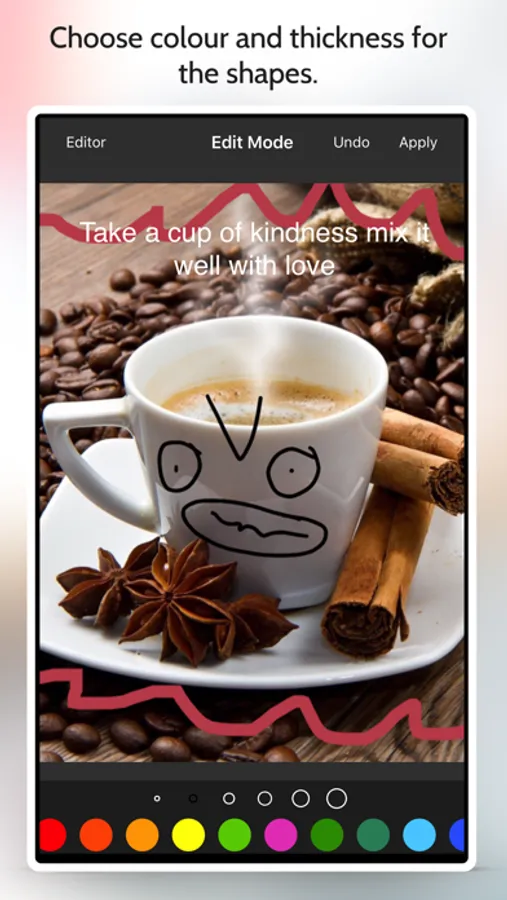
With this annotation tool, you can markup photos by cropping, drawing, adding text, and blurring areas. Includes features for stitching images, annotating web pages and maps, and creating blank images.
AppRecs review analysis
AppRecs rating 4.5. Trustworthiness 80 out of 100. Review manipulation risk 25 out of 100. Based on a review sample analyzed.
★★★★☆
4.5
AppRecs Rating
Ratings breakdown
5 star
79%
4 star
12%
3 star
4%
2 star
2%
1 star
3%
What to know
✓
Low review manipulation risk
25% review manipulation risk
✓
Credible reviews
80% trustworthiness score from analyzed reviews
✓
High user satisfaction
79% of sampled ratings are 5 stars
About Snap Markup - Annotation Tool
Key Features:
- Crop and rotate images: can be cut into rectangular, round, star, triangle, and other shapes
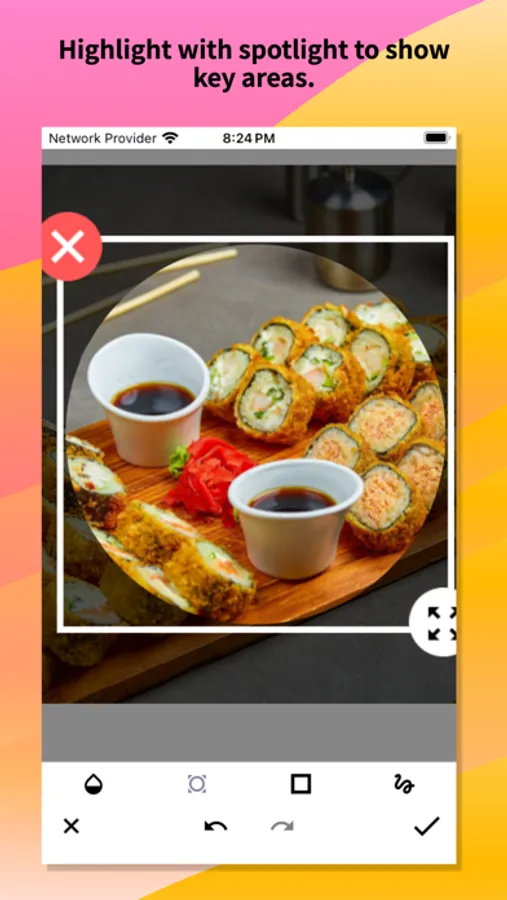
- Highlight key info: spotlight important details
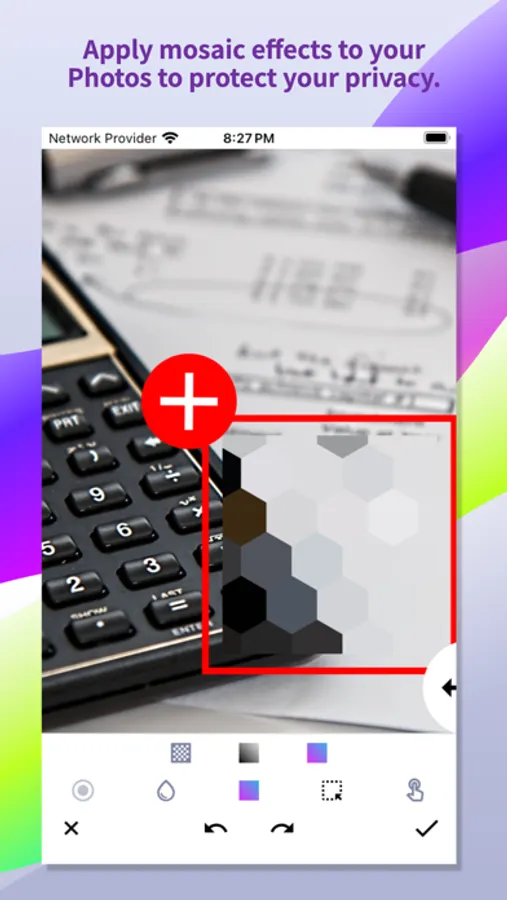
- Blur images: pixelate to cover areas you don't want to show
- Magnify images: zoom in on selected sections with a loupe
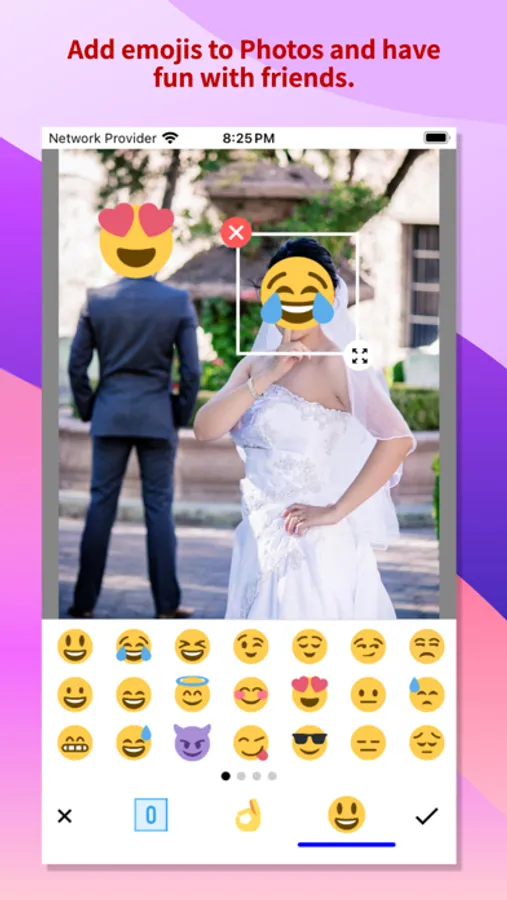
- Add emoji stickers: make your photos lively and interesting
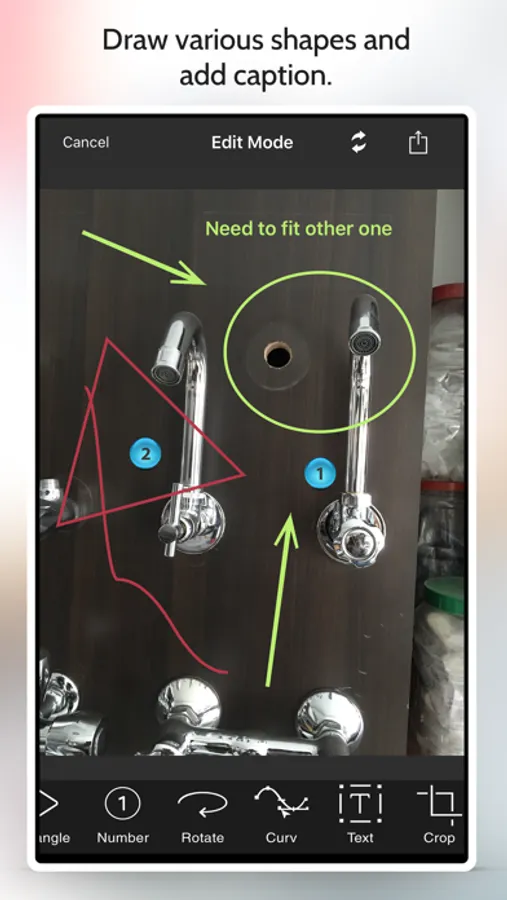
- Add text on photos: customise text colour, background, shadow, stroke, style, size, and more
- Annotate pictures with all necessary tools: Arrow, Rect, Circle, Pen
- Direct annotation of large pictures without needing to crop first
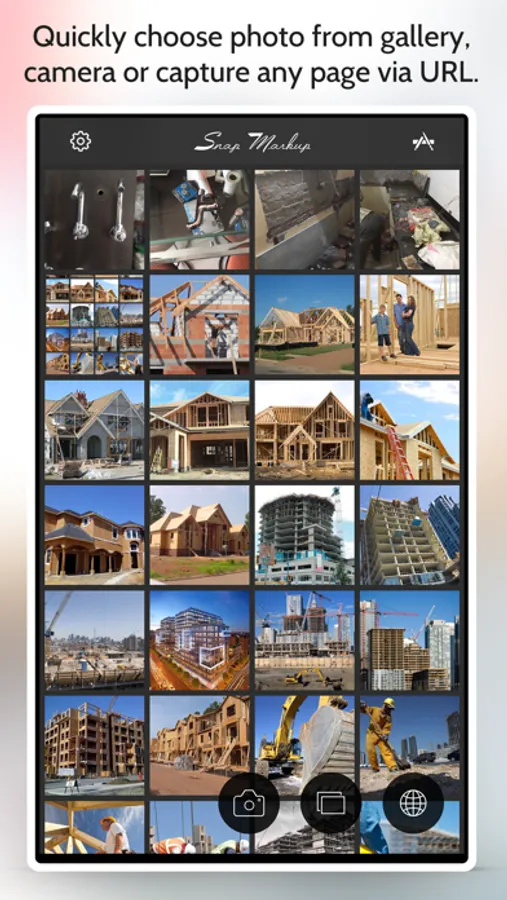
- Import photos from your gallery, save in HD, and share with friends
- High-quality, lossless saving in PNG and JPG formats
- Support for multiple languages
Stitching Photos:
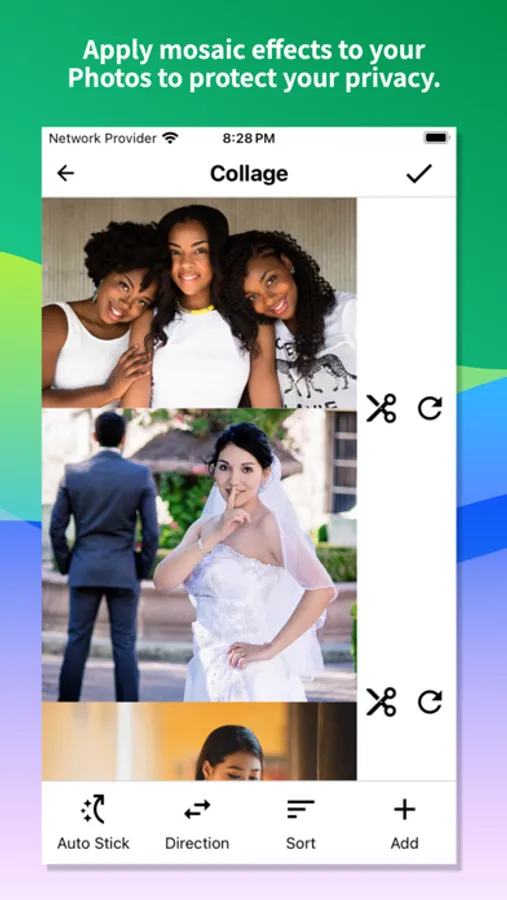
Easily stitch multiple photos into panoramic images, horizontally and vertically.
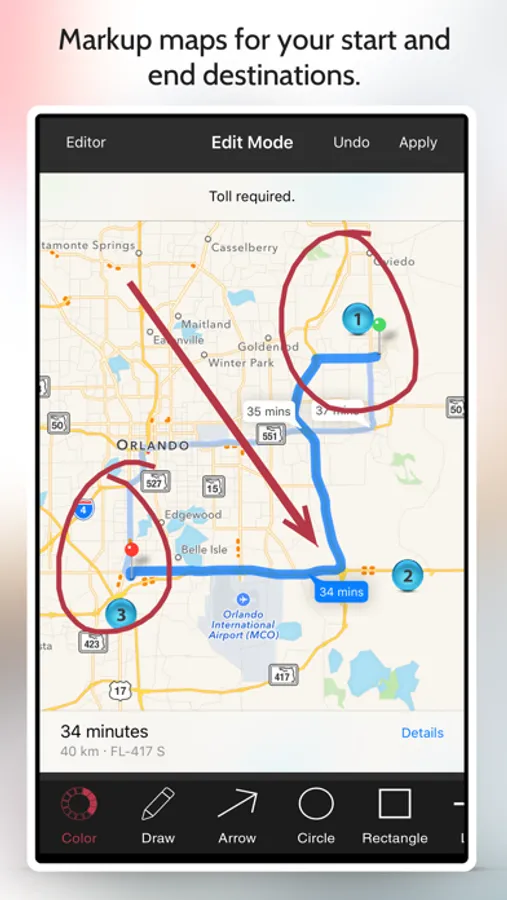
Webpage and Map Annotation:
Mark up web pages and maps effortlessly, and share your ideas with friends.
Blank Image Creation:
Create blank images and draw according to your needs.
For comments or suggestions on Snap Markup, please contact us at support@appculus.com. We appreciate your feedback!
Snap Markup - Annotation Tool Screenshots

Tap to Rate:
Reviews for Snap Markup - Annotation Tool
USAMaverick
Needs a way to erase functions
I like the app a lot, but once you draw a bunch of lines and make several layers, there is no easy way to erase one thing from your previous work. Need a single erase feature, that works for everything no matter the layer.
Mnnice1111
Was great- now stinks
It was so easy before this update about a year ago Now it’s time wasting app Try and draw a box with a finger







![File Explorer & Player [Pro] icon](https://apprecs.org/ios/img/icons/webp/150/1095142462/r0O6SBLIfSncJdQFCQhsn2UwWO-DOkYVRf5sHT63IDI-icon)