
AppRecs review analysis
AppRecs rating . Trustworthiness 80 out of 100. Review manipulation risk 20 out of 100. Based on a review sample analyzed.
★
AppRecs Rating
Ratings breakdown
5 star
43%
4 star
7%
3 star
7%
2 star
7%
1 star
36%
What to know
✓
Low review manipulation risk
20% review manipulation risk
✓
Credible reviews
80% trustworthiness score from analyzed reviews
About SF State Mobile
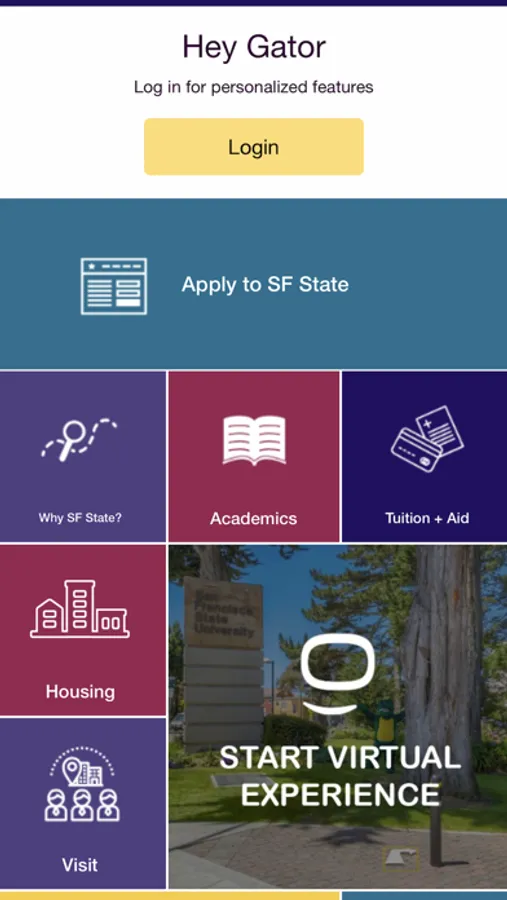
We created SFSU to make it easier for you to access campus services and resources on the go. Since the app is a work constantly in progress, we’ll continue to improve and enhance your mobile experience. Download the app to access the useful features listed below and provide suggestions on how to improve it through the feedback option.
Highlighted Features
• Personas - students, faculty, staff, prospective students, guests and more will see the information most relevant to their needs.
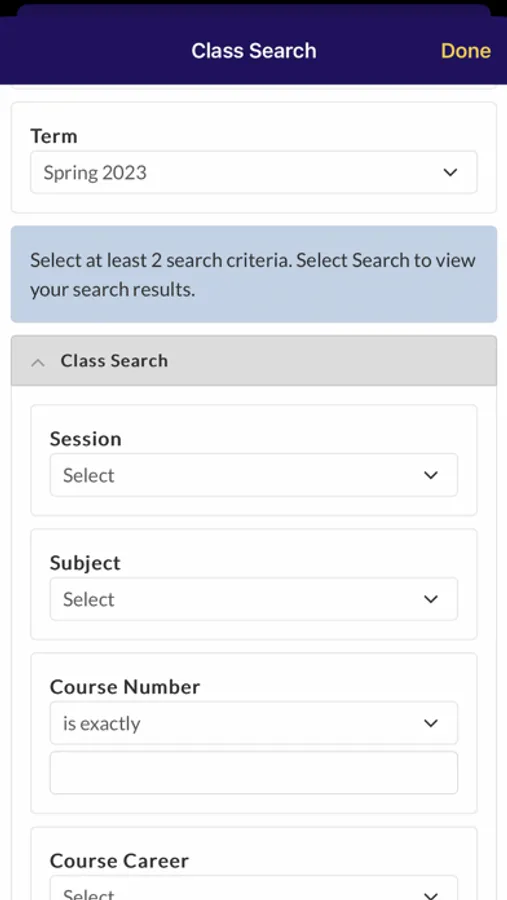
• Students see important information leading to their student success like class schedule, grades, learning resources, holds and alerts, financial aid, and more.
• Prospective students can explore SF State, check their application status, check admission status, sign up for orientation, and more.
• Staff can easily access email, campus directory, campus memo, services requests, and more.
• Faculty can see their upcoming class to teach, view class and grade rosters, access service requests, and more.
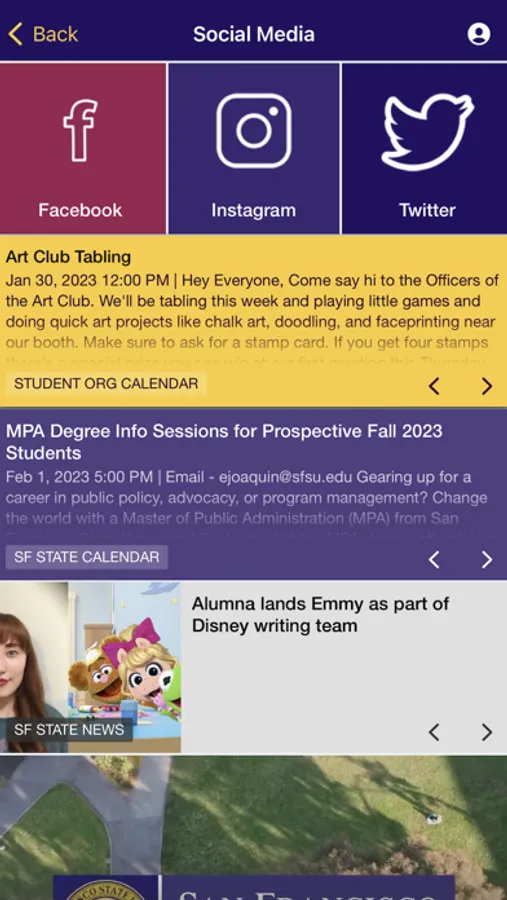
• View upcoming SF State Events and latest News.
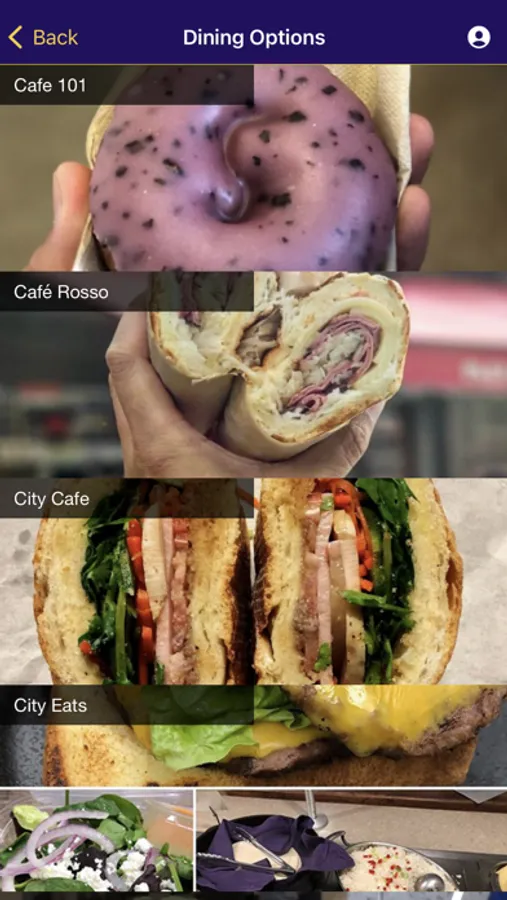
• Discover dining options across campus and navigate with our GPS-enabled campus and indoor maps with accessible entrances.
SF State Mobile Screenshots
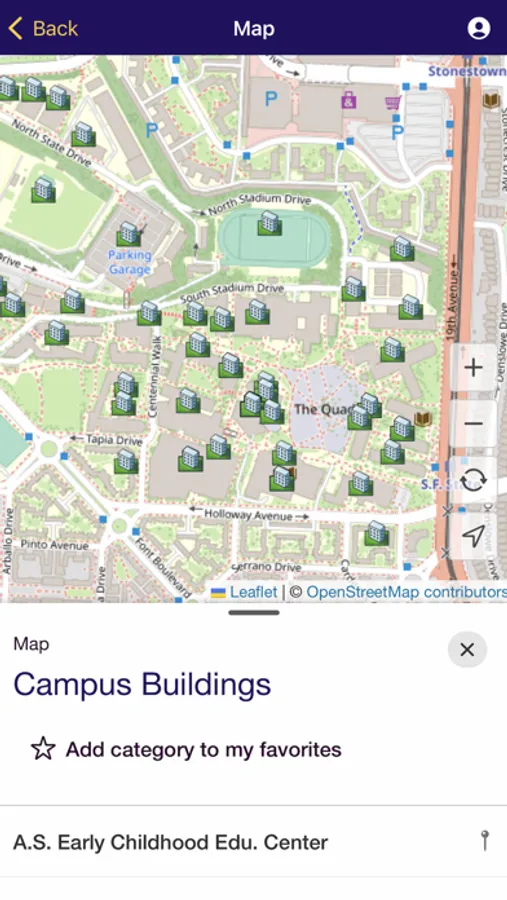
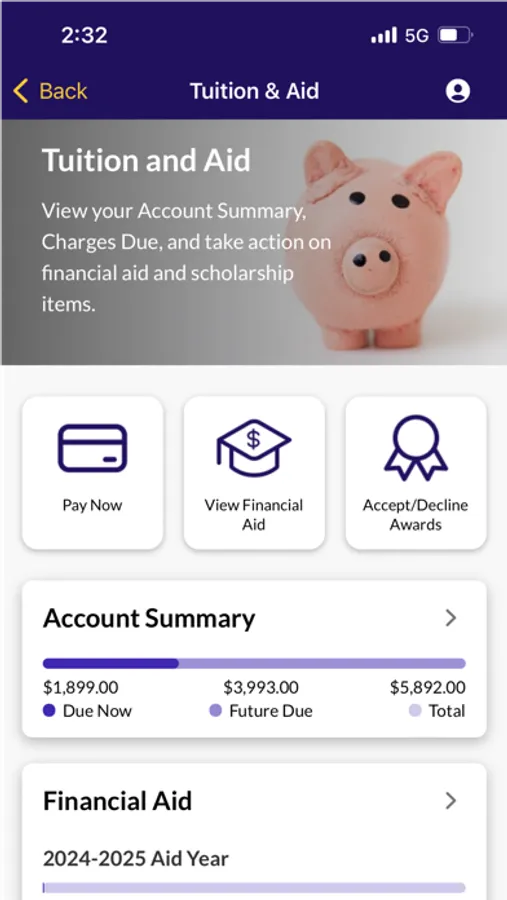
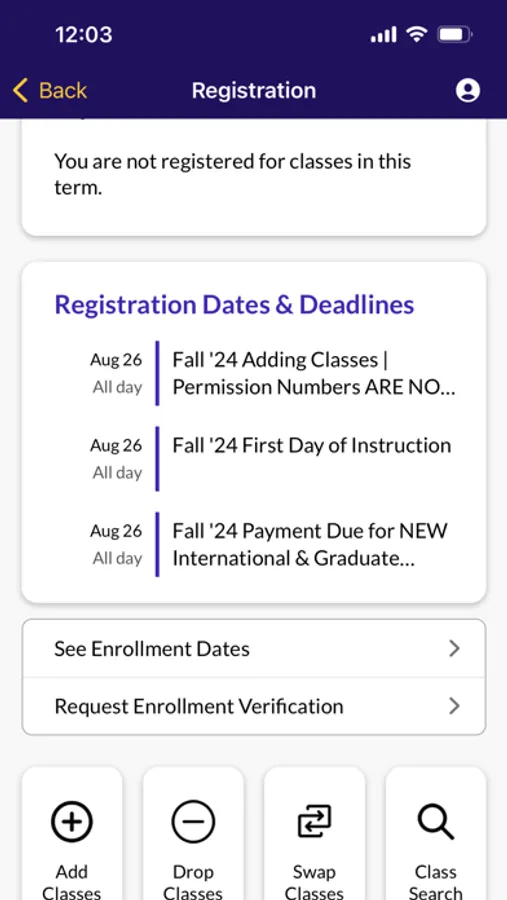
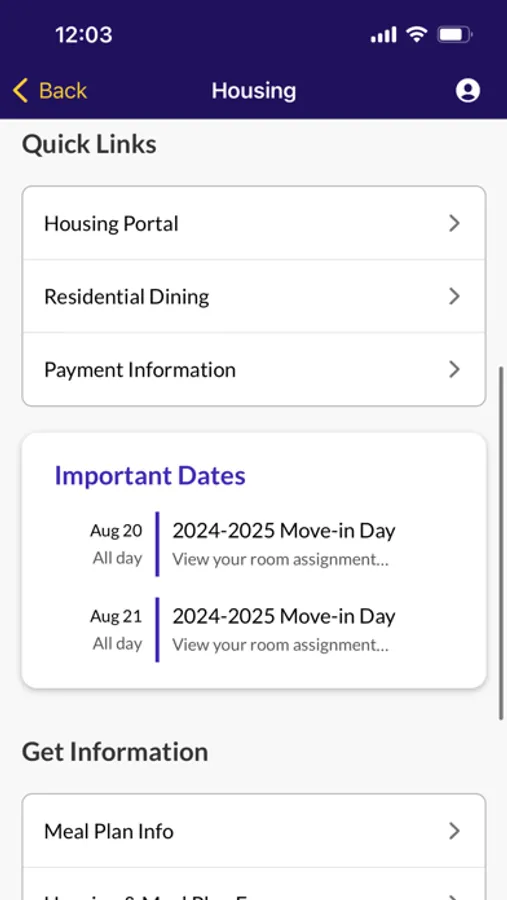
Tap to Rate:
Reviews for SF State Mobile
PatDiddy88
Doesn’t do much
The app needs to be able to do a lot more before it gets a 5 star rating. You should be able to see your schedule, pay bills, and many other things that you can’t do on a phone (due to the student center not being optimized for mobile).
想太多王
Doesn’t work
I can’t log in even though I can log in on a web browser. First of all the username input has some weird custom placeholder that is selectable, but I can’t use autofill or even paste my student ID into it unless I type a character first and then paste. Just use the built in placeholder property. Second, it just straight up doesn’t accept my credentials. If I cancel, I’m stuck in limbo on a screen that says “Authenticated” but there’s still an option to sign in.