
Qview allows multiple users to share and display their videos and photos simultaneously on a Hisense 4K UHD Smart TV. Includes content queue management, notifications for joining, grabbing, and leaving, and supports JPEG, PNG, and MP4 files.
AppRecs review analysis
AppRecs rating 1.5. Trustworthiness 61 out of 100. Review manipulation risk 27 out of 100. Based on a review sample analyzed.
★☆☆☆☆
1.5
AppRecs Rating
Ratings breakdown
5 star
6%
4 star
3%
3 star
6%
2 star
8%
1 star
76%
What to know
✓
Low review manipulation risk
27% review manipulation risk
⚠
Mixed user feedback
Average 1.6★ rating suggests room for improvement
⚠
High negative review ratio
84% of sampled ratings are 1–2 stars
About Qview
Qview comes pre-installed on Hisense 4K UHD Smart TVs.
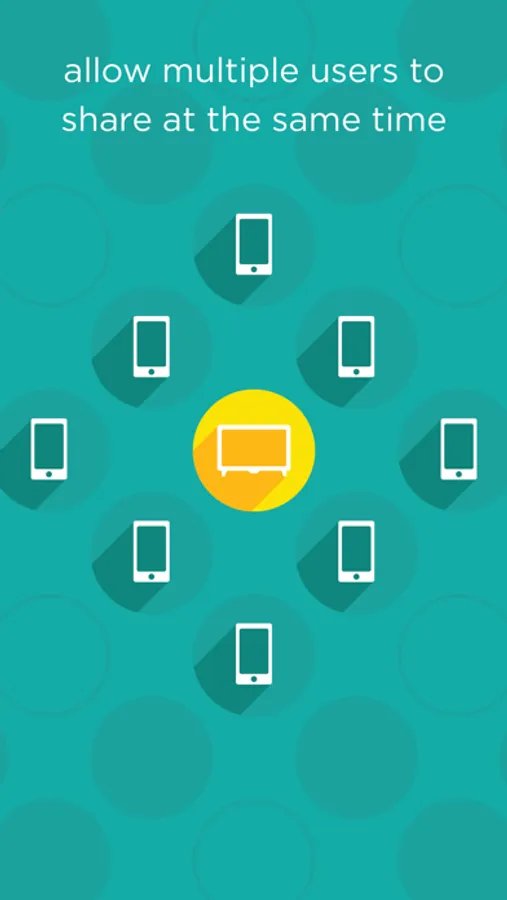
Hisense Qview is unique because it enables multiple users to share multiple pieces of their content to the TV at the same time! If you’re planning a small gathering or large party, then Hisense Qview is the perfect way for everyone in attendance to share the spotlight together. Simply upload your favorite videos or photos into the queue (which holds 50 pieces of content at a time) and then view them one after the other on your Hisense 4K UHD Smart TV. Download Hisense Qview now to get started!
Cool Features:
• ‘Joined’ notification: Each time someone joins in to share their content, his or her name briefly appears on the TV screen.
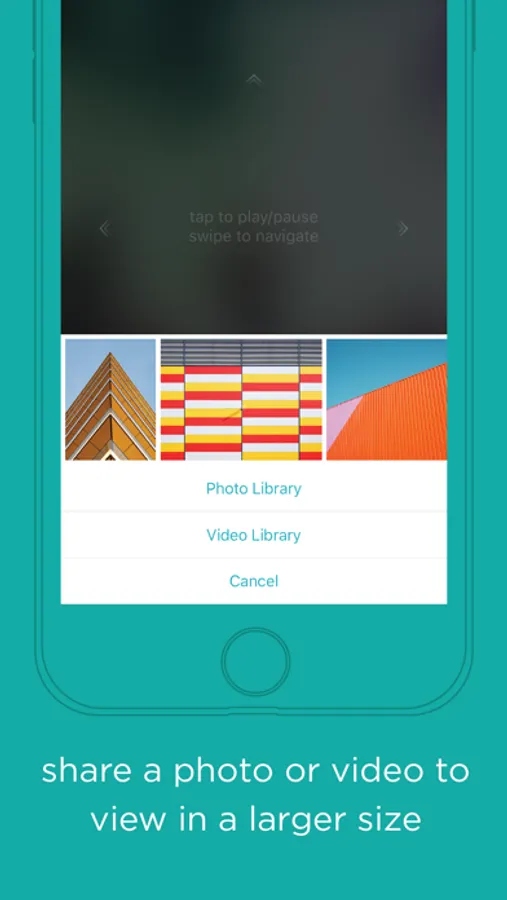
• Share: Press the Share icon to cast a photo or video to the TV screen for others to view in a larger size
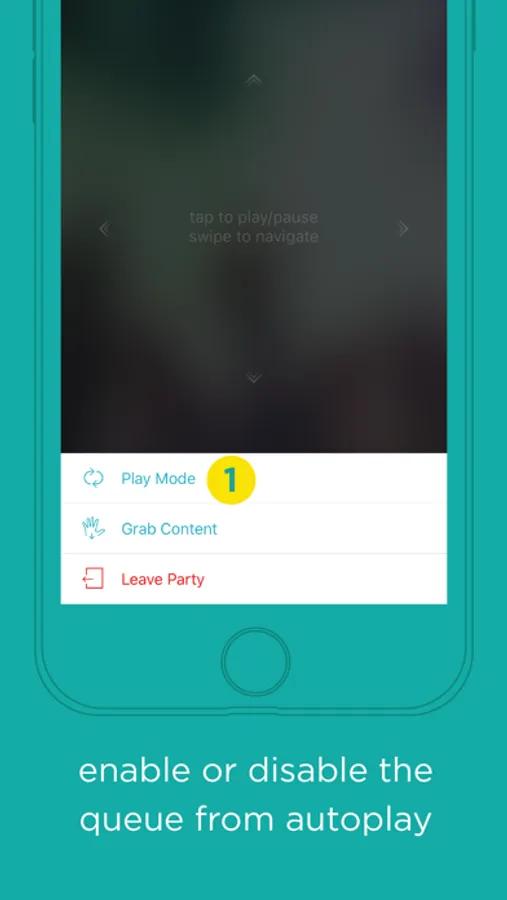
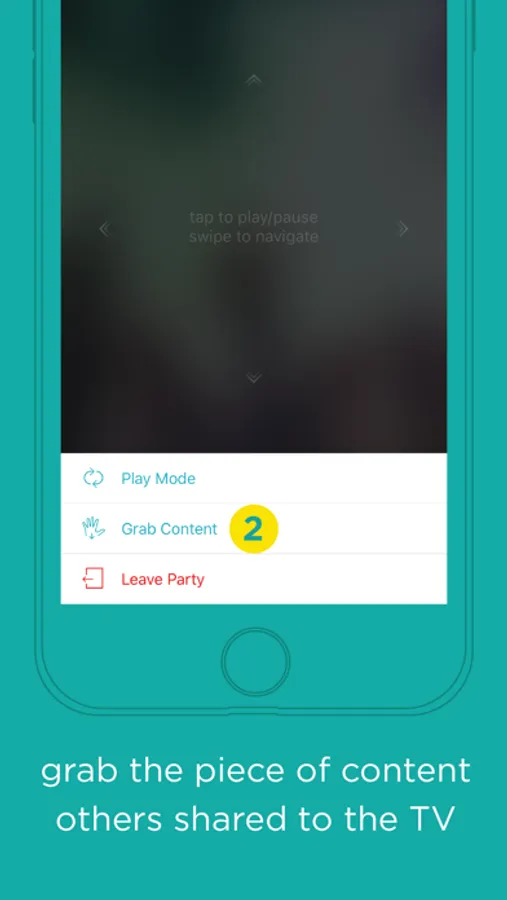
• Play Mode: Use this feature to enable or disable the queue from showing the next piece of content.
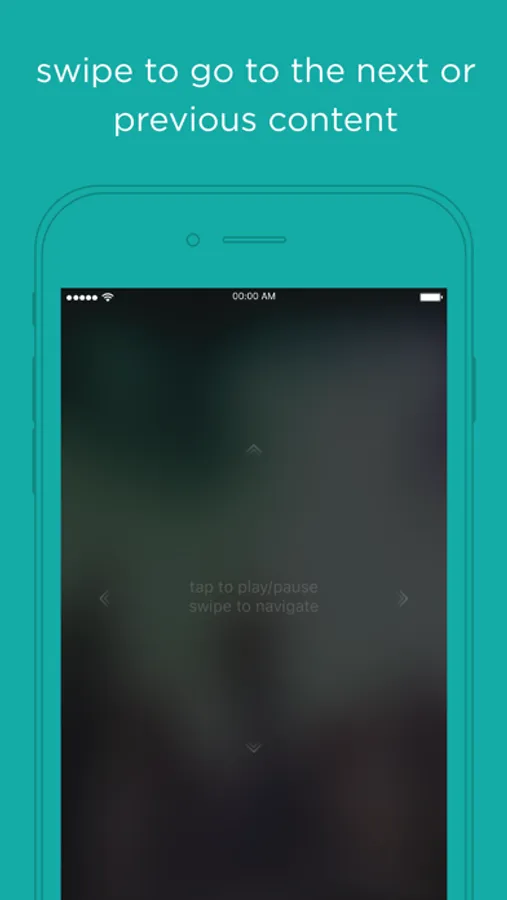
• Swipe Left/Right: Use the Swipe feature to go to the next or previous content on TV.
• Grab: The Grab feature is disabled by default. Use it to enable others to access the piece of content that you’ve shared to the TV.
• ‘Grabbed’ notification: Each time a user ‘grabs’ content (which can only be accessed when the content owner ‘enables’ the Grab feature), an on-screen notification briefly displays the device name.
• Exit notification: Each time a user leaves Hisense Qview an on-screen notification message is shown.
Download Hisense Qview now to enjoy it.
More details about Hisense Qview
Up to 10 people can share content on the TV at the same time. Qview supports JPEG, PNG and MP4 files. When a user leaves the app, then his or her content is no longer available for others to view or access. To view FAQs about this app, visit http://www.hisense-usa.com
Hisense Qview was developed by the Hisense Software Development team. We’d love to receive your feedback about your experience with using this app and will continue to add enhancements.
To purchase the Hisense 4K UHD Smart TV, visit http://www.walmart.com
Hisense Qview is unique because it enables multiple users to share multiple pieces of their content to the TV at the same time! If you’re planning a small gathering or large party, then Hisense Qview is the perfect way for everyone in attendance to share the spotlight together. Simply upload your favorite videos or photos into the queue (which holds 50 pieces of content at a time) and then view them one after the other on your Hisense 4K UHD Smart TV. Download Hisense Qview now to get started!
Cool Features:
• ‘Joined’ notification: Each time someone joins in to share their content, his or her name briefly appears on the TV screen.
• Share: Press the Share icon to cast a photo or video to the TV screen for others to view in a larger size
• Play Mode: Use this feature to enable or disable the queue from showing the next piece of content.
• Swipe Left/Right: Use the Swipe feature to go to the next or previous content on TV.
• Grab: The Grab feature is disabled by default. Use it to enable others to access the piece of content that you’ve shared to the TV.
• ‘Grabbed’ notification: Each time a user ‘grabs’ content (which can only be accessed when the content owner ‘enables’ the Grab feature), an on-screen notification briefly displays the device name.
• Exit notification: Each time a user leaves Hisense Qview an on-screen notification message is shown.
Download Hisense Qview now to enjoy it.
More details about Hisense Qview
Up to 10 people can share content on the TV at the same time. Qview supports JPEG, PNG and MP4 files. When a user leaves the app, then his or her content is no longer available for others to view or access. To view FAQs about this app, visit http://www.hisense-usa.com
Hisense Qview was developed by the Hisense Software Development team. We’d love to receive your feedback about your experience with using this app and will continue to add enhancements.
To purchase the Hisense 4K UHD Smart TV, visit http://www.walmart.com
Qview Screenshots
Tap to Rate:
Reviews for Qview
Arising noiz
Qview
The app doesn’t even download all the way
o1doly
Doesn’t work
Installed and just wouldn’t launch.