
Explore Michigan helps users discover outdoor attractions like parks and lighthouses by browsing maps and reading detailed information. Includes location filters, cluster previews, and downloadable resources.
AppRecs review analysis
AppRecs rating 4.7. Trustworthiness 75 out of 100. Review manipulation risk 22 out of 100. Based on a review sample analyzed.
★★★★☆
4.7
AppRecs Rating
Ratings breakdown
5 star
81%
4 star
14%
3 star
1%
2 star
2%
1 star
2%
What to know
✓
Low review manipulation risk
22% review manipulation risk
✓
Credible reviews
75% trustworthiness score from analyzed reviews
✓
High user satisfaction
81% of sampled ratings are 5 stars
About Explore Michigan
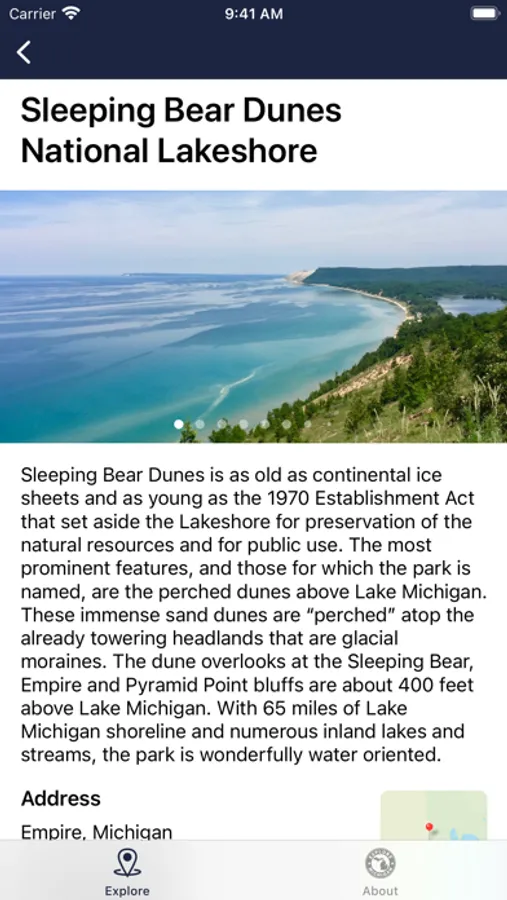
Explore Michigan's great outdoors right from your iOS device. Browse and learn about several outdoor attractions such as State Parks, National Parks, and lighthouses. Detailed information including location specific activities, maps, and guides can help you plan your next trip.
Here are just a few features of the app:
- Location Filters -
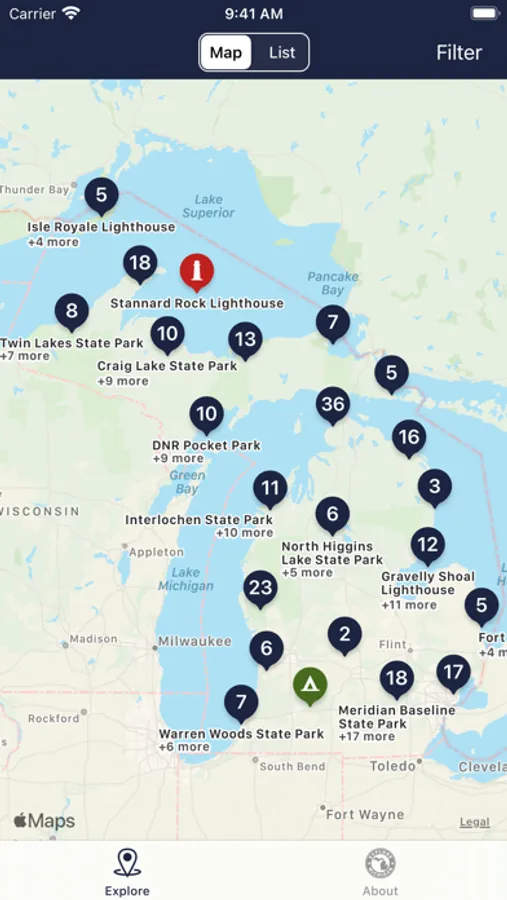
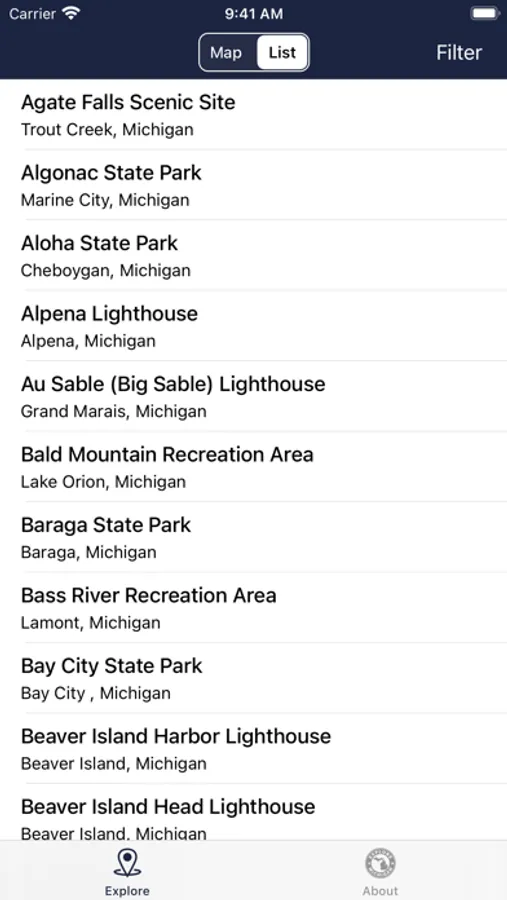
Want to just see lighthouses? You can filter results so that you only see specific types of locations on the map or in the list. This makes it super easy to explore what you are interested in.
- Cluster Preview -
The map groups locations that are close together in a "cluster" so the map remains readable when zoomed out. Tap on a cluster to see a preview of the locations in that area.
- Directions -
Once you are ready to go, just tap "Get Directions" to start turn-by-turn navigation via the Apple Maps app.
- Resources -
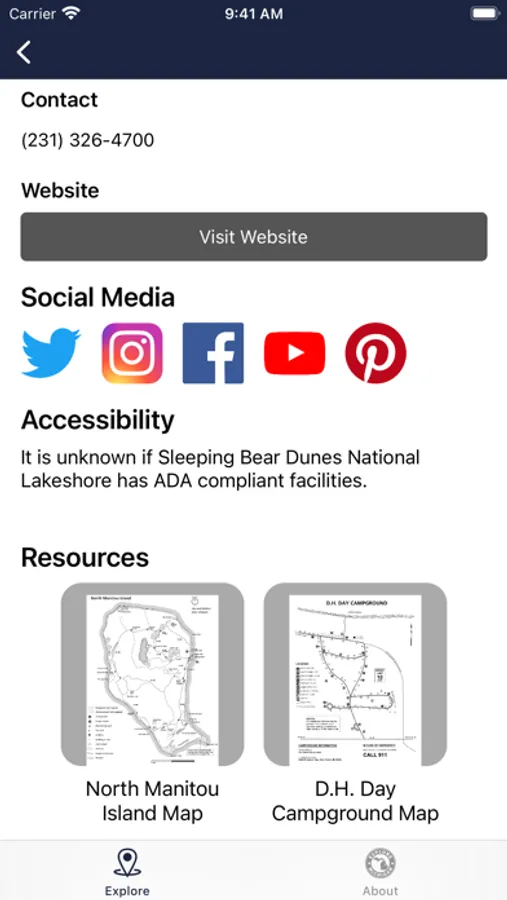
Location specific resources such maps and PDF guides are available to download to help you learn about specific topics such as water safety or bear safety.
Here are just a few features of the app:
- Location Filters -
Want to just see lighthouses? You can filter results so that you only see specific types of locations on the map or in the list. This makes it super easy to explore what you are interested in.
- Cluster Preview -
The map groups locations that are close together in a "cluster" so the map remains readable when zoomed out. Tap on a cluster to see a preview of the locations in that area.
- Directions -
Once you are ready to go, just tap "Get Directions" to start turn-by-turn navigation via the Apple Maps app.
- Resources -
Location specific resources such maps and PDF guides are available to download to help you learn about specific topics such as water safety or bear safety.
Explore Michigan Screenshots
Tap to Rate:
Reviews for Explore Michigan
Madboot
Checklist option
Would be great if we could check off the ones we have visited!
Disappointed Michigander
App fail.
Downloaded app and it's completely empty. Nothing loading.