
AppRecs review analysis
AppRecs rating 2.7. Trustworthiness 65 out of 100. Review manipulation risk 21 out of 100. Based on a review sample analyzed.
★★☆☆☆
2.7
AppRecs Rating
Ratings breakdown
5 star
0%
4 star
0%
3 star
0%
2 star
100%
1 star
0%
What to know
✓
Low review manipulation risk
21% review manipulation risk
⚠
Mixed user feedback
Average 2.7★ rating suggests room for improvement
About HTML Dual Viewer
*Dual View & Google Search & Syntax Highlighter HTML Viewer!!
*High quality but simple.
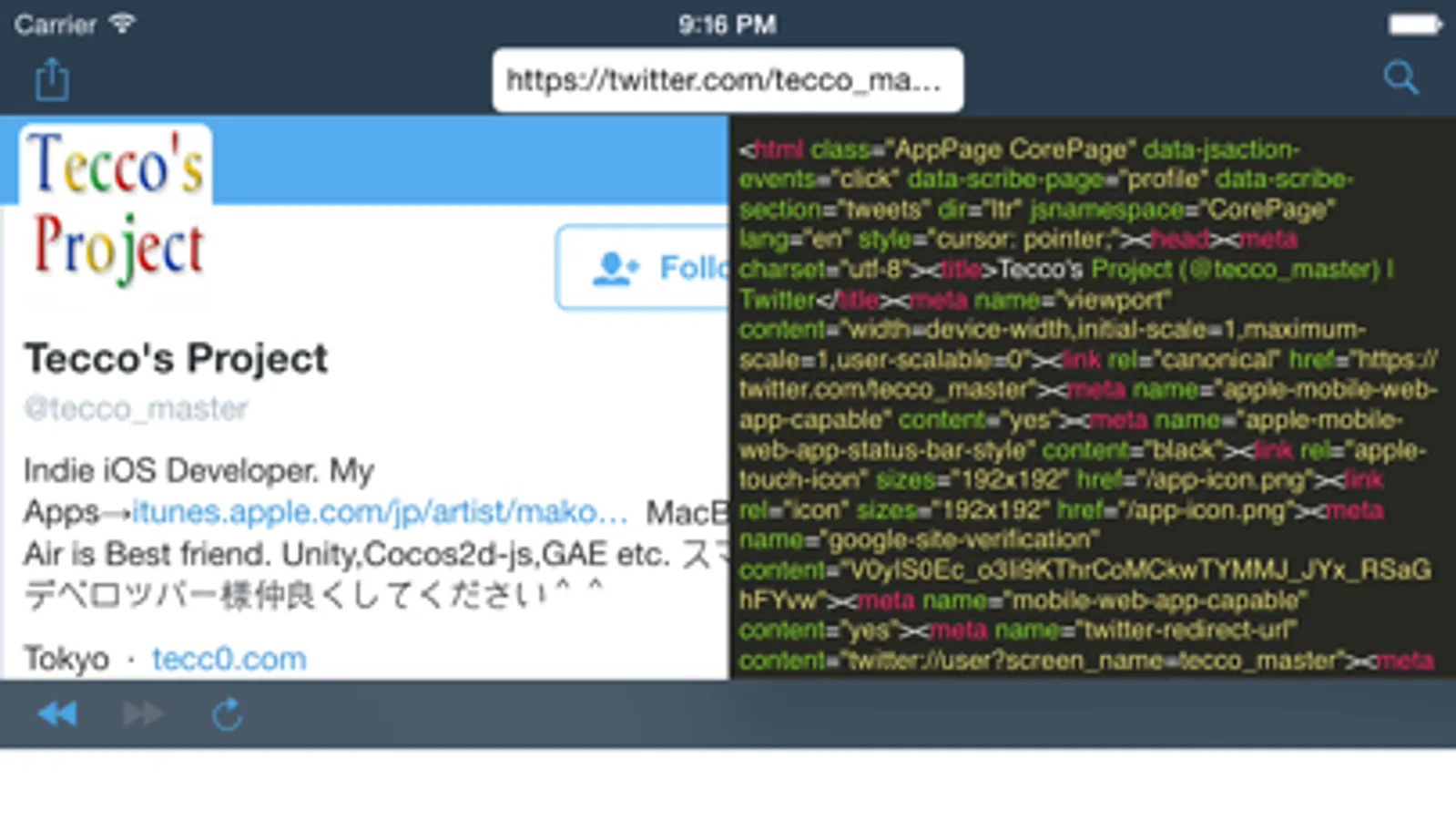
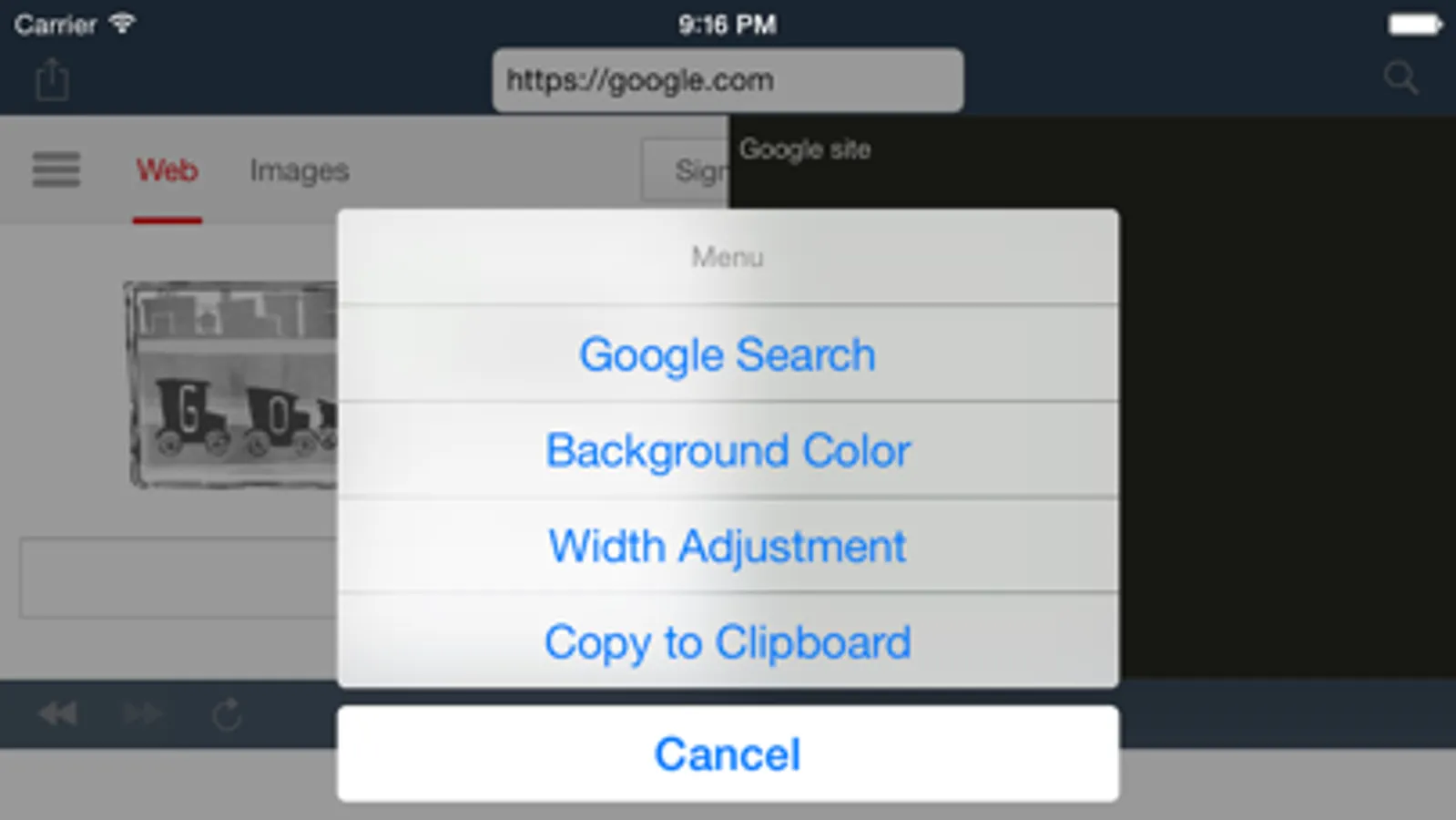
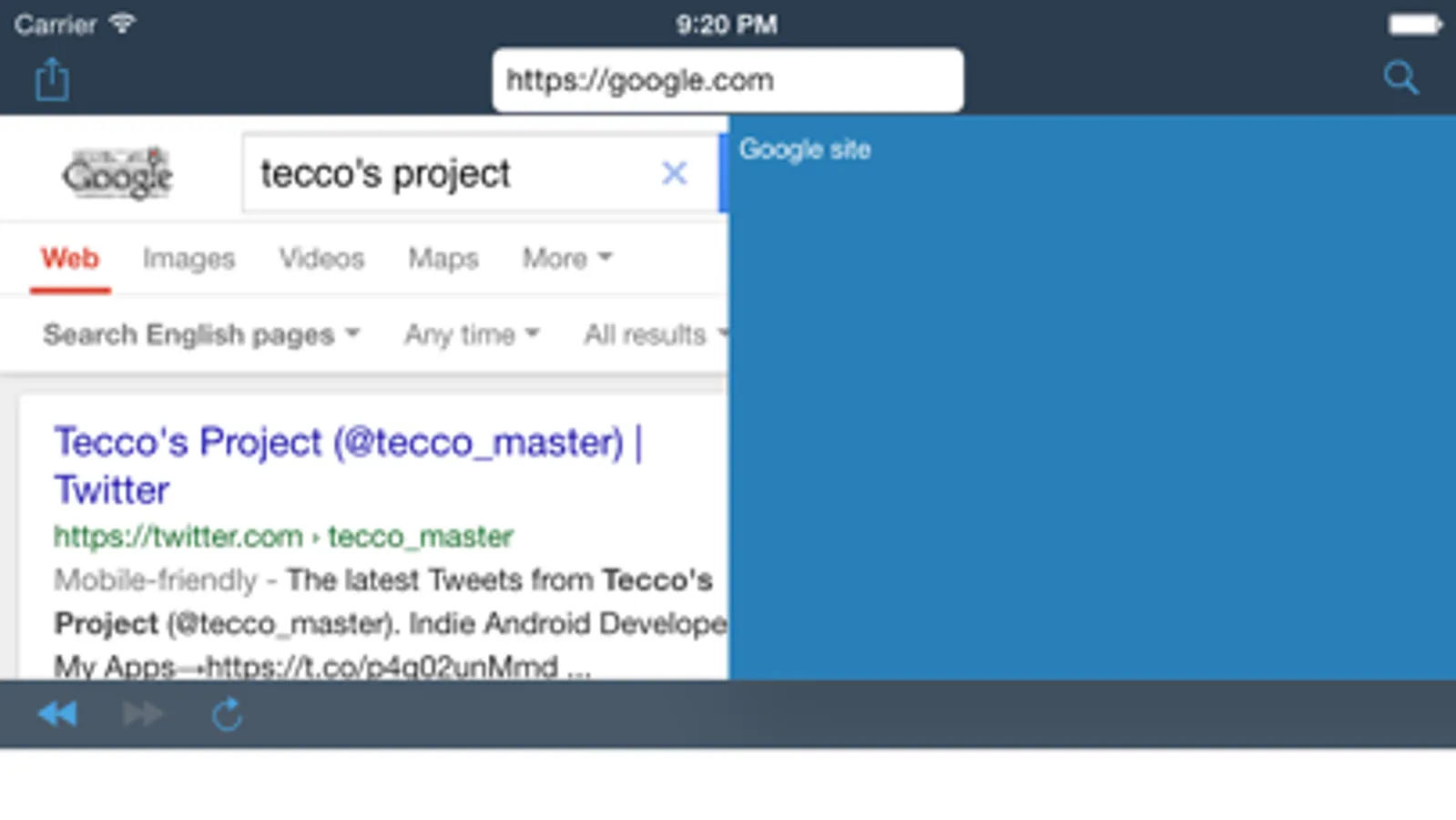
Corresponding to search Google, it is a two-screen HTML Viewer.
NEW!! Syntax Highlighter like "Sublime text"
*Syntax Highlighter is heavy process. If loading time is too long, you had better changing background color to "Blue". (No Syntax Highlighter mode)
[How to use]
Browser screen left, the right to display the HTML source at the same time .
Make it easy to adjust the width of each screen.
You can check the HTML source to compare left and right.
Because it corresponds also "Google search", you do not need to directly hit the URL.
HTML source is also updated in real time when you open a new page.
I also support shared from the browser.
*Full Screen Mode: Double-tap on source view
[Features]
Unlike the HTML Viewer to display the hit URL, you can use "Google Search".
Because every time you open a new web page, HTML source will be updated automatically, it is also useful to check the entire site.
Simple, easy to use and safe operation as well, it is a handy HTML Viewer !!
This app is best HTML Viewer !!
*High quality but simple.
Corresponding to search Google, it is a two-screen HTML Viewer.
NEW!! Syntax Highlighter like "Sublime text"
*Syntax Highlighter is heavy process. If loading time is too long, you had better changing background color to "Blue". (No Syntax Highlighter mode)
[How to use]
Browser screen left, the right to display the HTML source at the same time .
Make it easy to adjust the width of each screen.
You can check the HTML source to compare left and right.
Because it corresponds also "Google search", you do not need to directly hit the URL.
HTML source is also updated in real time when you open a new page.
I also support shared from the browser.
*Full Screen Mode: Double-tap on source view
[Features]
Unlike the HTML Viewer to display the hit URL, you can use "Google Search".
Because every time you open a new web page, HTML source will be updated automatically, it is also useful to check the entire site.
Simple, easy to use and safe operation as well, it is a handy HTML Viewer !!
This app is best HTML Viewer !!
HTML Dual Viewer Screenshots
Tap to Rate:
Reviews for HTML Dual Viewer
Jayammon
It’s a reasonable start to a program, although the viewing pane is poorly designed.
The web page viewing pane has no scroll feature, and there is no notification of that the page I looked up was loading, to begin with. At first, I thought that it was simply a shell of a program.