AppRecs review analysis
AppRecs rating 4.4. Trustworthiness 80 out of 100. Review manipulation risk 25 out of 100. Based on a review sample analyzed.
★★★★☆
4.4
AppRecs Rating
Ratings breakdown
5 star
78%
4 star
0%
3 star
11%
2 star
11%
1 star
0%
What to know
✓
Low review manipulation risk
25% review manipulation risk
✓
Credible reviews
80% trustworthiness score from analyzed reviews
✓
High user satisfaction
78% of sampled ratings are 4+ stars (4.4★ average)
About Meeting Cost Timers
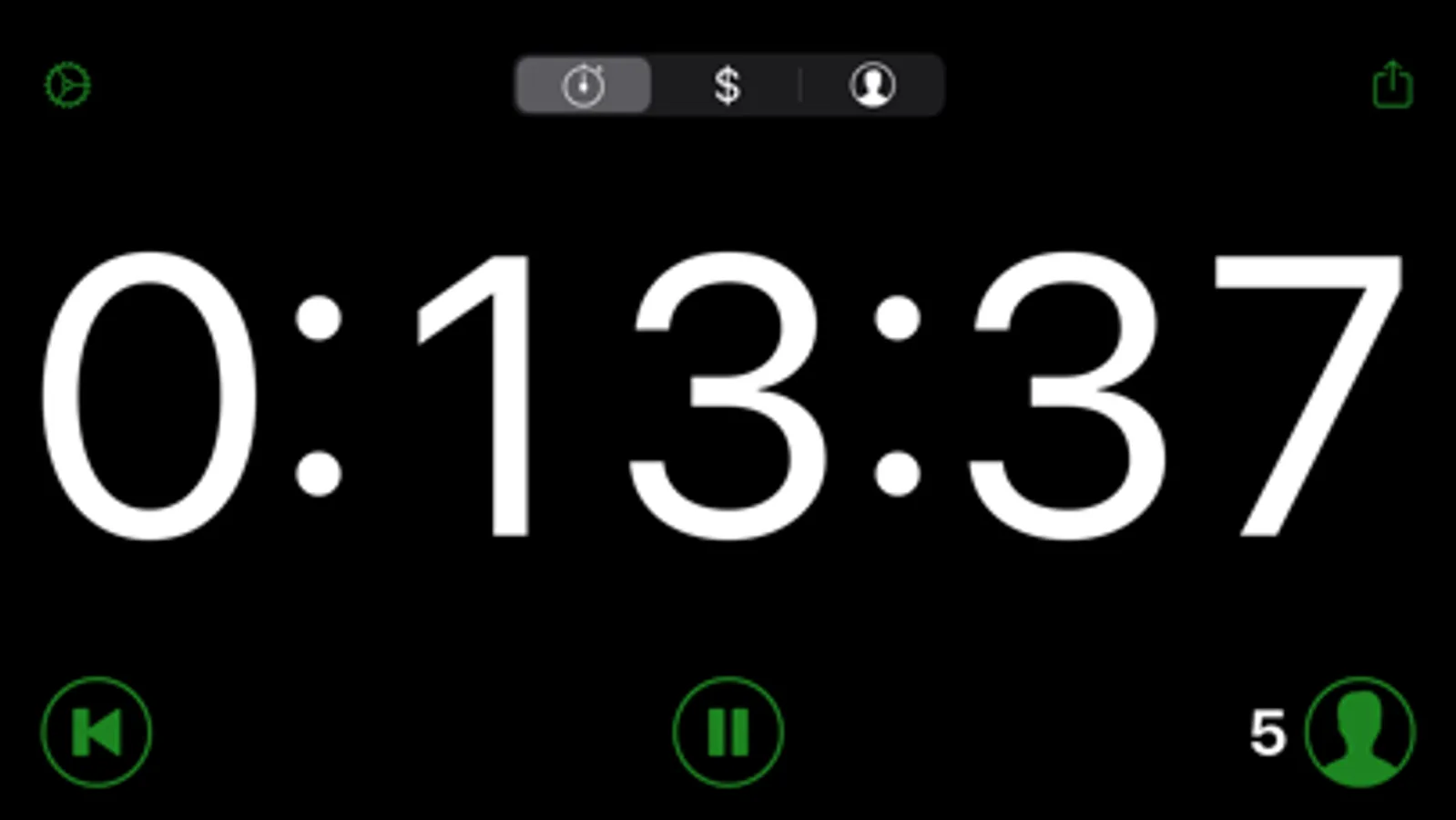
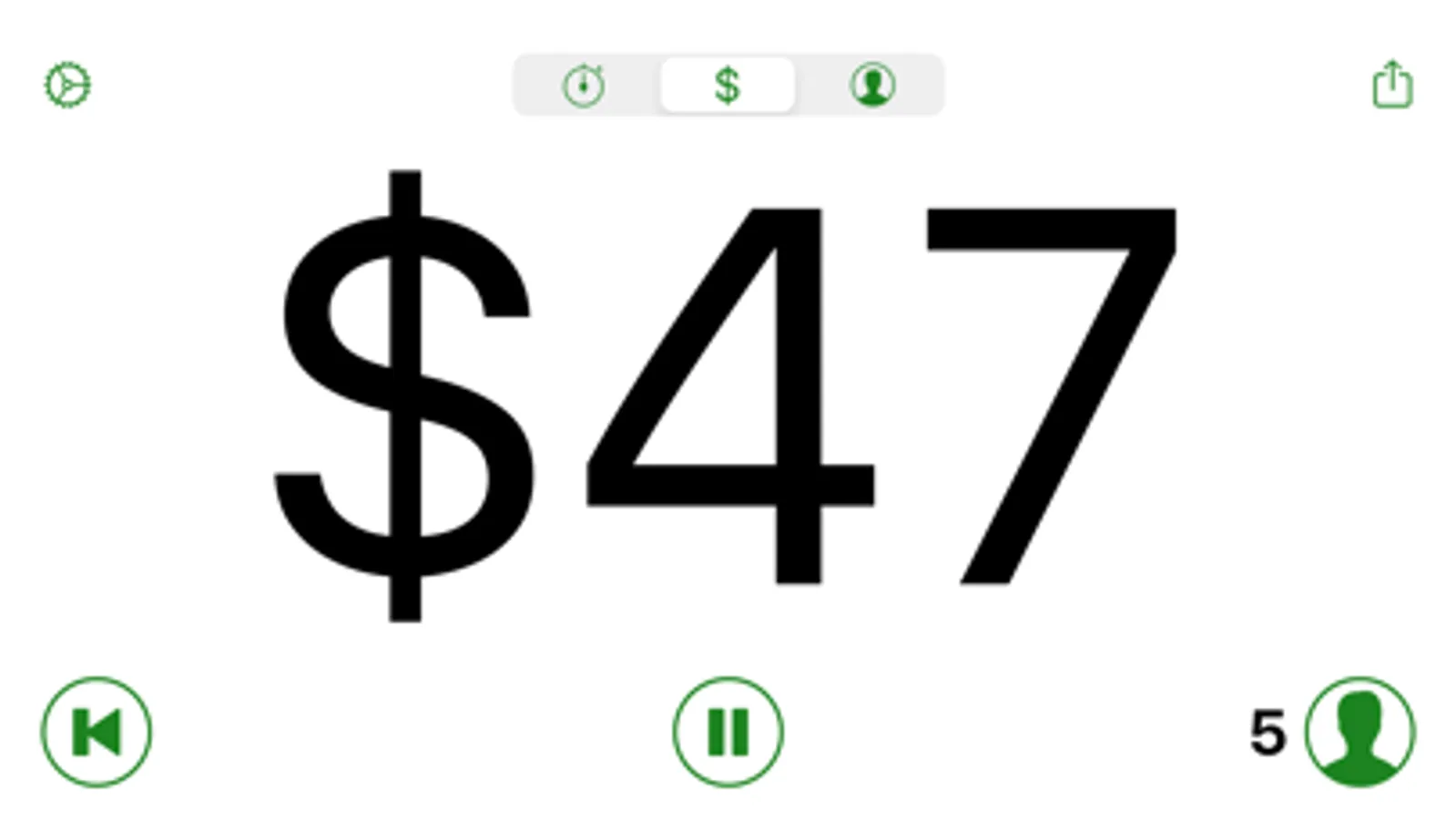
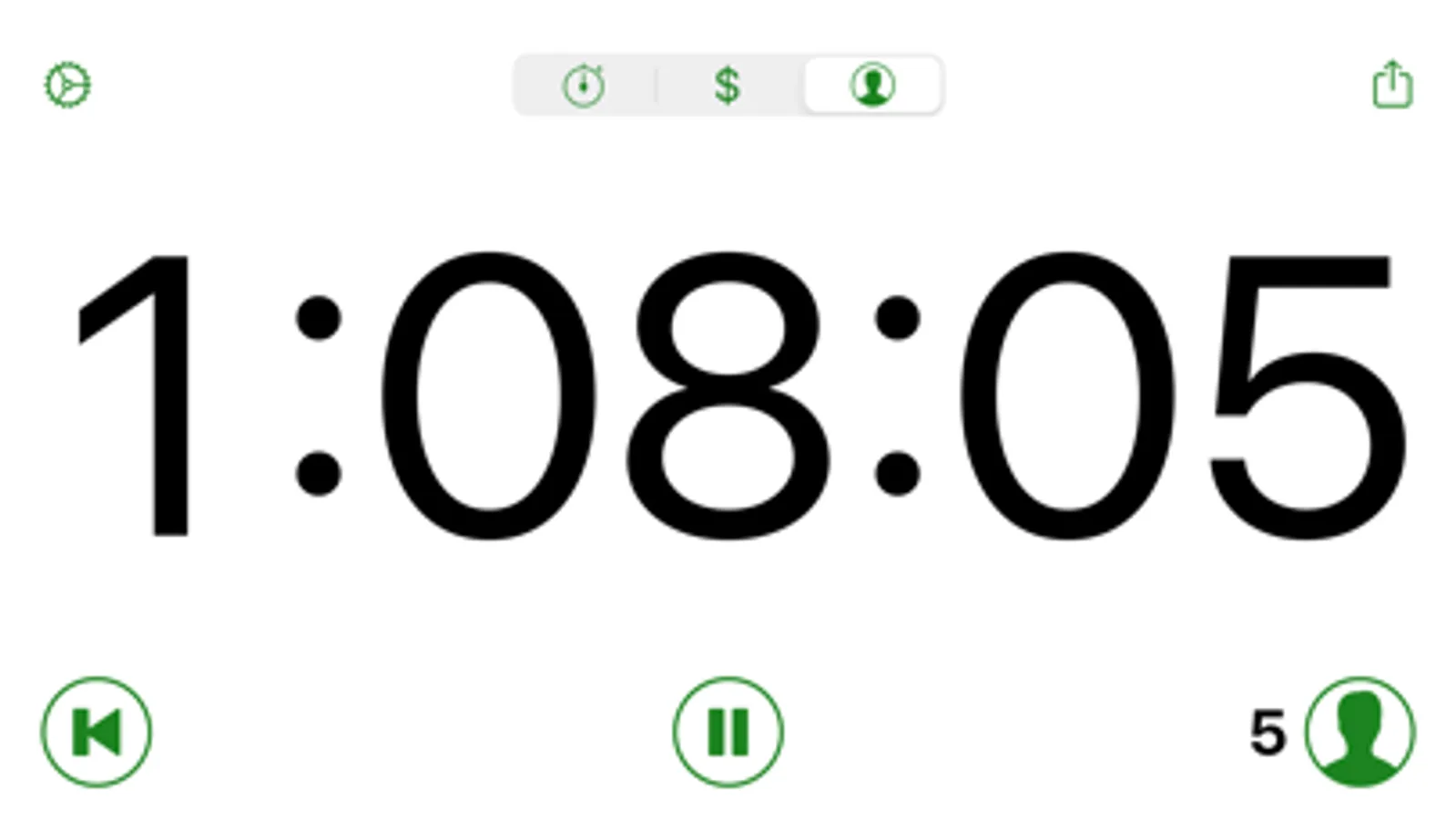
How much time and money is being spent in meetings? Meeting Cost Timers displays the meeting duration, total person hours, and total cost (based on the hourly rates for attendees). Visualizing this information can help focus meetings to save time and money.
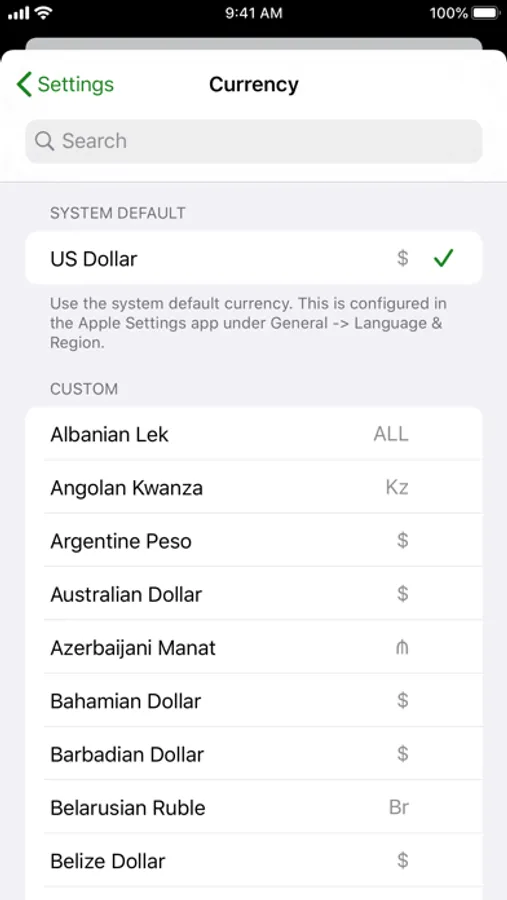
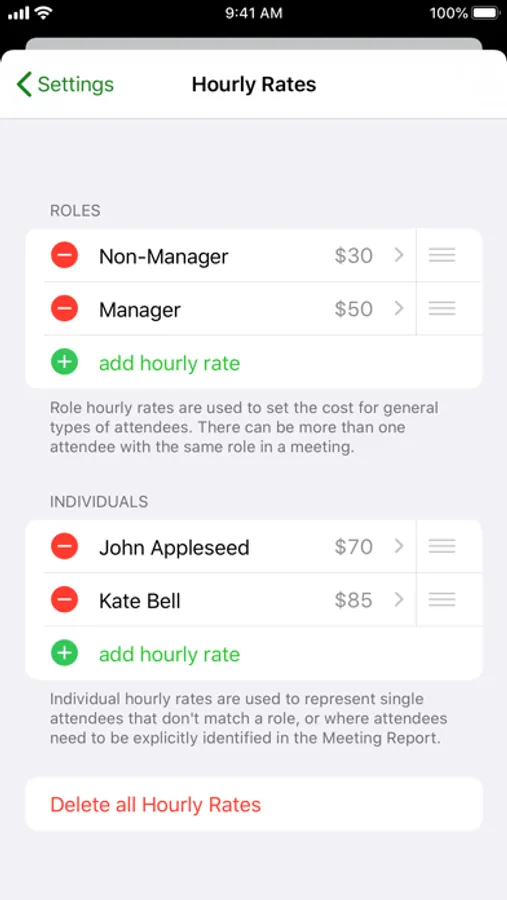
• Configurable hourly rates for roles and individuals (using your local or custom currency).
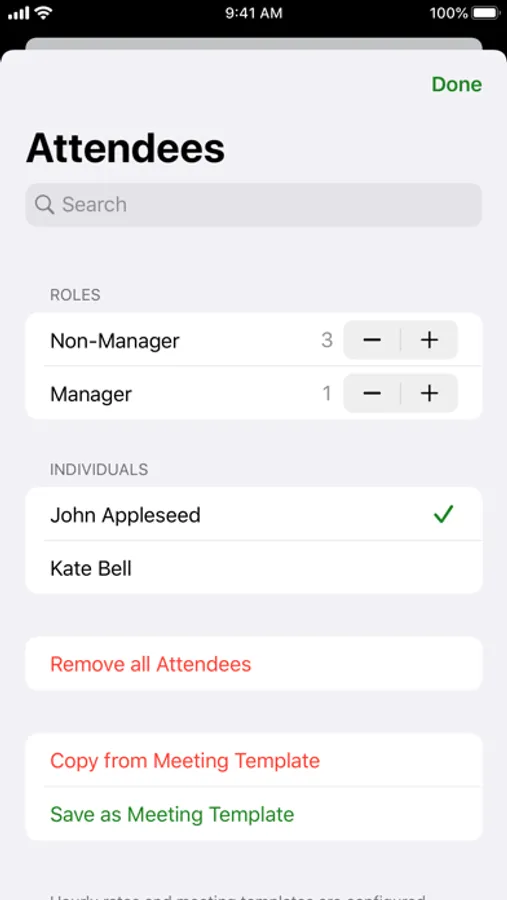
• Add or remove attendees during the meeting. Person time and cost calculations are adjusted accordingly.
• Pause and restart the timer for those really long meetings that require breaks.
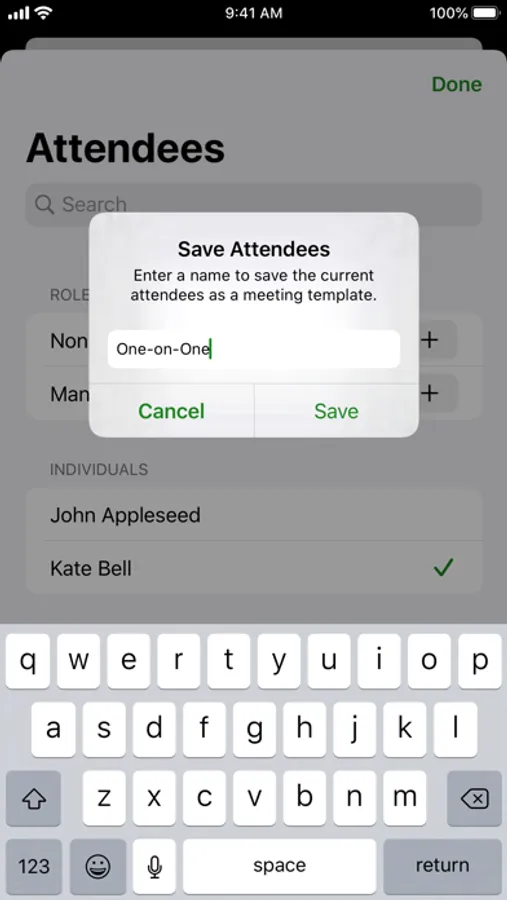
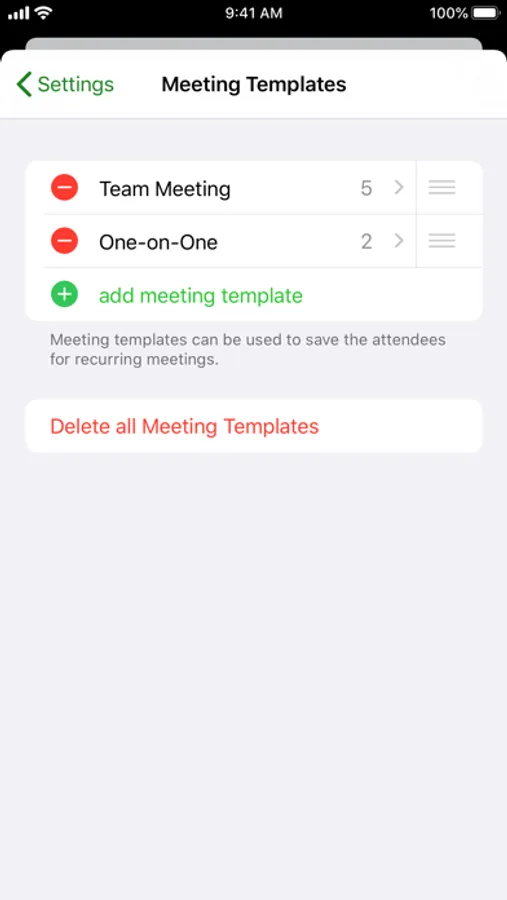
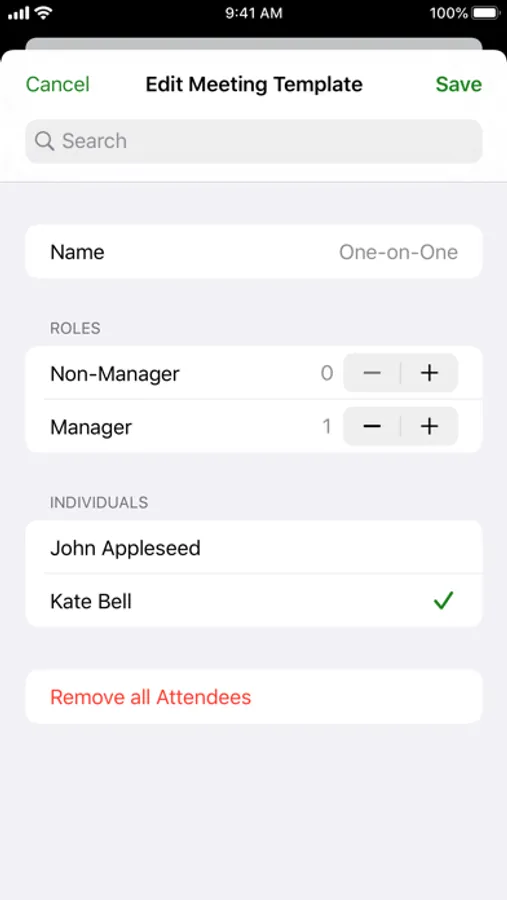
• Use meeting templates to quickly configure the attendees for recurring meetings.
• Meeting templates appear in iOS search results. Tap a result to automatically launch the app and change the current attendees.
• Siri shortcut support for copying attendees from meeting templates (requires iOS 12).
• Manage shortcuts in the app's Settings screen, the Shortcuts app on iOS 13, or in the Siri & Search section of Apple's Settings app.
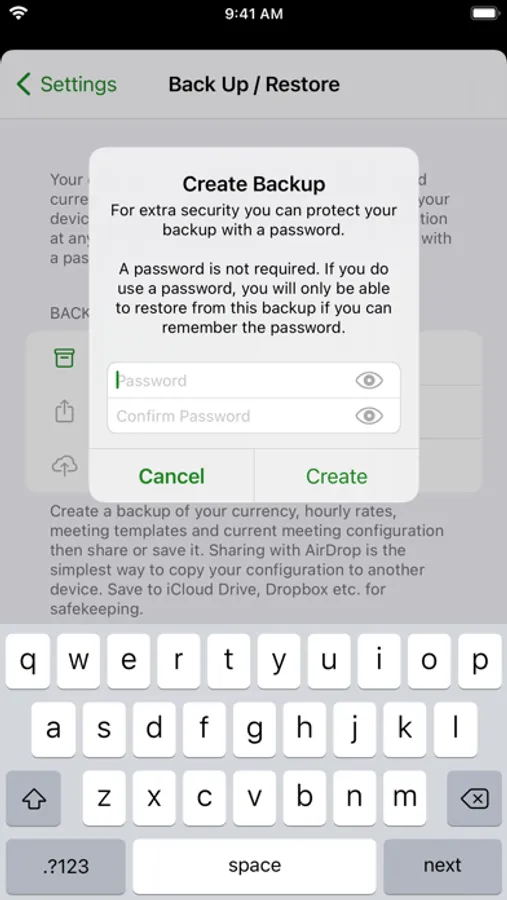
• Back up your currency, hourly rates, meeting templates and current meeting configuration to iCloud Drive, Dropbox etc. for safekeeping or to copy between your devices.
• Change icon currency symbol.
• Inverted colour scheme is great for projecting onto the wall.
• Generate a report of the meeting's current elapsed time, cost and attendees.
• External display support showing a custom screen-filling view of the timer.
• VoiceOver support for the visually impaired.
• Dark appearance support (requires iOS 13).
• iPad multitasking.
Meeting Cost Timers is available for iOS and Mac. It is free to download and use with some restrictions. A single in-app purchase unlocks all features on both platforms:
• Back up and restore your data.
• Unlimited number of attendees.
• Unlimited number of hourly rates.
• Unlimited number of meeting templates.
• Change icon currency symbol (iOS only).
For more information see https://hacknicity.com/meetingcosttimers or email me at support@hacknicity.com
• Configurable hourly rates for roles and individuals (using your local or custom currency).
• Add or remove attendees during the meeting. Person time and cost calculations are adjusted accordingly.
• Pause and restart the timer for those really long meetings that require breaks.
• Use meeting templates to quickly configure the attendees for recurring meetings.
• Meeting templates appear in iOS search results. Tap a result to automatically launch the app and change the current attendees.
• Siri shortcut support for copying attendees from meeting templates (requires iOS 12).
• Manage shortcuts in the app's Settings screen, the Shortcuts app on iOS 13, or in the Siri & Search section of Apple's Settings app.
• Back up your currency, hourly rates, meeting templates and current meeting configuration to iCloud Drive, Dropbox etc. for safekeeping or to copy between your devices.
• Change icon currency symbol.
• Inverted colour scheme is great for projecting onto the wall.
• Generate a report of the meeting's current elapsed time, cost and attendees.
• External display support showing a custom screen-filling view of the timer.
• VoiceOver support for the visually impaired.
• Dark appearance support (requires iOS 13).
• iPad multitasking.
Meeting Cost Timers is available for iOS and Mac. It is free to download and use with some restrictions. A single in-app purchase unlocks all features on both platforms:
• Back up and restore your data.
• Unlimited number of attendees.
• Unlimited number of hourly rates.
• Unlimited number of meeting templates.
• Change icon currency symbol (iOS only).
For more information see https://hacknicity.com/meetingcosttimers or email me at support@hacknicity.com
Meeting Cost Timers Screenshots
Tap to Rate:
Reviews for Meeting Cost Timers
sammy.whammy
Funny App
This is such a good idea, it’s a classic office joke turned into reality. Well executed with the option of seeing total time spent as well as total cost of meeting.
ChuckEm!
Free version is worthless
Mamimum 4 reesources.