In this eBook app, users can access and read digital textbooks with features like highlighting, note-taking, and text-to-speech. Includes tools for customizing text, creating references, and managing study materials in the cloud.
AppRecs review analysis
AppRecs rating 4.0. Trustworthiness 75 out of 100. Review manipulation risk 32 out of 100. Based on a review sample analyzed.
★★★★☆
4.0
AppRecs Rating
Ratings breakdown
5 star
65%
4 star
5%
3 star
7%
2 star
6%
1 star
17%
What to know
✓
Credible reviews
75% trustworthiness score from analyzed reviews
✓
Good user ratings
70% positive sampled reviews
✓
Detailed user feedback
48% of sampled reviews provide substantial detail
About Kortext
Features include:
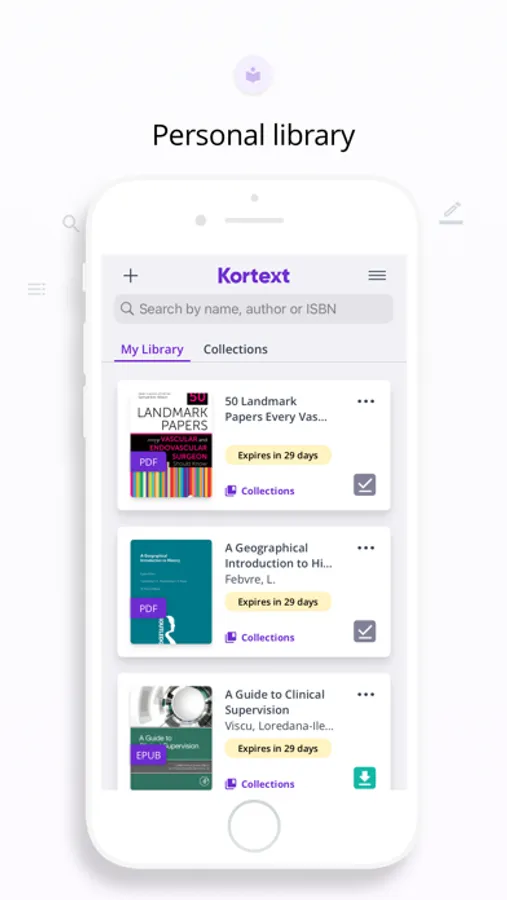
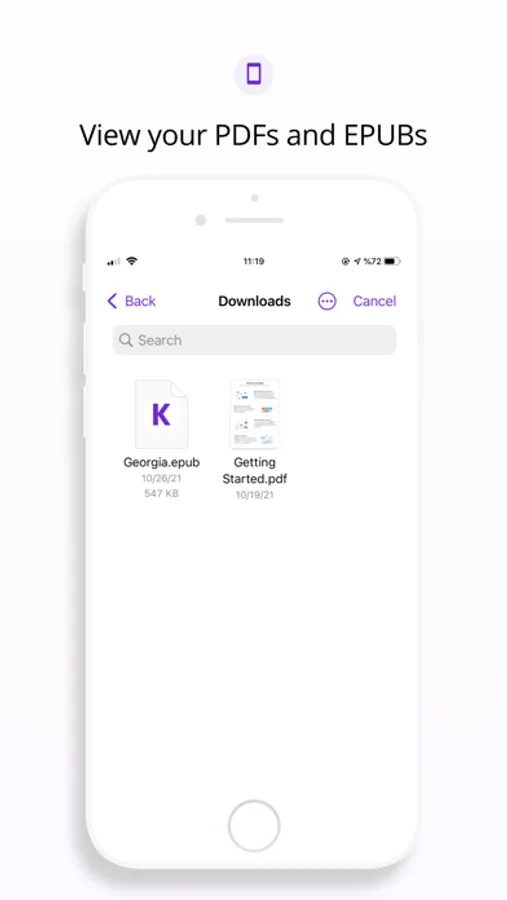
- Add and read PDF/EPUB files from your iPhone and iPad
- Enjoy free access to a collection of over 13,000 eTextbooks
- Easy navigation to content, providing quick access to pages
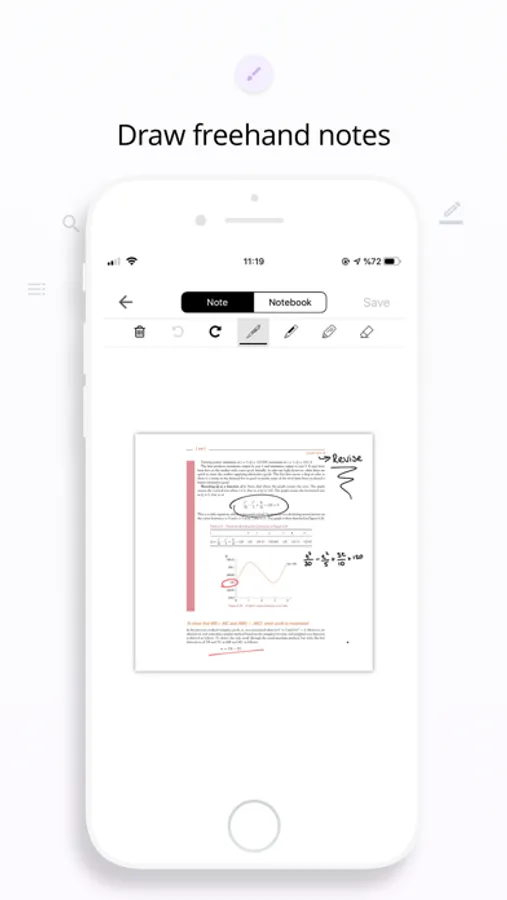
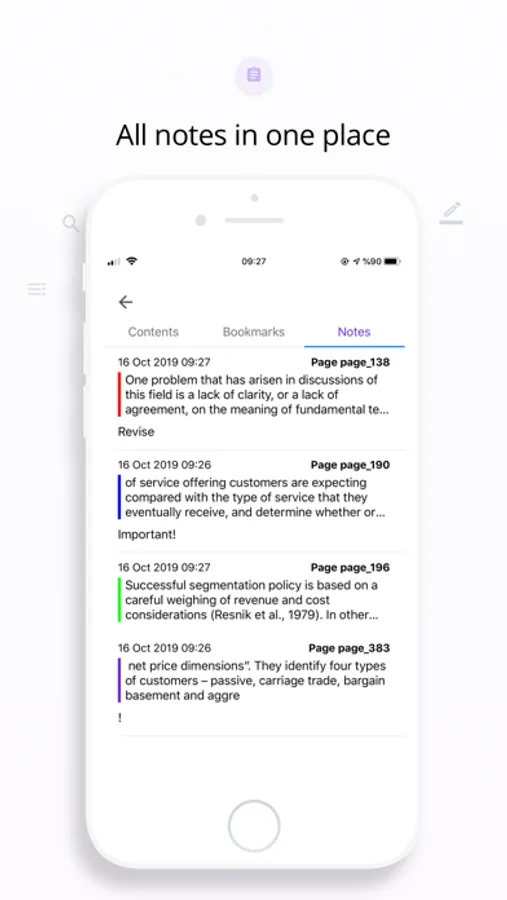
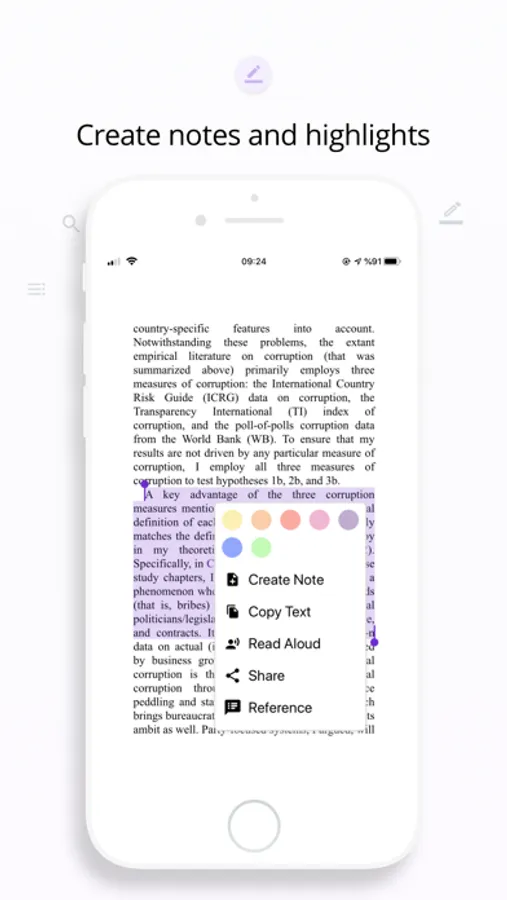
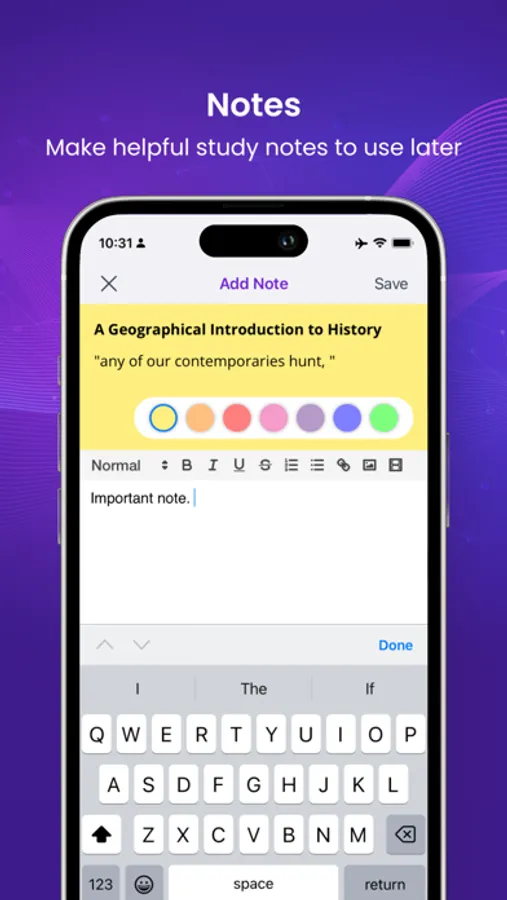
- Highlight text in a range of colours and create notes, enabling quick reference of key sections
- Add a reference (Harvard or APA), making creation of bibliographies much easier
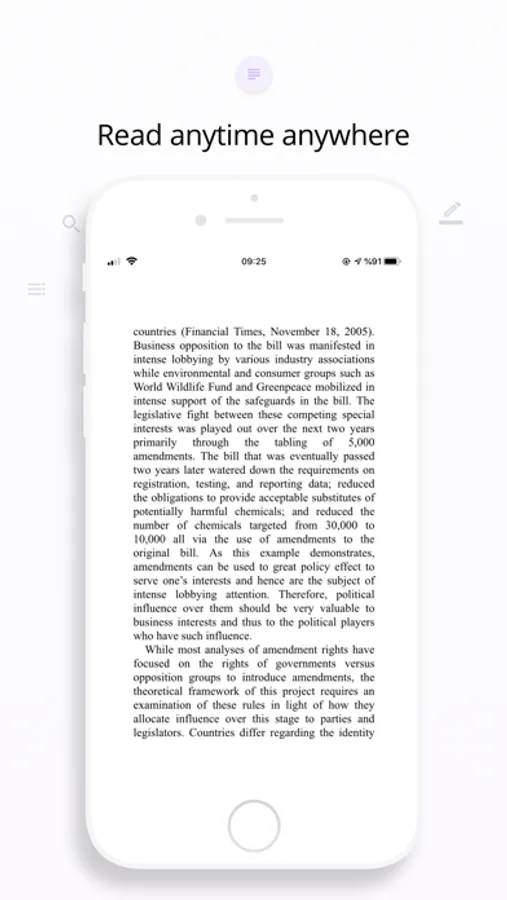
- Read Aloud sections, providing help with accessing content
- Increase text size, change font and background of pages making it easier to view content
- Search for keywords and phrases within the books directly from your bookshelf, allowing quicker access to relevant content
- 500MB of free cloud file storage. Simply upload your study materials and harness the full potential within
Kortext Screenshots
Tap to Rate:
Reviews for Kortext
Studyhdgd
This has really bad UX design
This app is so bad! I was exited to use this app instead of carrying a big bulk it book but the app does not display pages it displays location (whatever that means) it was so lost in my class for the first 2 weeks because I was reading the wrong material. Wish they had better highlighters that didn’t have underlines on them and also that you could see your notes without having to edit them. This app needs a lot of work.
29479375
loading time
I bought a precalc textbook for my college class and for every single hw assignment, i have multiple weekly, it takes me an extra 30-an hour because it take SO LONG TO LOUD. ITS FRUSTRATING. As a Biochemistry major I DO NOT HAVE TIME to wait 30 minutes for ONE PAGE to load. Please fix your website as right now it is the bane of my existence.