AppRecs review analysis
AppRecs rating 4.5. Trustworthiness 65 out of 100. Review manipulation risk 29 out of 100. Based on a review sample analyzed.
★★★★☆
4.5
AppRecs Rating
Ratings breakdown
5 star
100%
4 star
0%
3 star
0%
2 star
0%
1 star
0%
What to know
✓
Low review manipulation risk
29% review manipulation risk
✓
High user satisfaction
100% of sampled ratings are 5 stars
About PlaySections
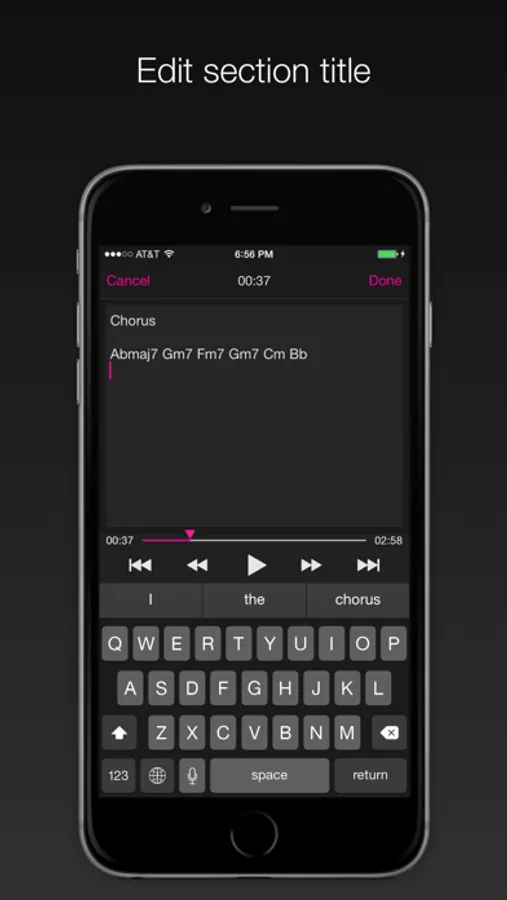
For each section title, you can enter multiple lines of text. As a result, in addition to verse/chorus labels, you can make notes about the chord progression, measure count, lyrics, and so on, offering a tool that you can use for many purposes.
PlaySections supports section and song loop playback, allowing you to listen to your favorite section on loop. It also features useful functionality including tempo/playback speed adjustment, pitch shift, vocal cancellation, 7 band equalizer, and flip video, making it a perfect app to use in instrument, vocal, or dance practice, or when playing music by ear.
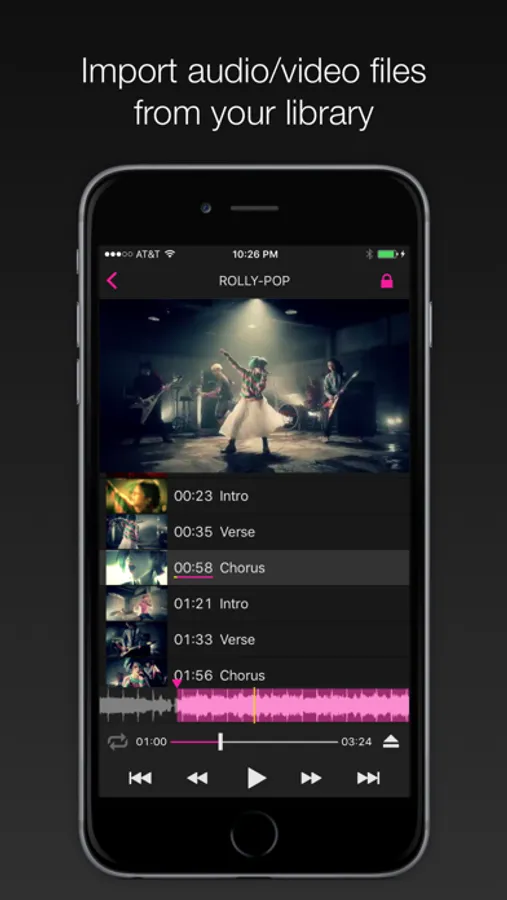
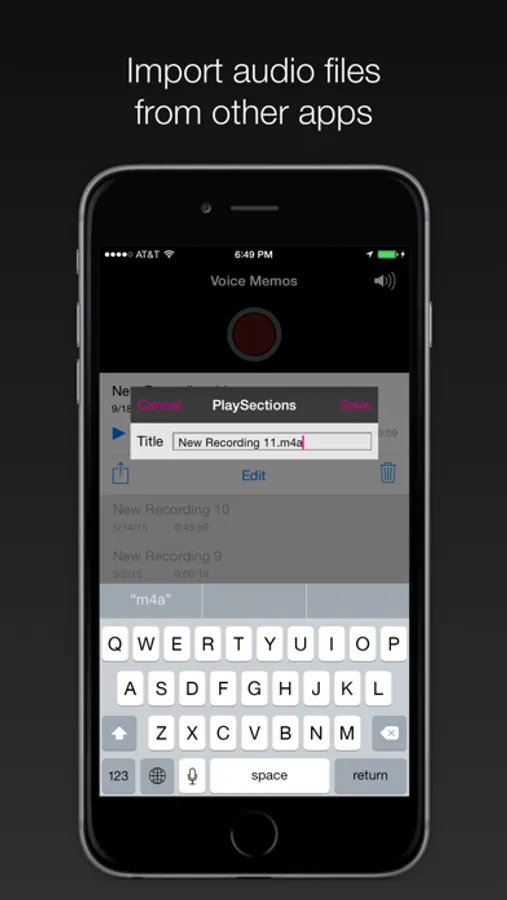
Not only can it read files from the iOS Music Library, but by using the Share Extension/Open-in functionality, you can import files from other applications. For example, you can load a recording from the Voice Memo app that comes standard on the iPhone, letting you create and play back a section list for a song that you performed yourself. Even more, you can use it to study a new language, or to prepare meeting notes. Version 4.0.0 adds support for YouTube videos.
Many uses
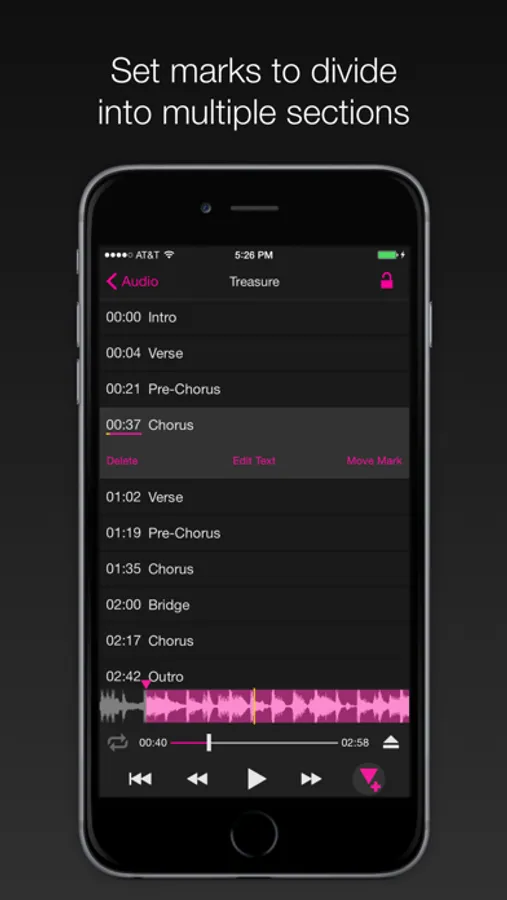
- Set marks for intro, verses, chorus, instrumental solo
- Set chord progressions and lyrics for each section
- Practice of playing musical instruments, singing, and dancing
- Analyze music structure, chords for music dictation
- Great for language learners, transcription from audio files of meeting/conference
Feature Highlights
- Music Library Integration
- YouTube video
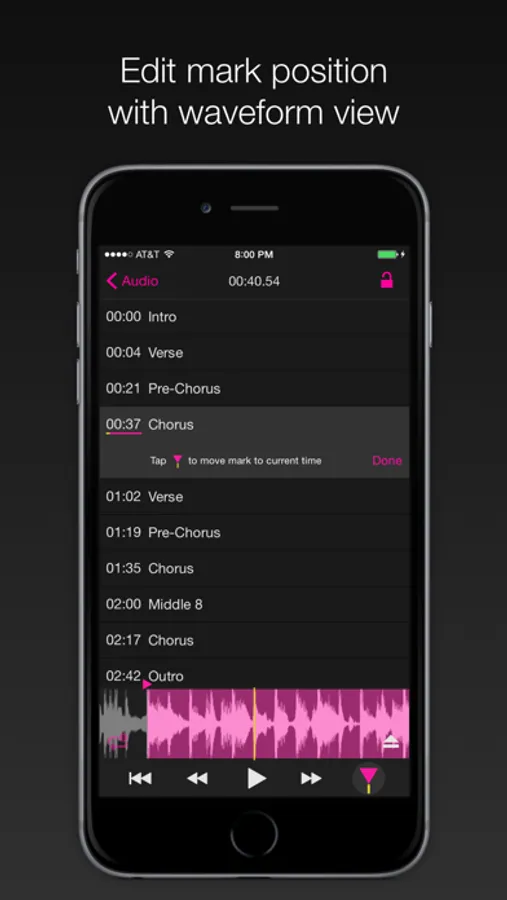
- Waveform scroll
- Section Marks
- Section title edit
- Loop playback (section, song)
- Speed control (-50% to +200%) *
- Pitch control (-12 to +12) **
- 7 bands EQ control (-24dB to +12dB) **
- FX (vocal cancel) **
- Flip Video (except for YouTube videos)
- Share Extension, Open-in support (File import)
- Remote control, AirTurn support
- Low latency playback (Audio Unit support)
- Supports all major audio/video formats (AAC, MP3, WAV, AIFF, FLAC [requires iOS 11], MP4, MOV...)
- Background playback (except for YouTube videos)
- VoiceOver
- Drag & Drop on iPad
- Inter-App Audio, Audiobus**
* No support for DRM contents (Apple Music, ...)
** No support for Video, YouTube and DRM contents
Support
http://playsections.github.io/
https://twitter.com/PlaySections
playsections@gmail.com
---
Video by TRIAMPERSANDY - ROLLY-POP
https://www.youtube.com/watch?v=0RC_rV_dCCg
PlaySections Screenshots
Tap to Rate:
Reviews for PlaySections
Nod the bod
Nailed it!
Just the right amount of simplicity and sophistication. Better than the alternatives of which are few.
Alexander The Dane
Love this app, and reporting a small bug.
Hello! I absolutely love the app that you’ve built. Thanks so much for the work you’ve put into it. I’m writing to report a bug ! There’s also a temporary fix for users who are having trouble switching between sections when the “loop one” button is pressed. I’m using a video that I’ve loaded from my local folders , it’s one that I recorded on my phone. I’m also using an iPhone 12 pro. iOS 18.7.1 The bug is related to playback when looping a single section of a video. I’m experiencing a problem where if the ‘loop one button’ is pressed, it will not switch between sections of the song. If I disable the ‘loop one button’ and tell it to play the entire song through, then it will successfully switch sections and then I can reenable the ‘loop one button’ once inside the new section. It would be really nice to fix this bug because it would make it 1 click to switch between sections that loop instead of 4 clicks. It also took me some time to understand the problem and I thought that the app just wasn’t working properly. I took a screen capture video to show you the problem and sent that to the apps Facebook account on messenger. You will notice that even when the “loop one button” is pressed, this song continues to play through the end of that section. Which is unexpected behavior.