In this PDF merging app, you can combine multiple PDFs, reorder pages, and rotate documents easily. Includes options for file import from cloud services, page management tools, and export sharing.
AppRecs review analysis
AppRecs rating 3.9. Trustworthiness 80 out of 100. Review manipulation risk 20 out of 100. Based on a review sample analyzed.
★★★☆☆
3.9
AppRecs Rating
Ratings breakdown
5 star
65%
4 star
13%
3 star
3%
2 star
5%
1 star
13%
What to know
✓
Low review manipulation risk
20% review manipulation risk
✓
Credible reviews
80% trustworthiness score from analyzed reviews
✓
High user satisfaction
78% of sampled ratings are 4+ stars (4.1★ average)
About PDF Merge X: PDF Merger
Need to reorder pages, merge PDF documents, or rotate PDFs? PDF Merge X is the smart, no-fuss solution. Whether you're a student organizing notes or a pro managing contracts, PDF Merge X gives you full control. Fast, offline, and without watermarks.
Why PDF Merge X?
Merge PDF in One Tap – Quickly combine multiple PDFs into a single, organized document.
Join PDFs Without Quality Loss – Keep your document quality intact while merging.
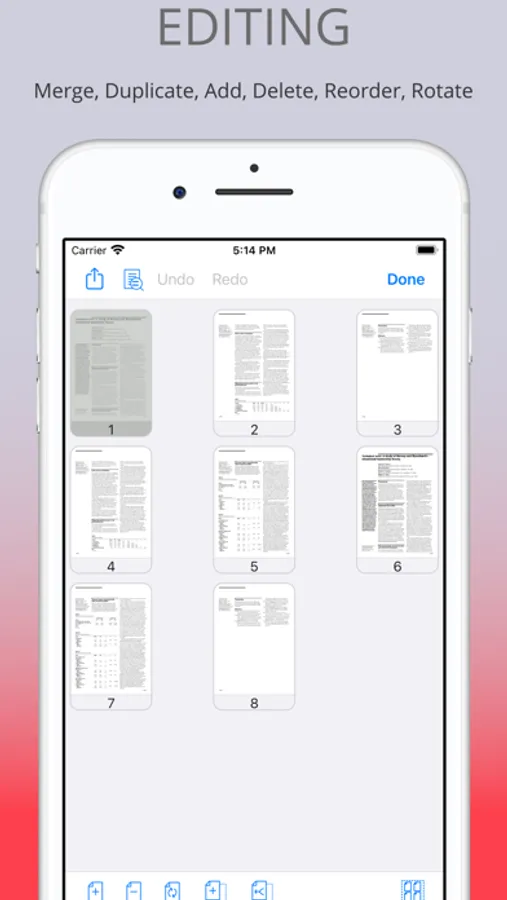
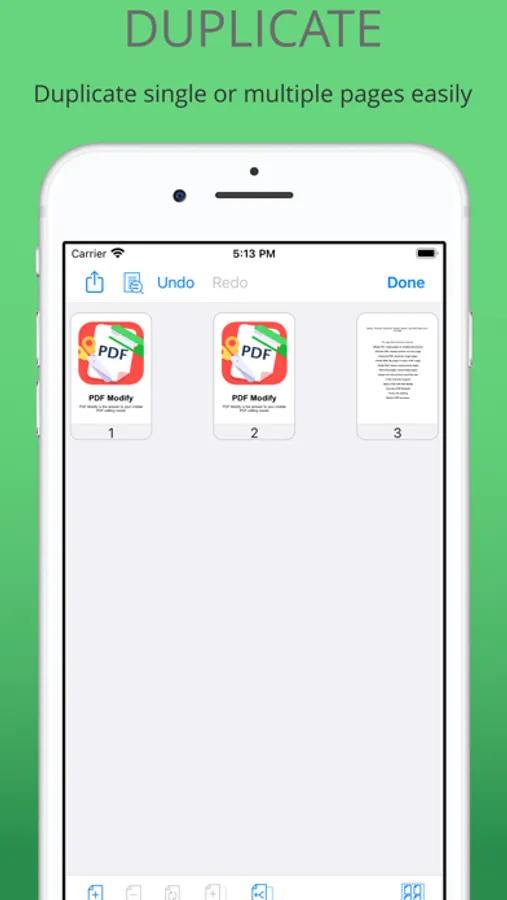
Rearrange & Organize – Easily reorder, delete, or duplicate pages within your PDF.
Secure & Private – Process files offline with no data stored on external servers.
Built-in Features for Better PDF Control
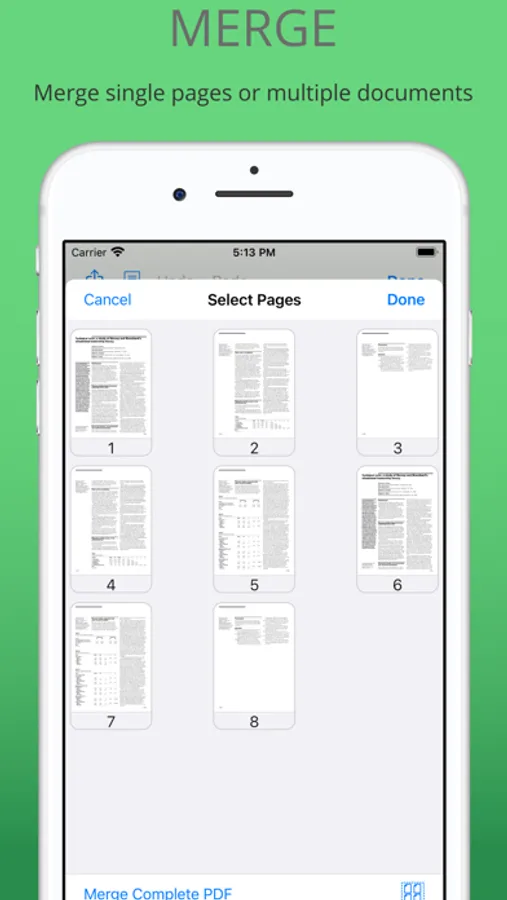
Merge PDFs Effortlessly – Select multiple files and combine them into one seamless document.
PDF Join & Combine – Keep files organized with fast PDF joining.
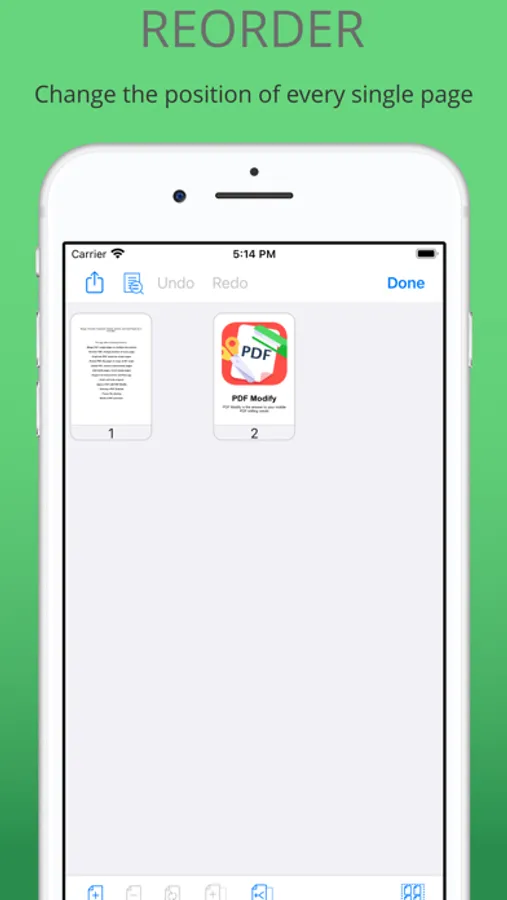
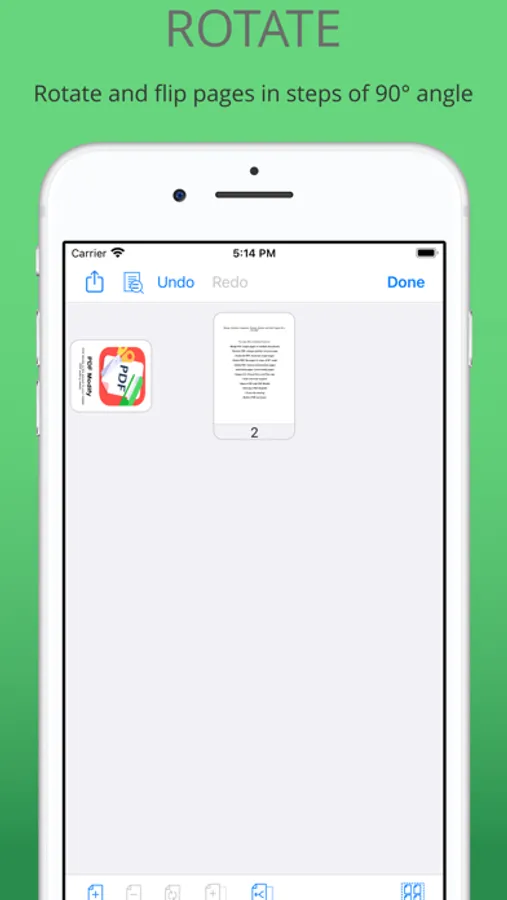
Reorder & Rotate Pages – Drag-and-drop to organize or fix page orientation.
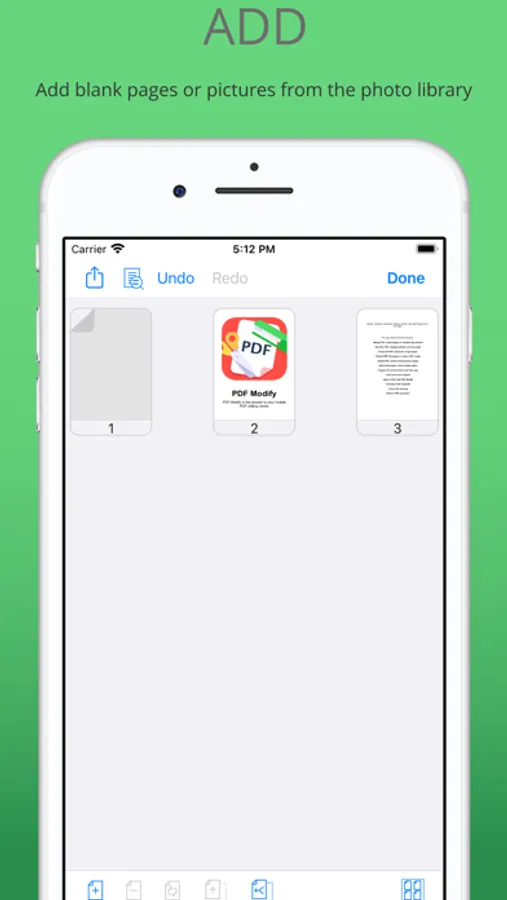
Add Pages Easily – Insert blank pages or add images from your photo library directly into any PDF.
Instant PDF Preview – Check your document before finalizing changes.
Merge PDFs in One Go – Combine several PDFs at once with a dedicated merge action.
Lightning-Fast Performance – Our PDF merger is optimized for speed and efficiency.
Seamless Sharing – Export PDFs and share via email, iCloud Drive, or your favorite apps.
Undo & Redo Support – Make adjustments confidently with undo and redo options.
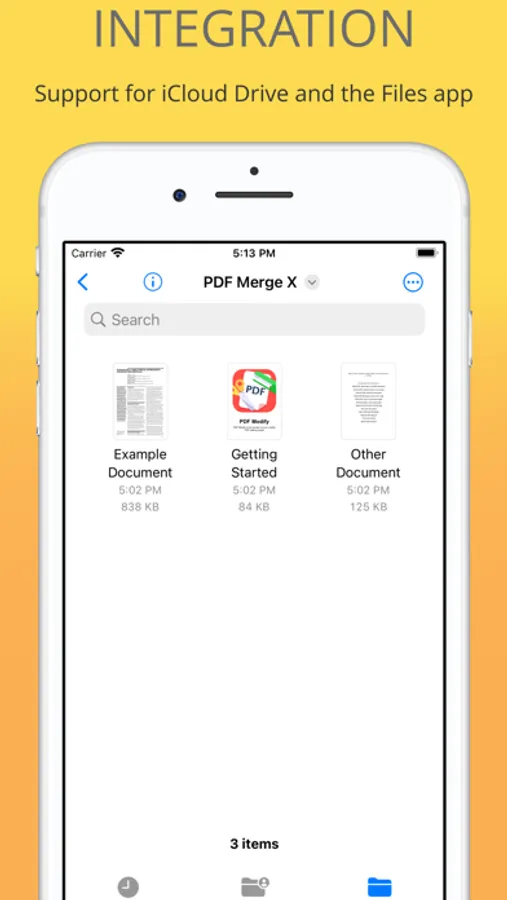
iCloud & Files App Integration – Open and save files directly from your preferred storage.
Built-in PDF Previewer – Review your PDFs without leaving the app.
How it Works
Drag, Drop & Merge – Select your PDFs and join them instantly.
Reorder & Rotate – Arrange pages in any order or adjust orientation.
Preview & Share – Review before saving and share effortlessly.
Free Version – Simple & Powerful PDF Editing
Get started with PDF Merge X for free and access essential PDF editing tools without subscriptions.
What’s Included in the Free Version?
Merge PDFs – Combine up to two PDFs into a single document.
Reorder & Rotate – Rearrange pages or adjust orientation.
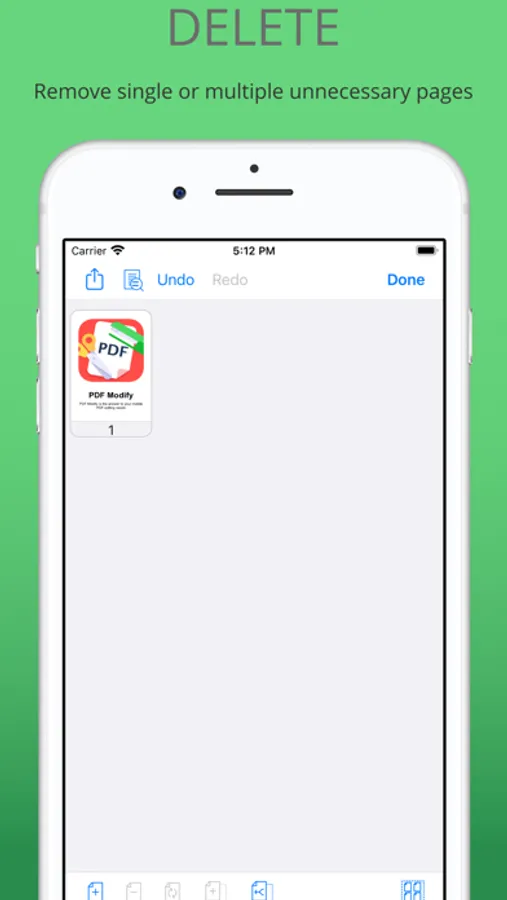
Delete Pages – Remove unwanted pages with one tap.
Preview & Share – Check your document before saving and export seamlessly.
Upgrade to Pro with a one-time purchase and unlock unlimited PDF editing, and advanced features—no recurring fees.
No watermarks. No ads. No subscriptions. Just powerful, easy-to-use PDF tool!
Try PDF Merge X Today!
Merge, reorder, combine, and manage your PDF files with ease. Download PDF Merge X now and streamline your workflow in just a few taps!
PDF Merge X: PDF Merger Screenshots
Tap to Rate:
Reviews for PDF Merge X: PDF Merger
Margherita Muoi
It’s good… just not perfect yet
I like how quick and easy it is to merge and reorder files, but it could use a few extra features like batch renaming or a better preview zoom. Still, for everyday tasks? Totally reliable and super intuitive.
Maura Bandy
College life, slightly less chaotic thanks to this app
I used to dread cọmbining PDFs for group projects or printing handouts for class. PDF Merge X makes it ridiculously fast. I can even add empty pages where I need to write notes. 5 stars for saving my GPA (and sanity).