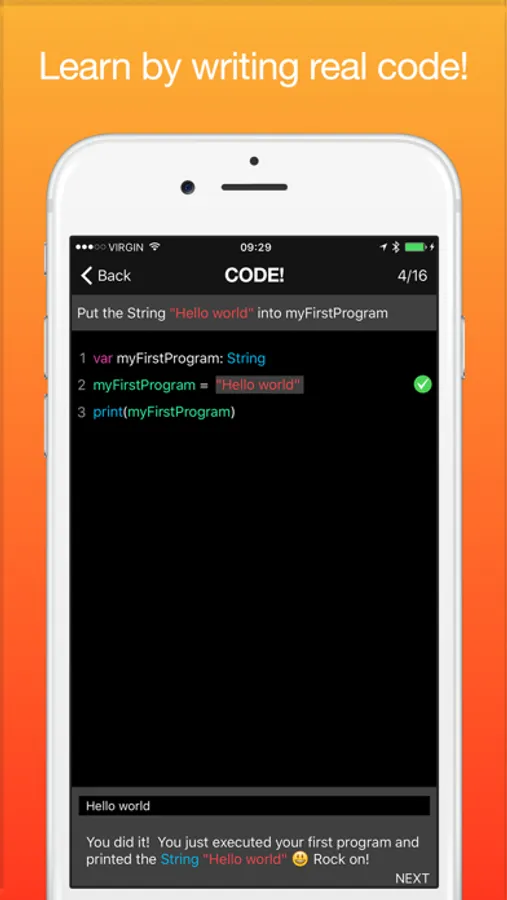
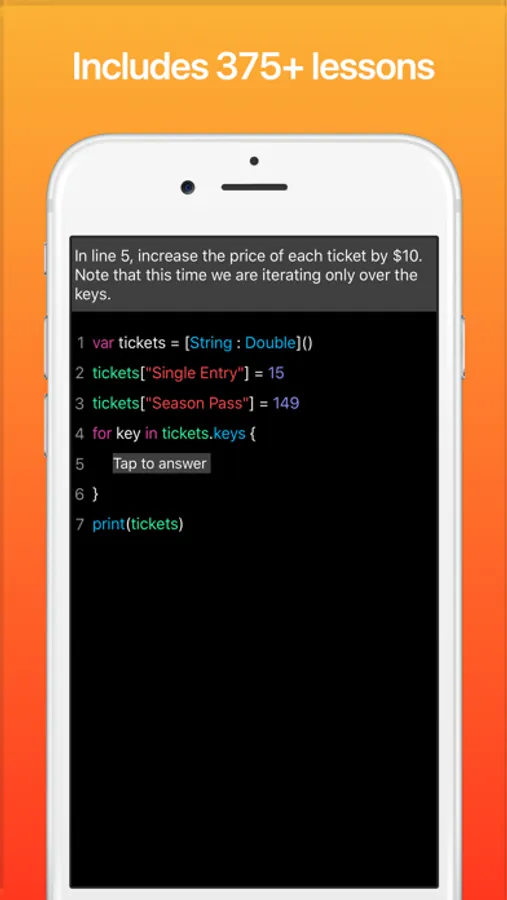
In this educational app, you can practice writing Swift code with interactive lessons and real-time feedback. Includes over 375 mini lessons, coding challenges, and instant code correction.
AppRecs review analysis
AppRecs rating 4.4. Trustworthiness 71 out of 100. Review manipulation risk 31 out of 100. Based on a review sample analyzed.
★★★★☆
4.4
AppRecs Rating
Ratings breakdown
5 star
63%
4 star
25%
3 star
6%
2 star
2%
1 star
4%
What to know
✓
Credible reviews
71% trustworthiness score from analyzed reviews
✓
High user satisfaction
89% of sampled ratings are 4+ stars (4.4★ average)
✓
Authentic reviews
Natural distribution, no red flags
About Code! Learn Swift Version
WHAT OUR USERS ARE SAYING
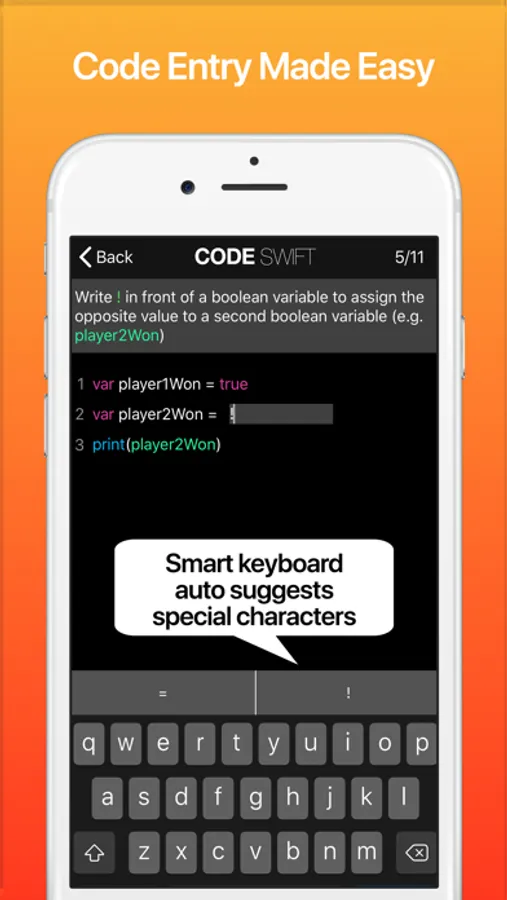
5 Stars - “Very informative. It is the only app I know that lets you type in the code. This is important for learning efficiently. Bravo."
5 Stars - “Better than the docs! I don’t have much free time at home to go through the Swift docs, but I have time to kill on the daily commute. This pocket sized Swift resource just fits the bill perfectly."
WHY USE CODE SWIFT?
Want to be a better writer? Write more!
Want to be a better coder? Code more!
Want to be great in Swift? Write more Swift code!
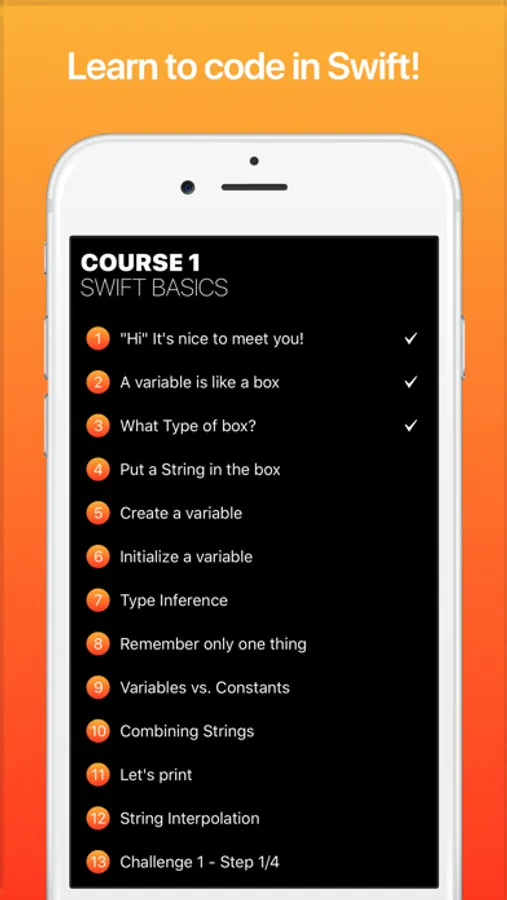
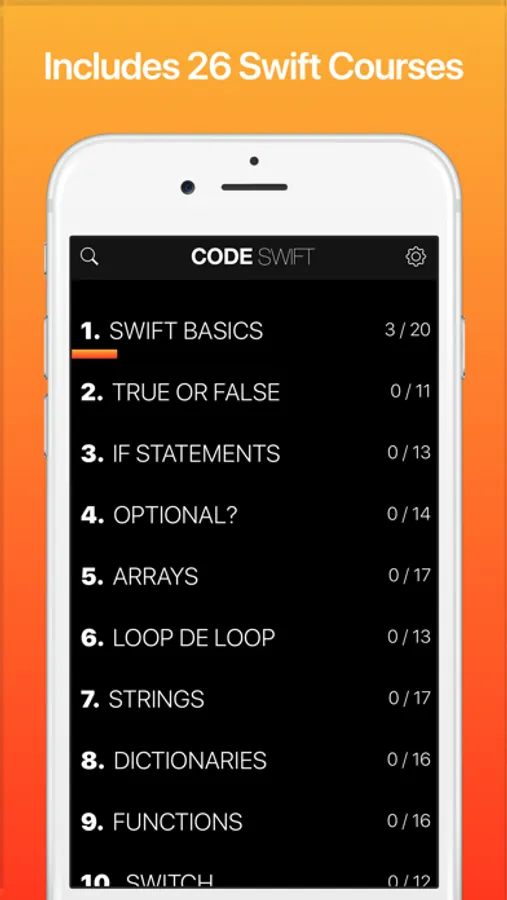
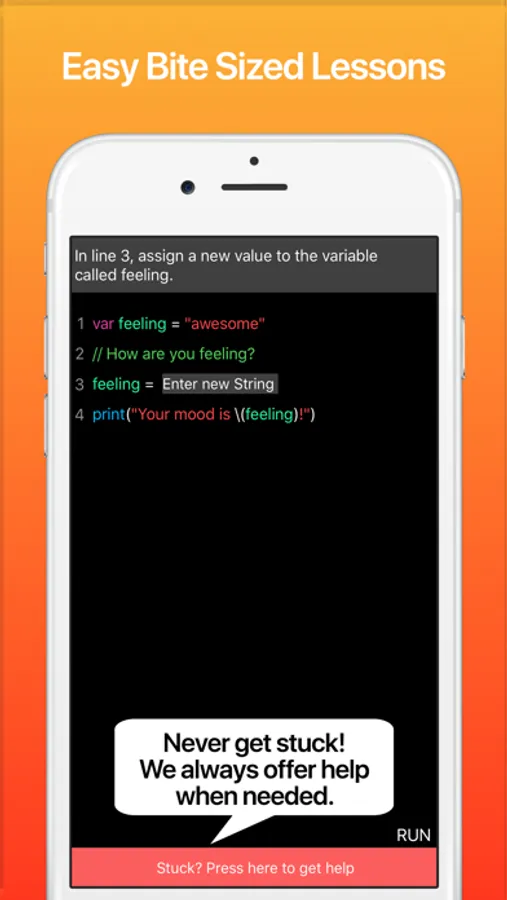
Code Swift offers you 26 Swift courses with bite-sized lessons where you have to write your own Swift code! You will be amazed how fast you can learn to code! Code Swift starts with the basics and assumes you have no prior programming experience. Code Swift is also a great resource for intermediate to advanced users because it makes it super quick and easy to review any of the more advanced topics such as filter, map, reduce, or delegates and guard statements, etc.
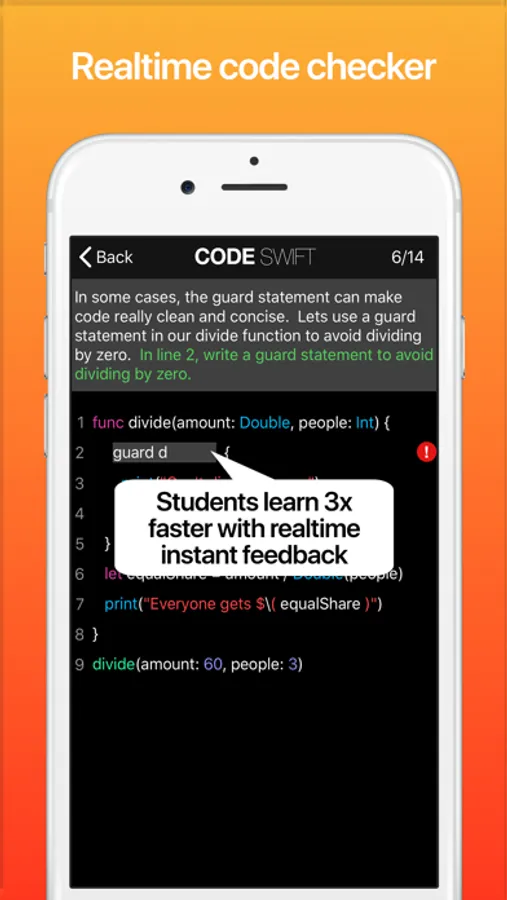
Code Swift offers a totally unique experience by challenging you to write your own code from start to finish. There really is no faster and more enjoyable way to learn than writing your own code. Our realtime code checker instantly offers valuable tips and suggestions the moment you make a mistake. It is like having your own personal swift instructor sitting next to you to help you along and accelerate your learning and make sure that you won’t get frustrated, stuck, and give up.
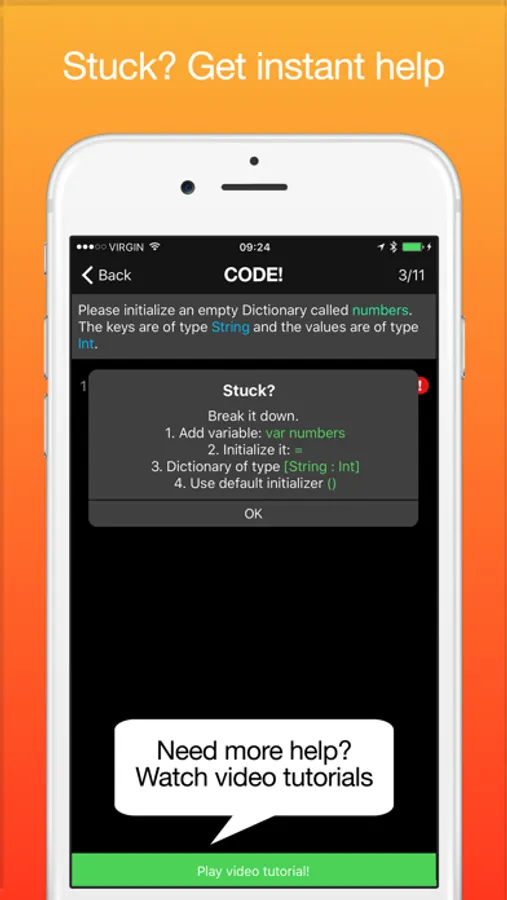
Afraid of getting stuck? Don't be! As soon as you make a mistake, you see a red exclamation mark. Just press on it to get step by step guidance and help so you are never stuck and never alone! Once you get more comfortable, you can also turn the real-time code checker off (this is great while working through the course a second time to make sure you truly know how to code).
Need more help? Just press on the video link to have one of our instructors give you a step-by-step walk through and explain everything in more detail.
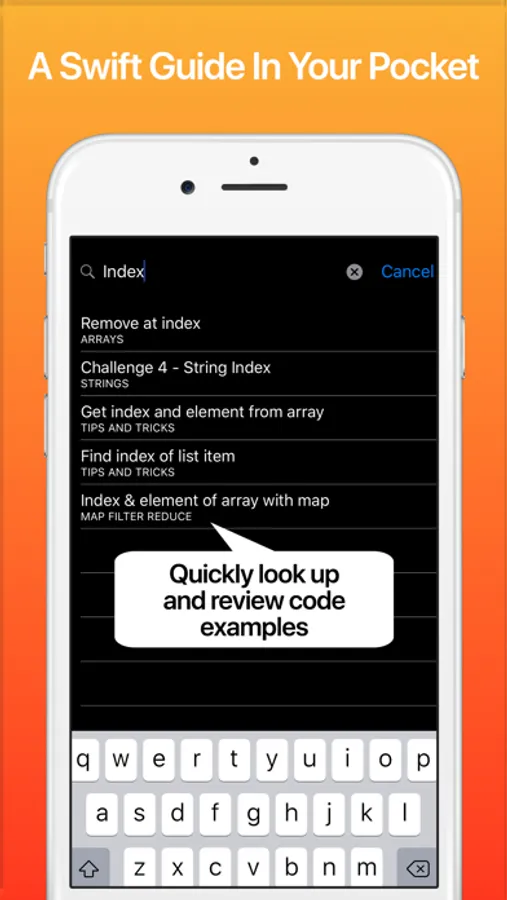
Code Swift also acts as a Swift Guide in your pocket. Have a question or need a quick refersher on a specific topic? Just use our powerful search feature to instantly find great examples and code snippets with detailed explanations.
Code Swift Courses:
1. Swift basics
2. True or False
3. If statements
4. Optional?
5. Arrays
6. Loop de loop
7. Strings
8. Dictionaries
9. Functions
10. Switch
11. Tuples
12. Enums
13. Structs
14. Classes
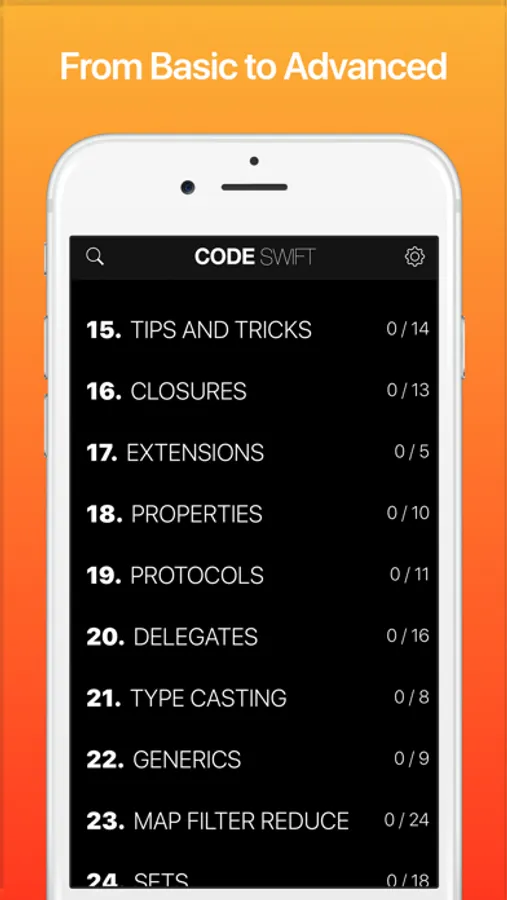
15. Tips and Tricks
16. Closures
17. Extensions
18. Properties
19. Protocols
20. Delegates
21. Type Casting
22. Generics
23. Map Filter Reduce
24. Sets
25. Guard & Defer
26. Error Handling
The first course is completely free. All other courses can be unlocked with a single in-app-purchase. Once purchased, you will instantly qualify for all future additions and updates including future courses.
If you have any questions or concerns, please email us at support at happymooseapps.com
Code! Learn Swift Version Screenshots
Tap to Rate:
Reviews for Code! Learn Swift Version
Mia.RedRose
Wow!
In only one day I have learned so much! I a hate AI so I am learning coding to avoid it. I thought it was goi by to be sooooooo hard! But thanks to Swift it is so much easier.
•Cosmic
Cool App
Overall impressive application. I am just about to start the third lesson. I have not ran into a single advertisement or a notification to purchase anything. If this stays true to the app then I will come back and rate 5 stars. The application does not jump you into the depths of coding. It starts you off with the generic “Hello world” application. While trying to solve the coding problems. The application immediately tells you if you’re doing something wrong by displaying a red ! icon on the far right. If you’re already familiar with most other coding languages I.E. Java, Python, C++. Then you can more than likely skip the first few lessons. However, I always start from the beginning when learning a new language. This allows me to learn the syntax. Thankfully, this language does not appear to use any “;”. Which is nice because it reminds me of Python.