With this high-level calendar app, you can schedule events, set reminders, and customize themes. Includes task templates, map display, Apple Watch integration, and widget support.
AppRecs review analysis
AppRecs rating 4.1. Trustworthiness 77 out of 100. Review manipulation risk 22 out of 100. Based on a review sample analyzed.
★★★★☆
4.1
AppRecs Rating
Ratings breakdown
5 star
61%
4 star
22%
3 star
8%
2 star
2%
1 star
7%
What to know
✓
Low review manipulation risk
22% review manipulation risk
✓
Credible reviews
77% trustworthiness score from analyzed reviews
✓
High user satisfaction
82% of sampled ratings are 4+ stars (4.3★ average)
About Calendar Z
With an integrated reminder system, it makes schedule management just that much easier.
・Works with the AppleWatch.
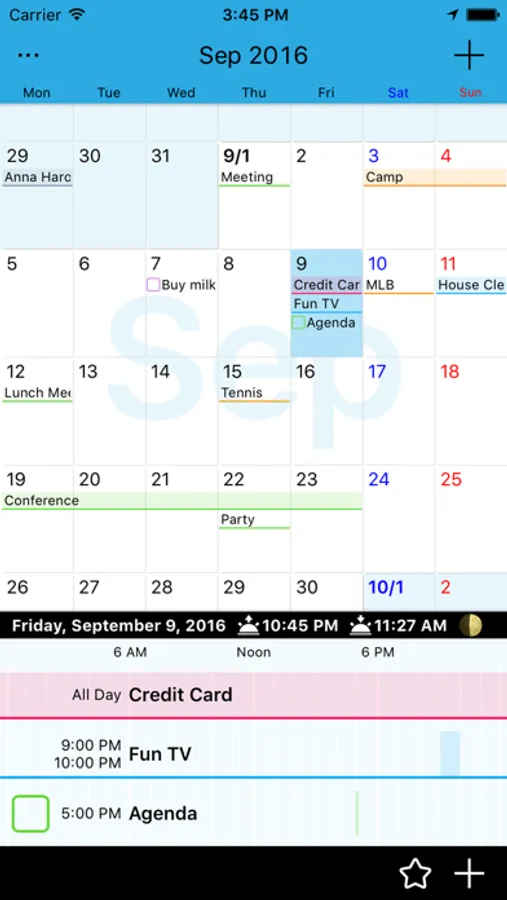
・Integrated reminder system. Both reminders and events are displayed on the calendar.
・Works with the iPad's Multitasking feature. Start this app while using other apps by sliding from the sides.
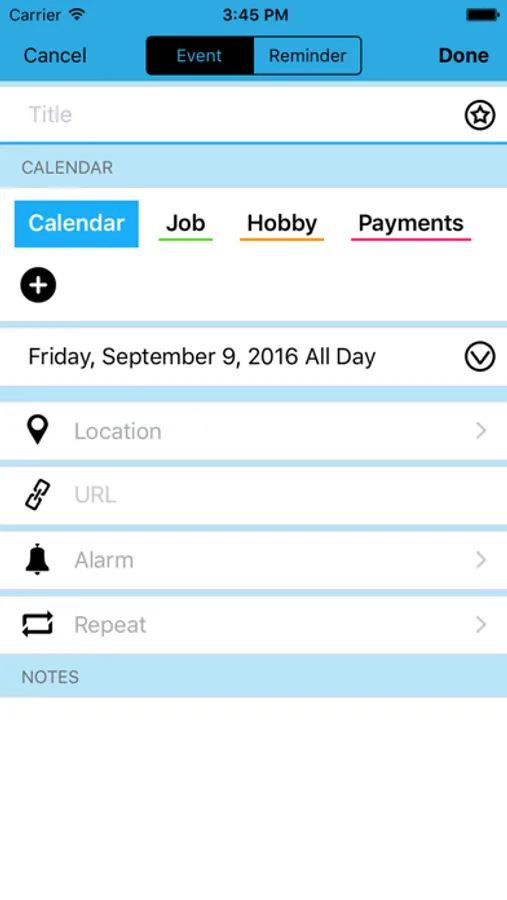
・Set up complicating repeating events, such as "the end of every month", "the last Saturday of each month", etc.
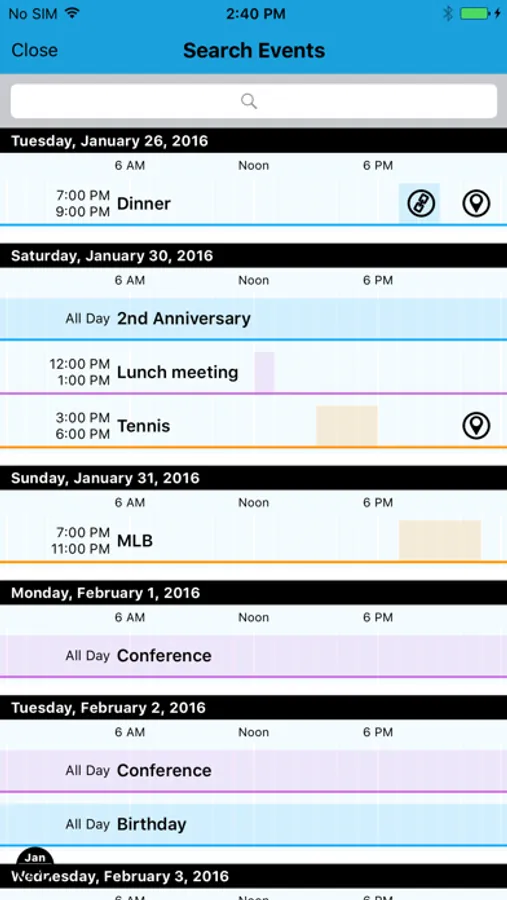
・Display events on the Map, and quickly access links.
・Works with widgets; you can quickly check your schedule.
・Can be displayed in landscape mode. When using side view, event start time is also displayed on the calendar.
・The calendar automatically adjusts; even if you have many events planned they will not be hidden.
・Includes a template function. Register events and reminders to a template to make addition even faster.
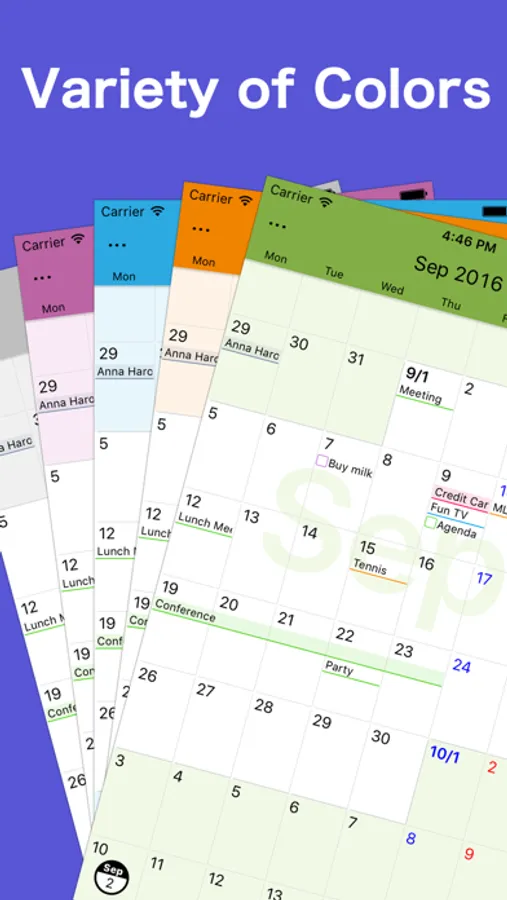
・Customize its appearance as you see fit. Change the calendar theme color to your favorite color.
・Change when the week begins as well as the color.
・You can use 3D touch shortcut menu for create new event or reminder.
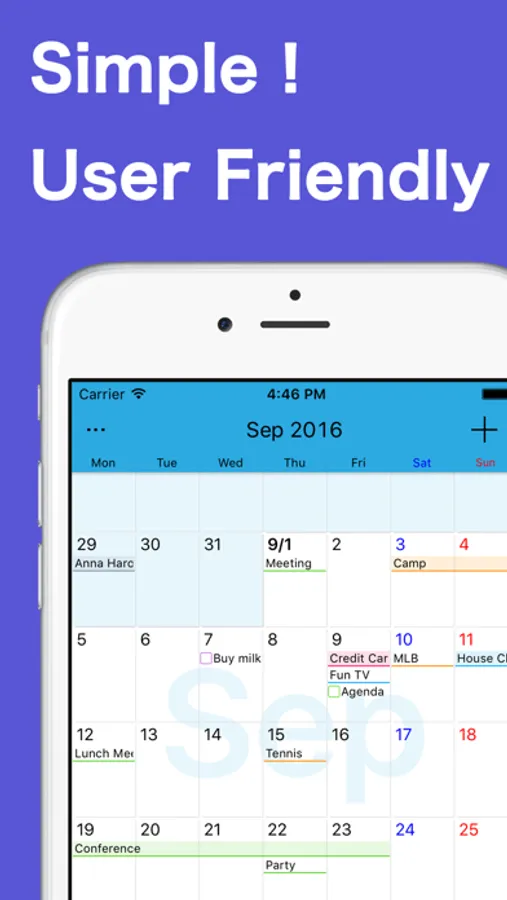
Calendar Z Screenshots
Tap to Rate:
Reviews for Calendar Z
Bucky900021
Nice calendar But!
Doesn’t save events in my iPhone and the date is off by a day. Good general purpose calender that shows days of the month at a glance but I need to compensate for the incorrect day. Pretty weird. Used to work.
Mella333
Good but needs to sync between devices
I love this calendar, but I only gave 4 stars because it doesn’t sync between devices. Otherwise, great app!