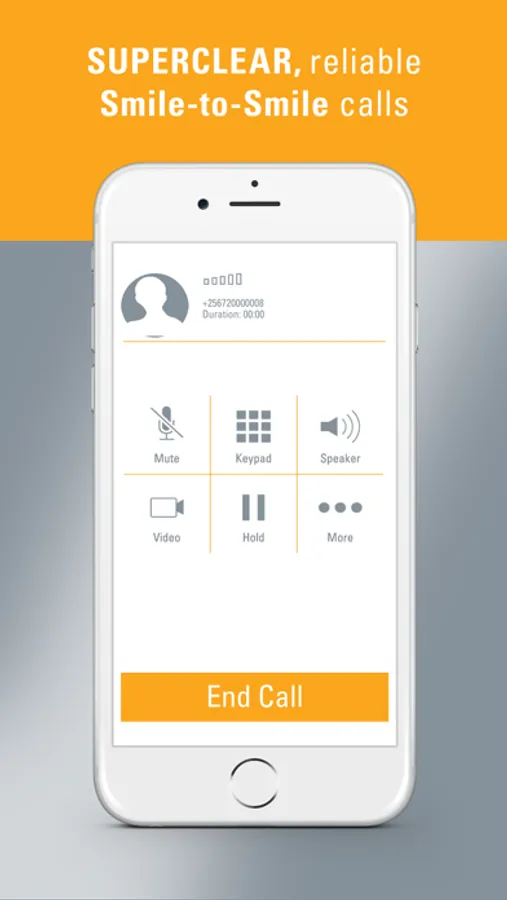
Use this calling app to make clear voice, video, and conference calls using Smile 4G LTE internet. Includes SMS messaging and call management features.
AppRecs review analysis
AppRecs rating 3.1. Trustworthiness 77 out of 100. Review manipulation risk 25 out of 100. Based on a review sample analyzed.
★★★☆☆
3.1
AppRecs Rating
Ratings breakdown
5 star
45%
4 star
6%
3 star
9%
2 star
8%
1 star
31%
What to know
✓
Low review manipulation risk
25% review manipulation risk
✓
Credible reviews
77% trustworthiness score from analyzed reviews
⚠
High negative review ratio
39% of sampled ratings are 1–2 stars
About SmileVoice
SmileVoice is the latest innovation from Smile Communications, making your voice experience as clear and reliable as your Smile 4G LTE internet, for our customers in Nigeria, Uganda and Tanzania.
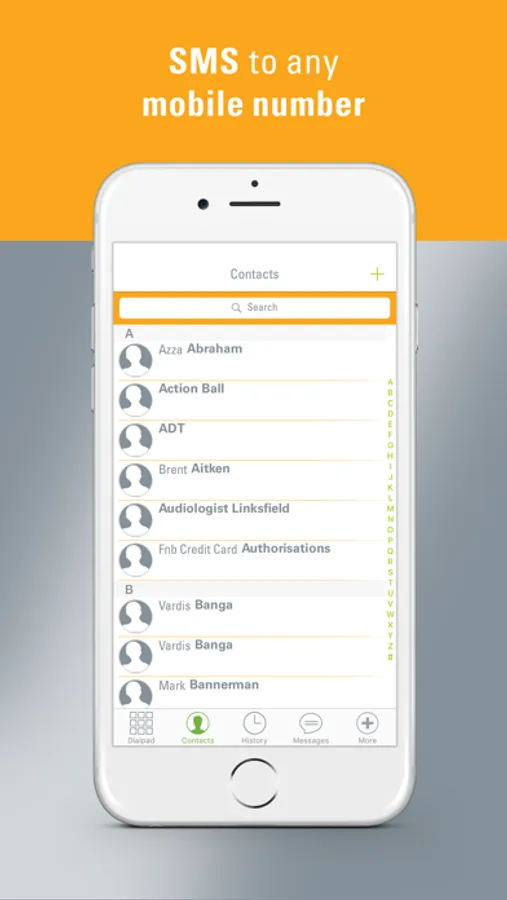
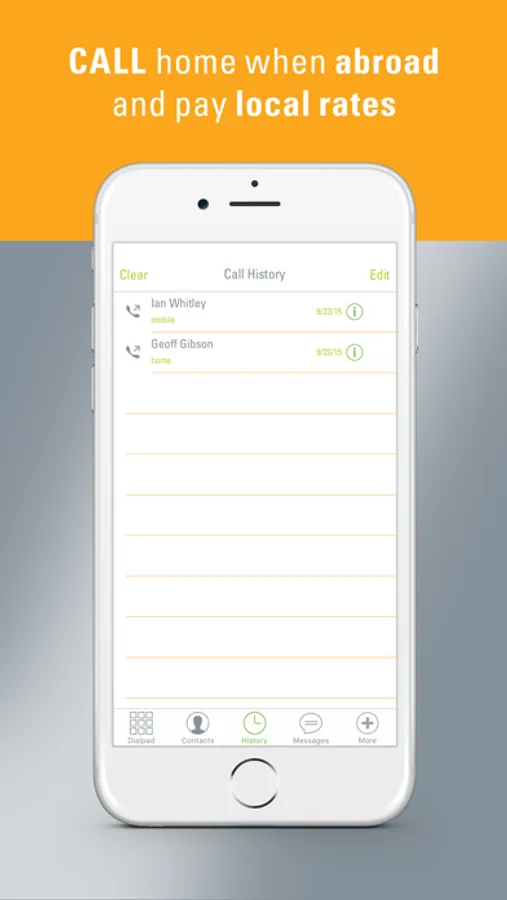
With the Smile Voice application on your mobile you can make clear and reliable voice calls when connected to your Smile 4G LTE internet service to anyone, anywhere. You can also make voice calls, video calls and conference calls, and send SMS messages to your friends and family when you’re connected to any other data network.
When connected to your Smile 4G LTE internet when making Smile voice calls, you will experience SuperQuality voice calls and it’s a given that your Smile voice calls will connect first time, every time. You can now get more value from your one data bundle with internet, voice calls, video calls and SMSs.
Just download our FREE App on your mobile and activate your Smile Voice service by following the easy on-screen steps. And anyone can call you too – just give them your Smile number and they can call and SMS you.
Find out more at http://www.smile.com.ng/voice/ | http://www.smile.co.tz/voice/ | http://www.smile.co.ug/voice/
How to get started
1. Download our FREE SmileVoice App on your mobile
2. Open the App and enter your Smile number and Activation code. Also select the country where you have Smile broadband internet – your service will be active and you can make that first call.
OR
1. If you cannot remember your Smile number and Activation code, just select the country where you have Smile broadband internet and click on “GET AN ACTIVATION CODE” – you will be requested to provide your email address and your Smile Voice details will be sent to this email address.
2. Open the App and enter your Smile number and Activation code. Also select the country where you have Smile broadband internet – your service will be active and you can make that first call.
Remember, you need to be a Smile customer with an active SmileData bundle, to make calls and send SMSs using SmileVoice.
Frequently Asked Questions with more information about SmileVoice is available for you at http://www.smile.com.ng/voice/ | http://www.smile.co.tz/voice/ | http://www.smile.co.ug/voice/
With the Smile Voice application on your mobile you can make clear and reliable voice calls when connected to your Smile 4G LTE internet service to anyone, anywhere. You can also make voice calls, video calls and conference calls, and send SMS messages to your friends and family when you’re connected to any other data network.
When connected to your Smile 4G LTE internet when making Smile voice calls, you will experience SuperQuality voice calls and it’s a given that your Smile voice calls will connect first time, every time. You can now get more value from your one data bundle with internet, voice calls, video calls and SMSs.
Just download our FREE App on your mobile and activate your Smile Voice service by following the easy on-screen steps. And anyone can call you too – just give them your Smile number and they can call and SMS you.
Find out more at http://www.smile.com.ng/voice/ | http://www.smile.co.tz/voice/ | http://www.smile.co.ug/voice/
How to get started
1. Download our FREE SmileVoice App on your mobile
2. Open the App and enter your Smile number and Activation code. Also select the country where you have Smile broadband internet – your service will be active and you can make that first call.
OR
1. If you cannot remember your Smile number and Activation code, just select the country where you have Smile broadband internet and click on “GET AN ACTIVATION CODE” – you will be requested to provide your email address and your Smile Voice details will be sent to this email address.
2. Open the App and enter your Smile number and Activation code. Also select the country where you have Smile broadband internet – your service will be active and you can make that first call.
Remember, you need to be a Smile customer with an active SmileData bundle, to make calls and send SMSs using SmileVoice.
Frequently Asked Questions with more information about SmileVoice is available for you at http://www.smile.com.ng/voice/ | http://www.smile.co.tz/voice/ | http://www.smile.co.ug/voice/
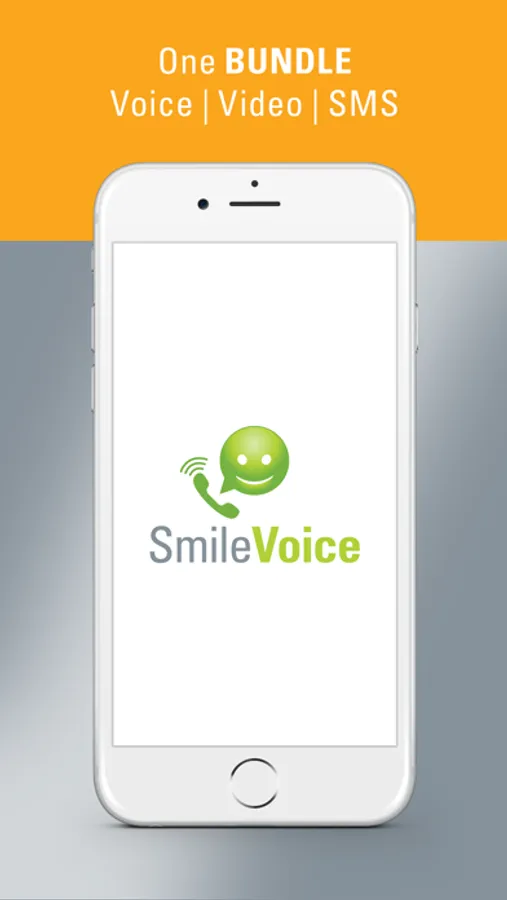
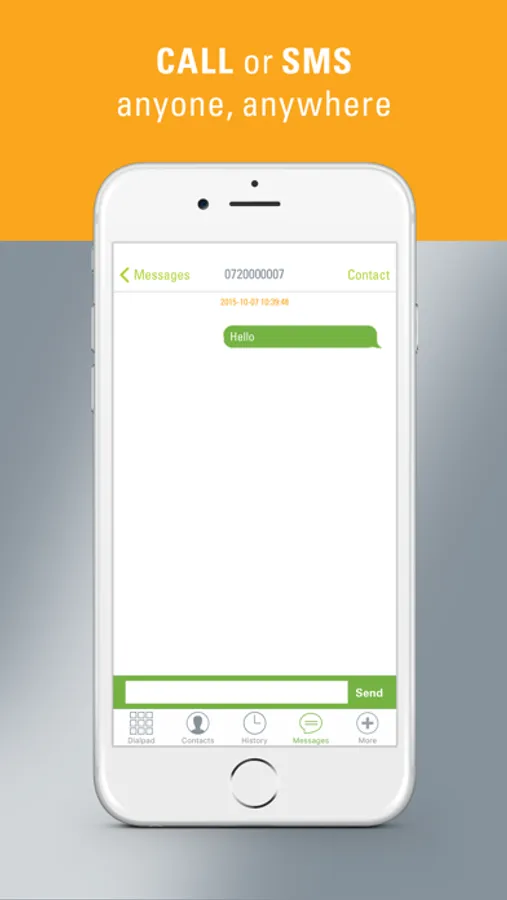
SmileVoice Screenshots
Tap to Rate:
Reviews for SmileVoice
Work no well
Bad and poor network. Voice skipping. My airtime just wasting 😒
Bad and poor network. Voice skipping. My airtime just wasting 😒
opylogo
Sleeping on it
I have been a customer since 2018 but there have been no improvement on their apps, imagine how much this could have generated for the company knowing how many Nigerians are in diaspora.