With this app, you can easily clean and edit text from various sources, perform functions like removing spaces and converting quotes. Includes smart actions, live search, and RegEx support.
AppRecs review analysis
AppRecs rating 4.4. Trustworthiness 81 out of 100. Review manipulation risk 23 out of 100. Based on a review sample analyzed.
★★★★☆
4.4
AppRecs Rating
Ratings breakdown
5 star
90%
4 star
4%
3 star
2%
2 star
2%
1 star
2%
What to know
✓
Low review manipulation risk
23% review manipulation risk
✓
Credible reviews
81% trustworthiness score from analyzed reviews
✓
High user satisfaction
90% of sampled ratings are 5 stars
About Clean Text
Solve text problems with a couple of taps
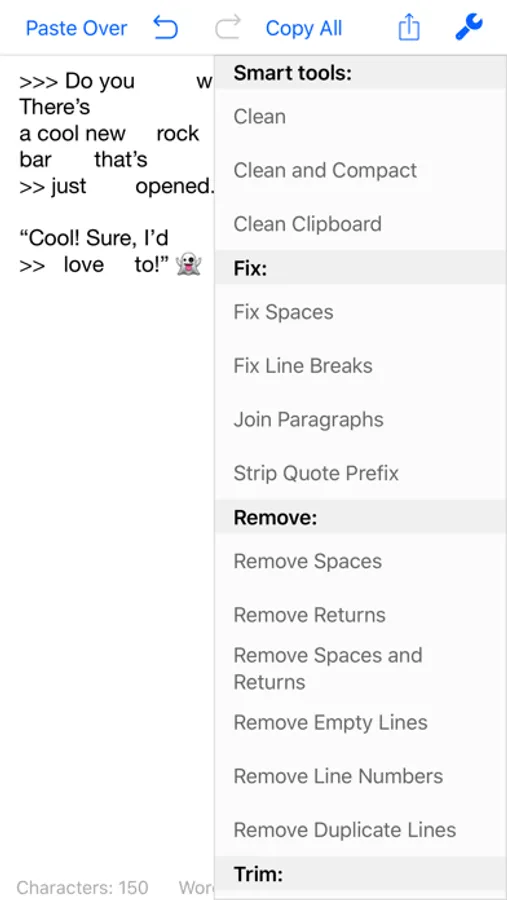
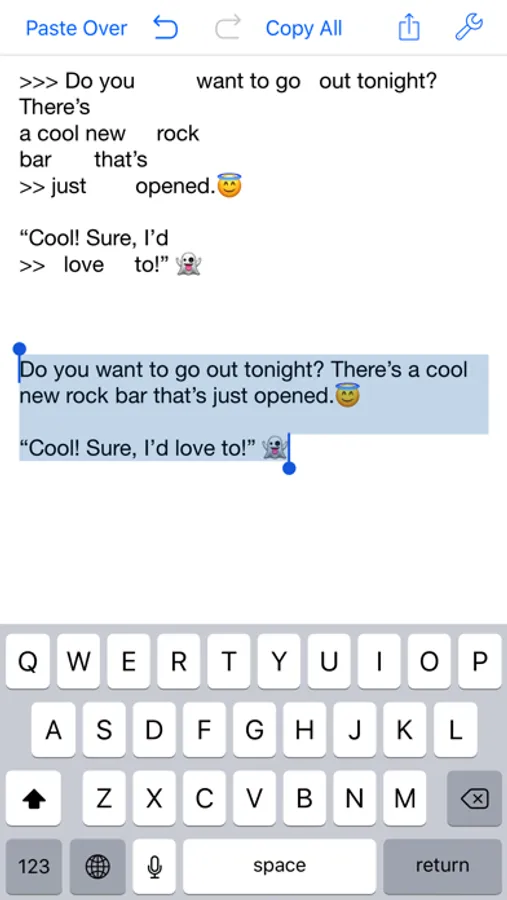
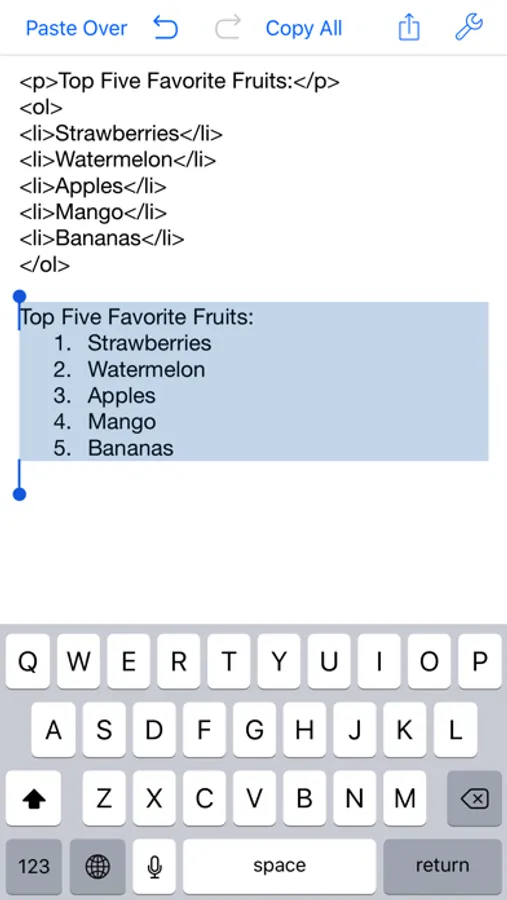
Clean Text quickly performs many essential text processing functions such as removing empty lines, removing unwanted spaces, converting tab characters, smart quotes, and more. In addition to this, smart actions let you solve with a single tap, the most common cleaning problems of text found in email messages, documents and web pages.
Type on iOS and find the text on your Mac
With Clean Text Menu, you can write text on your iPhone or iPad and then find it on any iOS device or Mac. You don't have to worry about anything. Thanks to iCloud, you will find in the device that you just picked up and in your Mac, exactly the text that you have just typed on iOS. And vice versa.
Live search
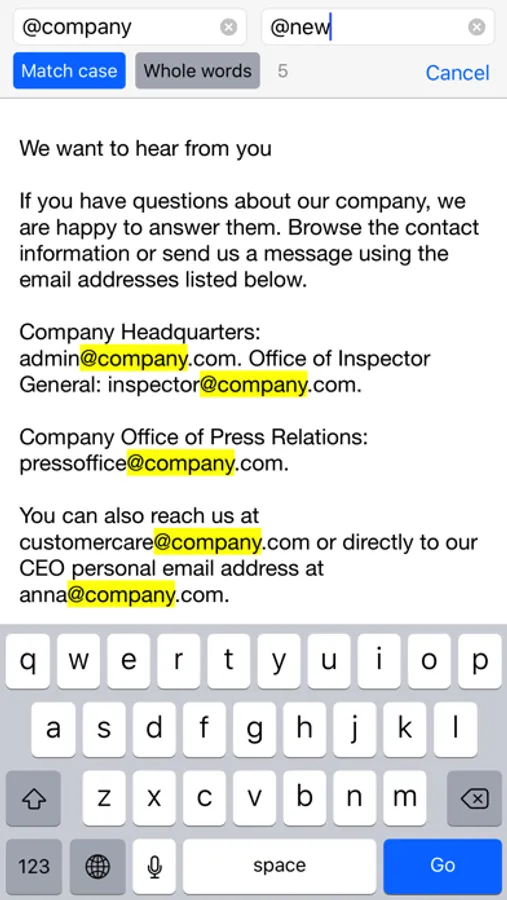
While you type in the search box all occurrences within the text will be highlighted to give you a complete picture, then with the Select Next and Select Previous buttons you can gradually select instances to edit or change them. Also Match case and Whole words, act immediately on the highlighted text and will allow you to do the replacements with millimeter accuracy. And with infinite undoes, your chance to try, becomes a tool to do a good job.
Accelerate your search and replace work using Regular Expressions
If you are a true expert, there is the powerful Regular Expression panel, which in addition to make available all RegEx capabilities for search and replace, it provides you the RegEx main patterns with a simple tap.
Ignore List
Often when you want to change a text automatically it contains words that should not be changed. To take a simple example, if you apply the UPPERCASE filter to a sentence, you don't want the word iPhone to become IPHONE, so we've added the new Ignore List feature to Clean Text. All the words in this list will not be modified by the various filters.
Clean Text supports major iOS technologies, such as:
• iPad multitasking Slide Over and Split View on iPad Pro
• Physical keyboard shortcuts on iPad
• iCloud to access the same text from any device
• Keyboard Shortcut Bar on iPad with Cut, Copy and Paste; Arrows Keys; Select and Deselect text
The main features of Clean Text are:
• Smart Clean and Clean and Compact text
• Clean Clipboard content without the need to paste it in the app
• Fix line breaks
• Fix spaces
• Remove empty lines
• Join paragraphs
• Replace tabs with spaces and replace spaces with tabs
• Remove and add email quote prefix
• Convert quotation marks: curved quotes, straight quotes, angle quotes, German quotes and Chinese quotes
• Convert from single to double and from double to single quotes
• Change case to sentence case, title case, uppercase, lovercase and random case
• Increase and decrease text indent
• Sort lines ascending and descending
• Convert from three periods to ellipsis and from ellipsis to three periods
• ROT13 encode
• Reverse text
• Convert HTML to plain text
• URL percent encoding
• Remove spaces, returns and duplicate lines
• Trim leading and trailing spaces and returns
• Replace spaces with returns and vice versa
• Add and remove line numbers
• Extract links, email addresses, phone numbers and unique words
• Remove duplicate lines
• Hard wrap text
• Convert emoji and symbols to their description
• Convert to upside down and to mirrored pseudo text
• Show total number of characters, words, spaces and lines in a text
• Find and Replace with live highlighting of matches
• Regular Expression search and substitution with live highlighting of matches and main patterns convenient buttons
• Recent Searches functionality
• URL Schemes support to launch and use Clean Text features using other apps that support this technology like Apple Shortcuts
• Ignore List
Clean Text Screenshots
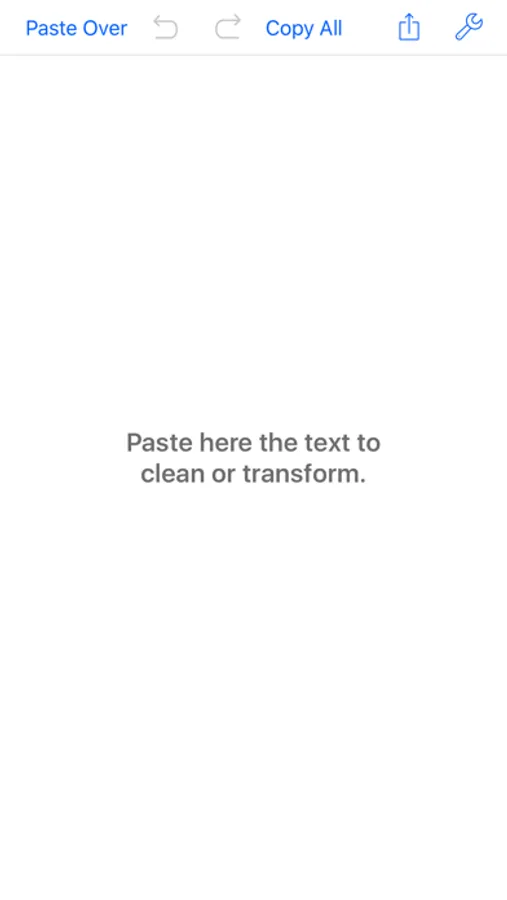
Tap to Rate:
Reviews for Clean Text
TJR333
Scam
Doesn't work doesn't clean my texts
Magazinefan
Can’t live without this app for 8 years now
Updated review 2024 : 8 years and going ! I need an easy way to copy and paste without all of the formatting baggage from different file types. For example , going through CVs I need to copy from PDF Word etc and put them in my own document ( in my case Apple pages or Word) just select what I want paste it to Clean Text Then copy from there. How can this still only be a “ non subscription app??” Thank you for making it an affordable one time purchase