AppRecs review analysis
AppRecs rating 2.0. Trustworthiness 65 out of 100. Review manipulation risk 31 out of 100. Based on a review sample analyzed.
★★☆☆☆
2.0
AppRecs Rating
Ratings breakdown
5 star
0%
4 star
0%
3 star
0%
2 star
0%
1 star
100%
What to know
⚠
Mixed user feedback
Average 2.0★ rating suggests room for improvement
About CountClusters
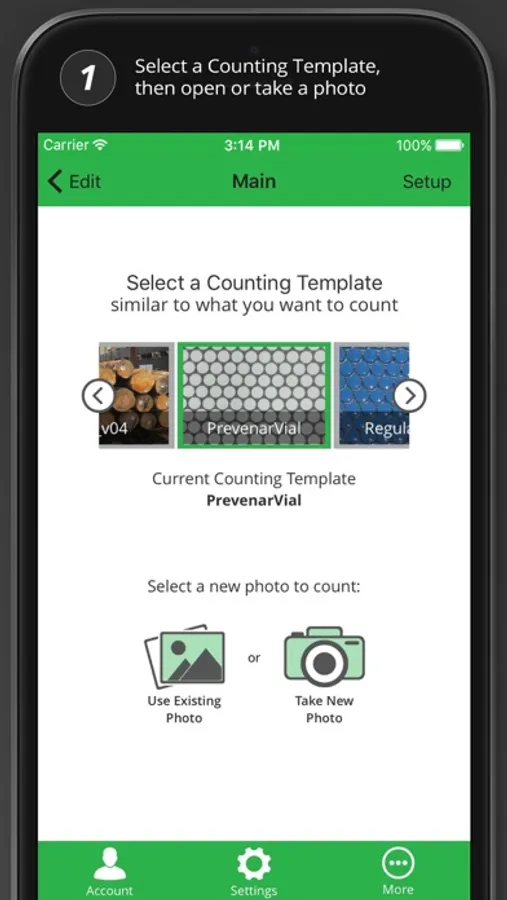
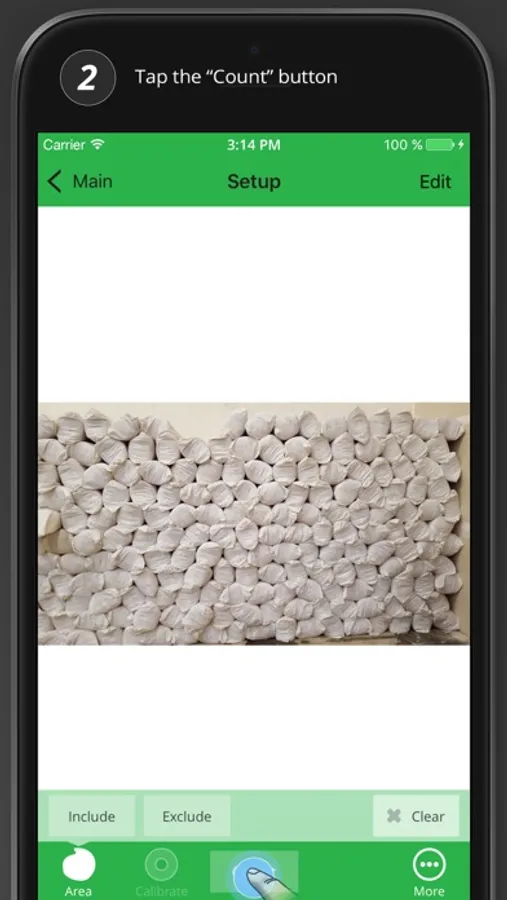
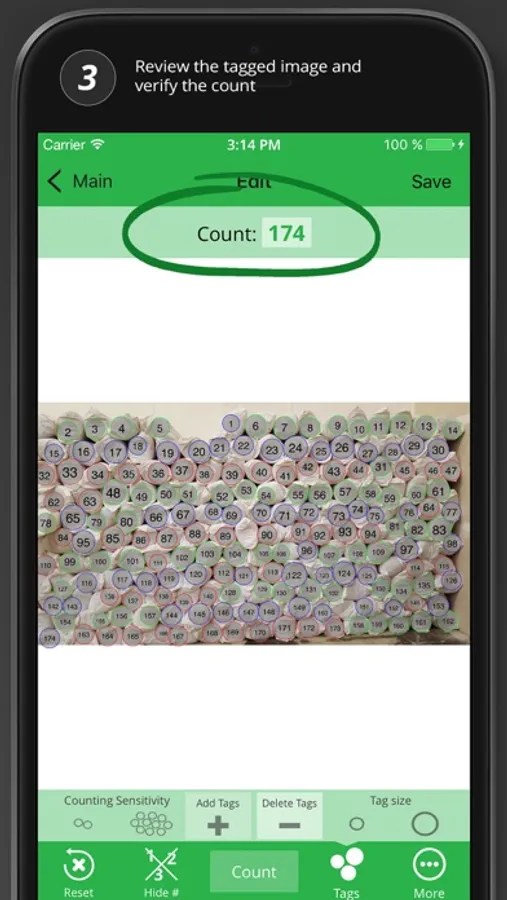
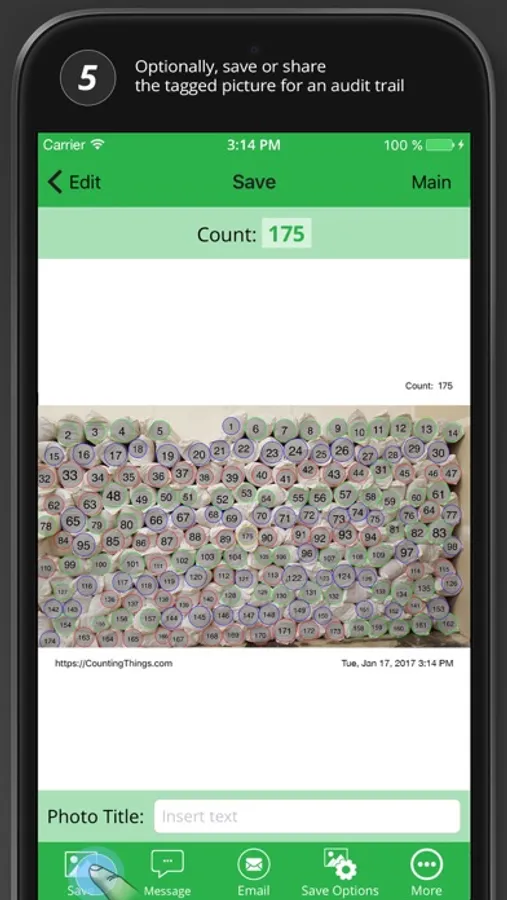
CountClusters counts more specialized items than the other apps in the CountingThings family of apps. Using advanced computer vision technology, CountClusters tags each counted item with a number so you can easily verify and document the results.
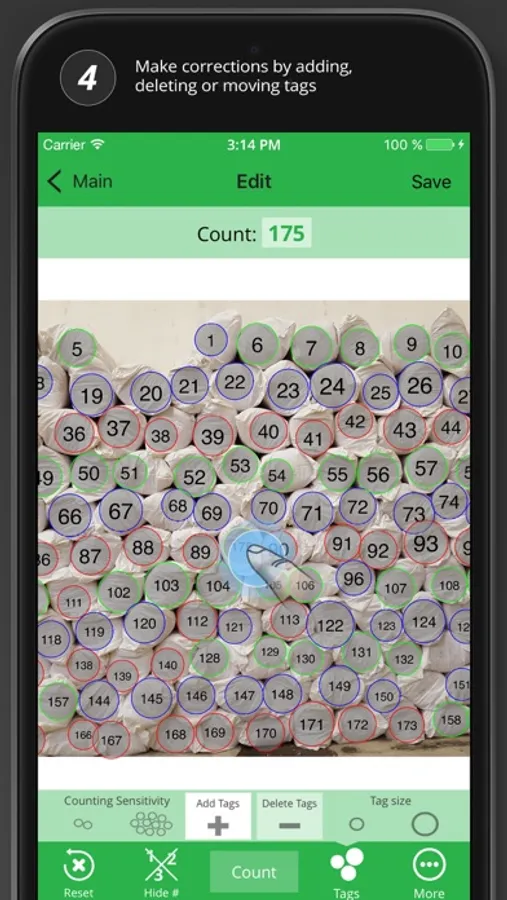
Mistakes are easy to fix. Just review the count and adjust the tags to ensure accuracy.
A counting template is required for each type of item you want counted. Send us a sample of relevant photos and in many cases, we will be able to create a counting template for you. (It is not always feasible to create a Counting Template.)
Get the app for free and start counting up to 10 pre-defined objects per photo to see how it works.
When you are ready to use the app for your business, create an account within the app and select a plan based on the number of items you would like to count per photo.
Contact us for a custom demo with your photos plus a 14-day free trial.
CountClusters Screenshots
Tap to Rate:
Reviews for CountClusters
Tom Steele
Garbage
This app is junk. How can we not have good counting apps at reasonable prices. This app immediately asks you to update to a premium app. When you try to use it it tells you that it cannot count more than ten items. Who needs an app to count to ten? That’s the dumbest thing in the world. Well, I’m counting to one. That’s how many stars I’m giving it.
wack wack app
WACK Does not work
I tried all sorts of things This app would not count any. I finally tried a pack of toilet paper, It said I need to buy a plan to count more than 10 items. WACK