With this command reference app, you can access a comprehensive list of Linux and Unix commands, add notes, and create favorites for quick access. Includes command examples, system management tips, and package handling features.
AppRecs review analysis
AppRecs rating 4.2. Trustworthiness 74 out of 100. Review manipulation risk 28 out of 100. Based on a review sample analyzed.
★★★★☆
4.2
AppRecs Rating
Ratings breakdown
5 star
80%
4 star
0%
3 star
0%
2 star
0%
1 star
20%
What to know
✓
Low review manipulation risk
28% review manipulation risk
✓
Credible reviews
74% trustworthiness score from analyzed reviews
✓
High user satisfaction
80% of sampled ratings are 4+ stars (4.2★ average)
About Lbs Commands- Daily command
This is Daily use commands( covers with Ubuntu, Fedora, Redhat, Serverauditor, SSH Terminal, SSH, Linux, Unix, Linux Command line, Unix shel, Bash Shell, CMD, All Commands, Daily Use Command, Console, Windows, Mac OS X)
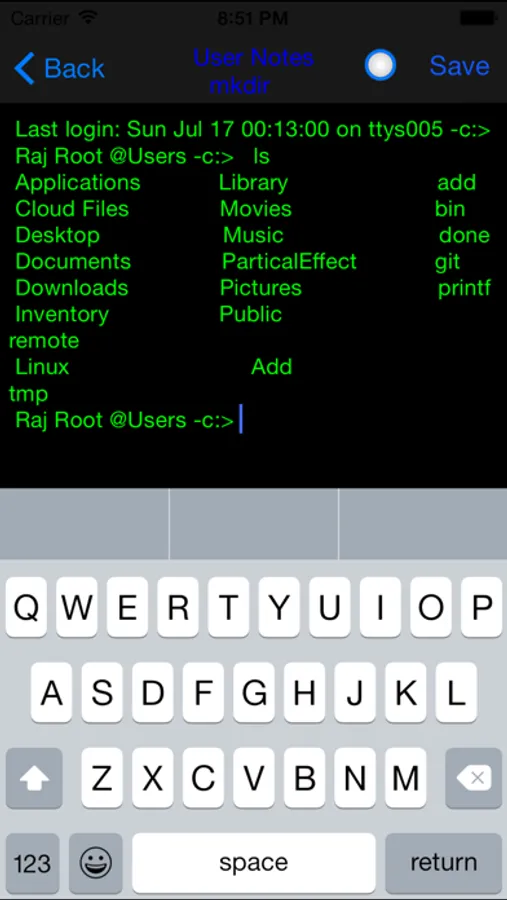
You can add notes for the commands and you can also add commands to a favorite list for fast access
Linux Bash Shell as well as Cheat Sheet Commands (Ubuntu, Fedora, Redhat, Linux/Unix,Bash shell) has most powerful command line interface among the operating systems.This app will Support to iPad iPhone and iPod touch.
Included Topics:-
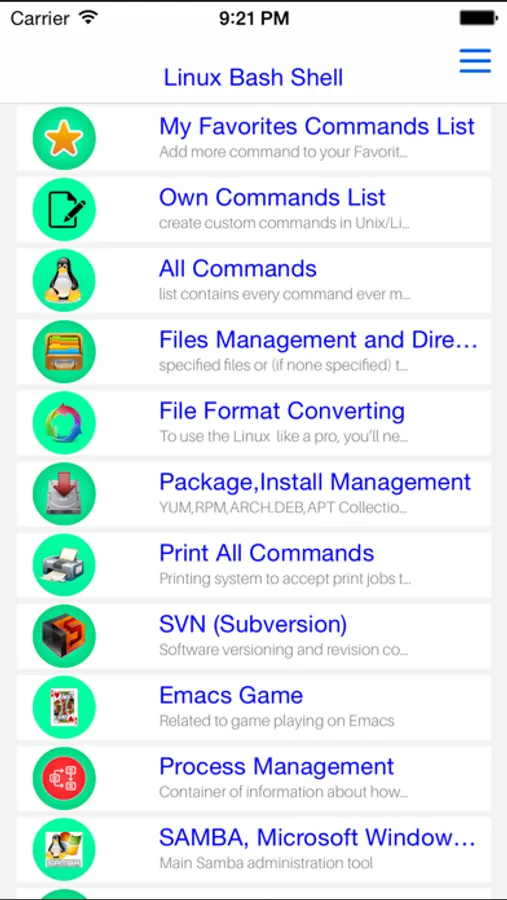
01: Favorite list
02: Own Commands
03: All Commands
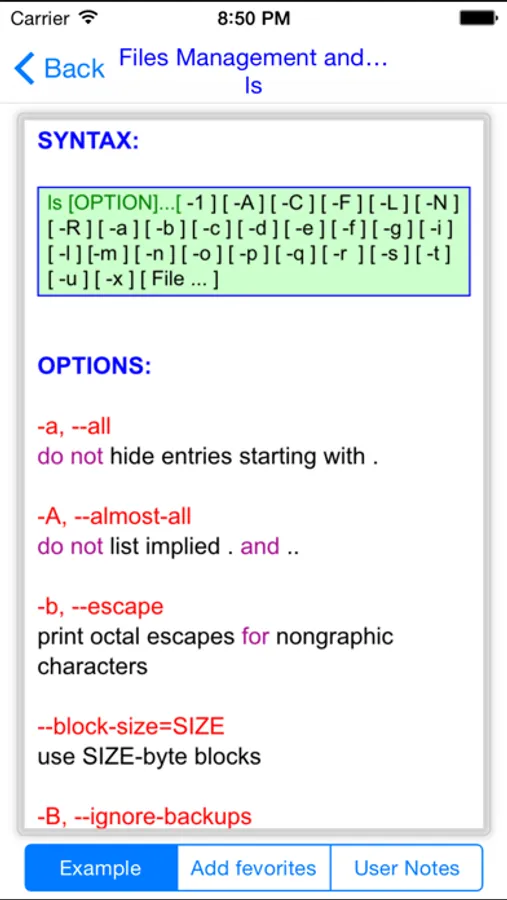
04: Files Management and Directories,
05: Package,Install Management,
RPM Packages - Fedora, Red Hat and like
YUM packages updater - Fedora, RedHat and like
DEB packages - Debian, Ubuntu and like
APT packages updater - Debian, Ubuntu e like
06: Print all Commands
07: Subversion (SVN),
08: Emacs Game
09: Process Management,
10: SAMBA ,Microsoft Windows Networks,
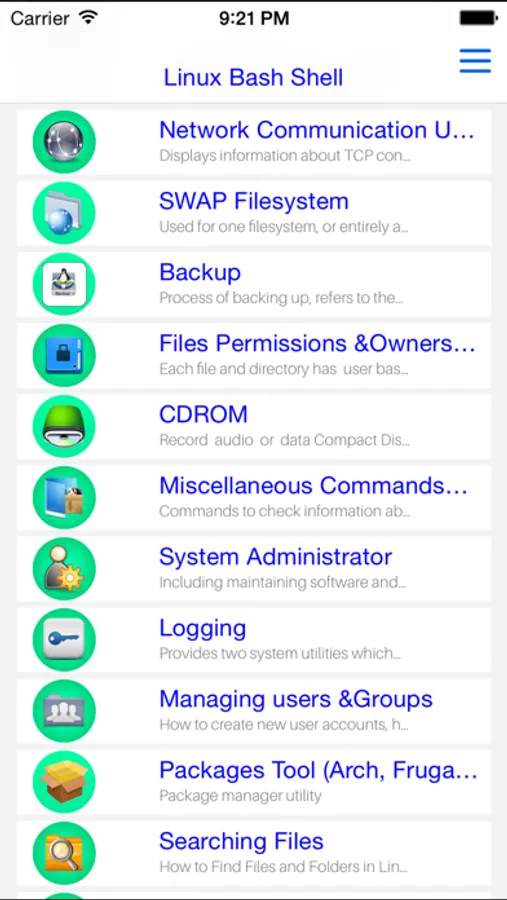
11: Network Communication Utilities,LAN and WiFi
12: Filesystem SWAP
13: Backup
14: Files Permissions &Owners,Groups,
15: CDROM
16: Miscellaneous Commands &System Information,
17: System Administrator,
18: Logging,
19: Managing users &Groups,
20: Packages Tool (Arch, Frugalware and alike)
21; Searching Files,
22: Hardware Information,
23: Messages Between Users,
24: Files,Text Editor,
25; Files Transfer,
26; Files System(Ex2,Ext3,or ex4 Files),
27: Compressed Files,
28: Linux Shell,
29: Advanced Linux Commands,
30: Decompression files
31: Firewall,(iptables like)
32: Basic Emacs Editor Commands,
33: SSH CONNECTION
34: File Format Converting
35: About linux,
36: Daily Linux Cheat Sheet Command
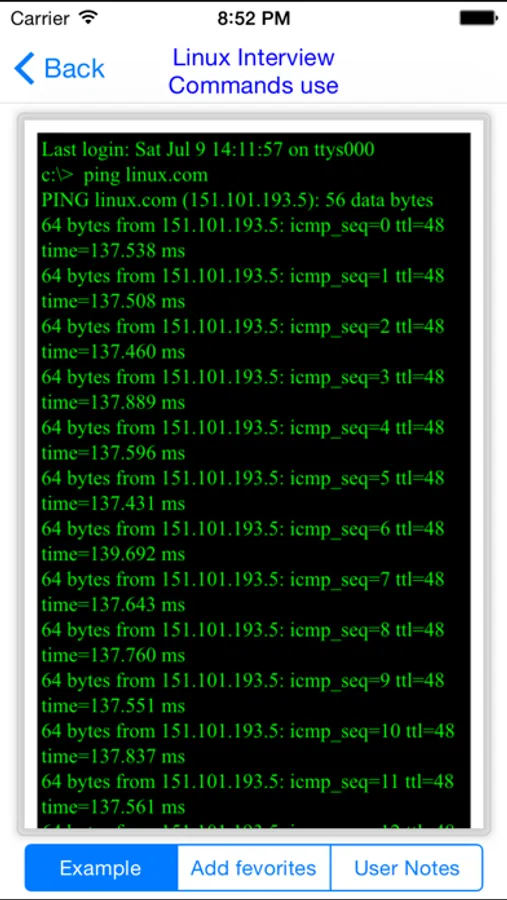
37: Linux Interview
Try “Linux Bash Shell” today and start your journey of becoming an expert admin !
i will wait your suggestions ,feedback and your welcome!
Good Luck!
Lbs Commands- Daily command Screenshots
Tap to Rate:
Reviews for Lbs Commands- Daily command
Fayevalentine22
Annoying
This app sends me a ton of push notifications, every single one of them calling me "sir" while begging for a review. I just turned the push notifications off... after three notifs in one day, all calling me "sir", so here is your review: Do not ever assume your tech app will be used only by men. Women do not like to be called sir! Insulting. Pick a gender neutral pronoun at the least. Geeze get with the times!
Tacomaster5
Great app
A great app for aspiring Linux users.