iFonebox - recover lost iPhone data
Suzhou Aunbox Software Co., Ltd.
3.0 ★
89 ratings
Free
With this data recovery app, you can scan your iPhone for lost messages, contacts, and notes, and back up your data. Includes recovery tools, backup options, and reminders for data preservation.
AppRecs review analysis
AppRecs rating 3.0. Trustworthiness 79 out of 100. Review manipulation risk 28 out of 100. Based on a review sample analyzed.
★★★☆☆
3.0
AppRecs Rating
Ratings breakdown
5 star
33%
4 star
12%
3 star
12%
2 star
6%
1 star
37%
What to know
✓
Low review manipulation risk
28% review manipulation risk
⚠
Mixed user feedback
Average 3.0★ rating suggests room for improvement
⚠
High negative review ratio
43% of sampled ratings are 1–2 stars
About iFonebox - recover lost iPhone data
Our app is specially designed to be the auxilliary part of the PC data recovery software, iFonebox, that helps you to recover lost messages, notes, contacts, etc, and back up iPhone data when you search for the solution on your iPhone. Most customers said that this recovery tool is the lifesaver to them.
What can iFonebox do for you?
>iPhone Data Recovery
>iPhone Data Backup
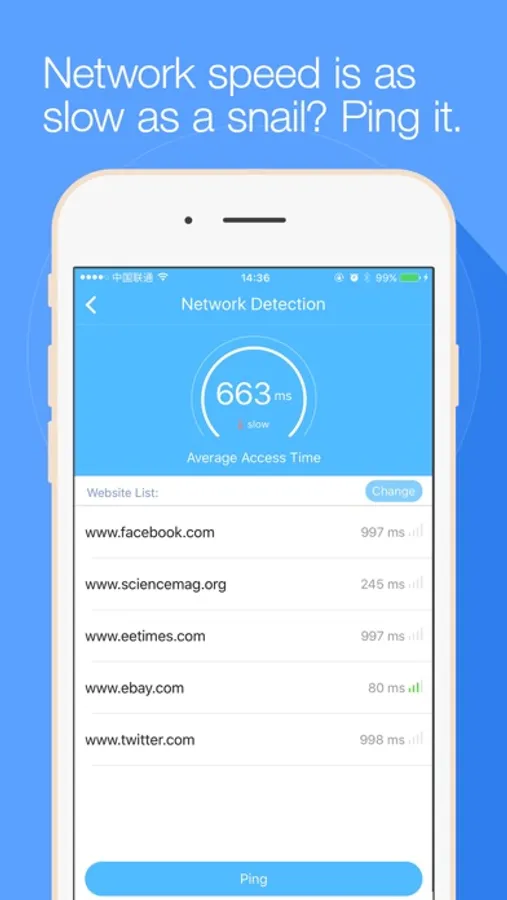
>Network Detection
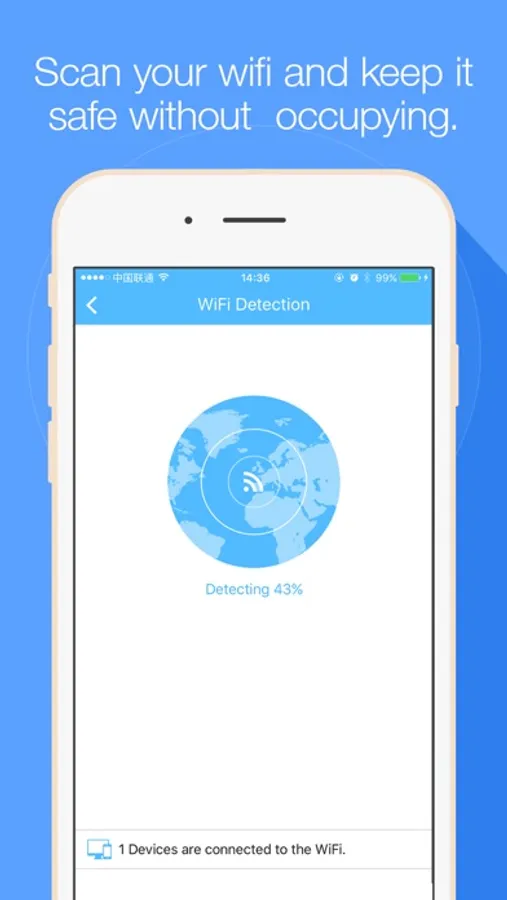
>WiFi Detection
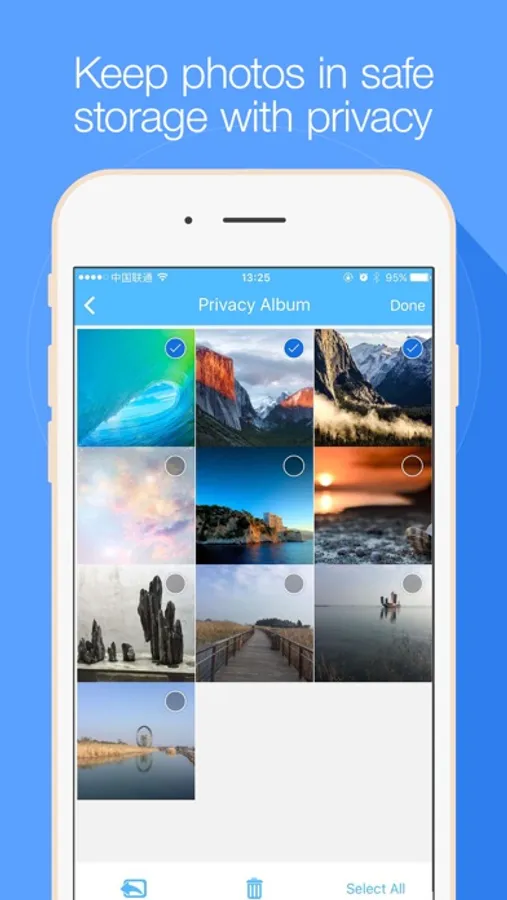
>Privacy Album (newly support adding videos)
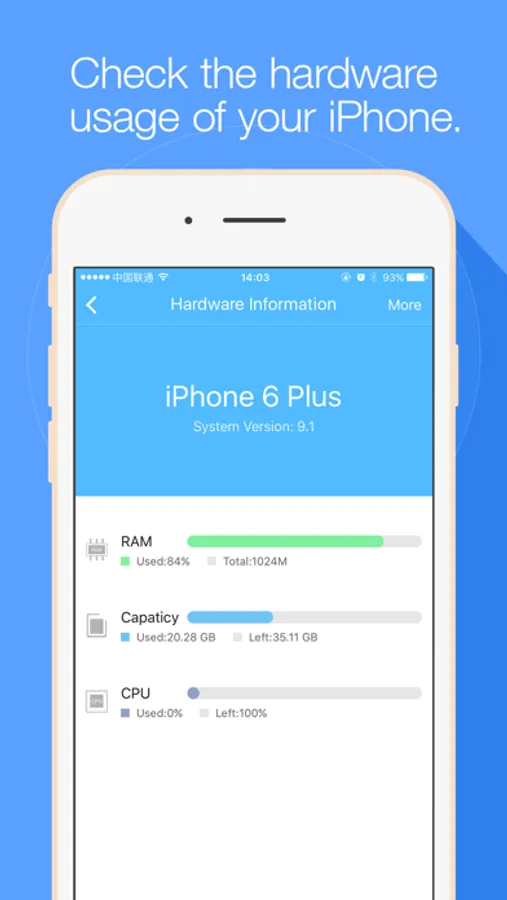
>Hardware Information
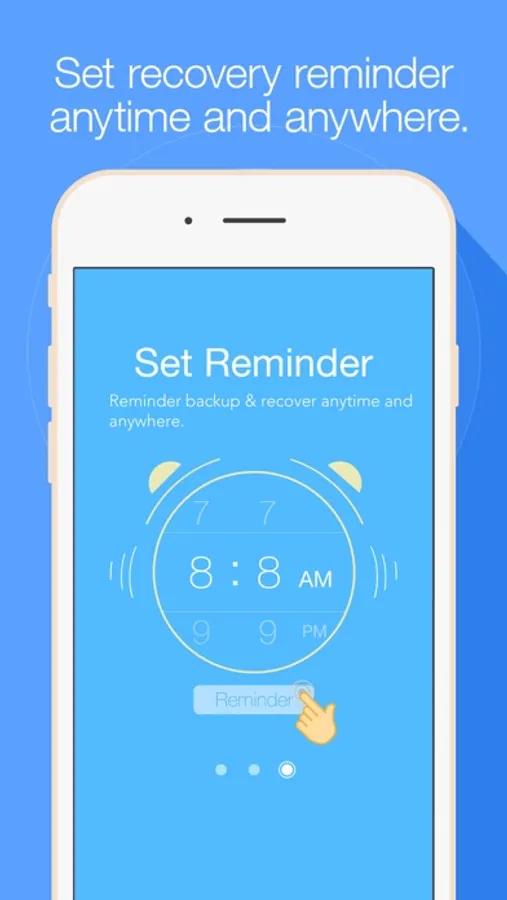
>Set Recovery & Backup Reminder
....... and much more
How does iFonebox work?
First, download the app iFonebox for iPhone,
Then, choose Data Recovery,
Follow the instructions to do operations on your computer, install the computer software,
Finally, launch the computer software and recover the data you need.
Note: Due to the urgency of data recovery, once you lost the data in your iPhone, and there is no computer by your side, we highly recommend you to turn on Airplane Mode and power off your iPhone. These steps could avoid the lost data being overwritten before you recover them. And you could set data recovery reminder to remind you get lost data when you are ready.
It is necessary to download the recovery and backup software in your computer to finish the recovery and backup. The computer software could allow you to preview your lost data in the interface and backup data. Finally, recovery success varies with loss circumstances and device condition--there are no 100% guarantees in theory--but we go above and beyond.
Please feel free to contact ifonebox@auntec.com if you have any question or need any help. Your suggestions that help us improve our App would be appreciated very much.
iFonebox - recover lost iPhone data Screenshots
Tap to Rate:
Reviews for iFonebox - recover lost iPhone data
SunnyD62
Scam
This app didn’t do what it said. It appears to be a hacker or phishing app. I connected my iPhone to my computer and the screen turned blue and said that there was a problem with the computer and “we will restart it for you :)” It was so strange and then nothing was on the computer that I could see. I searched and can’t find anything. Data was not recovered for a deleted Reminder and it only appears that they may have somehow downloaded my data or something because this did nothing for recovering anything. I think this is a scam to steal data and information, phishing or hacking somehow. Also on the computer if you click on Free, it says the link is not good and also in the browser it says that their site is not secure. Do not get this, it is not trustworthy or good! Apple should remove them and block them.
noooooooooooooone
Waste of time and money!
Tried to recover a photo that had been deleted the night before. All I got was the photos on my phone that have not been deleted yet. Complete garbage!