
AppRecs review analysis
AppRecs rating 4.1. Trustworthiness 79 out of 100. Review manipulation risk 23 out of 100. Based on a review sample analyzed.
★★★★☆
4.1
AppRecs Rating
Ratings breakdown
5 star
64%
4 star
11%
3 star
11%
2 star
0%
1 star
14%
What to know
✓
Low review manipulation risk
23% review manipulation risk
✓
Credible reviews
79% trustworthiness score from analyzed reviews
✓
High user satisfaction
75% of sampled ratings are 4+ stars (4.1★ average)
About Volume by Velocity
“...it’s the best one out there by far." - Graham
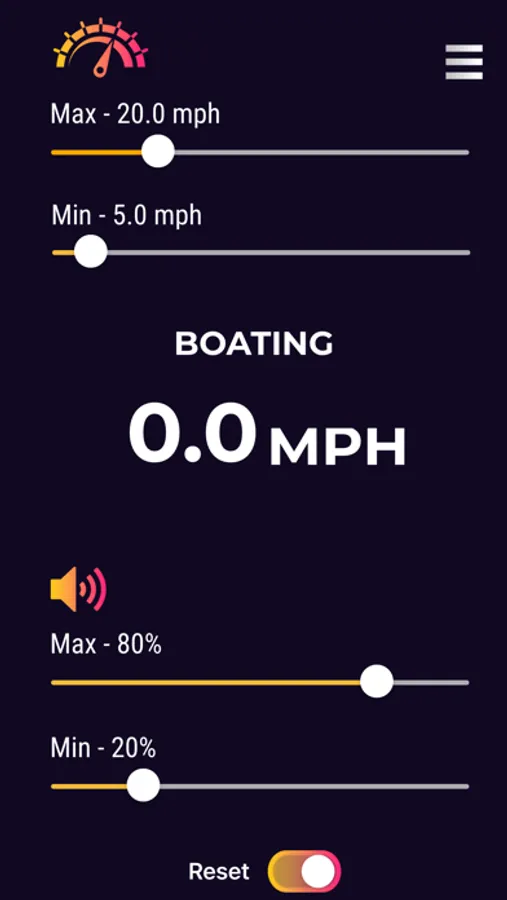
Volumatic™ is the best app to control your music volume based on your speed. As you accelerate, an algorithm increases your volume to counteract your cars road noise.
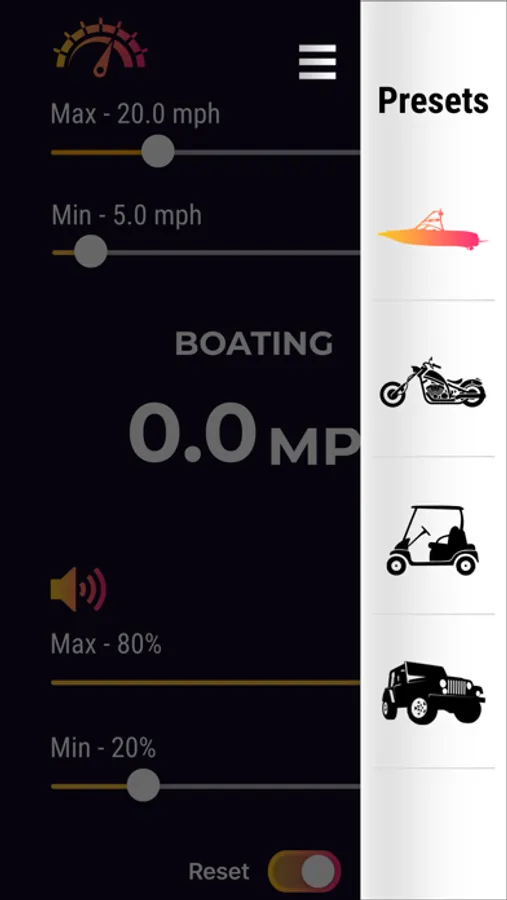
The simple Automatic mode, uses special settings designed to optimally block road noise as well as keep you from disturbing others at lights. For those who want full control, the manual mode allows you to set the speed and volume range to best fit your taste.
If you enjoy Volumatic, please share it with your friends!
* When Volumatic changes your device volume, iOS presents a volume changing indicator (the same one that appears when using the side buttons). This can sometimes get in the way while using other apps.
** Volumatic uses you GPS to determine your current speed. Continued use of GPS running in the background can dramatically decrease battery life. To keep your device charged we recommend plugging it in while using the Volumatic app.
Volume by Velocity Screenshots
Tap to Rate:
Reviews for Volume by Velocity
MrNicG
Very useful and works great!
This app is very useful for my roadster that doesn’t have any speed control for the audio. The only thing I would really like would be a Suspend/Pause button to make the app not change the volume for a while when I want to control it manually. For now I just close the app and reopen it later.
Spmcn22
Works exactly as you’d hope it would!
Works great! My only questions are how to access the automatic mode that others are mentioning, and what is the purpose of the reset “switch”? Only things I’d love to see would be the ability create your own volume curve, and to increase the n= so it’s a more smooth transition (though I know that would cause the volume indicator to pop up more frequently, so maybe let the user define n based on their preferences?)