
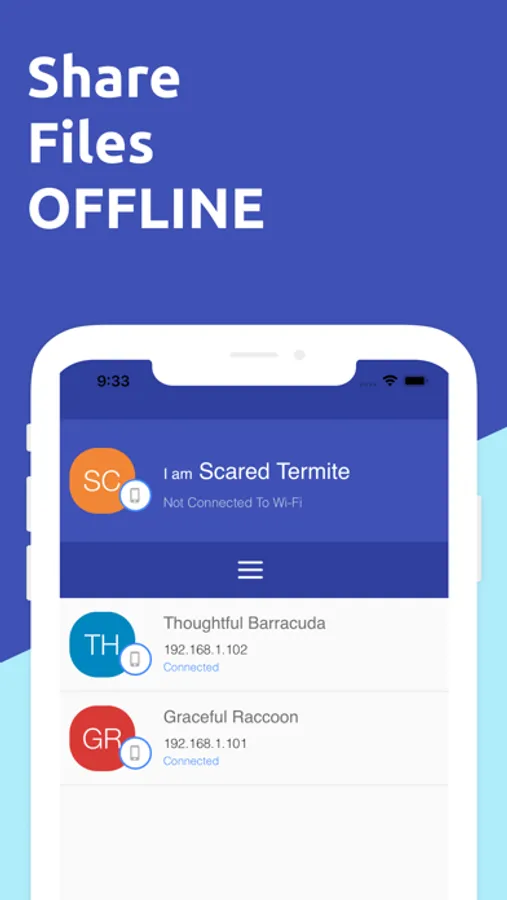
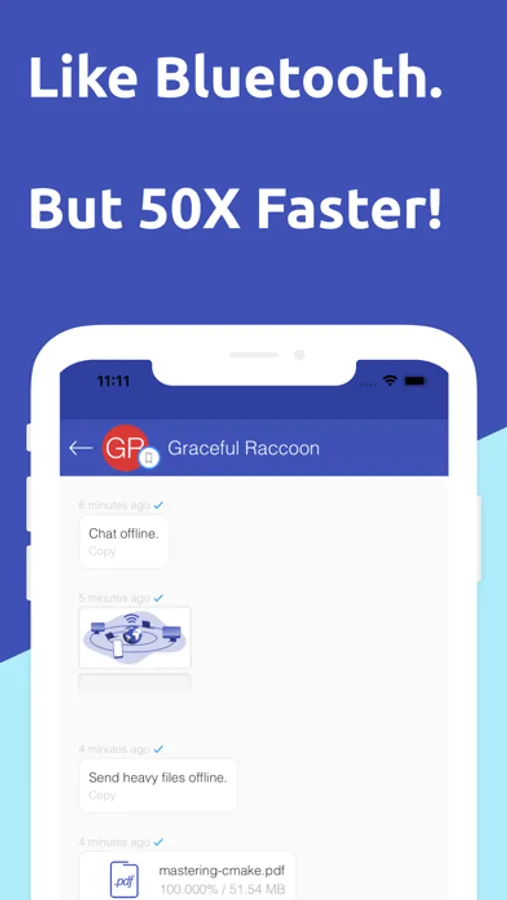
With this file sharing app, you can transfer files directly between devices on the same WiFi network using drag and drop or chat sessions. Includes a built-in video player, music player, and file browser.
AppRecs review analysis
AppRecs rating 3.0. Trustworthiness 76 out of 100. Review manipulation risk 28 out of 100. Based on a review sample analyzed.
★★★☆☆
3.0
AppRecs Rating
Ratings breakdown
5 star
47%
4 star
6%
3 star
4%
2 star
12%
1 star
31%
What to know
✓
Low review manipulation risk
28% review manipulation risk
⚠
Ad complaints
Many low ratings mention excessive ads
⚠
High negative review ratio
42% of sampled ratings are 1–2 stars
About Feem - Share Files Offline
At FeePerfect, we believe the greatest sharing is among WiFi buddies -- family, friends, co-workers who are already on the same local network.
No emailing, no fumbling for a special cable, no hunting for a USB stick (won't work for mobile), or impatiently waiting for iTunes to fire up.
And you don't burn up precious wireless bandwidth!
Magic!
Just run Feem (on sender & receiver), choose files to share, select who gets them, click Upload. Bam!
Or choose a chat buddy, and open a session. Simple. Quick. Painless.
Transfer pictures: phone-to-phone, phone-to-computer, or vice versa.
Feem doesn't require an active Internet, but the devices must be connected to the same WiFi router or hotspot.
You can kiss your USB sticks goodbye.
More info at http://feem.io
Extra Features:
- Built-in Video Player that can play most video formats: .flv, .avi, .mp4, .mkv, .divx
- Built-in Music Player to play your transferred songs.
- Built-in File Browser to view your transferred files.
http://www.feem.io
Feem - Share Files Offline Screenshots
Tap to Rate:
Reviews for Feem - Share Files Offline
AKLmfreak
Good concept, but surprise ads + can’t find pro upgrade option?
Seems like a good app, and easy to set up. I love the fact that it only uses local WiFi. On my first file transfer I got an abrupt full-screen ad with a notice “Time to upgrade to Feem Pro,” but when the ad was over I can’t find anywhere in the app to actually upgrade. I’d rather just have a paid version of the app up front. Don’t string me along, throw ads in my face and then make the upgrade setting impossible to find. I’m deleting the app for now, because of this.
babak7712
5 Star
So fast & easy to use. Much better than every other sharing files apps. Simply works for all format files between iOS and Android