RemoteCam: Live Preview & Full Camera Photo Video Remote Control From Your Watch
Enigma Studio LLC
2.8 ★
14 ratings
$0.99
AppRecs review analysis
AppRecs rating 2.8. Trustworthiness 80 out of 100. Review manipulation risk 23 out of 100. Based on a review sample analyzed.
★★☆☆☆
2.8
AppRecs Rating
Ratings breakdown
5 star
29%
4 star
0%
3 star
21%
2 star
21%
1 star
29%
What to know
✓
Low review manipulation risk
23% review manipulation risk
✓
Credible reviews
80% trustworthiness score from analyzed reviews
⚠
Mixed user feedback
Average 2.8★ rating suggests room for improvement
About RemoteCam: Live Preview & Full Camera Photo Video Remote Control From Your Watch
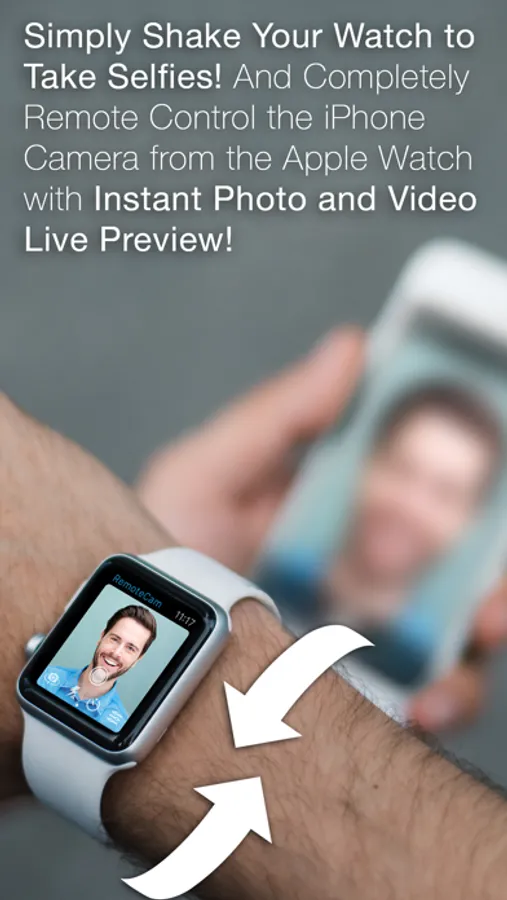
NEW FEATURE: Shake your watch to take a photo or video on your phone! Perfect for taking a selfie without having to tap the camera button!
Use it to capture photography of people or wild life without disturbing them, or when you couldn't be physically near your phone to take a photo or video.
Or when you need to remote control the camera in low light conditions where camera shake from being hand held is not an option.
Now updated with Full iOS 9 and WatchOS 2 support!
====================================
Use your Apple Watch to control your iPhone to...
====================================
- Take Photos or Record Videos with just 1 Touch on Your Watch
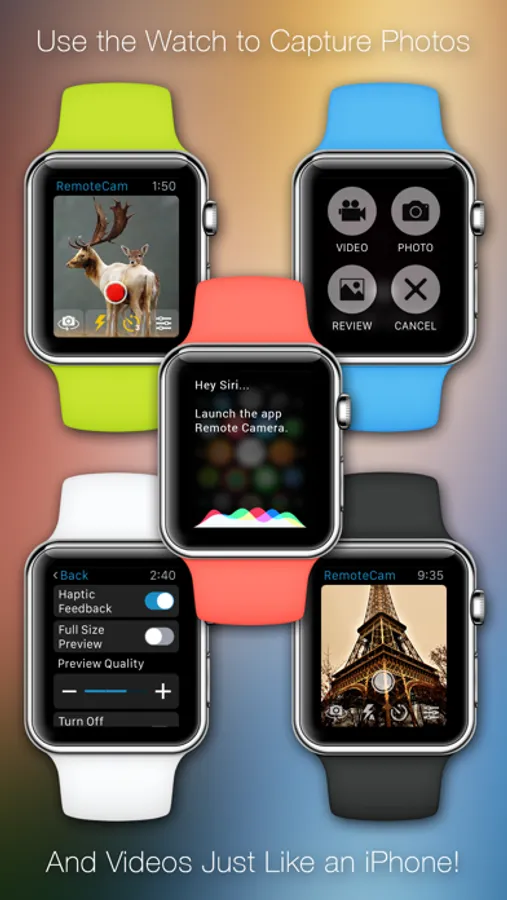
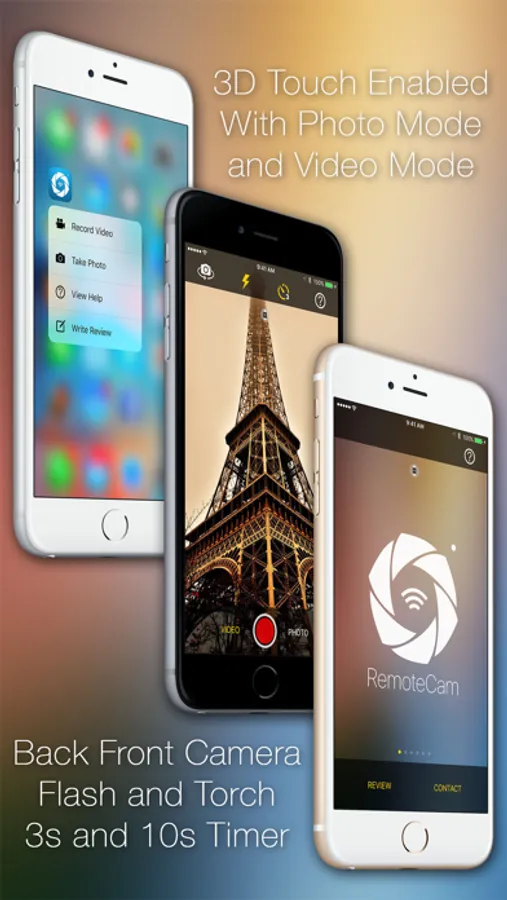
- Easily Switch between Capture Modes with Force Touch Menu
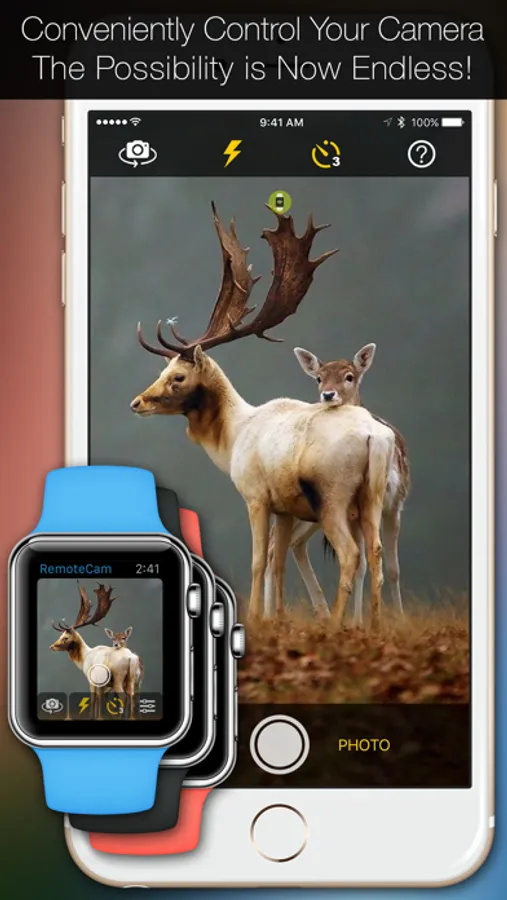
- See Exactly What Your iPhone Camera Sees with Live Preview
- Shake Your Watch to Capture a Photo or Start Recording a Video
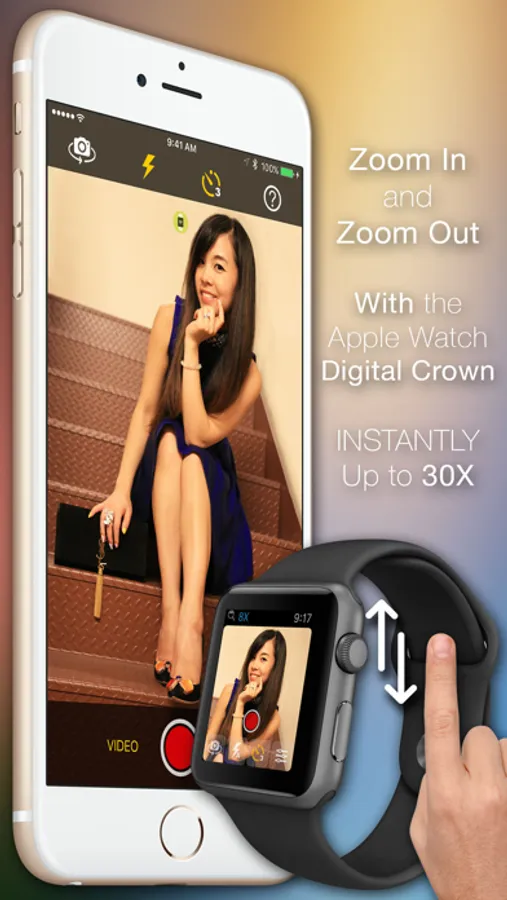
- Zoom In / Zoom Out in Preview and Recording using the Digital Crown
- Change between the Front and Back Cameras
- Toggle Flash or Torch in Photo or Video Mode
- Set 3-Second or 10-Second Delay Timer
- Instant Taptic Vibration Feedback on All Operations
- Change Live Preview Size between Full Screen or Full View
- Choose Live Preview Quality between Low/Medium/High
- Turn Off iPhone Screen while Recording for Maximum Privacy
- Supports 3D Touch on the iPhone and Force Touch on the Watch
Just Say "Hey Siri, Launch Remote Camera..." to open RemoteCam on both the iPhone and Apple Watch.
Have Fun!
RemoteCam: Live Preview & Full Camera Photo Video Remote Control From Your Watch Screenshots
Tap to Rate:
Reviews for RemoteCam: Live Preview & Full Camera Photo Video Remote Control From Your Watch
Dadsku
Full featured?
I am using this app to capture wildlife video from inside a camouflaged tent shooting through a screen. Two things I need to do with this app: 1. Switch to video mode. The app comes up in still photo mode. 2. Auto-Focus lock on infinity rather than macro focus on the screen. 3. Don't timeout and quit the app. This might be an iPhone setting for screen lock but the app also seems to quit after a timeout. Can't figure out how to do any of these. If the app can do it, please explain how. If not, please add these simple functions and don't claim you can control all the camera features until you actually can.
oneeye85
False advertising
App does not work as advertised. Gotta pay to get the app, then once ya installed, then ya gotta pay again if ya want full control with your watch and it didn’t even work for me. I had to open the app from my phone for it to work. The stock apple app works better and it was free with buying my watch and phone. Save your money people! They jus want your money. App deleted.