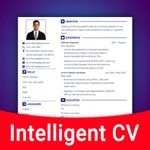
In this resume builder app, you can create professional resumes and cover letters by inputting information, selecting templates, and customizing styles. Includes AI-powered cover letter generation, editing tools, and sharing options.
AppRecs review analysis
AppRecs rating 4.5. Trustworthiness 62 out of 100. Review manipulation risk 34 out of 100. Based on a review sample analyzed.
★★★★☆
4.5
AppRecs Rating
Ratings breakdown
5 star
90%
4 star
6%
3 star
2%
2 star
1%
1 star
1%
What to know
✓
High user satisfaction
90% of sampled ratings are 5 stars
About Resume Builder⁺
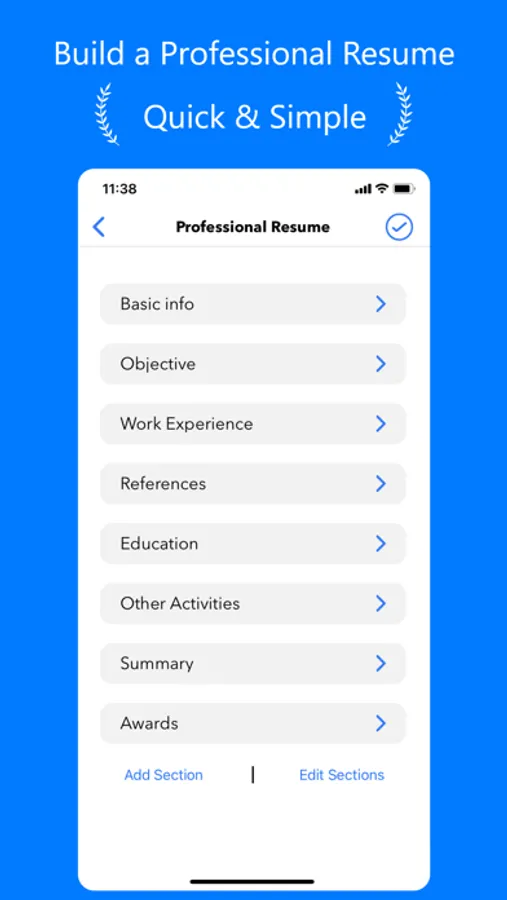
√ Build your Resume quickly in a few minutes
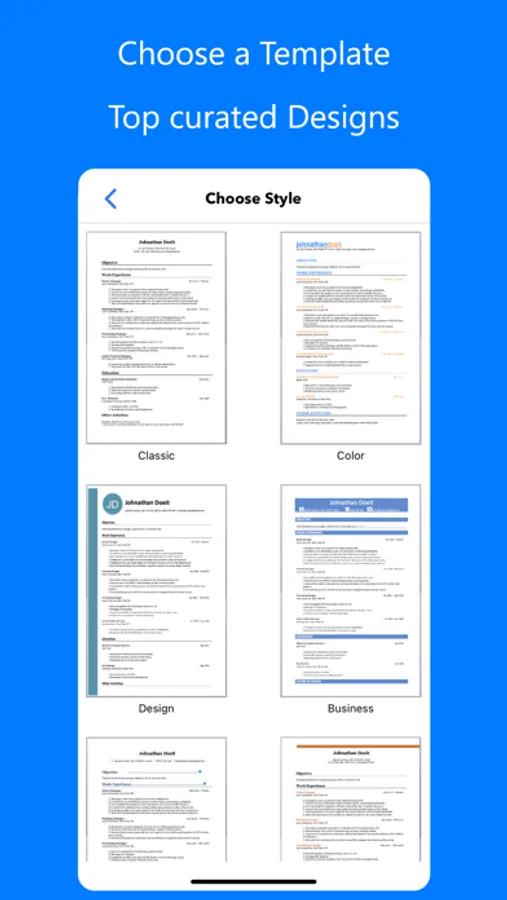
√ Choose a professional Template to attract attention
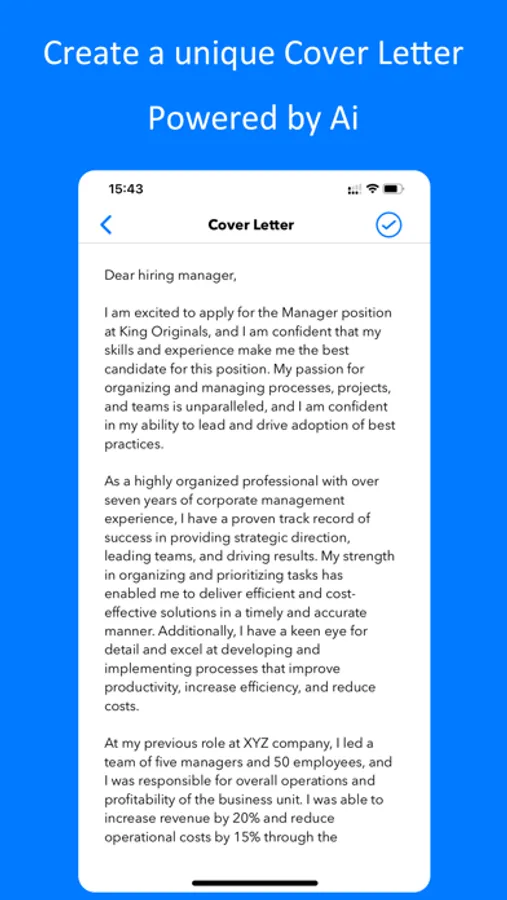
√ Create your unique Cover Letter with the power of Artificial Intelligence
"This app will help you get the interview for your dream job!"
Note: Access to certain features may require an in-app purchase.
QUICK EASY 3 STEPS PROCESS
1. Fill in your information
2. Choose a professional template
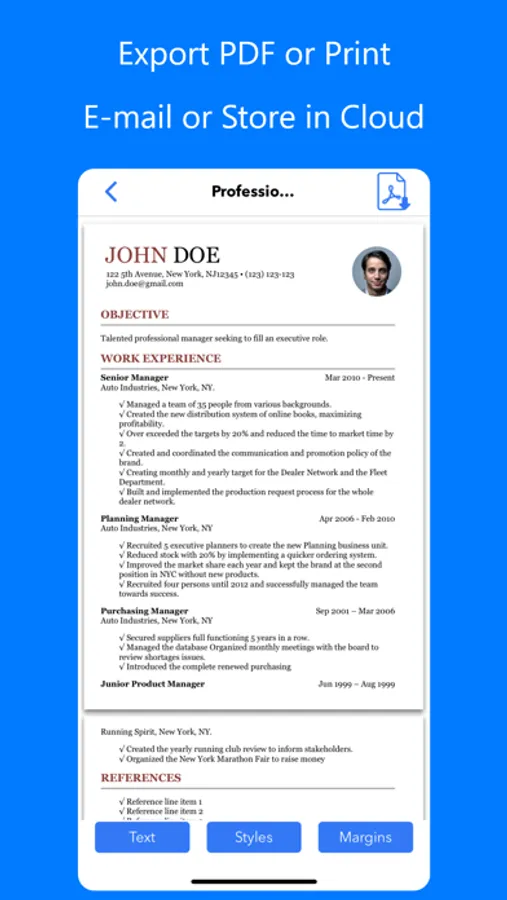
3. Share, Print or Send directly per email
4. Create your unique Cover Letter with AI to maximise your chances
FEATURES:
- Customize it: Resume styles, fonts, colors and templates that have been long tested
- Be accurate: Text Check, Auto-Correction and Predictive Text.
- Make it personal: Add a photo to your curriculum vitae
- Change Text Size or Margins in order to have a perfectly built resume
- Duplicate your CV to create different Resumes for different job offers
- Advanced Share feature: E-mail, Print, Save to Cloud (Dropbox, Google Drive, Files...)
- Create multiple unique Cover Letters for each job application. The app AI models will build each specifically tailored to your needs
SUBSCRIPTIONS:
You can subscribe to upgrade to Premium features
- Subscriptions length: weekly, monthly, semesterly
- Your payment will be charged to iTunes Account at confirmation of purchase
- Subscription automatically renews unless auto-renew is turned off at least 24-hours before the end of the current period
- Account will be charged for renewal within 24-hours prior to the end of the current period, and identify the cost of the renewal
- Subscriptions may be managed by the user and auto-renewal may be turned off by going to the user's Account Settings after purchase
- To Manage or Cancel your subscription, it can be done via the Settings app of your device: Open the Settings app, Tap your name, Tap Subscriptions, Tap the subscription, Tap Cancel Subscription. You might need to scroll down to find the Cancel Subscription button. If there is no Cancel button or you see an expiration message in red text, the subscription is already canceled. For more detail, see https://support.apple.com/en-us/118428 .
- To Manage or Cancel your subscription, it can also be done directly from the app: Go to ‘Settings’ screen inside our app, tap on ‘Manage Subscriptions’ and the app will directly open the list of your Subscriptions with the AppStore. You can select a subscription and check available plans or cancel subscription.
- When canceling a subscription, your subscription will remain active until the end of the period. Auto-renewal will be disabled but the current subscription will not be refunded.
- Any unused portion of a free trial period, if offered, will be forfeited when the user purchases a subscription to that publication, where applicable
Read our Privacy Policy at: https://roundingsquares.com/privacy/
Read our Terms of Use at: https://roundingsquares.com/terms/
√ Choose a professional Template to attract attention
√ Create your unique Cover Letter with the power of Artificial Intelligence
"This app will help you get the interview for your dream job!"
Note: Access to certain features may require an in-app purchase.
QUICK EASY 3 STEPS PROCESS
1. Fill in your information
2. Choose a professional template
3. Share, Print or Send directly per email
4. Create your unique Cover Letter with AI to maximise your chances
FEATURES:
- Customize it: Resume styles, fonts, colors and templates that have been long tested
- Be accurate: Text Check, Auto-Correction and Predictive Text.
- Make it personal: Add a photo to your curriculum vitae
- Change Text Size or Margins in order to have a perfectly built resume
- Duplicate your CV to create different Resumes for different job offers
- Advanced Share feature: E-mail, Print, Save to Cloud (Dropbox, Google Drive, Files...)
- Create multiple unique Cover Letters for each job application. The app AI models will build each specifically tailored to your needs
SUBSCRIPTIONS:
You can subscribe to upgrade to Premium features
- Subscriptions length: weekly, monthly, semesterly
- Your payment will be charged to iTunes Account at confirmation of purchase
- Subscription automatically renews unless auto-renew is turned off at least 24-hours before the end of the current period
- Account will be charged for renewal within 24-hours prior to the end of the current period, and identify the cost of the renewal
- Subscriptions may be managed by the user and auto-renewal may be turned off by going to the user's Account Settings after purchase
- To Manage or Cancel your subscription, it can be done via the Settings app of your device: Open the Settings app, Tap your name, Tap Subscriptions, Tap the subscription, Tap Cancel Subscription. You might need to scroll down to find the Cancel Subscription button. If there is no Cancel button or you see an expiration message in red text, the subscription is already canceled. For more detail, see https://support.apple.com/en-us/118428 .
- To Manage or Cancel your subscription, it can also be done directly from the app: Go to ‘Settings’ screen inside our app, tap on ‘Manage Subscriptions’ and the app will directly open the list of your Subscriptions with the AppStore. You can select a subscription and check available plans or cancel subscription.
- When canceling a subscription, your subscription will remain active until the end of the period. Auto-renewal will be disabled but the current subscription will not be refunded.
- Any unused portion of a free trial period, if offered, will be forfeited when the user purchases a subscription to that publication, where applicable
Read our Privacy Policy at: https://roundingsquares.com/privacy/
Read our Terms of Use at: https://roundingsquares.com/terms/
Resume Builder⁺ Screenshots
Tap to Rate:
Reviews for Resume Builder⁺
KODEIIINE
Easy peezy lemon sqeezy
I don’t remember using it but I thought I did and redownloaded it and I just needed to make a quick updated resume cause I need to work and get out my head and house and I was easy to figure out and do and done in under like 30mins and saved it without being charged ughh so lovely thank you!
My name is Crystal Rivera
Résumé
I actually made a résumé and was able to save it. Thank you. That meant a lot to me.