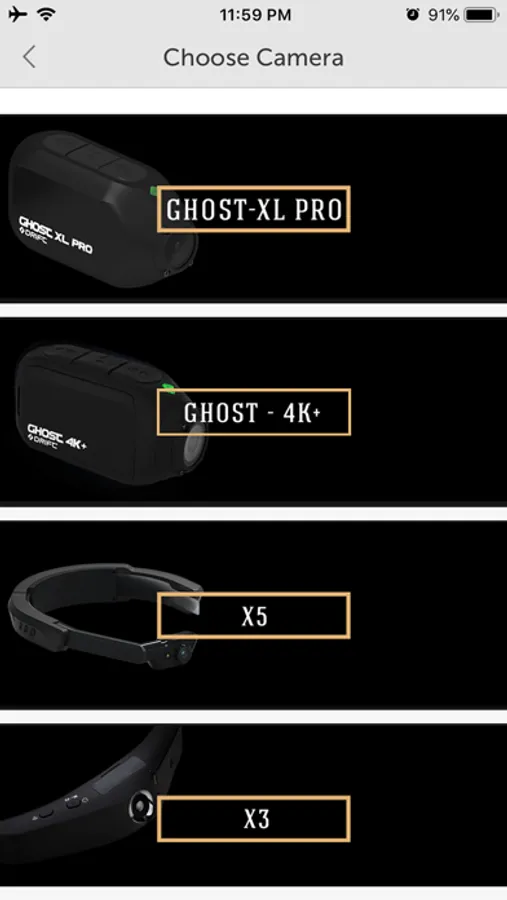
With this app, you can control your Drift camera to view, capture photos, and record videos. Includes cloud storage, content sharing, and video editing tools.
AppRecs review analysis
AppRecs rating 2.1. Trustworthiness 72 out of 100. Review manipulation risk 23 out of 100. Based on a review sample analyzed.
★★☆☆☆
2.1
AppRecs Rating
Ratings breakdown
5 star
20%
4 star
8%
3 star
4%
2 star
10%
1 star
58%
What to know
✓
Low review manipulation risk
23% review manipulation risk
⚠
Mixed user feedback
Average 2.2★ rating suggests room for improvement
⚠
High negative review ratio
68% of sampled ratings are 1–2 stars
About Drift Life
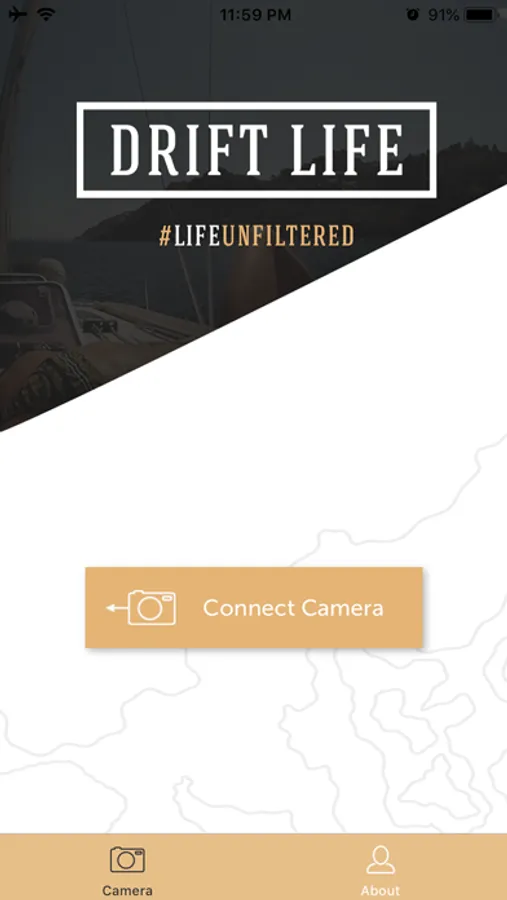
- Share your point of view. Activate livestreaming seamlessly with the app, and suddenly you’re everywhere, for anyone, instantly
- Store your photos and videos with 10GB of free cloud storage
- Discover and share incredible content captured with Drift
- Create amazing movies with our powerful, easy-to-use video editing tools
Drift Life Screenshots
Tap to Rate:
Reviews for Drift Life
SMXSteve
Great app but not for iOS 26
After initial setup I’ve been mainly using this to format the camera until now. It doesn’t connect with iOS 26. And appears the developer has left. So don’t get rid of your old phone!
Vcaifyhe1846!$
Trouble with setup
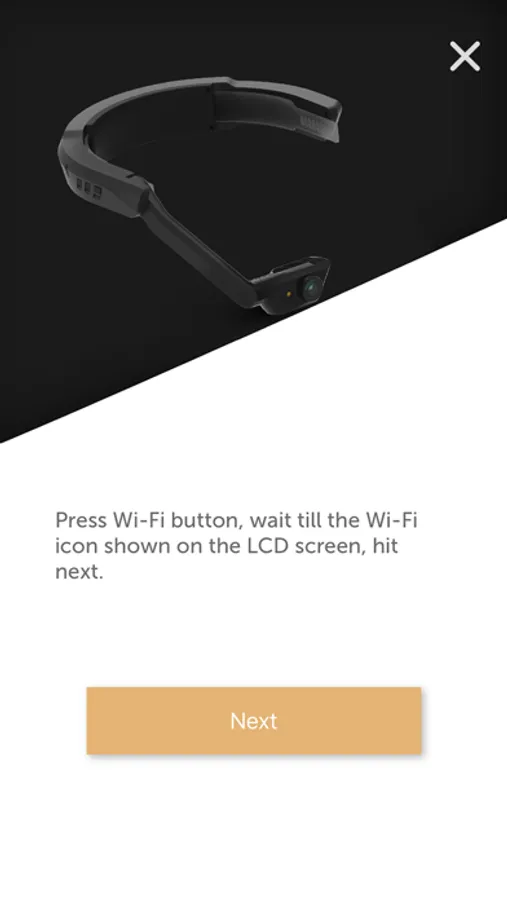
I have a 2nd gen iPhone SE and the Ghost XL camera. I downloaded this app and had A LOT of trouble getting the app to work with the camera. I was able to connect to the camera’s wifi, but could not get the app to “see” the camera. Here are the iPhone app settings for the Drift Life app that, after much trial and error, finally worked for me: Location (while using), Photos (limited access), Local Network (on/green), Siri (all settings disabled/off), Search (all settings disabled/off), Background App Refresh (on/green), Cellular Data (off/grey). Some of these settings probably don’t matter unless you want to use certain app functions. I suspect the Location, Photos, Location Network, and Cellular Data are the ones that matter most just to get the app to “see” the camera. Once you get the app to see the camera, if you want to be able to view the recordings stored on the camera in the app, but you don’t see them in the library on the app. Initiate a recording on the camera for the app. This seems to get the app to find the directory on the camera’s sd card. After you end the recording, the 100MEDIA library should appear in the albums that you can review and should allow you to see all the recordings stored on the as card (all recordings, not just the one you initiated in the app). It’s a terrible app but I’m glad I finally figured out how to get it to work. Hope this helps someone.