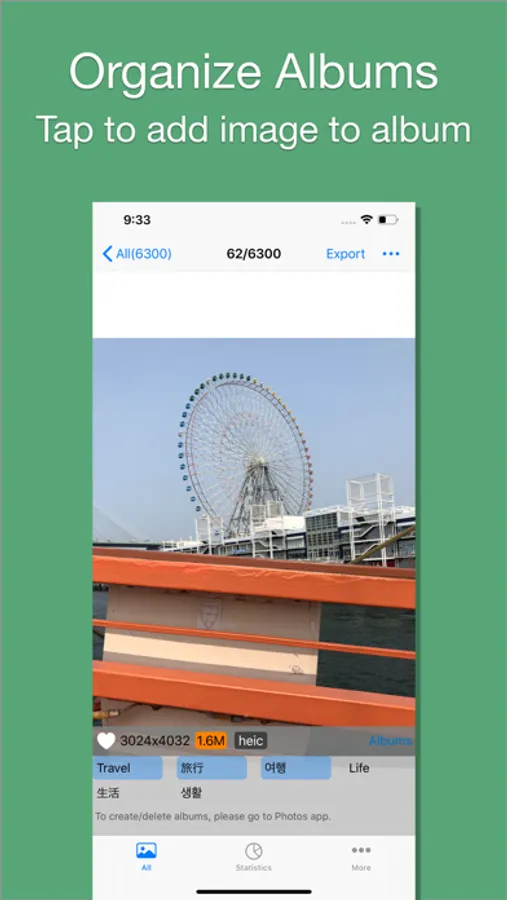
With this utility app, you can browse, filter, and sort images and videos by size, resolution, and date. Includes media size display, filtering options, and size compression features.
AppRecs review analysis
AppRecs rating 4.0. Trustworthiness 75 out of 100. Review manipulation risk 23 out of 100. Based on a review sample analyzed.
★★★★☆
4.0
AppRecs Rating
Ratings breakdown
5 star
62%
4 star
17%
3 star
5%
2 star
3%
1 star
14%
What to know
✓
Low review manipulation risk
23% review manipulation risk
✓
Credible reviews
75% trustworthiness score from analyzed reviews
✓
High user satisfaction
79% of sampled ratings are 4+ stars (4.1★ average)
About PhoTop - Check Image Size
PppTop is an easy-to-use image and video utility app. It can help you in various ways.
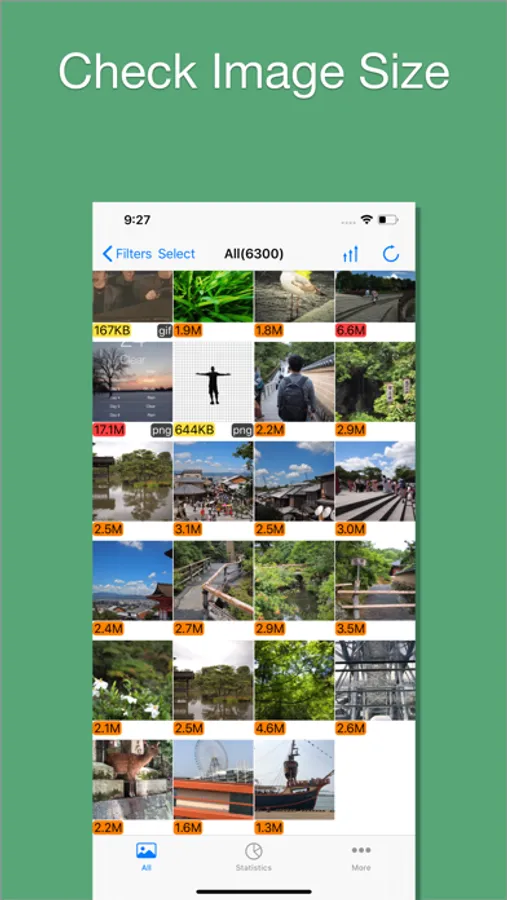
1. Quickly check image and video size:
- Easily browse through all images and videos, with their sizes displayed below the thumbnails. Color coding is used for easy identification, such as images larger than 5MB being marked in red.
2. Quickly check Live Photo size:
- A Live Photo consists of both a photo and a video. The sizes of each part are displayed, giving you a clearer understanding of how your storage space is used.
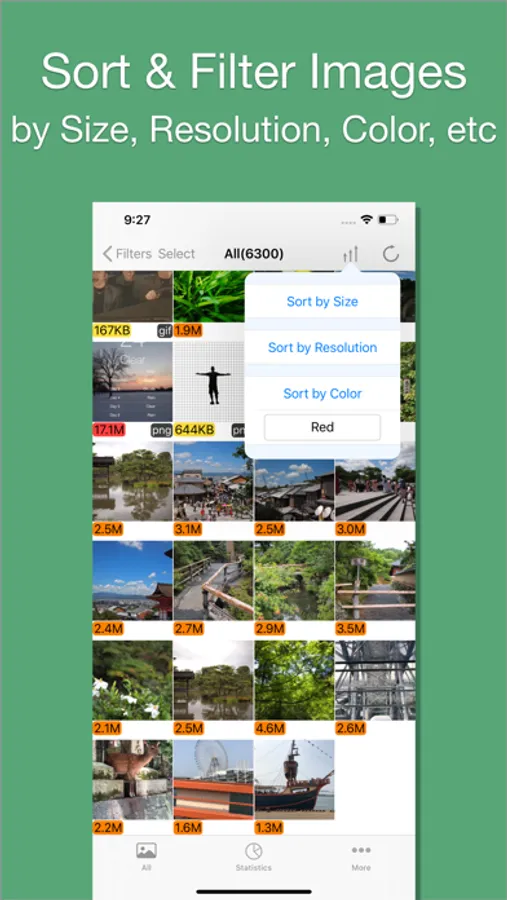
3. Sort images and videos:
- Sort by size, color, or resolution.
4. Filter images and videos:
- Filter by size, date, resolution, color, or shape.
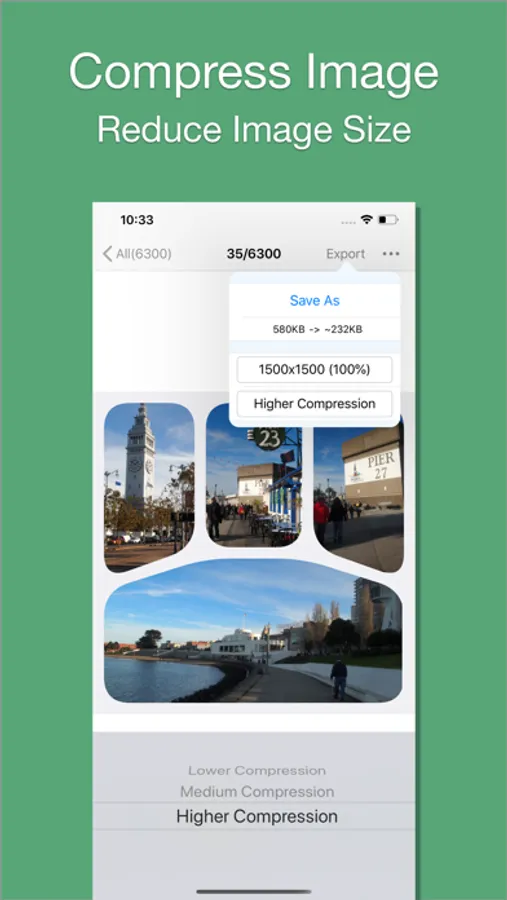
5. Resize and compress images:
- Reduce the sizes of images and GIFs.
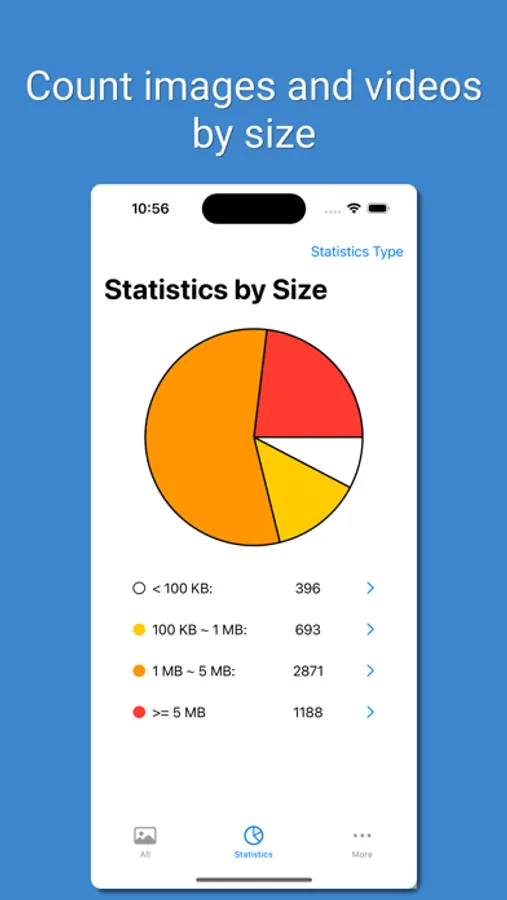
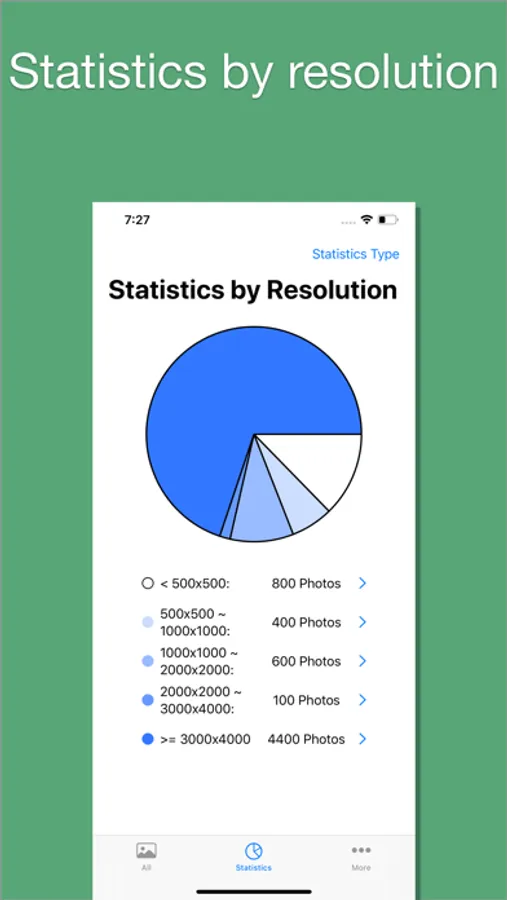
6. View image and video statistics with pie charts:
- Analyze your media through statistics categorized by size and resolution.
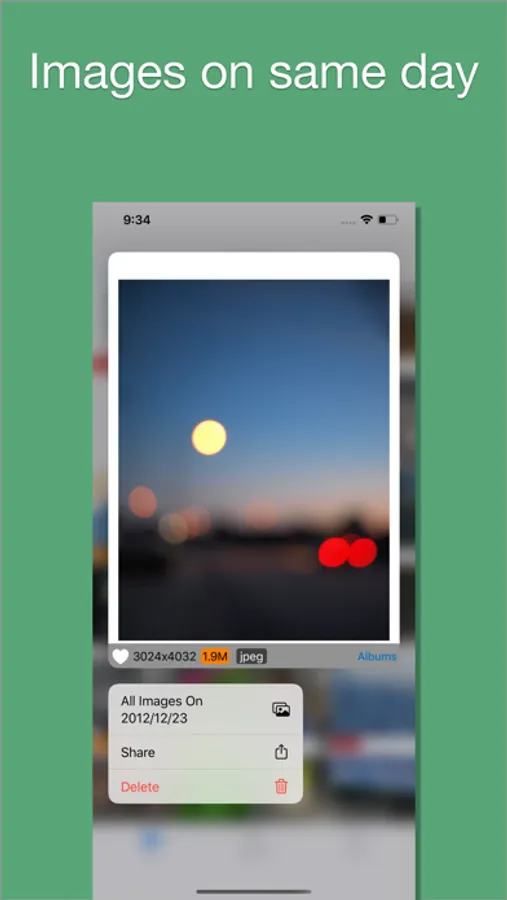
7. Track media by date:
- Identify dates with high volumes of images and videos.
1. Quickly check image and video size:
- Easily browse through all images and videos, with their sizes displayed below the thumbnails. Color coding is used for easy identification, such as images larger than 5MB being marked in red.
2. Quickly check Live Photo size:
- A Live Photo consists of both a photo and a video. The sizes of each part are displayed, giving you a clearer understanding of how your storage space is used.
3. Sort images and videos:
- Sort by size, color, or resolution.
4. Filter images and videos:
- Filter by size, date, resolution, color, or shape.
5. Resize and compress images:
- Reduce the sizes of images and GIFs.
6. View image and video statistics with pie charts:
- Analyze your media through statistics categorized by size and resolution.
7. Track media by date:
- Identify dates with high volumes of images and videos.
PhoTop - Check Image Size Screenshots
Tap to Rate:
Reviews for PhoTop - Check Image Size
AniDraegan
Pictures don’t even show up!!
paid for premium thinking that make it work but it didn’t
youeyg96
You have to pay for it work
The one thing you actually want this app for, to filter by size, is behind a paywall? Kys delevopers