AppRecs review analysis
AppRecs rating 2.3. Trustworthiness 75 out of 100. Review manipulation risk 24 out of 100. Based on a review sample analyzed.
★★☆☆☆
2.3
AppRecs Rating
Ratings breakdown
5 star
13%
4 star
25%
3 star
0%
2 star
0%
1 star
63%
What to know
✓
Low review manipulation risk
24% review manipulation risk
✓
Credible reviews
75% trustworthiness score from analyzed reviews
⚠
Mixed user feedback
Average 2.3★ rating suggests room for improvement
About Flight Nav
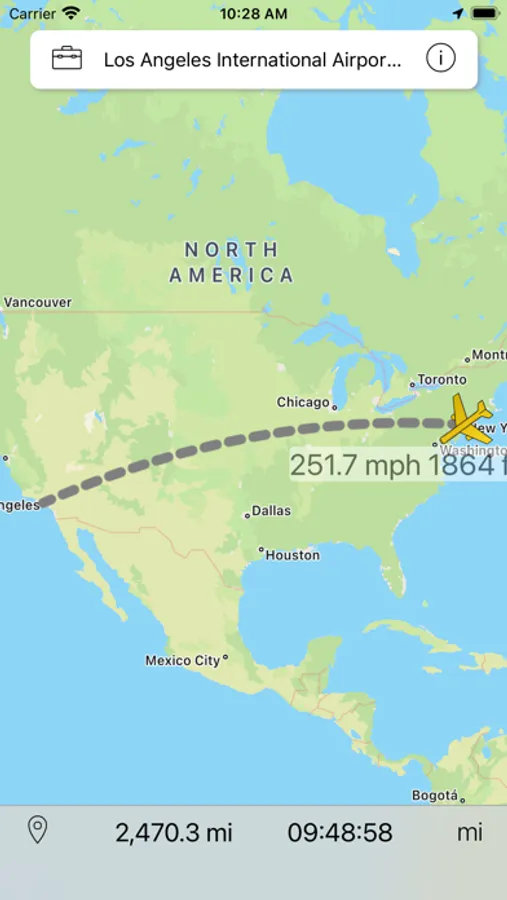
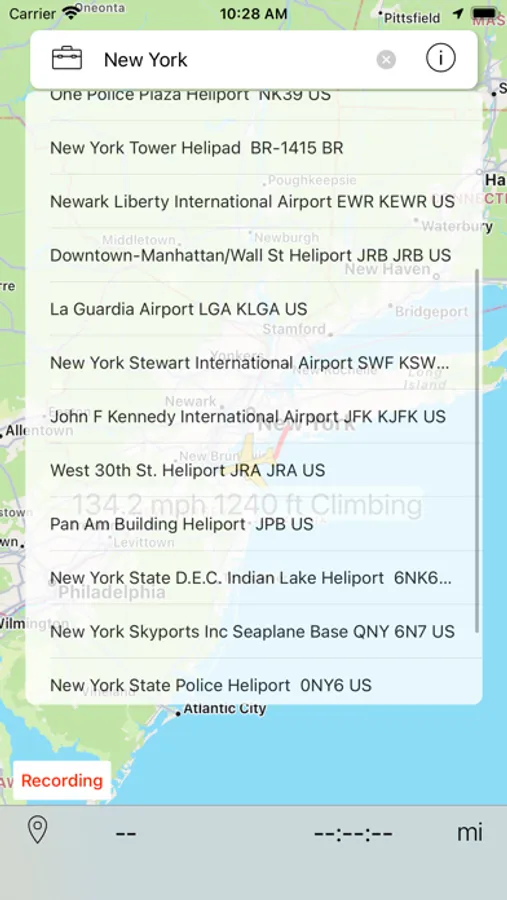
Flight Nav uses GPS signals while in Airplane Mode to display your position, estimated distance, and time to your destination.
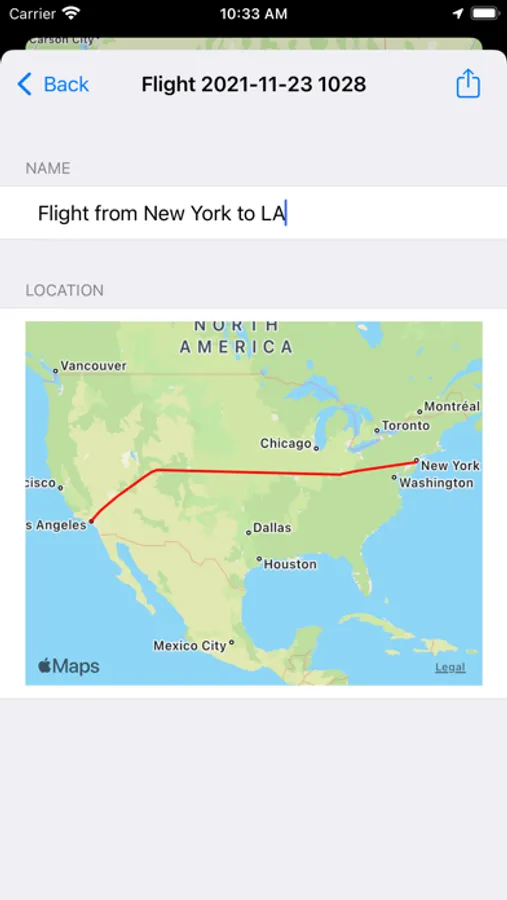
You can record your flight and later share it as a GPX file. This option will consume more battery as it will operate even while you are not using your device.
Other features include a "Don't sleep" feature to keep the screen on.
GPS reception from within an aircraft can sometimes be poor. Best results are with window seats, or close to them, and you might have to wait longer to get results than you would while on the ground. What this means is that you might not get any signal at all, and the app might not work as expected every time, especially if you're sitting in the middle seats of a wide body airplane.
Map detail will not be available at every zoom level - since you will be running offline - and you should use the app before flying, while still connected, in order to cache map information.
You should only use your device when allowed by the cabin crew - Please, pay attention to the specific instructions regarding mobile devices. If you have doubts about using your device, even with Airplane Mode enabled, please consult the cabin crew.
You can add your own destinations by long pressing the map on the location you want.
Continued use of GPS can dramatically decrease battery life.
Flight Nav Screenshots

Tap to Rate:
Reviews for Flight Nav
Jjohnson x
App works fine
This app works fine. I just used it on several flights from a window seat and from a middle seat. I used it while both an iPhone 13 Pro and IPad Mini were attached to a Garmin GPS. My iPad does not have an internal GPS. The external Garmin GPS worked flawlessly. My iPhone does have an internal GPS. It was able to synch to satellites on the internal GPS but lost a signal twice in the air. Holding my phone to the window allowed it to reconnect. Using the external Garmin GPS never lost the signal during any of the flights. Accuracy of the map data wasn’t great because the displayed flight path on both devices on all flights was off by about a half mile - not bad for entertainment purposes but horrible for aviation purposes. Look, you’d be a fool to use this or any similar app for true aviation purposes. For the record, I am a Commercially-rated non-ATP pilot with over 2500 hours. The enroute time and countdown to arrival was off as the app routinely displayed arrival and overflight of the airport even though we were still on final approach to the runway. GPS positioning is supposed to be accurate to a lower distance range than this app shows but the app doesn’t deserve the “doesn’t work” criticism that it has received. Was is worth $5? If you’re expecting to be able to navigate using this app, no. Just don’t. If you’re using it for entertainment purposes of flights that don’t offer a moving map, then yes. The app was well worth the $5 one-time cost of admission.
Beastly man hoho
Fake app
This app does not work at all don’t waste your money